
Find your look.
Learn how to finish it.
Compare Fujifilm-inspired color, Ricoh street looks, film looks and portrait tools on the same photos.
Then try the edit that fits yours.
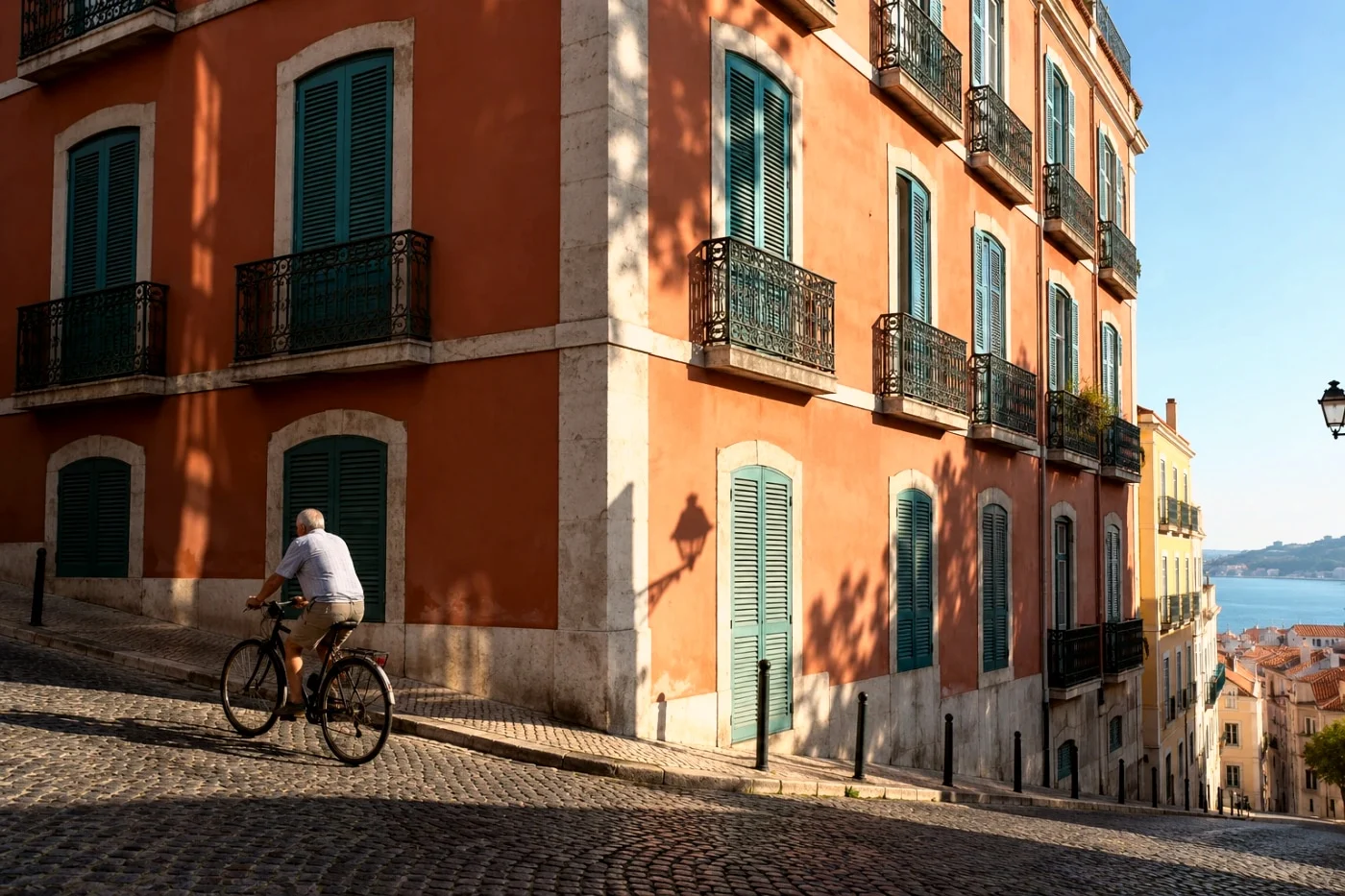 Camera & color
Classic Chrome vs Classic Negative vs Reala Ace
See three Fujifilm-inspired looks on the same street and portrait. Choose quiet color, retro contrast or a balanced everyday finish.
Read the guideChoose your next photo edit.
Camera stories & editing guides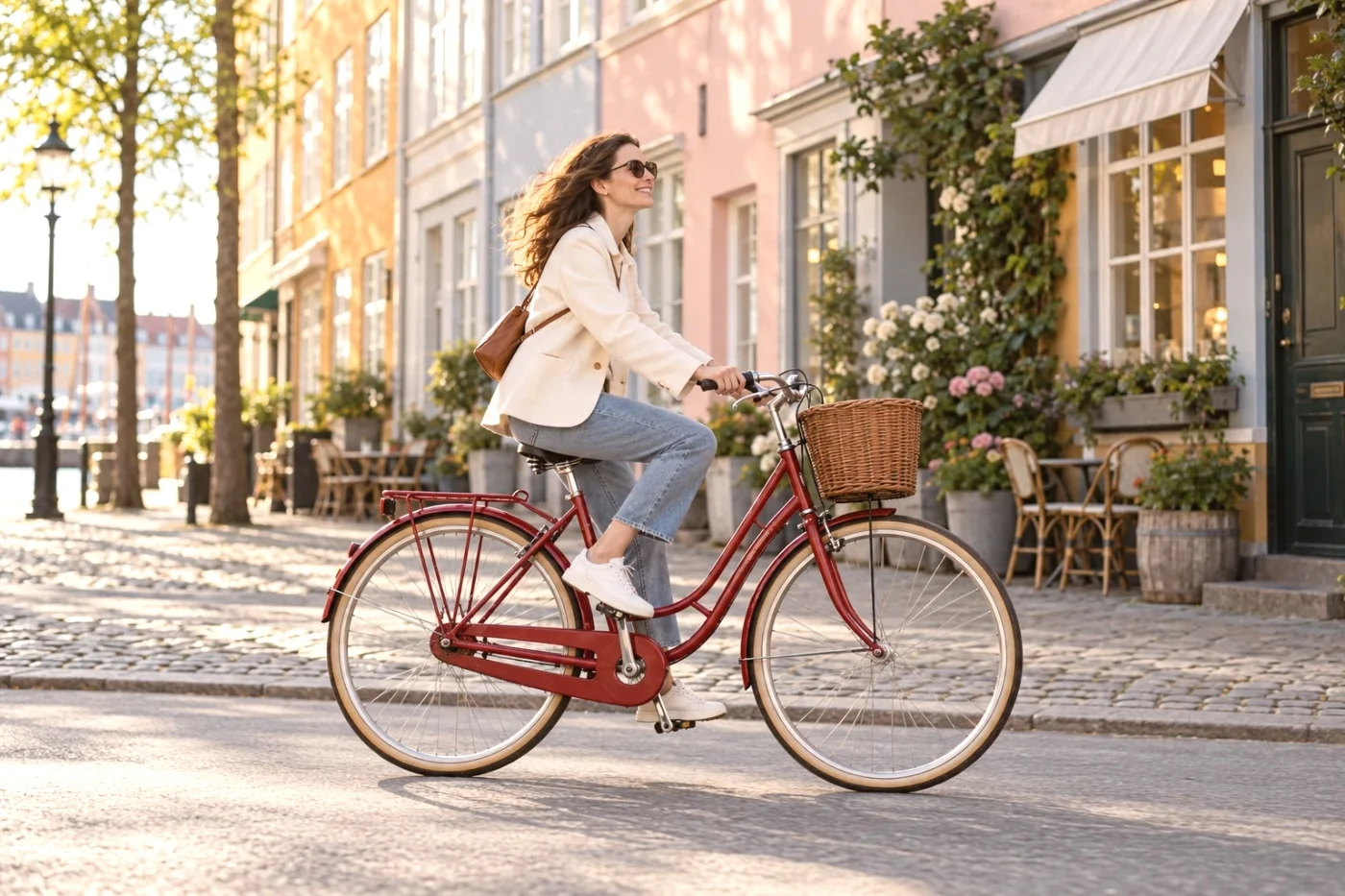 Color research
What official LUTs tell us about camera color
Understand official LUTs, public recipes and what our independent web filters actually do.
Read the guide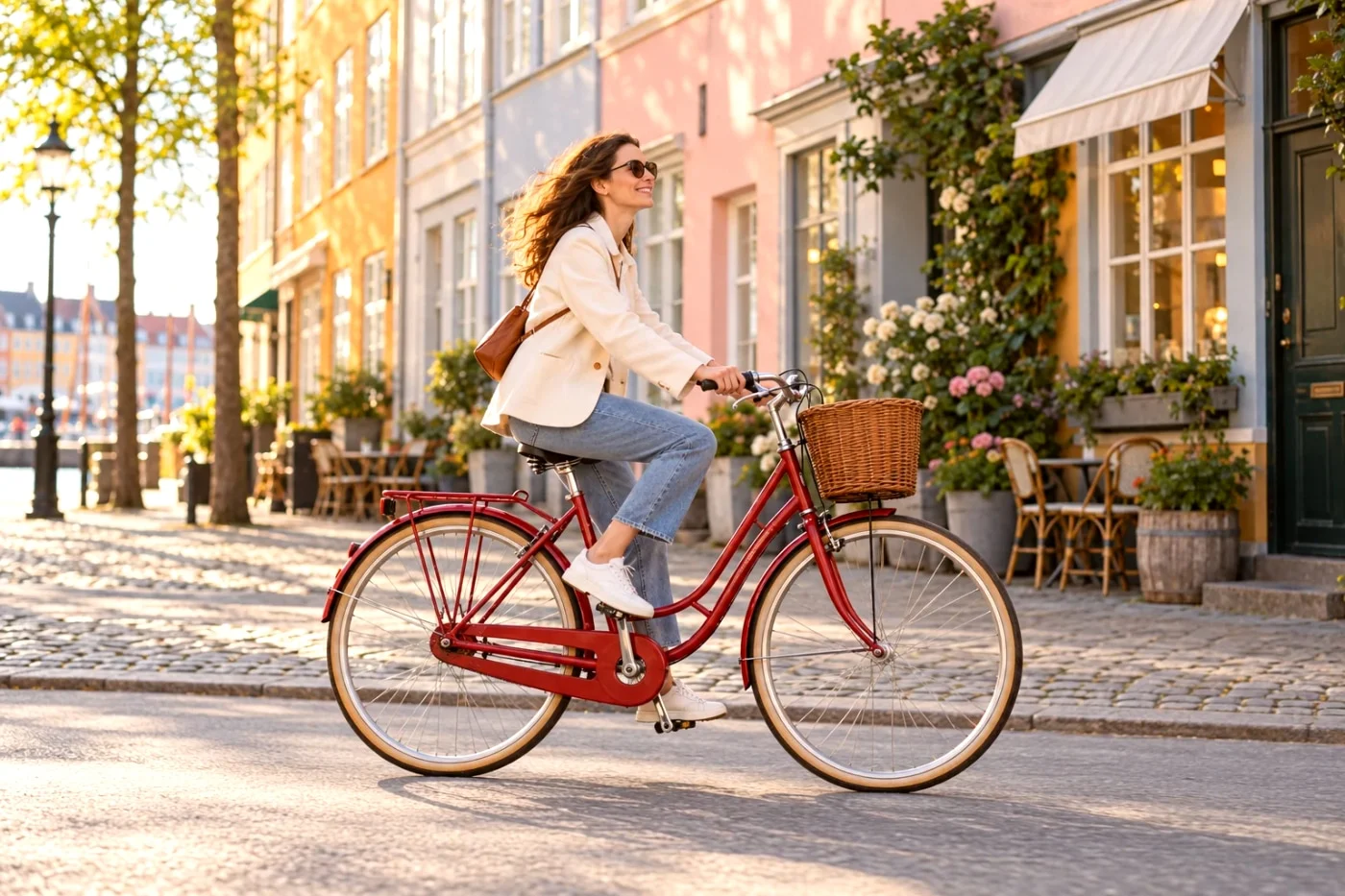 Film & color
How to give phone photos a film look
Compare warm Gold-inspired color, softer Portra-inspired tones and monochrome on one photo. Then try your favorite.
Read the guide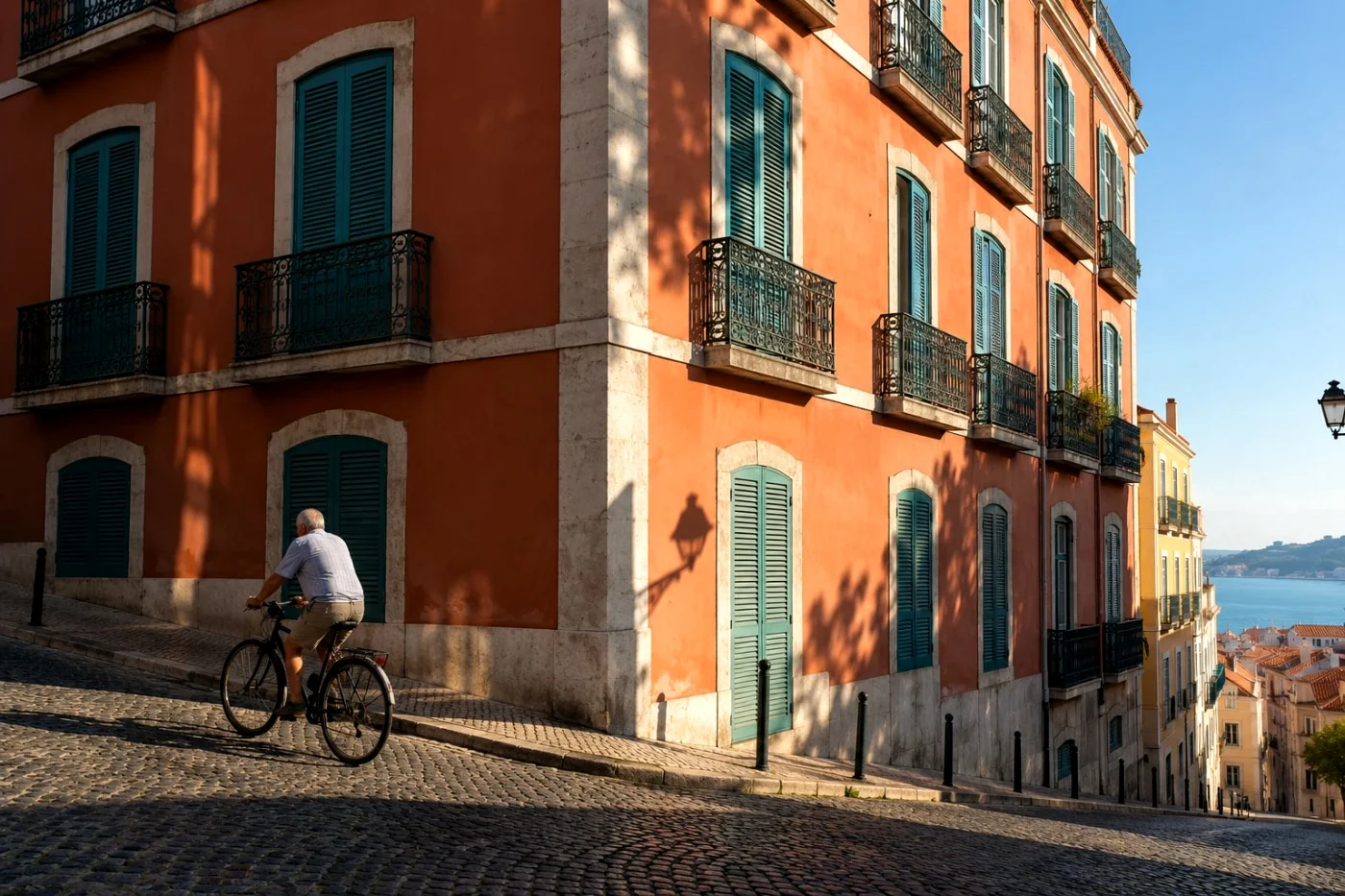 Camera stories
Ricoh GR-inspired street photo filters
See Street Positive, Everyday Negative and Silver Street in daylight, shade and after dark. Find a starting look for your next walk.
Read the guide Editing guides
Apply one filter to multiple photos
Choose one look for your trip, check the exceptions and save the set as a ZIP. Preview one photo free; batch processing needs Studio.
Read the guide Editing guides
Remove or blur a portrait background?
Need a transparent PNG or a softer setting? Compare both results on the same portrait and choose the right tool.
Read the guideExamples show actual Camera Refine processing on AI-created images. Camera and film names identify independent style references.
About our approach ↗