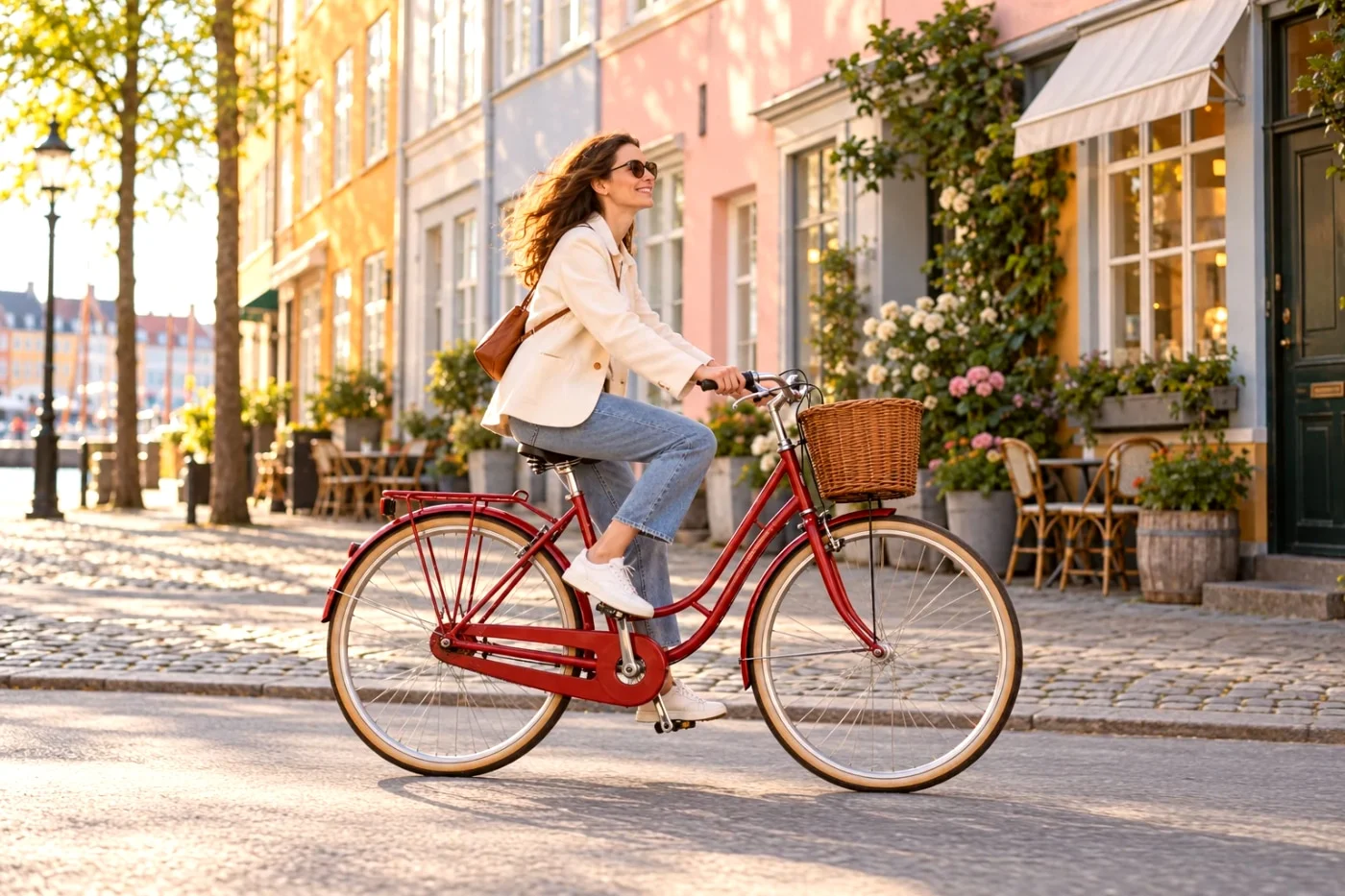
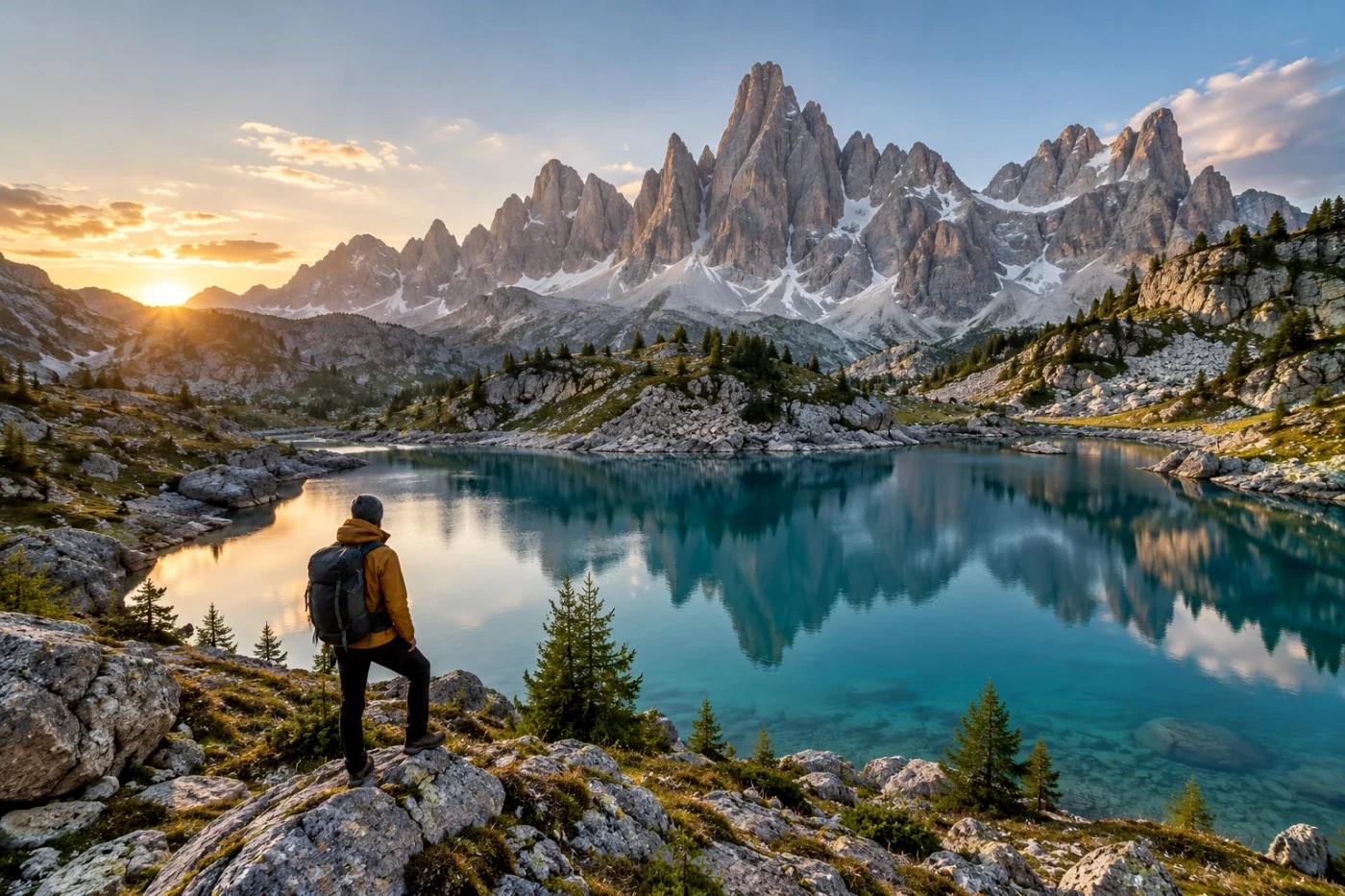
A useful street look gives the light and subject more presence. Start with color in clean daylight, compare a quieter treatment in shade, and try monochrome when shapes matter more than the color of the light. Check each choice on your own photo before saving a whole set.
Ricoh’s GR III/GR IIIx Image Control options include Positive Film, Negative Film and several monochrome modes. They are different starting points, rather than one universal “Ricoh color.” Ricoh’s official Image Control overview explains the camera’s options.
Camera Refine’s Ricoh-inspired collection is independently developed. The examples here are actual Camera Refine processing of AI-created source images, not GR camera photographs or proof of matching Ricoh’s color science.
Daylight: start with Street Positive
The orange building, green shutters and pale paving give this scene several clear color references. Try Street Positive when those relationships are part of what you like about a street photo.
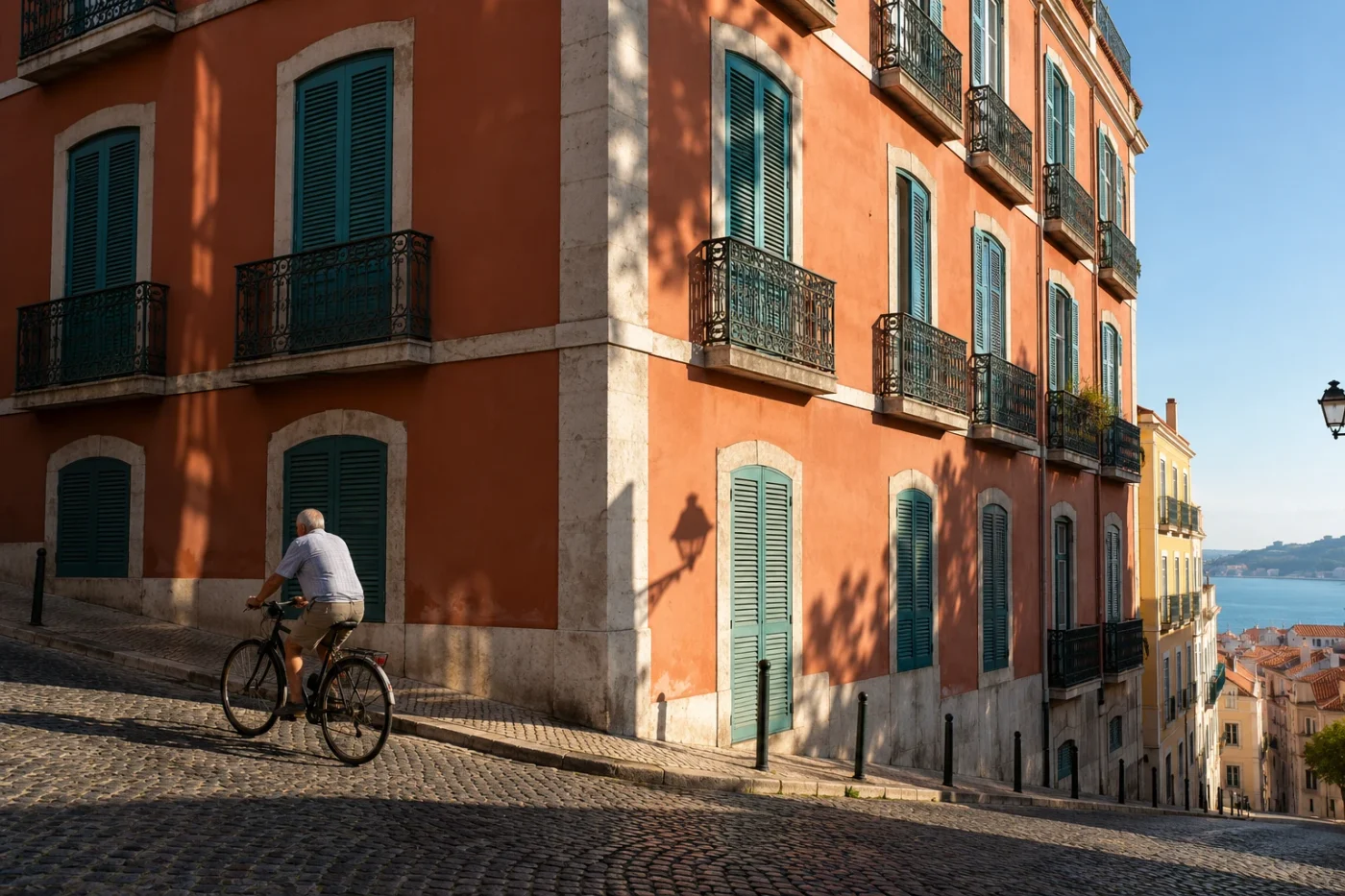
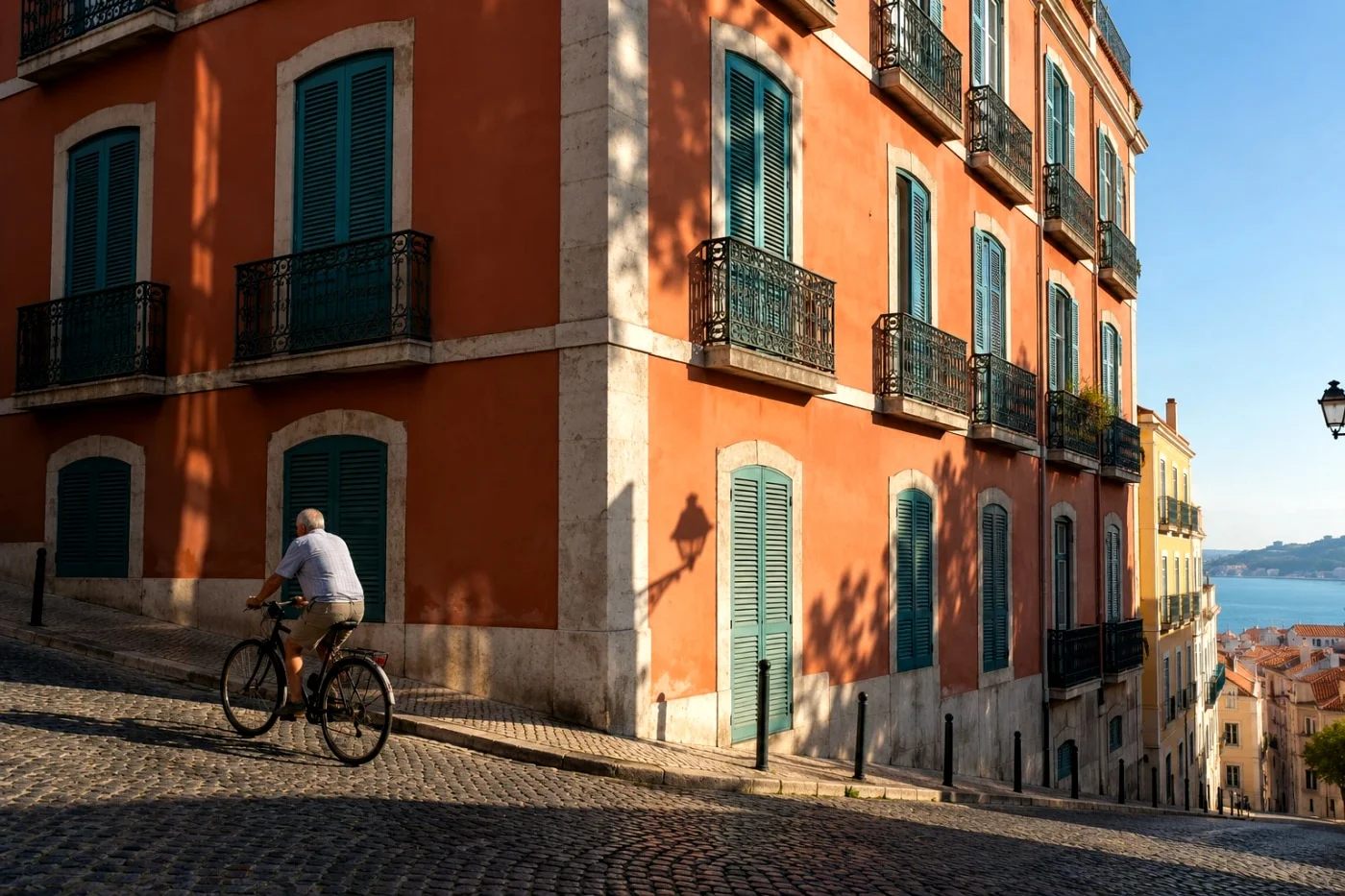
Compare the sunlit wall with the darker doorway. A stronger impression is useful only if the detail you care about stays readable. For a face in direct sun, inspect the skin as well; a color treatment that suits painted architecture may feel too forceful on a portrait.
Try Street Positive. It includes free Standard saves within the daily allowance. This is one of Camera Refine’s curated looks; the separate GR Positive Film entry in the library is another experimental interpretation, so they need not produce the same result.
Shade: give darker details some room
An outdoor portrait in shade has a different starting point from a sunlit wall. In the example below, look at the person’s face, dark shirt and the background foliage. Their separation matters more than making every color stand out.


Everyday Negative offers another direction to compare. If the shirt loses too much detail or the skin feels unnatural, try a lower intensity or return to the original. You do not need to force the daylight choice onto a shaded photo just to keep a brand label consistent.
Preview Everyday Negative. Saving this look requires Studio. The preset is a Camera Refine interpretation; its name is not an instruction to copy a particular GR camera setting.
After dark: decide whether color helps
Warm lamps and a cool evening sky can make a night scene interesting. They can also pull attention away from the shape of a car, a doorway or a person. Compare the original before deciding to remove that color.
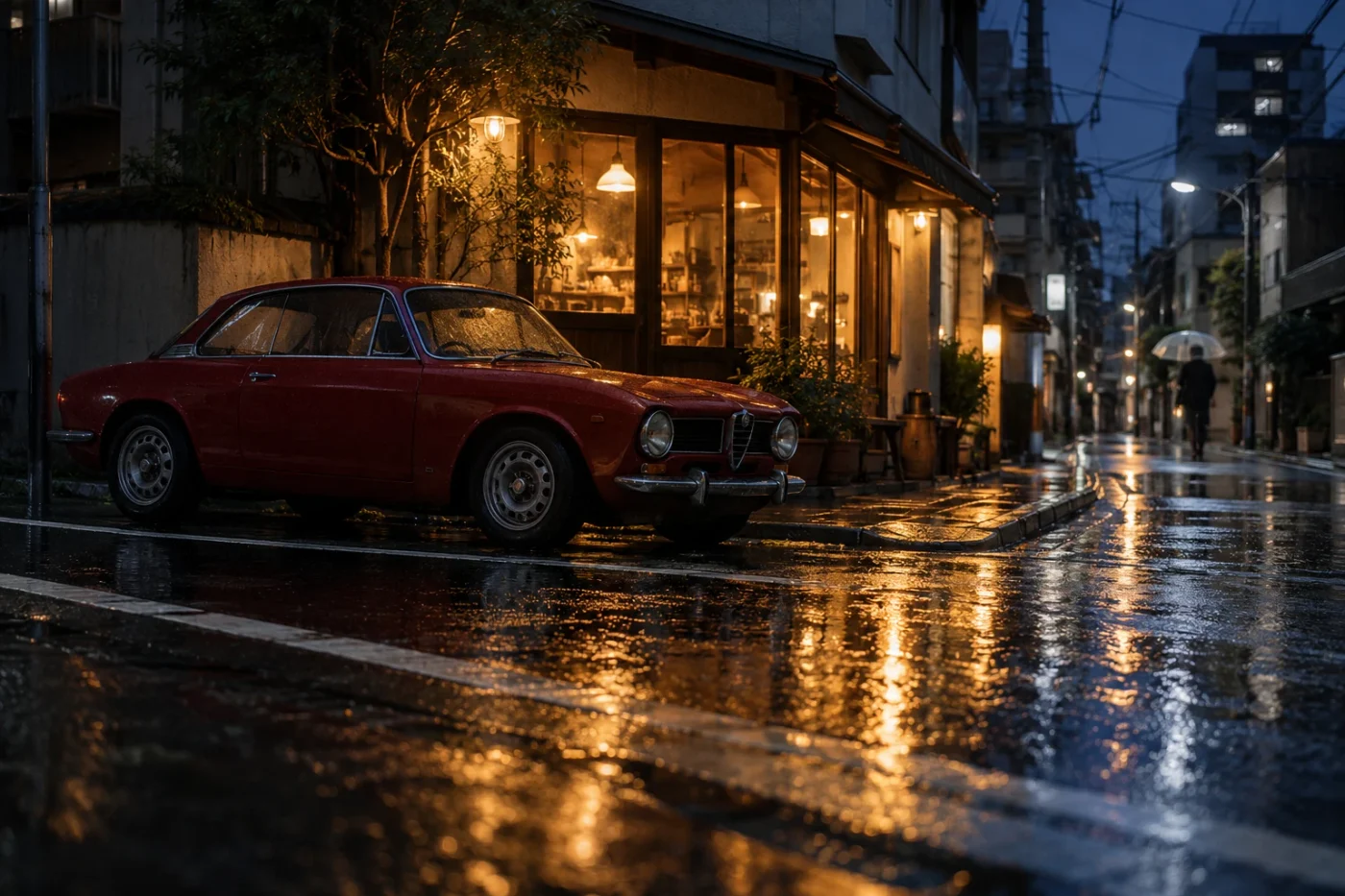
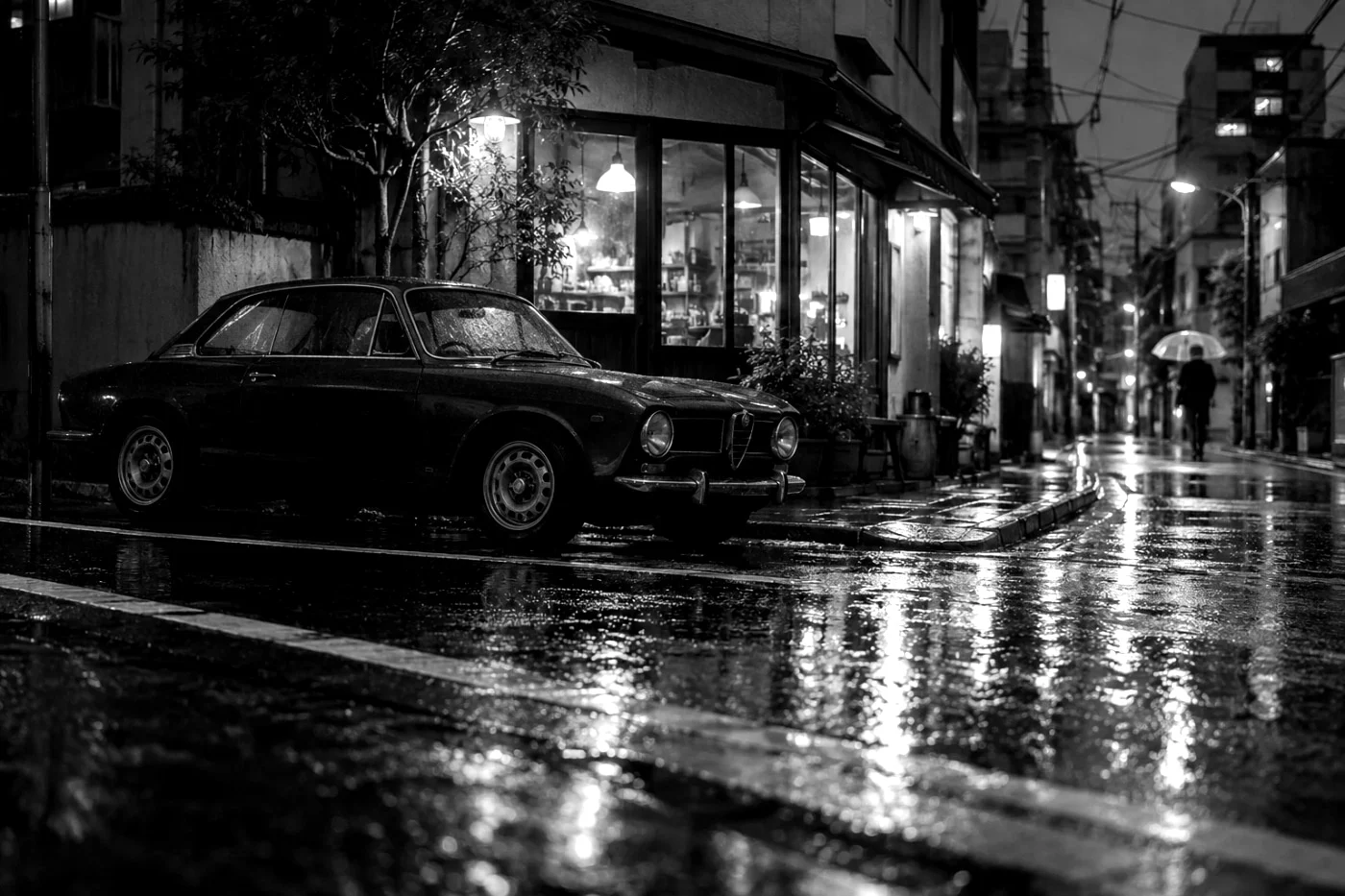
Silver Street turns this scene into a monochrome study. Check the car’s outline against the street and the texture in the wet pavement. The lamp reflections are already bright in the source. A filter cannot restore detail that was never recorded there.
Preview Silver Street. Saving requires Studio. If the color of the light is what made you take the photo, keep it: monochrome is an alternative, not a fix for every night image.
What about dark corners and the GR lens?
Darkened corners can draw attention inward, but they are not a requirement for a convincing street photograph. Camera Refine does not reproduce a GR lens, its optical corrections, its focal length or its focus behavior. Adding contrast cannot create the detail of a different lens or sensor.
There is no separate vignette control in the current editor. Choose the preset for its visible result and use the available finishing controls if needed. We do not publish the underlying recipe parameters.
Make the choice on your own photo
- Open one of the looks in this guide and upload a JPG, PNG or WebP. Convert HEIC or RAW first.
- Compare the original and edited image. Check a face, a neutral surface and a dark area, rather than judging only the thumbnail.
- Try another style freely. The starting selection never locks the other camera or film families.
- Save a free look in Standard, or review the Studio option for a Studio look or HD output.
Browse the full Ricoh-inspired collection for more options. For a travel album, read how to apply one filter to multiple photos before processing the set. The same look can tie photos together, but it does not erase differences in lighting.
See it on your own photo.
A starting point, not a fixed choice. Every other available look stays within reach.
Try Street Positive ↗