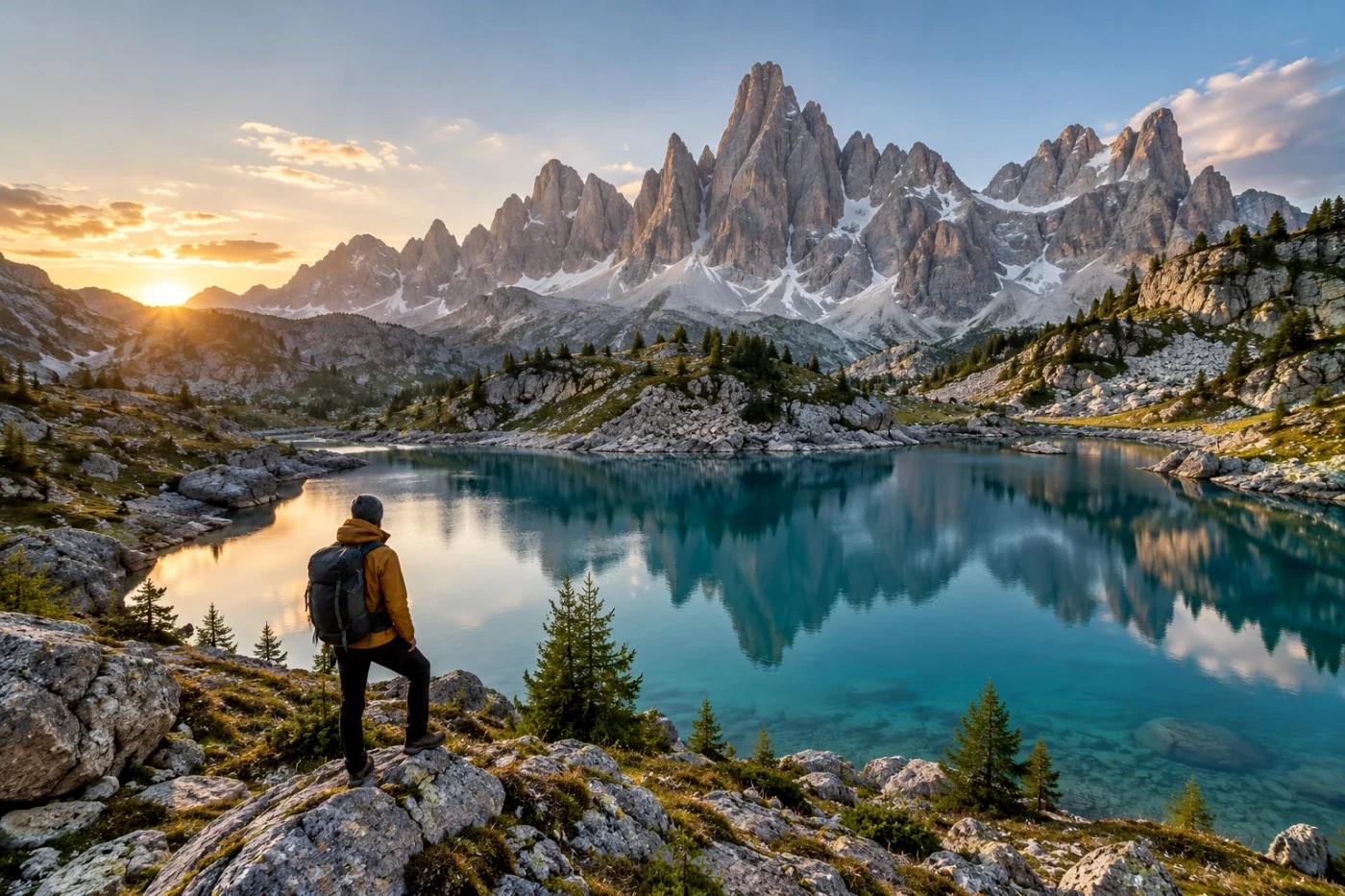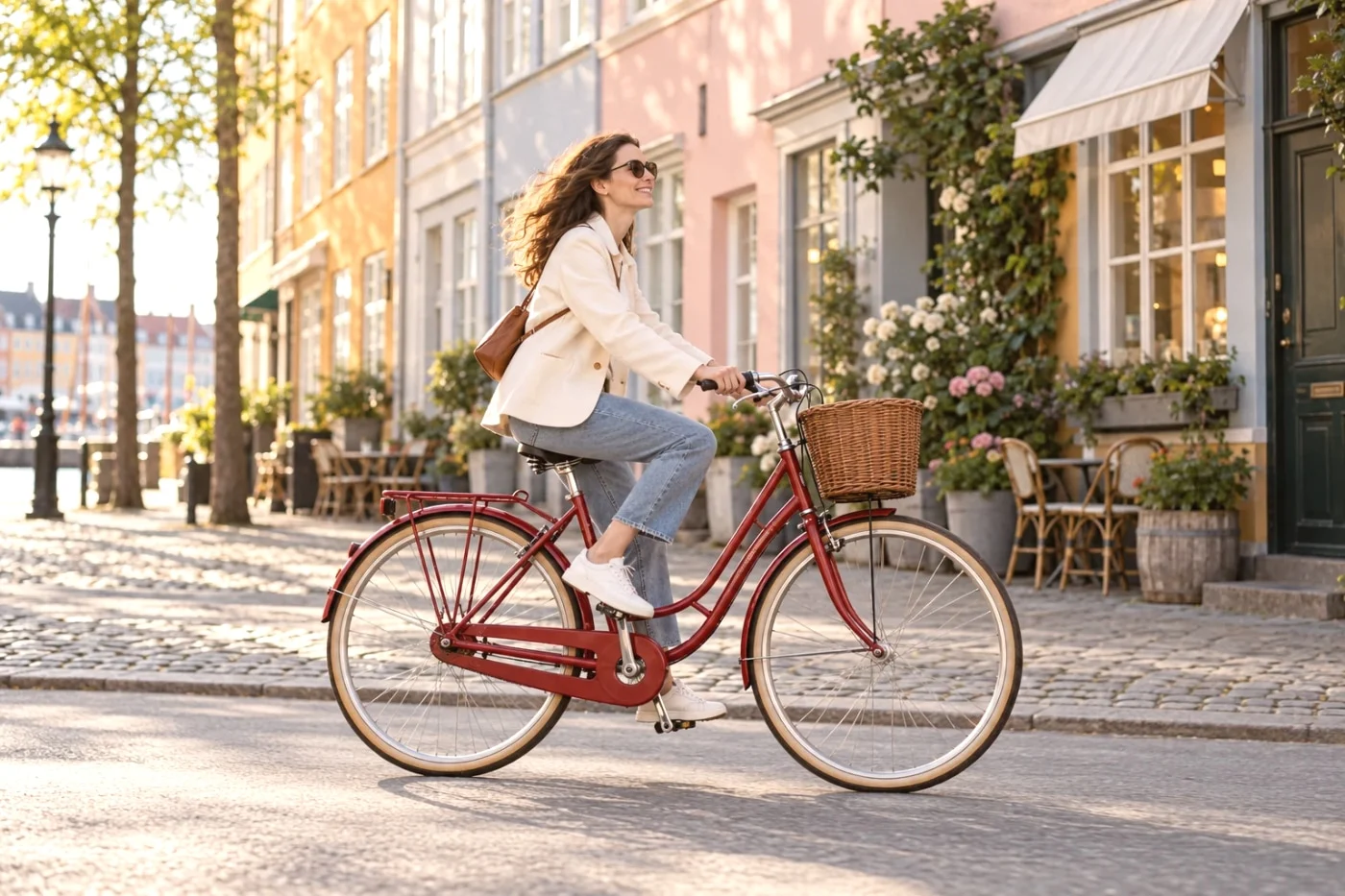
Fujifilm's documentary color and Ricoh's expressive street looks give photographers recognizable places to start. Bringing those ideas to an existing phone photo means working with an image that has already been processed by another device. That is where the engineering becomes interesting.
We widened our research from public camera projects on GitHub to official manufacturer color resources. That revealed a more direct route: downloadable Fujifilm Film Simulation LUTs and professional look libraries from ARRI, Panasonic and Sony. Their input requirements matter as much as their provenance.
Camera Refine offers independent camera-inspired interpretations. The manufacturers and open-source authors discussed here have not endorsed this product. This article describes public research and our own implementation, rather than extracted manufacturer algorithms.
Fujifilm publishes actual Film Simulation LUTs
Fujifilm's download hub provides model-specific LUT packages. We inspected its GFX ETERNA 55 version 1.10 archive and found actual CLASSIC CHROME, CLASSIC Neg., REALA ACE and ACROS .cube files. The package contains 56 LUT files across input modes and 33- or 65-point grids, not 56 different creative styles. Fujifilm's official downloads provide the source.
This gives color research a concrete manufacturer reference. The files expect the specified Log input; they are not ready-made filters for ordinary phone JPEGs. A model-specific video transform also does not establish an exact match to every Fujifilm camera's still-image output.
Camera Refine has not incorporated these official LUTs. Our current looks remain independent interpretations. We are identifying possible references for future development, with usage conditions and color validation still to be completed.
Professional look libraries widen the possibilities
For a cinematic collection, several primary sources provide useful directions:
| Source | Directions to investigate | Application boundary |
|---|---|---|
| ARRI Look Library | Film, Period and Black-and-White groups | Choose the correct LogC3 or LogC4 pipeline and output variant |
| Panasonic VariCam | Golden 1, Blue Night and Vintage | Designed for V-Log/V-Gamut, with different file variants |
| Sony Cine | Josh Pines and Jason Fabbro creator looks | Check each package's camera, color space and authorship |
| Canon Picture Style | Studio Portrait and Snapshot Portrait | Camera and compatible EOS software files, rather than generic CUBE LUTs |
| Nikon Flexible Color | Selective color and tonal grading | A supported Picture Control workflow; custom recipes have their own authors |
These sources help define different aesthetic goals. Whether those goals produce a reliable result on your uploaded photo is a separate question.
Start with a clear style reference
Fujifilm describes CLASSIC CHROME through restrained color and its treatment of shadows. Ricoh lists Positive Film, Negative Film and separate monochrome Image Control options. These distinctions help define what to examine in an interpretation: faces, saturated surfaces, gray tones and shadow separation. They do not supply our implementation. Fujifilm's official explanation and Ricoh's official Image Control overview provide the reference descriptions.
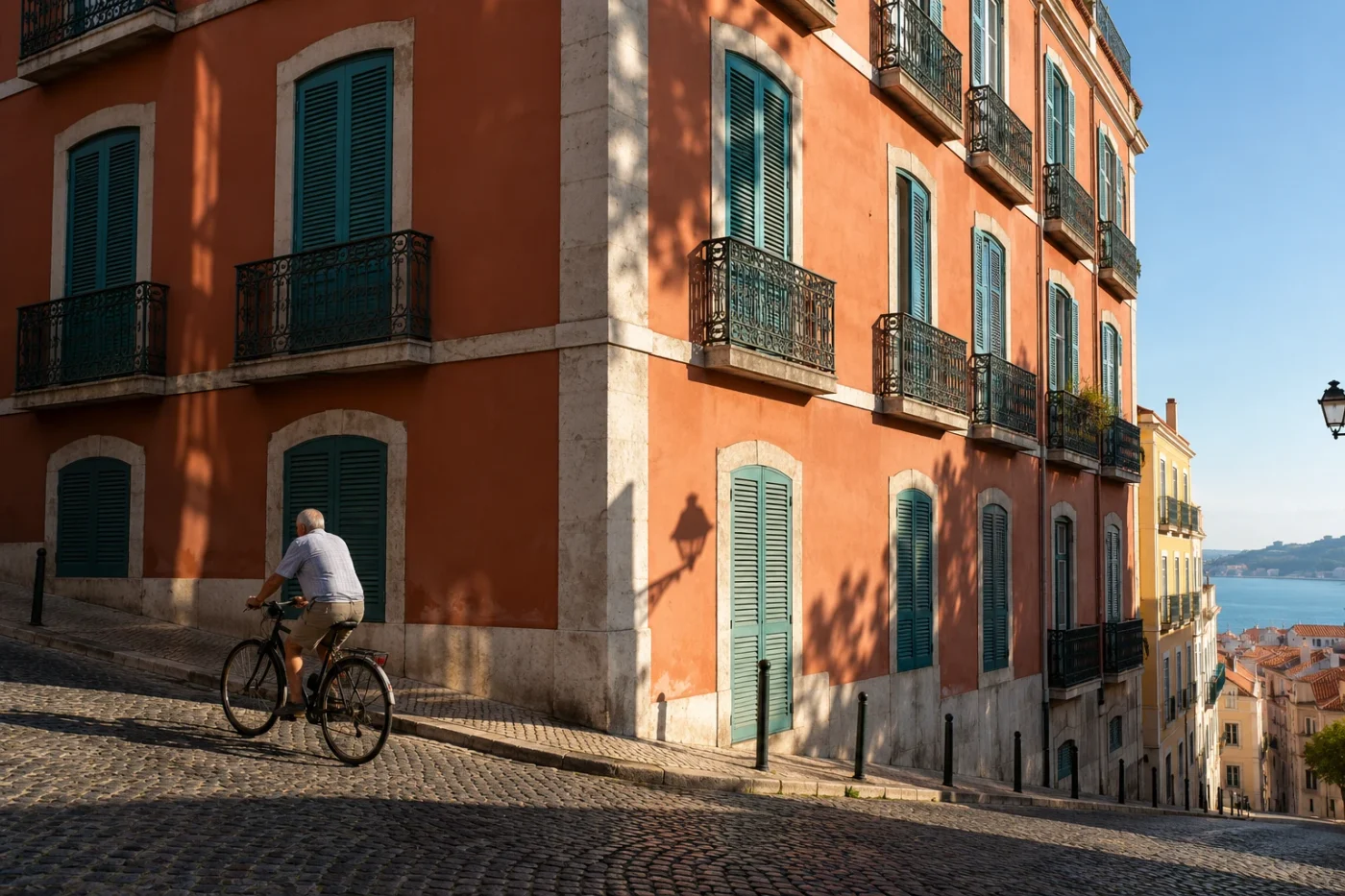
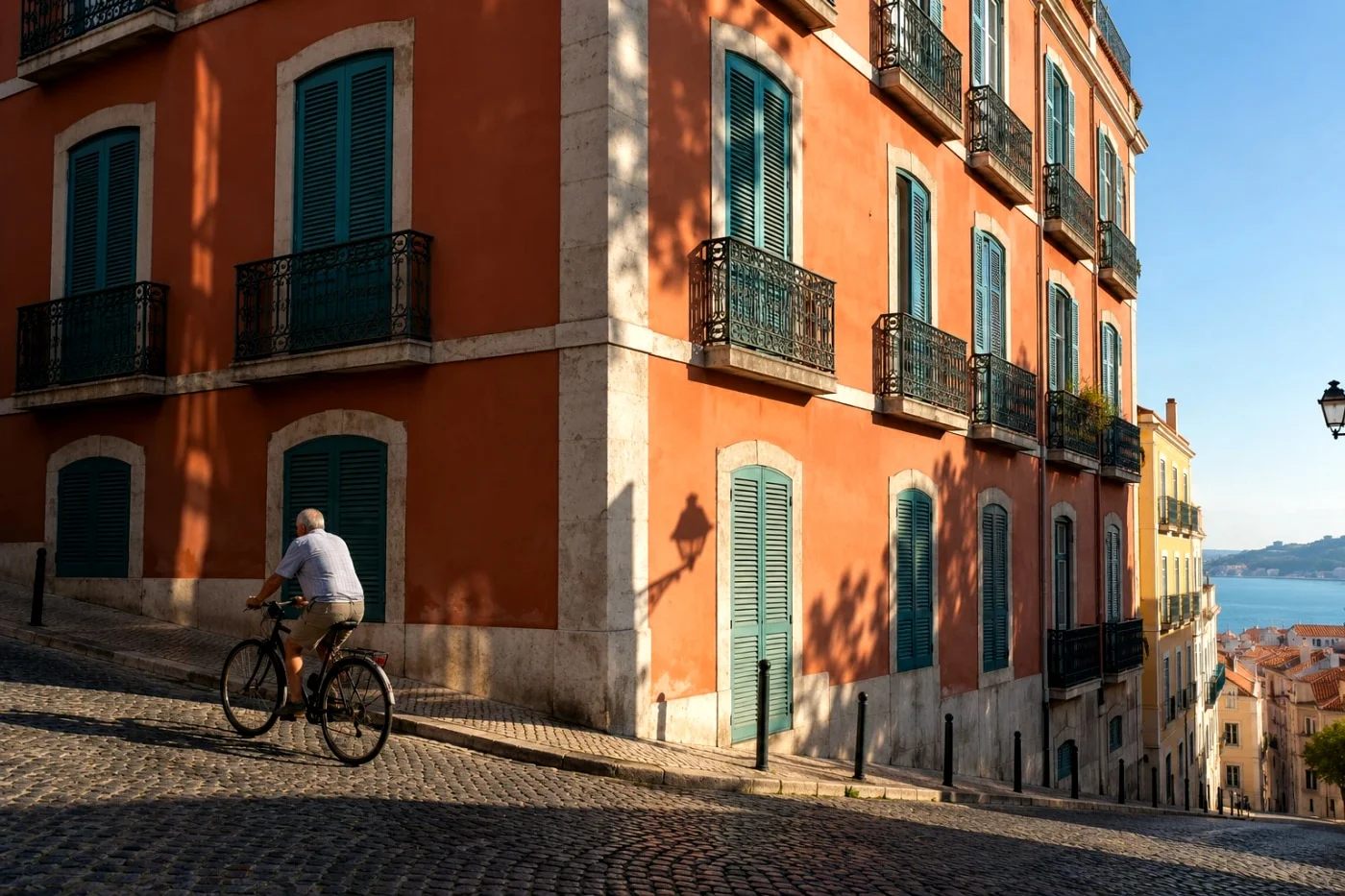
A useful comparison below shows our Street Positive processing on an AI-created source. It demonstrates the web effect, not a GR camera photograph or a measured match to Ricoh.
What the public camera projects provide
The projects operate at different layers. The findings below reflect the documentation and selected files reviewed on October 3, 2026; we did not run camera firmware or perform a manufacturer-pipeline extraction.
| Project | Published focus | Relevance to an online preset |
|---|---|---|
| Sony-PMCA-RE | Camera communication, settings and platform access | Background on how settings reach compatible cameras |
| Recipe Lab | Author-created setting combinations on Sony cameras | A recipe reference; its FAQ says it does not process images or apply LUTs |
| Fujihack | Debugging interfaces and firmware extensions | System research, without a portable Film Simulation renderer established in this review |
| Ricoh GR3(x) exploration | Firmware contents and a partially mocked execution environment | Platform research, without a complete Image Control implementation established here |
| Magic Lantern Git version | Extensions alongside Canon firmware | An extension framework, rather than evidence of exported Canon color science |
| Nikon firmware tools | Tools for older-camera firmware analysis | Research tools, rather than a general Picture Control rendering library |
Recipe Lab makes an especially important distinction: camera-setting combinations run through the Sony camera's own processing. They do not transfer another manufacturer's image pipeline. Its FAQ explains this boundary.
Why a recipe is different from a finished color transform
A contrast setting only has meaning inside the processing system that interprets it. On an uploaded JPEG, exposure, white balance, sharpening and noise reduction have already shaped the image. Mapping camera-setting values to a web filter is an interpretation of those values.
Even an official LUT needs a matching input. Re-encoding an already processed JPEG as Log cannot recover lost capture information or turn it into an image from the corresponding camera.
Mature open-source tools provide another research route. RawTherapee is a photo-processing program; G'MIC is an image-processing research framework. They can help investigate processing methods. The public HaldCLUT collection supplies named looks from several sources, but a brand filename alone does not establish manufacturer provenance.
For the photographer, the practical test is simple: compare the effect on your own image. A treatment that suits painted architecture may need a different approach on skin under warm indoor light.
What our own code review revealed
Camera Refine has a camera-setting-inspired collection and a separate curated processing path. We inspected the former's 76 mapped entries and found 68 distinct internal profiles. Rendering the duplicate groups on one existing AI-created sample at a 640px maximum edge confirmed five groups with identical default output files.
That is a limitation of our mapping, not a finding that the original cameras or film stocks look identical. The check gives us a concrete development task: evaluate overlapping entries and improve the individual color and tonal responses before describing them as distinct results.
This was a limited implementation check, not a camera-fidelity benchmark. We have not completed controlled original-camera calibration and do not publish a percentage match. AI-created examples cannot supply that missing evidence.
Portrait tools use a separate technical foundation
Our current portrait matting code uses an ONNX export of MODNet, with inference on the site's server. The MODNet repository provides its research provenance and links to the AAAI 2022 paper. Citing that work identifies the source of a capability; it does not imply the authors endorse Camera Refine.
Background blur combines a portrait alpha matte with a softened background. It does not reconstruct full scene depth, change the lens used to take a photo or repair missed focus. For a practical comparison, read remove or blur a portrait background.
What makes a preset useful enough to keep
A recognizably named style helps you begin. The result needs to preserve the parts of the photo you care about: a face, a bright sky, a dark jacket or the feeling of the original light.
Camera Refine's workflow combines previews, curated interpretations and saving options. Some curated presets use conservative photo adaptation; it is not enabled across every look and is not manufacturer-specific calibration. A shared style can help a set feel connected, while the starting light still matters. See how to apply one filter to multiple photos.
Choose by the photo, with the sources in view
Start with one representative photo. Compare the original, inspect a face and a neutral area, and try another available style before saving the set. Try Street Positive, or browse the Fujifilm-inspired collection.
The next level of evidence requires authorized camera reference images, controlled capture conditions and scenes held out from tuning. Color difference, perceived similarity and personal preference should be evaluated separately. Until that work is complete, our claim remains independent style interpretation with an accessible editing workflow.
Public research helps us explain the choices. Your own photo helps you decide whether the result is worth keeping.
See it on your own photo.
A starting point, not a fixed choice. Every other available look stays within reach.
Try Street Positive ↗