CAMERA REFINE / PORTRAIT STUDIO BACKGROUNDS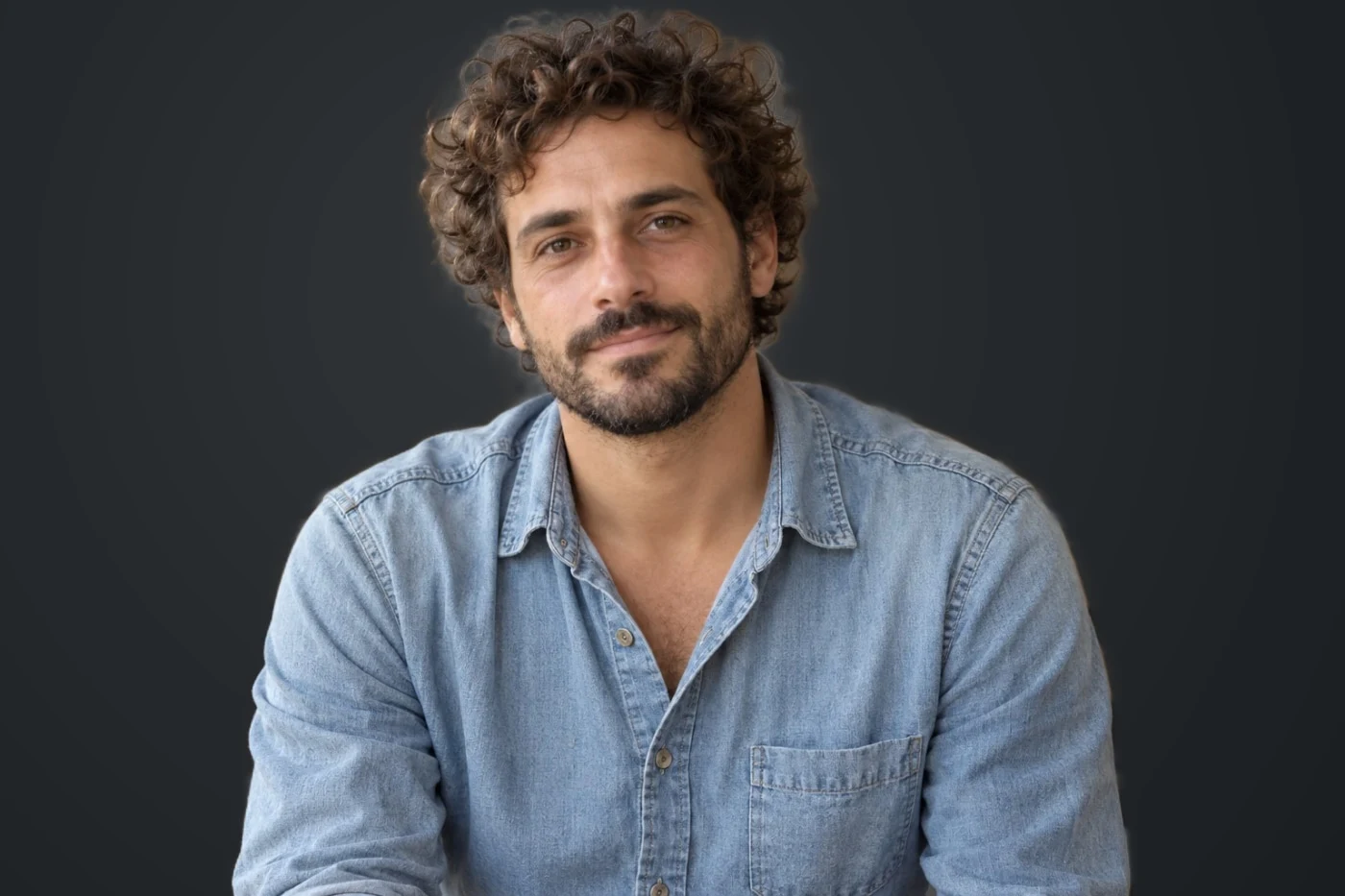
Actual tool output on an AI-created sample.
Ivory & charcoal portrait backgrounds
Replace a portrait background with an ivory or charcoal studio backdrop and a finished color look.
Three steps. Your result.
- Upload a single-person portrait.
- Choose a light or dark backdrop look.
- Check the subject edges and export your portrait.
Simple background replacement and tonal treatment. Does not change clothes, pose or generate three-dimensional lighting.
Your photo stays temporary
Server processing. Photos expire within 24 hours. Delete them at any time in the editor. No training or public reuse.