Look at the light
Color and contrast can work well with clean daylight. In deep shade or mixed light, check skin and neutral surfaces before saving.
 CAMERA-INSPIRED PHOTO FILTERS
Start with confident color for a sunny walk, a quieter palette for everyday details, or monochrome for light and shadow. Compare the finish on your own photograph.
11 looks · all free to preview
This starting look includes free Standard saves. Choose any other look in the editor.
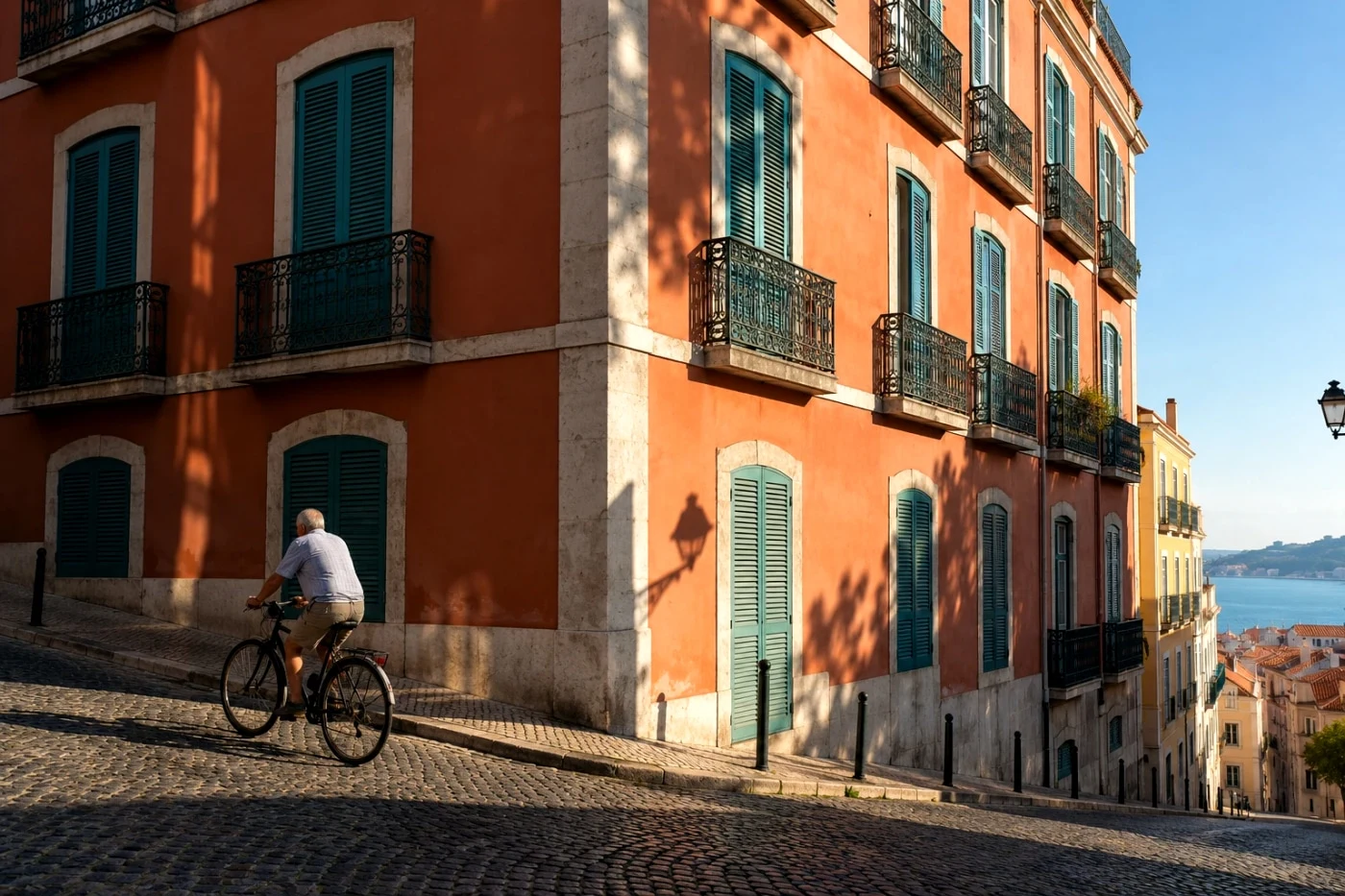
Color and contrast can work well with clean daylight. In deep shade or mixed light, check skin and neutral surfaces before saving.
Street Positive is a curated starting point. GR Negative Film and the monochrome references take a different direction; one preset does not describe every GR photograph.
Dark corners are a creative choice, not a universal GR signature. These looks do not reproduce a GR lens or its optical corrections.
Compare the colors, skin and brightest parts of the image. Our examples show the current Camera Refine effect, not a photograph shot on the named camera or film.
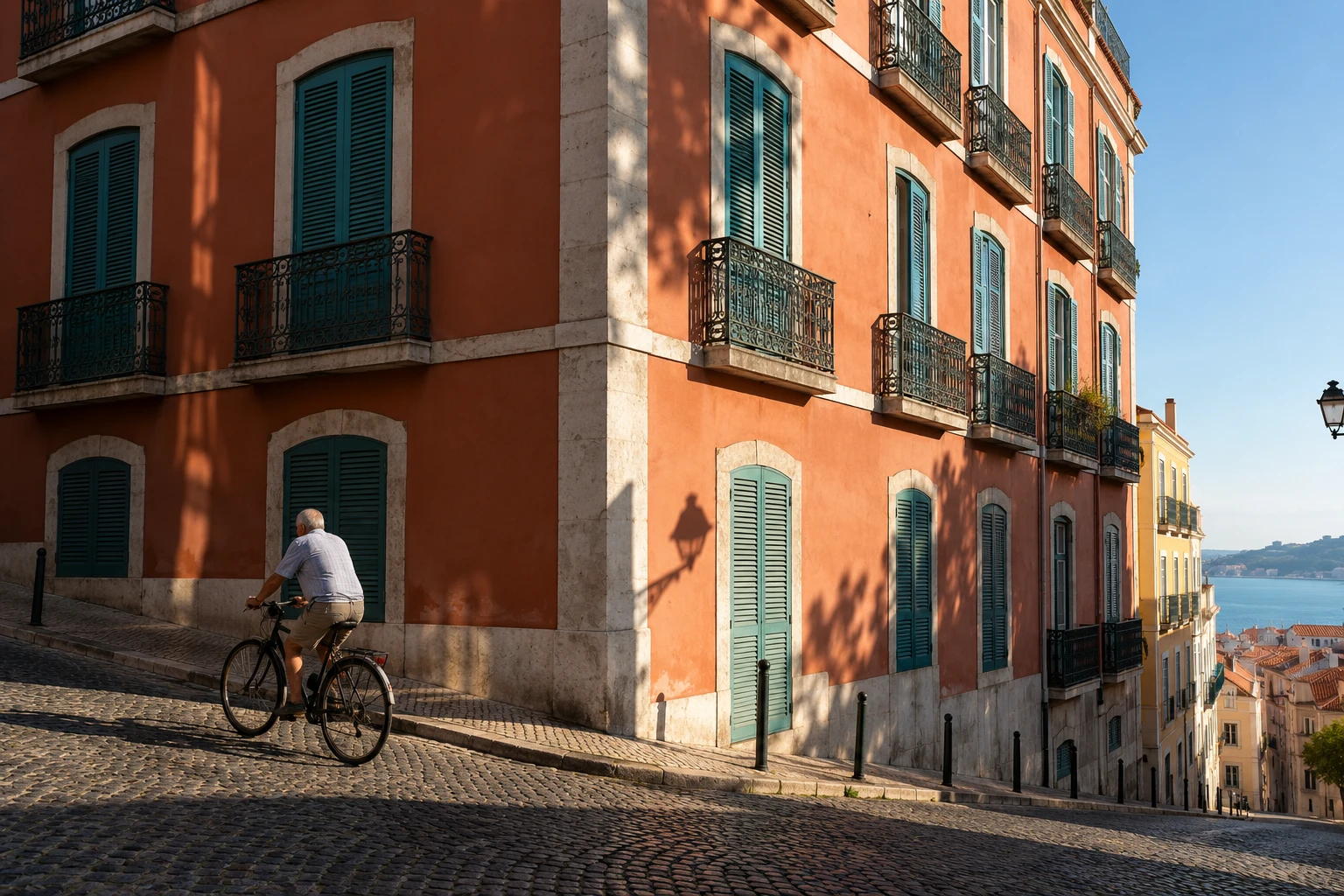 Ricoh GR
Crisp contrast and confident color for sunlit streets and architecture.
Free Standard save · Beta v1 · Keeps your background and compositionDetails & comparison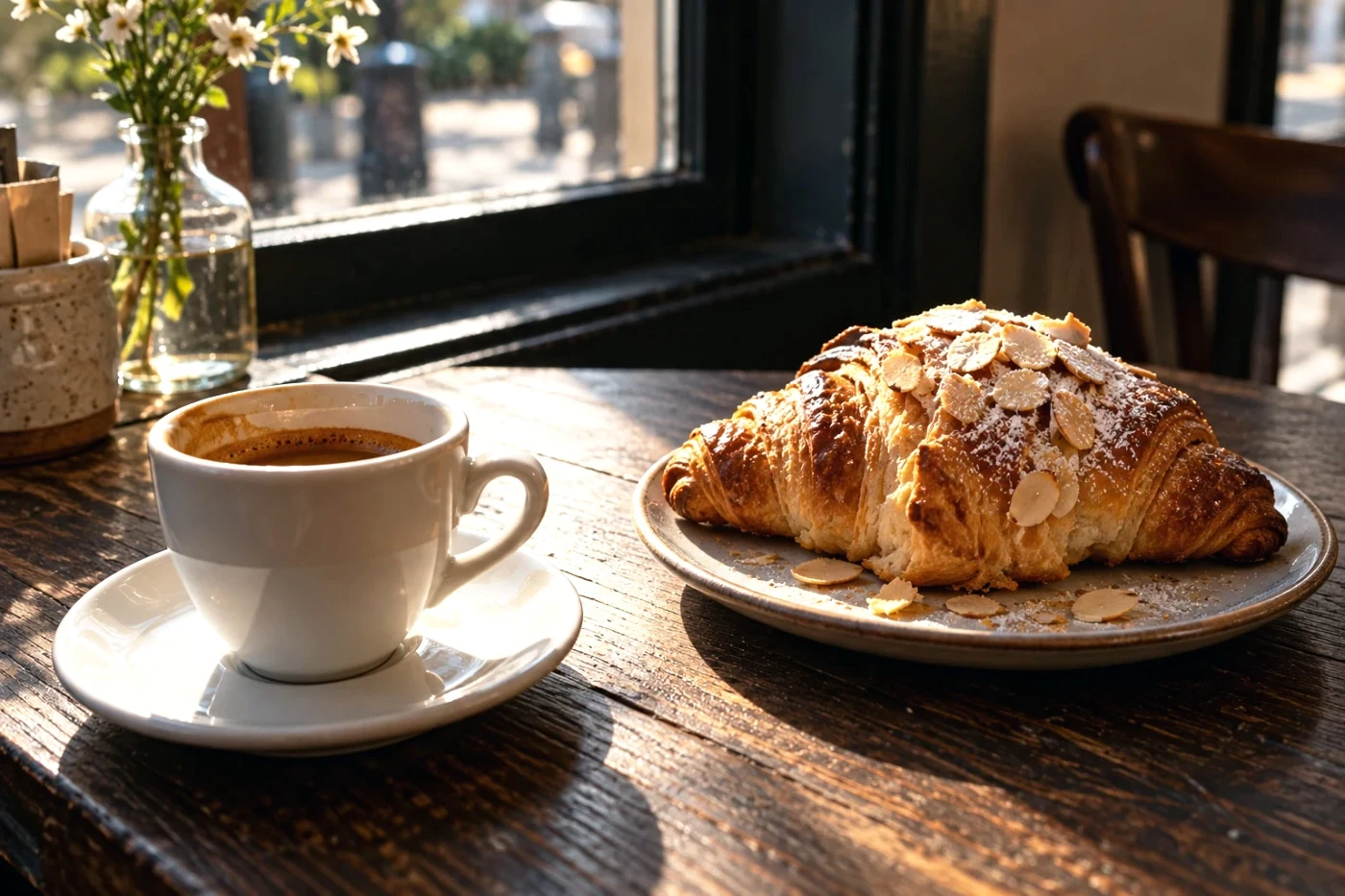 Ricoh GR
Warm highlights and cooler shadows, with gentle exposure balancing.
Studio save · preview free · Beta v1 · Keeps your background and compositionDetails & comparison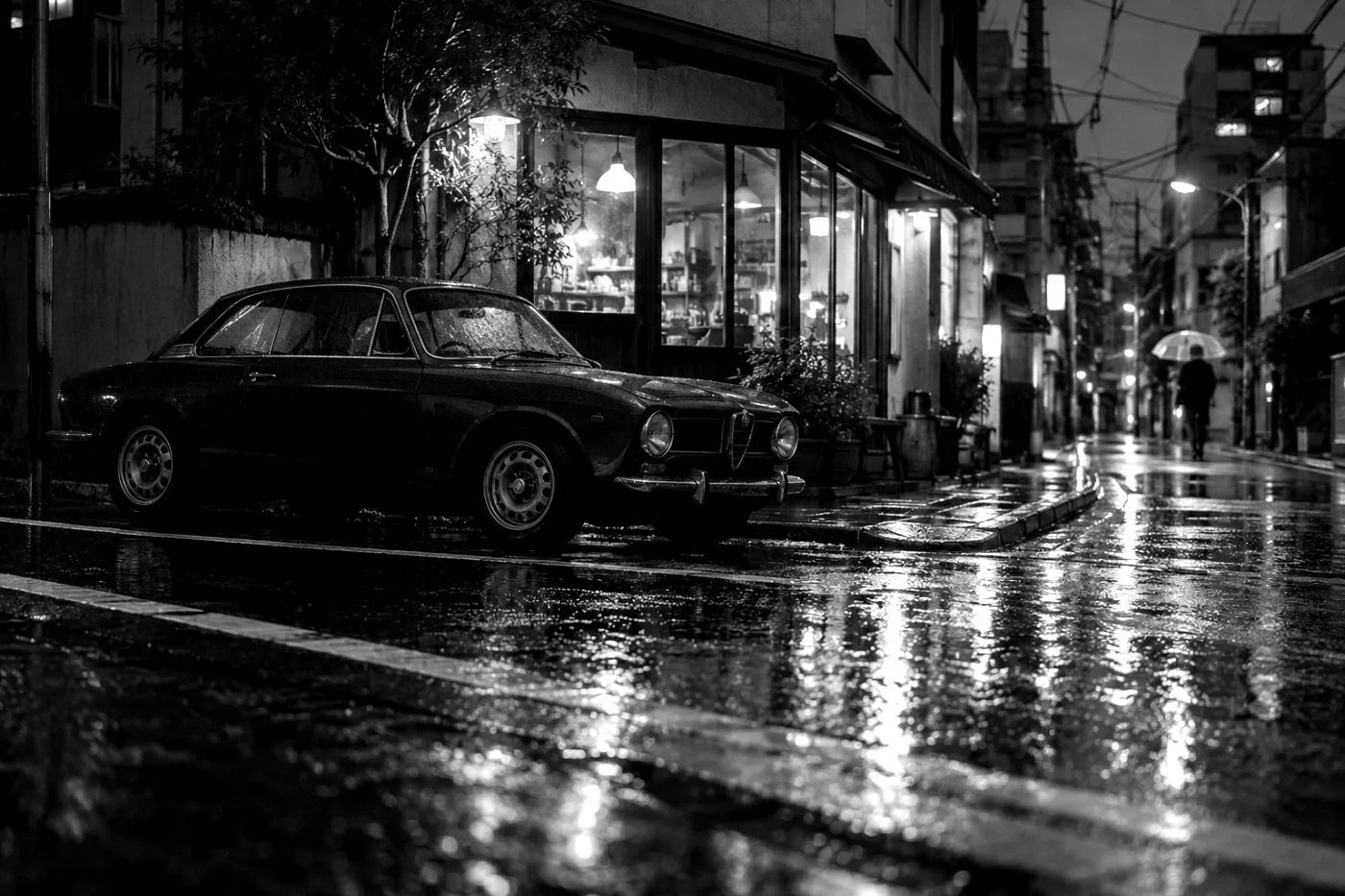 Ricoh GR
A graphic black-and-white finish with textured grain.
Studio save · preview free · Beta v1 · Keeps your background and compositionDetails & comparisonShading is a look choice. Lens illumination correction is separate; dark corners are not a universal GR signature. Independently developed, without affiliation or endorsement. Ricoh Image Control documentation ↗