CAMERA REFINE / PORTRAIT RETOUCHING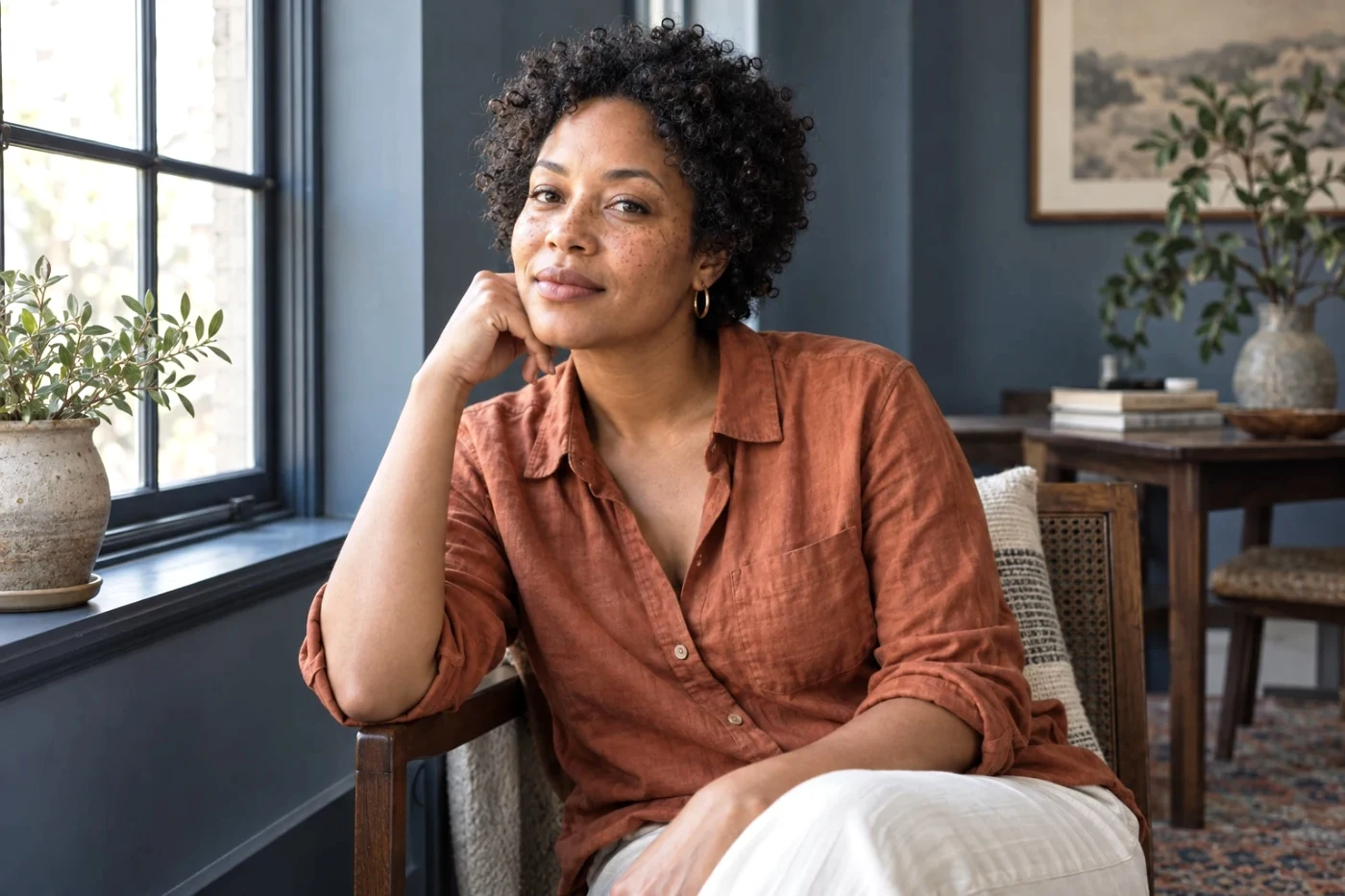
Actual tool output on an AI-created sample.
Subtle portrait retouching
Gentle skin treatment or a softer background, with your facial features left intact.
Three steps. Your result.
- Choose a portrait.
- Try natural skin or subject-based background blur.
- Compare skin texture and edges, then export.
No face reshaping or individual blemish removal. Background blur uses a portrait mask, not a depth map or a real optical lens.
Your photo stays temporary
Server processing. Photos expire within 24 hours. Delete them at any time in the editor. No training or public reuse.