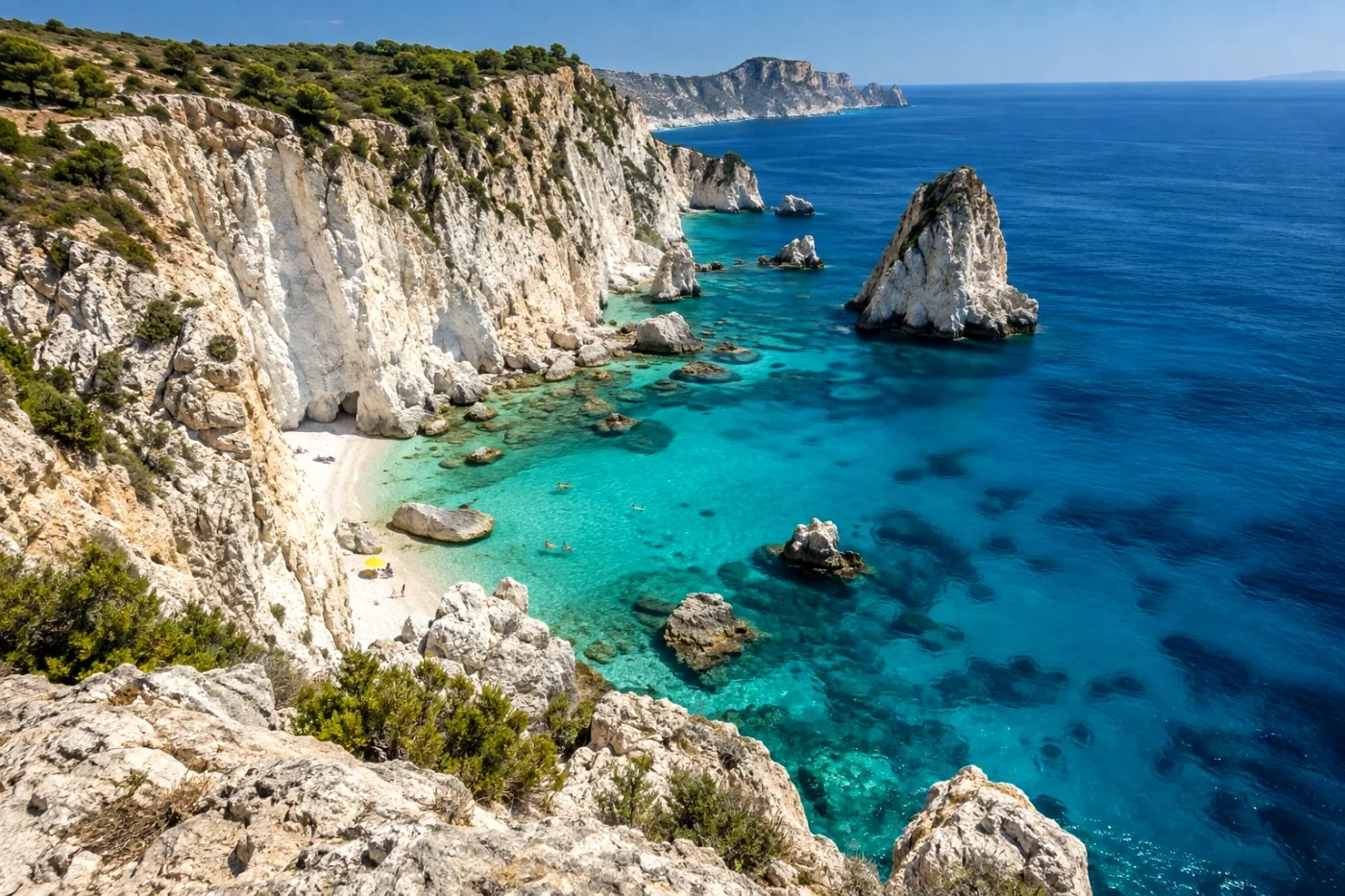
Batch photo filters
Apply the same photo filter to multiple photos. Preview one image, process your selected set and download a ZIP. Preview one photo free. Batch processing and ZIP downloads require Studio.
Explore tool →Choose a task. Start with a photo. See the result before exporting.
Apply the same photo filter to multiple photos. Preview one image, process your selected set and download a ZIP. Preview one photo free. Batch processing and ZIP downloads require Studio.
Explore tool →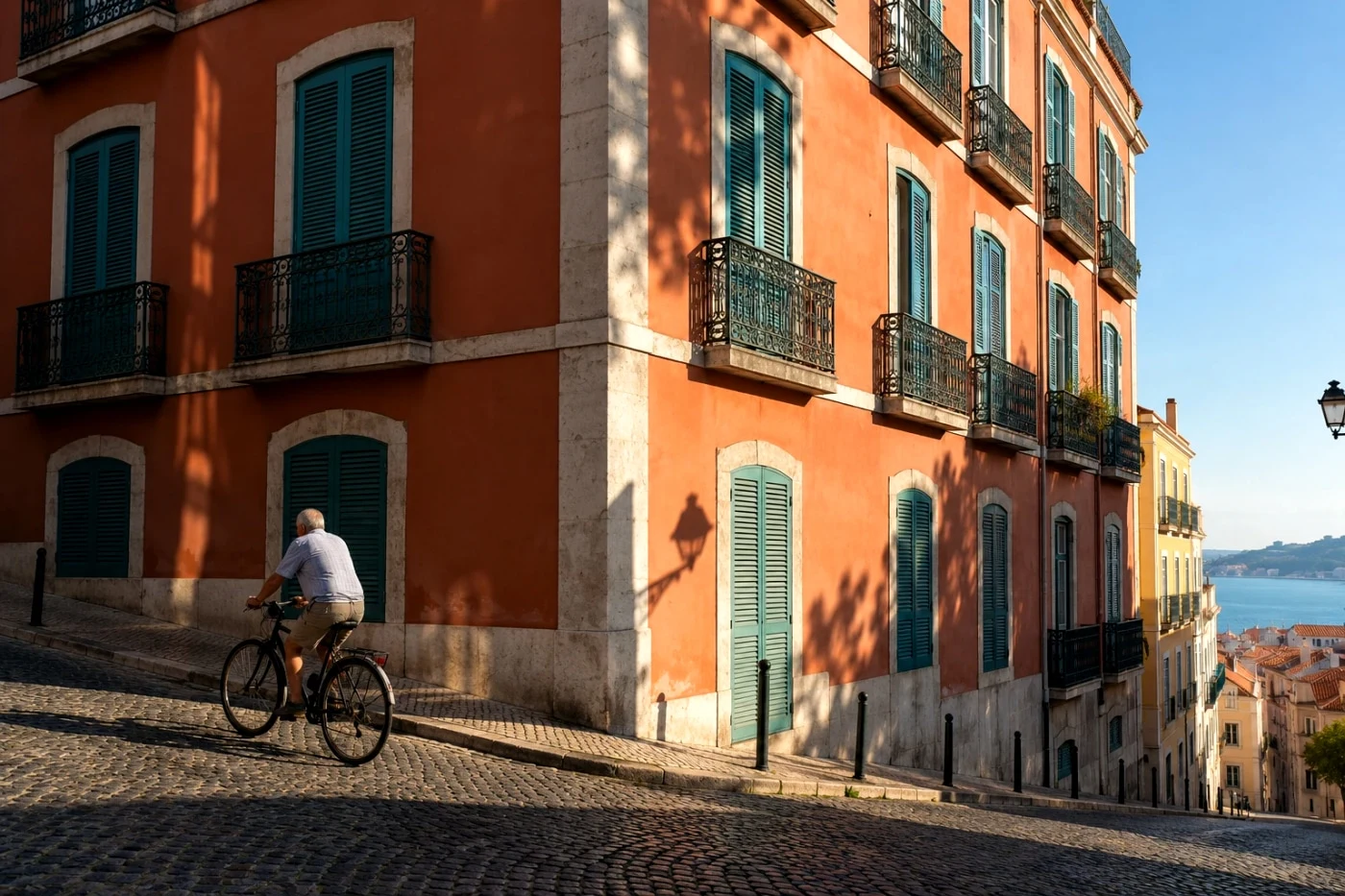
Explore camera-inspired color and film-style photo filters. Upload once, compare looks on your photo and save your favorite online.
Explore tool →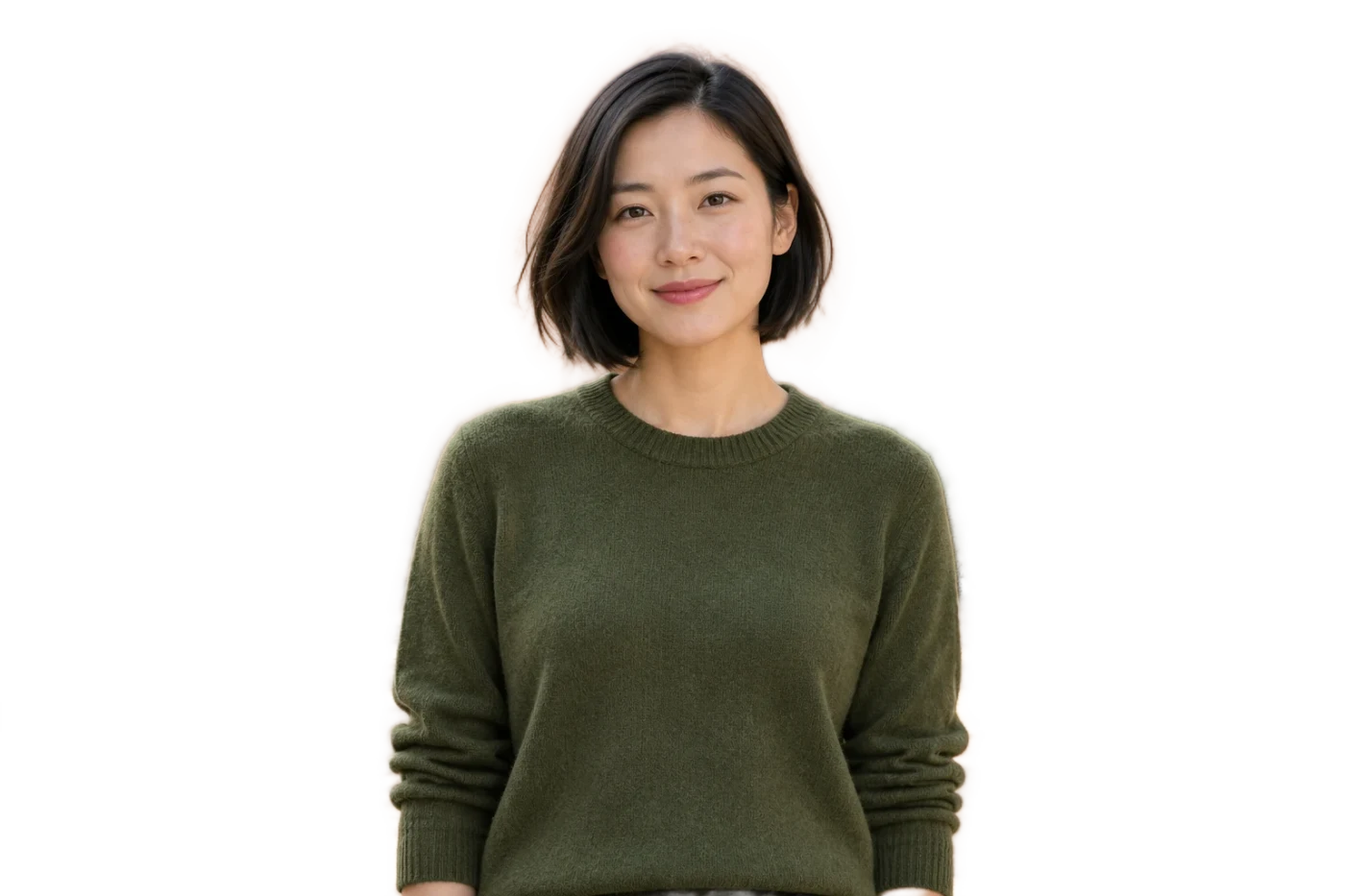
Remove the background from a single-person portrait and download a transparent PNG. Preview the edges and try a free Standard save online.
Explore tool →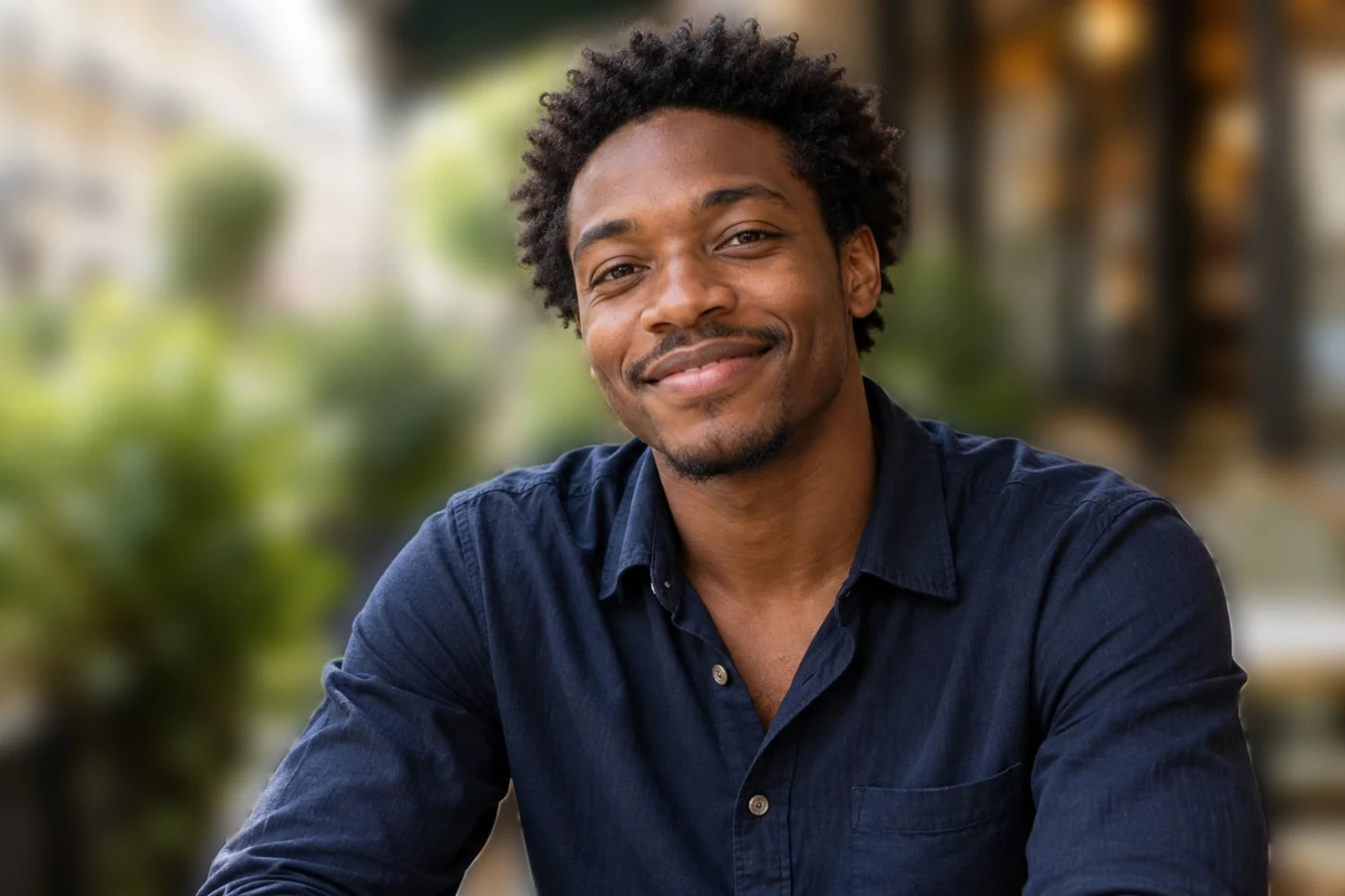
Blur the background of a single-person portrait while preserving the subject and original color. Compare before and after, then save online.
Explore tool →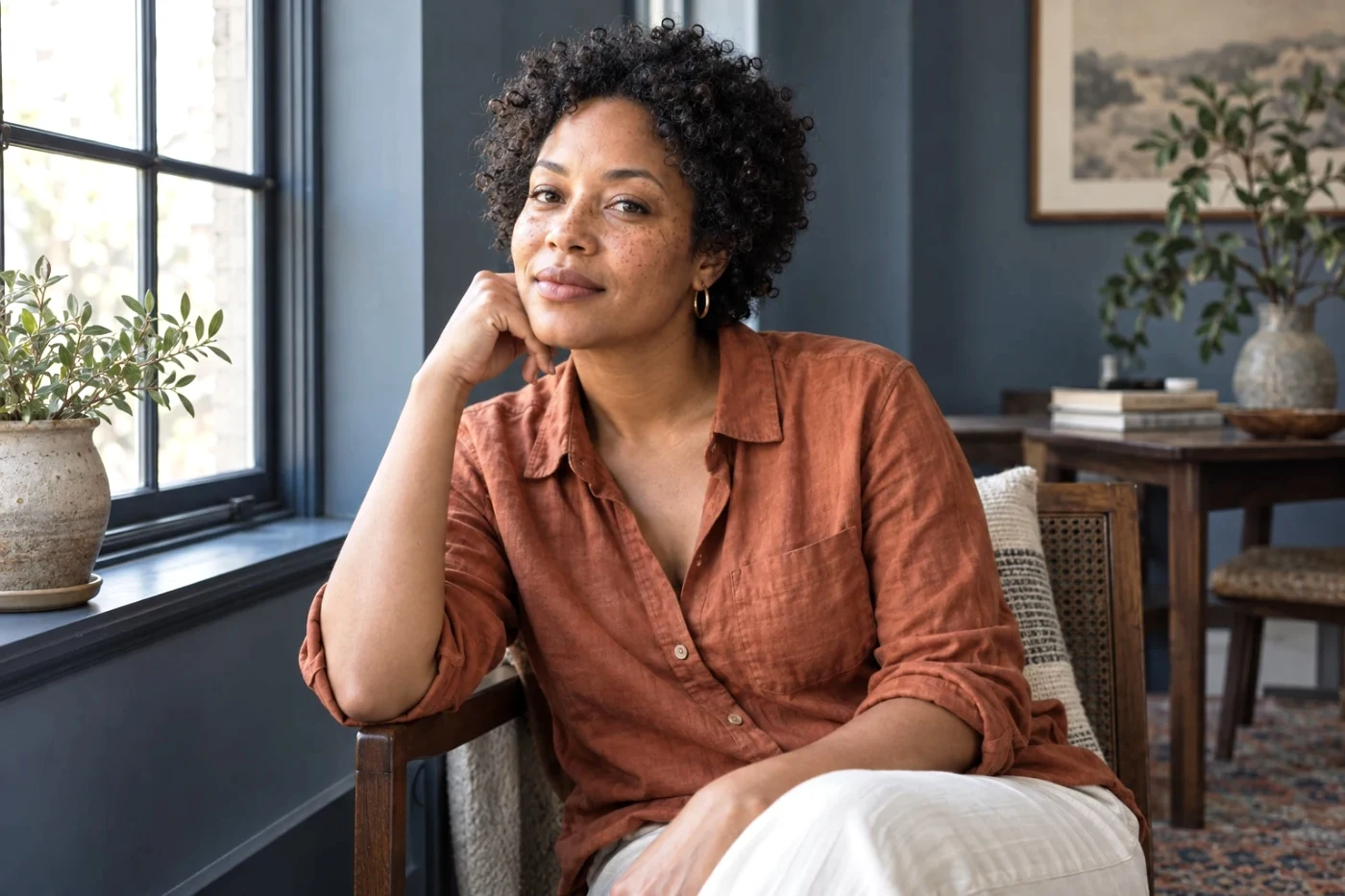
Gentle skin treatment or a softer background, with your facial features left intact.
Explore tool →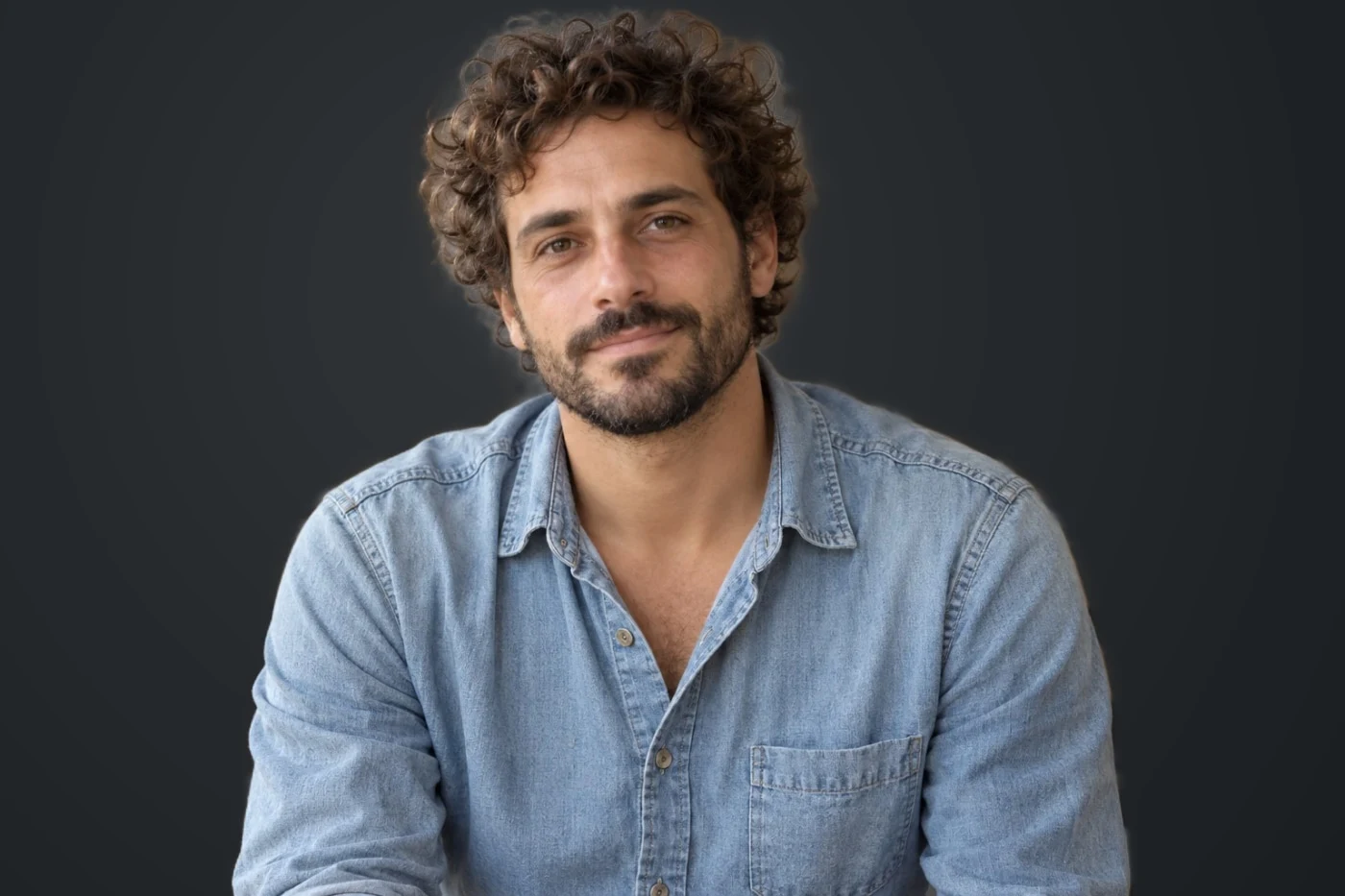
Replace a portrait background with an ivory or charcoal studio backdrop and a finished color look.
Explore tool →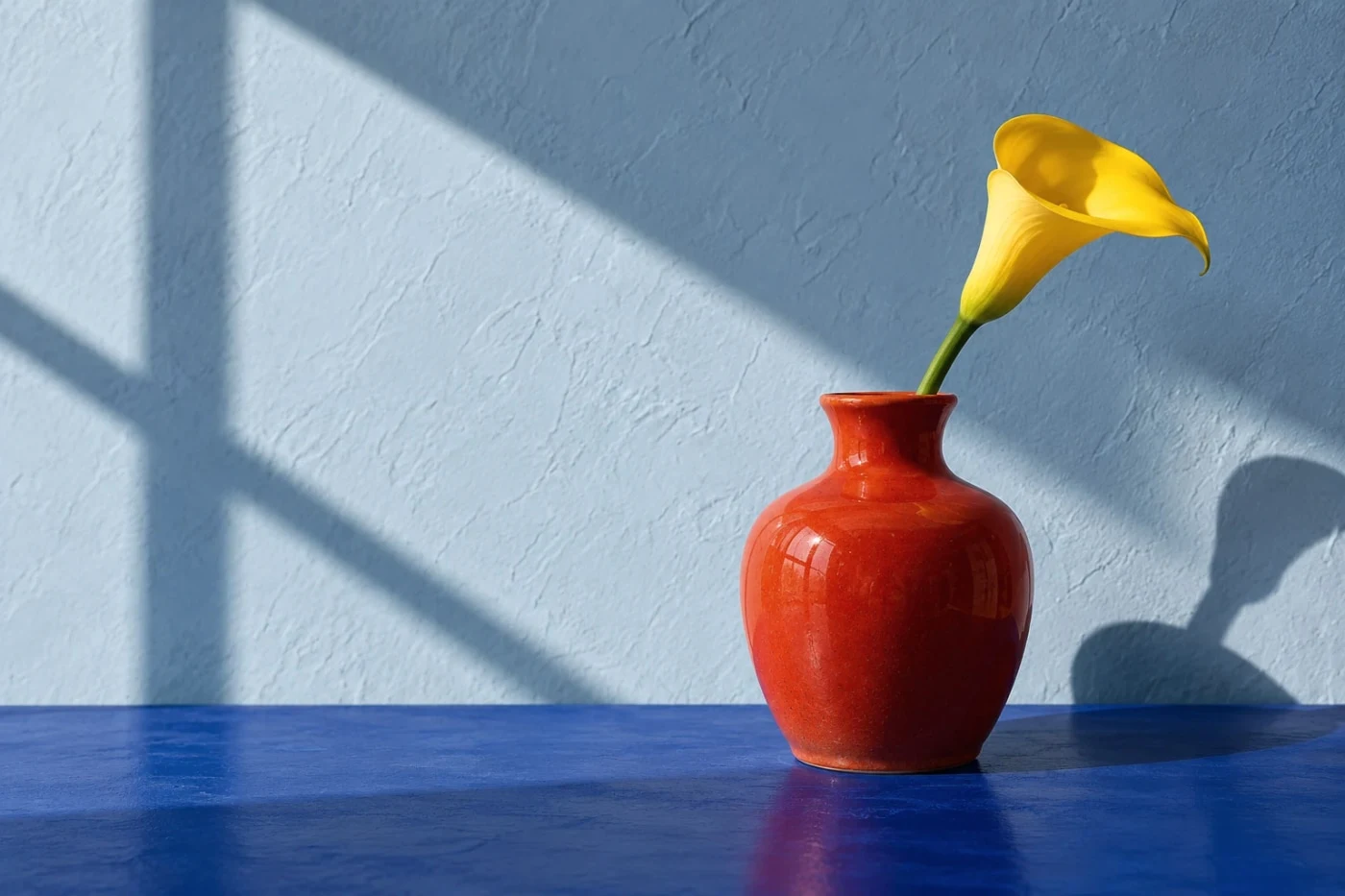
Compare the color and tonal distribution of a reference with looks applied to your own photo.
Explore tool →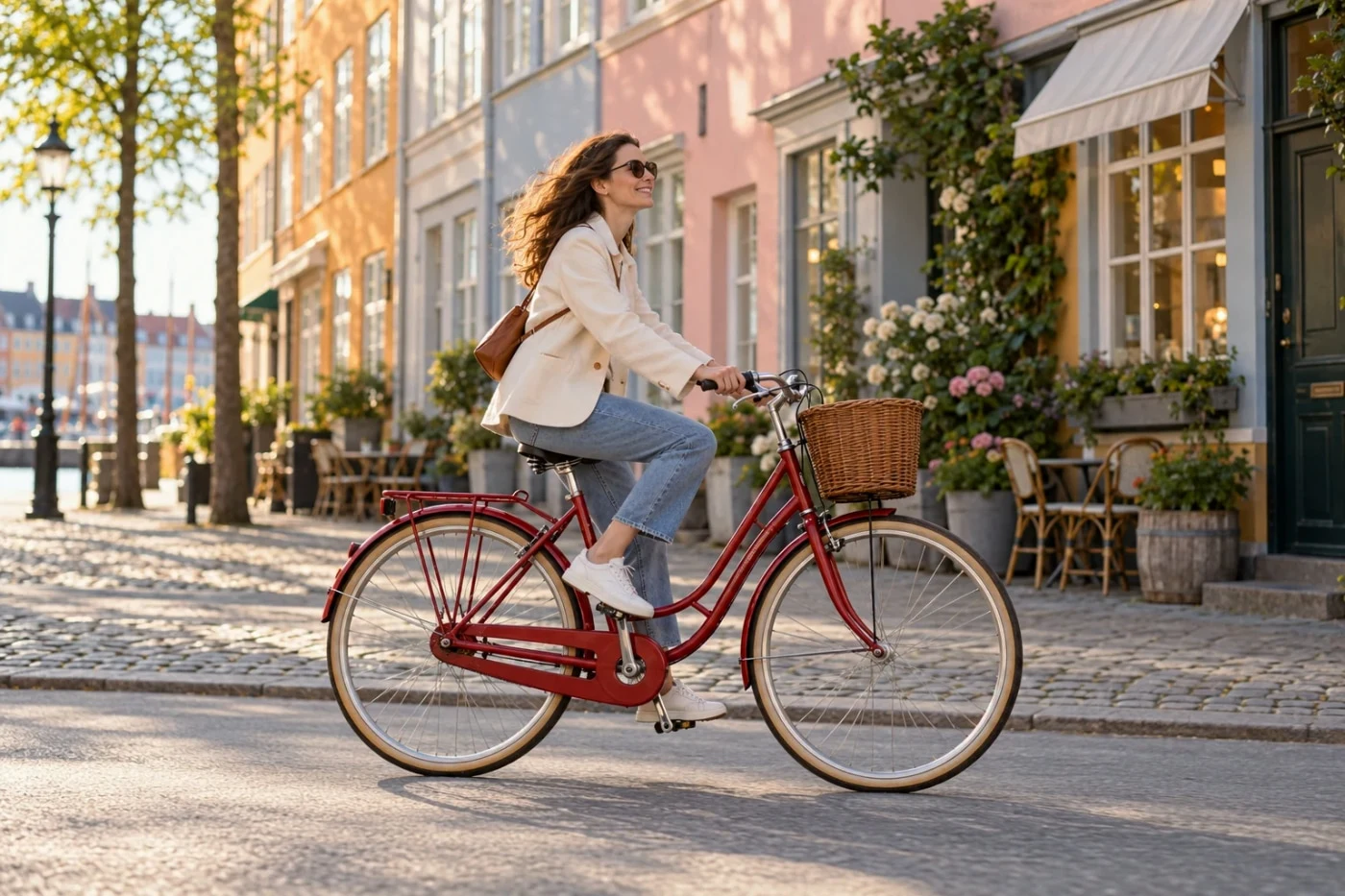
Create square, portrait and story versions with an optional ivory or black border.
Explore tool →