For people and places
Try Classic Chrome for a restrained direction. Compare cheeks, bright skies and shadow detail, particularly when your phone has already applied a strong HDR finish.
 CAMERA-INSPIRED PHOTO FILTERS
Explore documentary-inspired color, brighter landscape palettes and expressive monochrome. Each starting point has a different purpose; let your photo decide.
19 looks · all free to preview
This starting look requires Studio to save. Choose any other look in the editor.
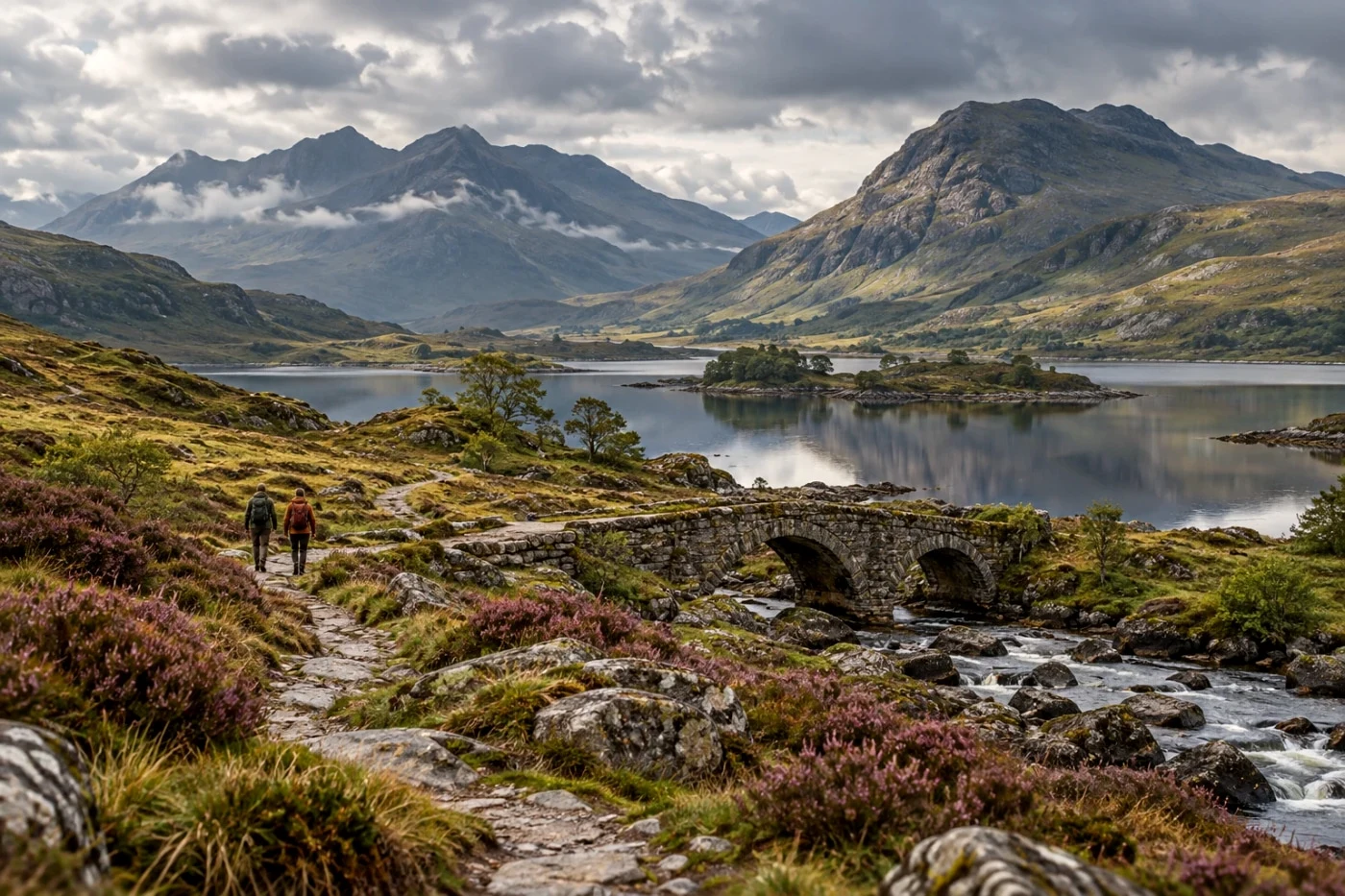
Try Classic Chrome for a restrained direction. Compare cheeks, bright skies and shadow detail, particularly when your phone has already applied a strong HDR finish.
Velvia and the sunlit curated looks offer a different starting point for landscapes. Reduce intensity if greens or reds overpower the scene.
Fujifilm camera Film Simulations and physical Fujifilm stocks are separate collections here. CLASSIC CHROME was not modeled on one specific analog film.
Compare the colors, skin and brightest parts of the image. Our examples show the current Camera Refine effect, not a photograph shot on the named camera or film.
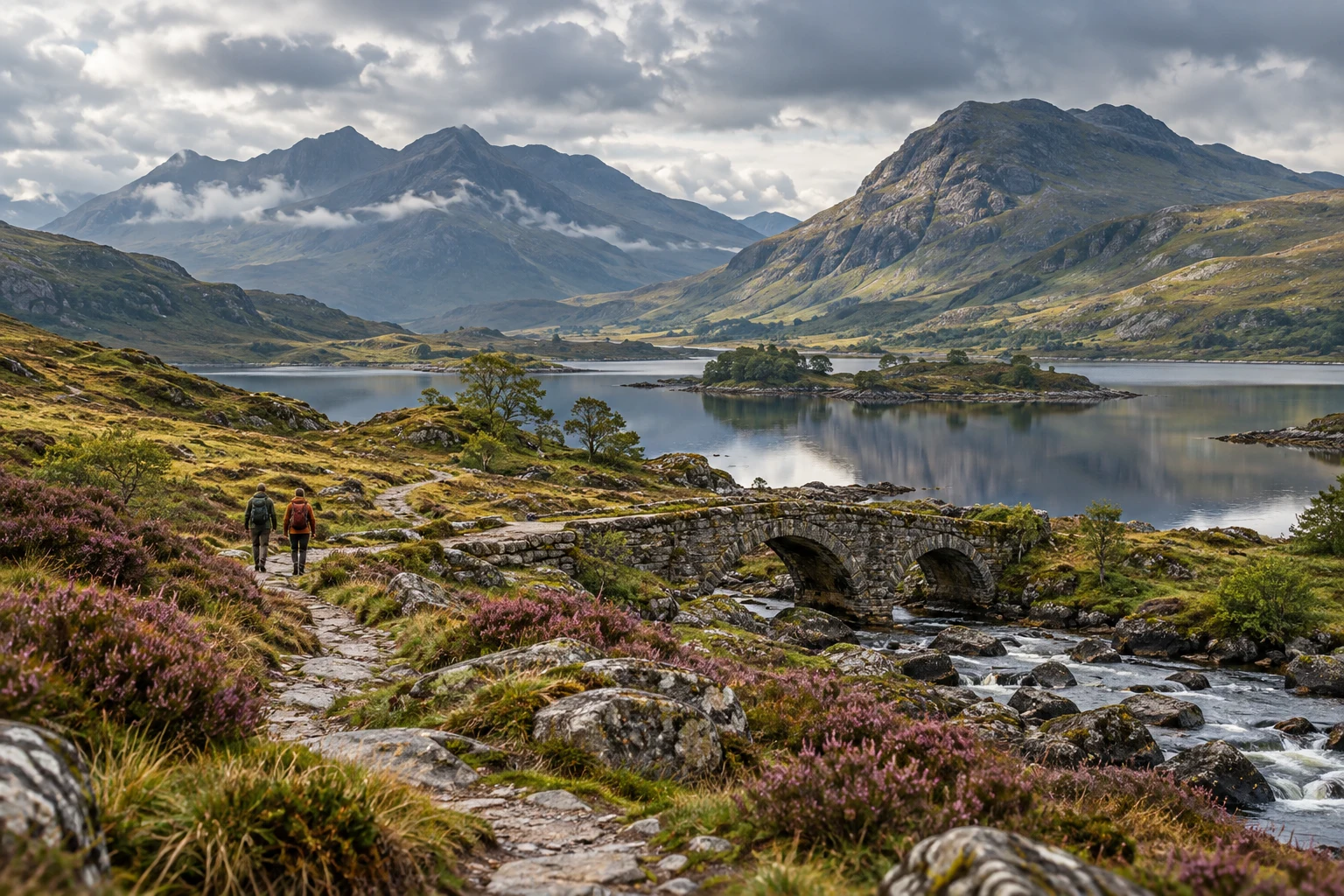 Fujifilm
Explore Classic Chrome, a web interpretation of an author-created Fuji Sim camera recipe. Compare it on your own photo.
Studio save · preview free · Beta v1 · Keeps your background and compositionDetails & comparison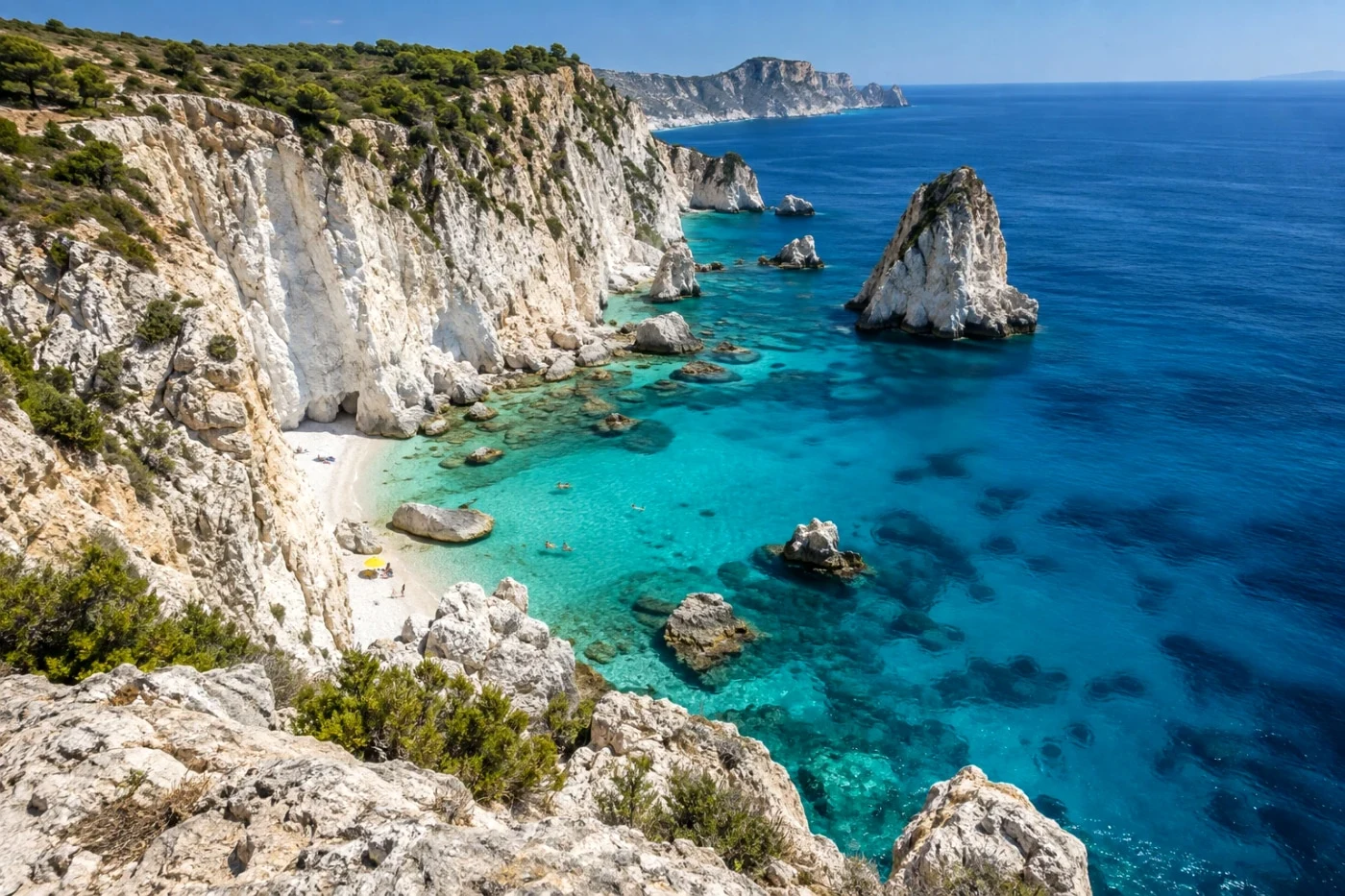 Fujifilm
Bright, natural travel color with gentle exposure and neutral-tone balancing.
Studio save · preview free · Beta v1 · Keeps your background and compositionDetails & comparison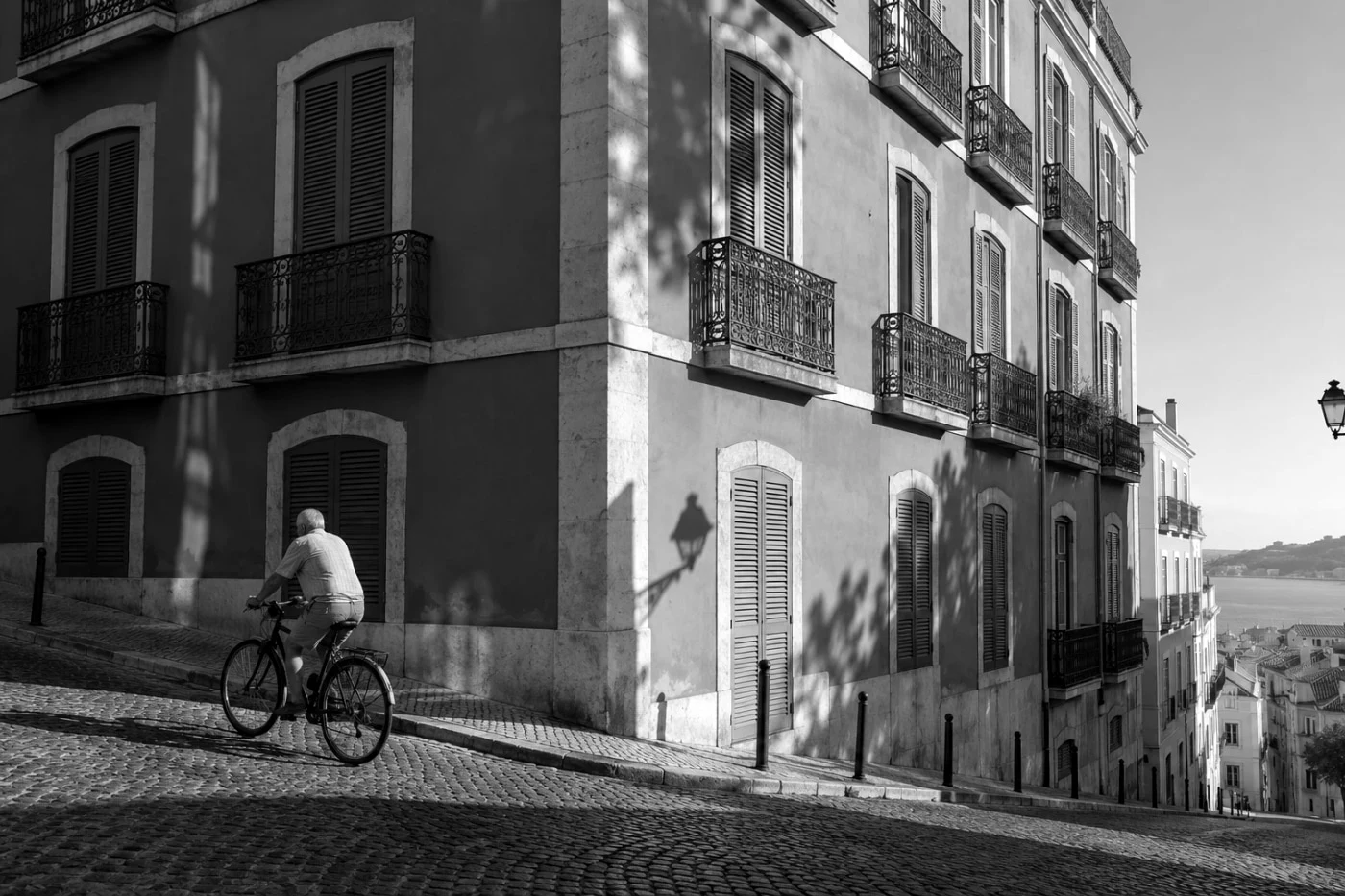 Fujifilm
Explore Acros, a web interpretation of an author-created Fuji Sim camera recipe. Compare it on your own photo.
Studio save · preview free · Beta v1 · Keeps your background and compositionDetails & comparisonTune each simulation separately: documentary color, vivid landscapes and monochrome need different treatment. Independently developed, without affiliation or endorsement. Fujifilm on CLASSIC CHROME ↗