Free
YOUR FIRST FAVORITE$0 to get started
A good photo. A look you love.
- Preview every available look
- 13 free styles & tools
- 3 saves a day · up to 2048px
- Single-photo editing · live fine-tuning
- No watermark, no sign-up
The color you love. The photo you took.
Find a look, see the difference, make it yours.
Start free · No sign-up · No watermark
JPG, PNG, WebP · 20 MB / 40 MP
Server processing · 24-hour expiry · No training or public reuse
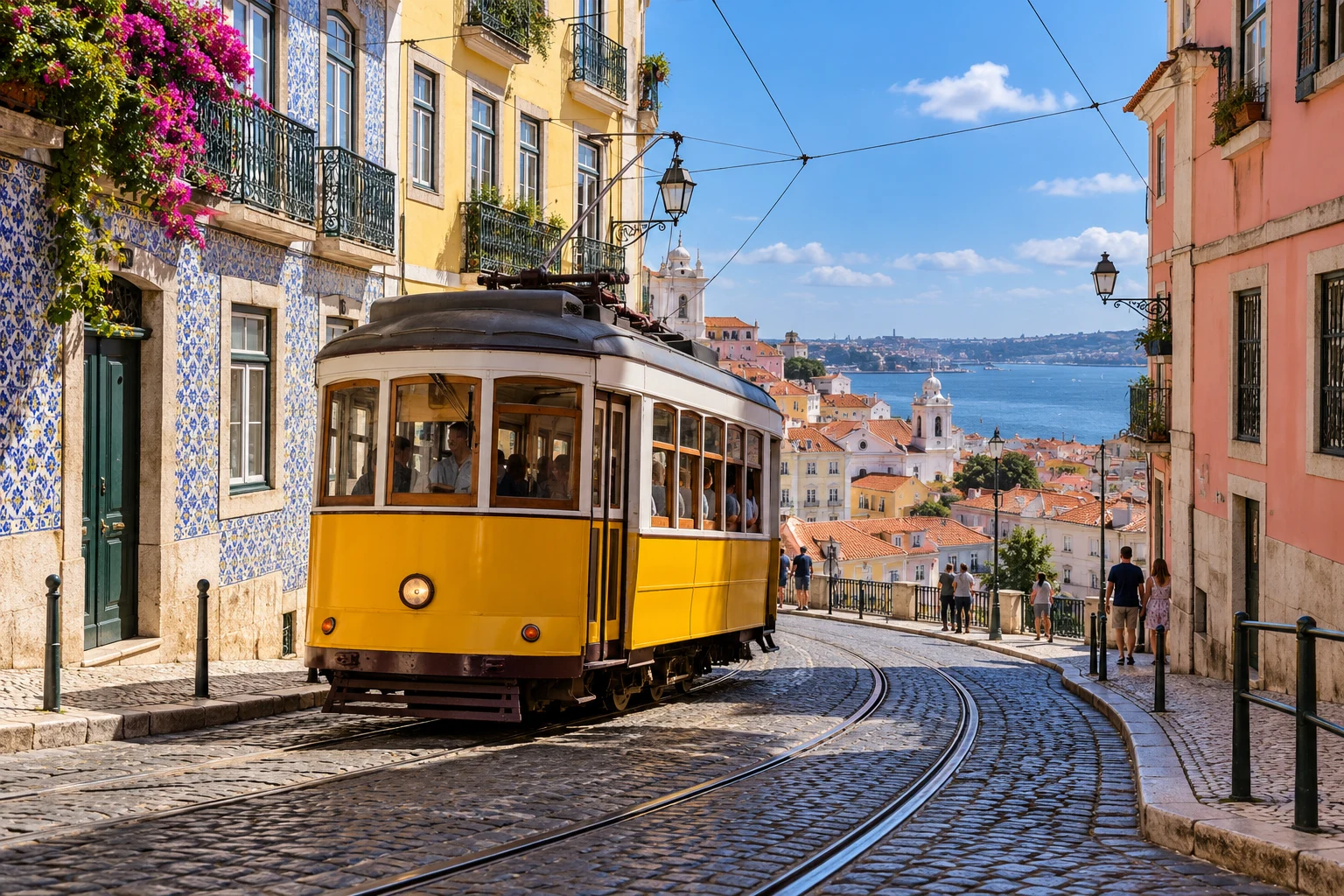
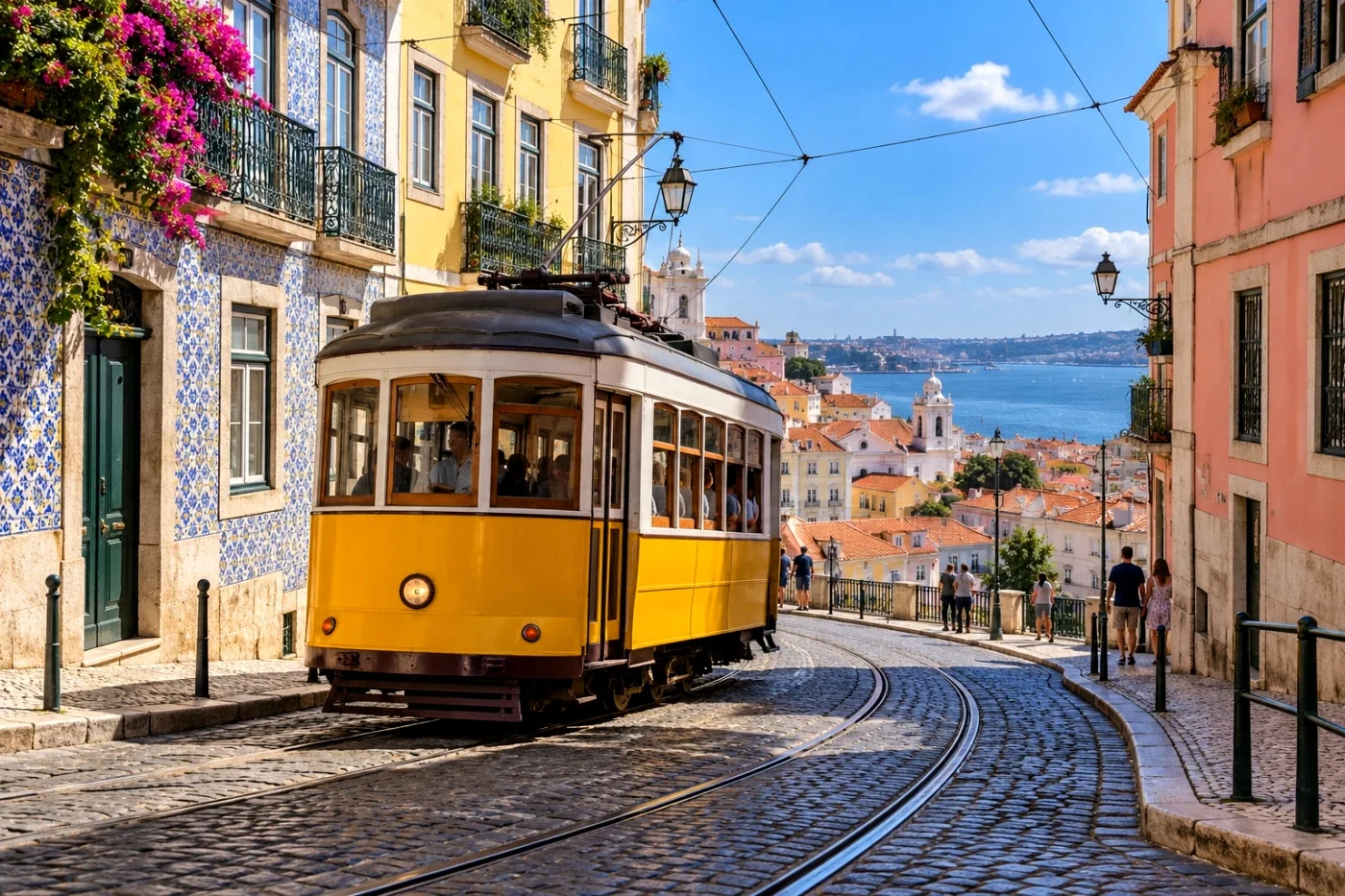 OriginalStreet Positive
 Street PositiveIndependent Ricoh-inspired look
Drag to compare · Actual filter output on an AI-created sample
FAMILIAR NAMES. INDEPENDENT INTERPRETATIONS.
Inspired by camera character. Made independently by Camera Refine. Explore camera styles ↗Start with a signature look.
Preview every style. Save when it feels right.
Studio looks are free to preview; saving requires Studio. Examples use our real processing on AI-created images, not photographs shot with the named cameras. Camera styles ↗ · Film families ↗
The coast. The climb. The way back.
Bring your photos together with one look, then save the set in a single download.
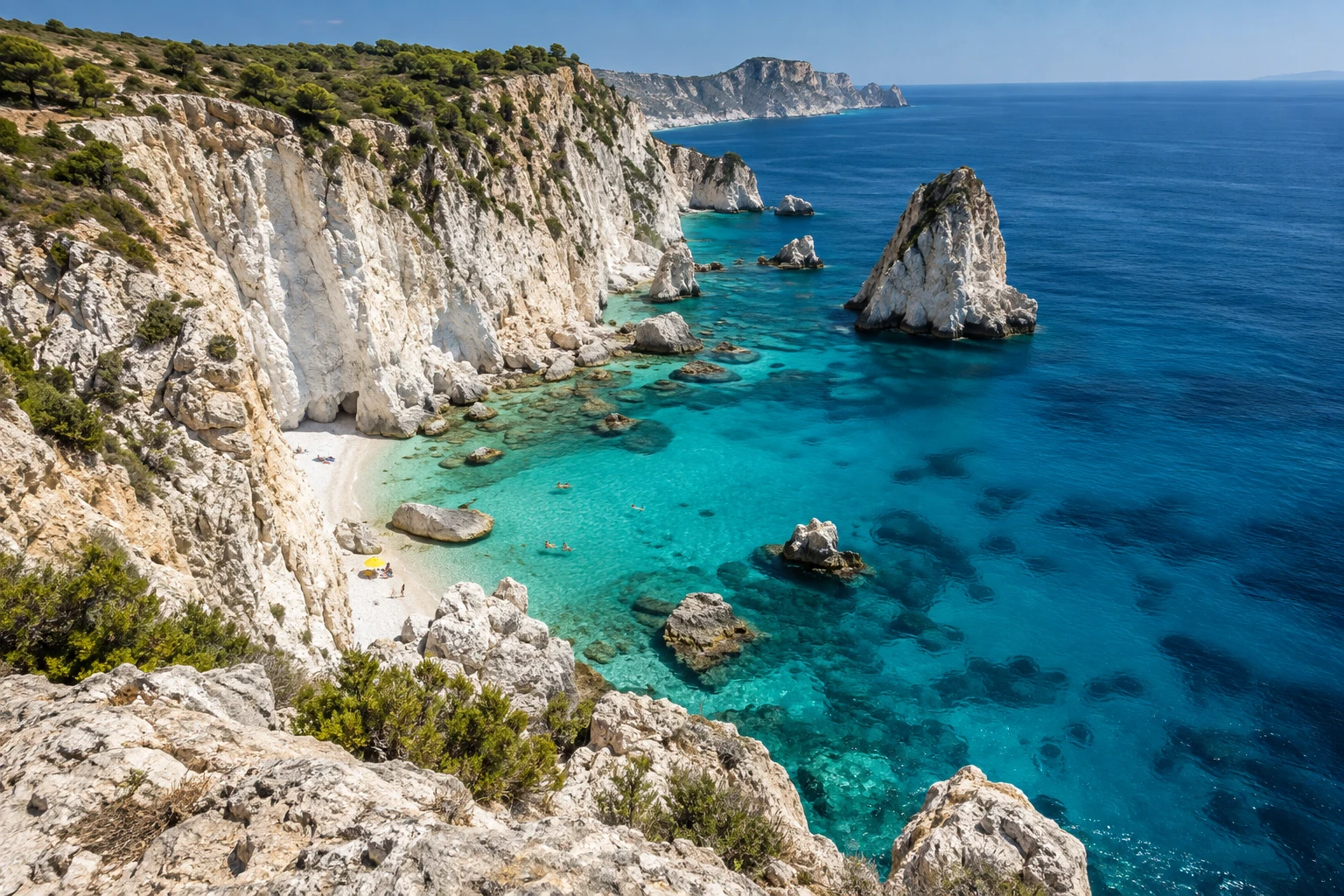
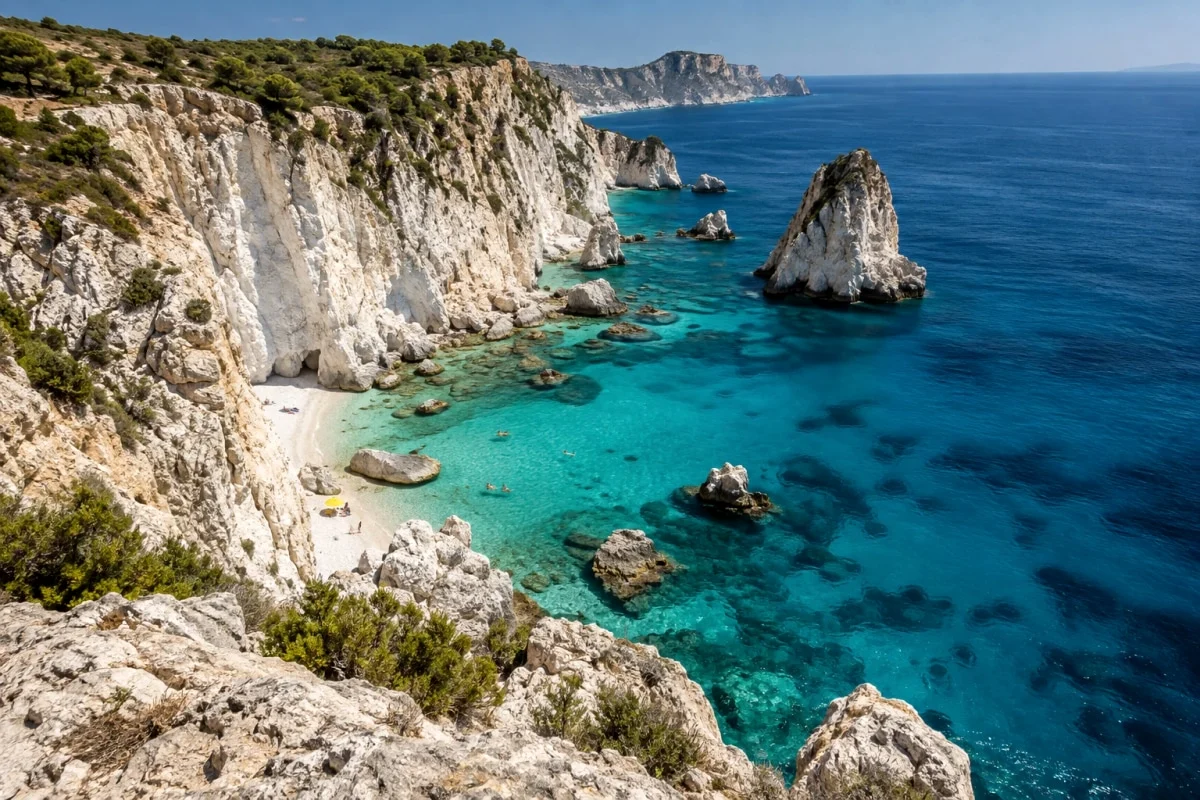
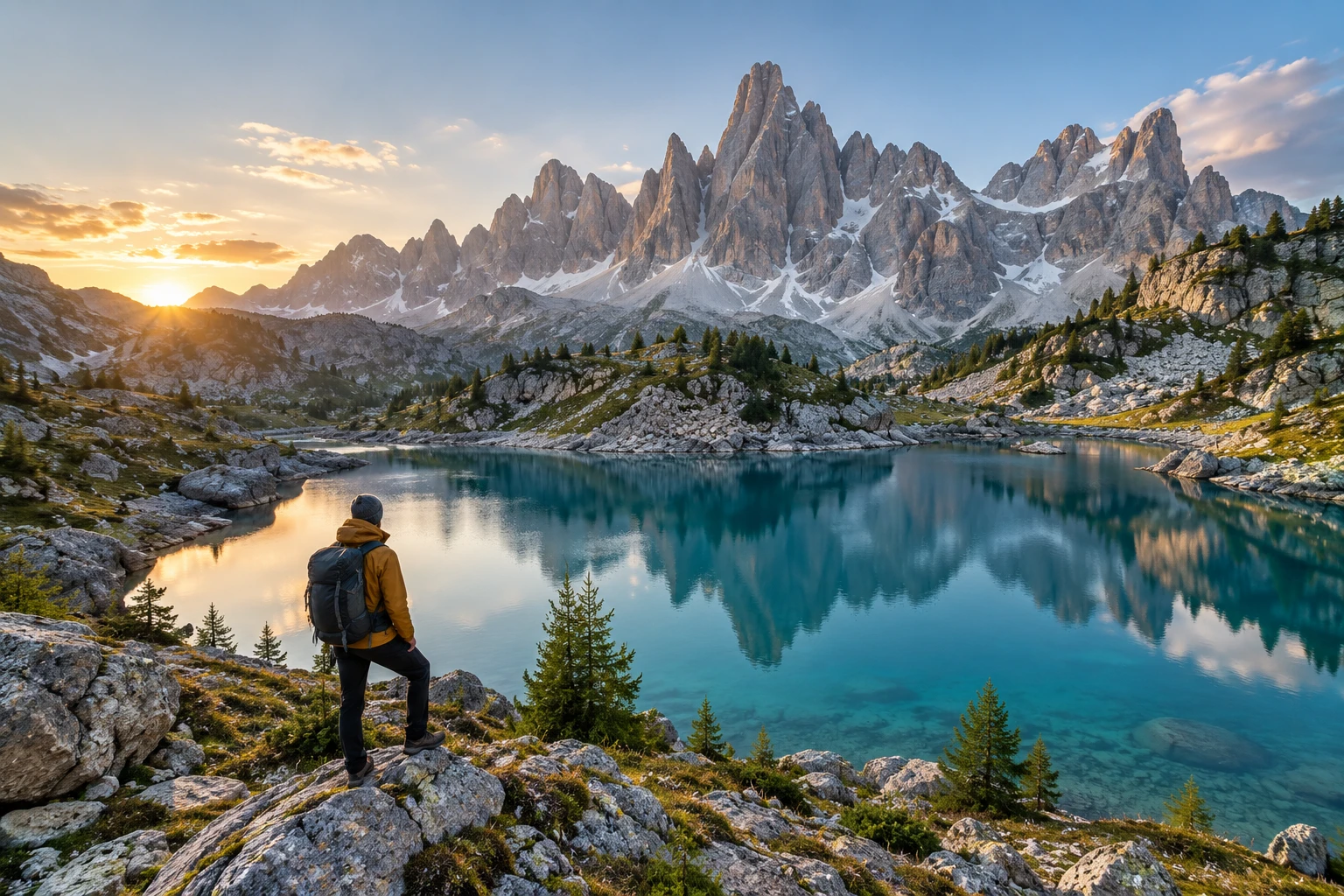
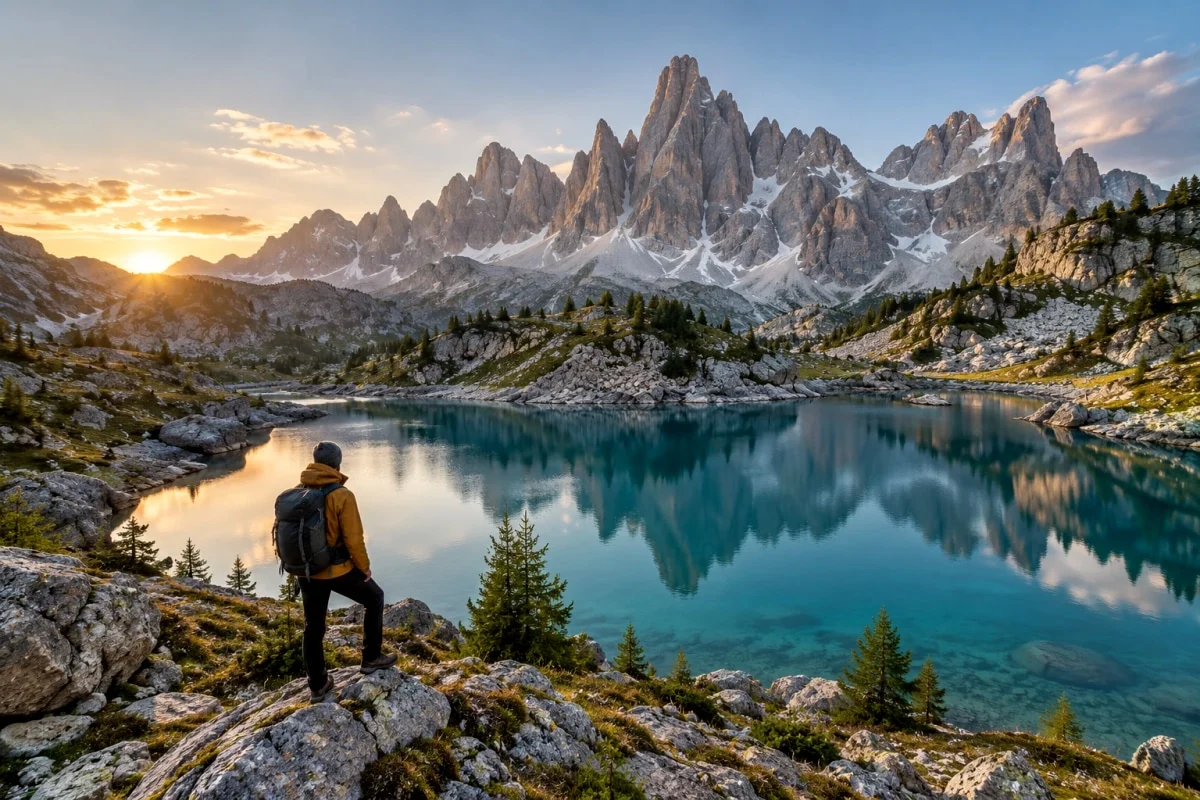
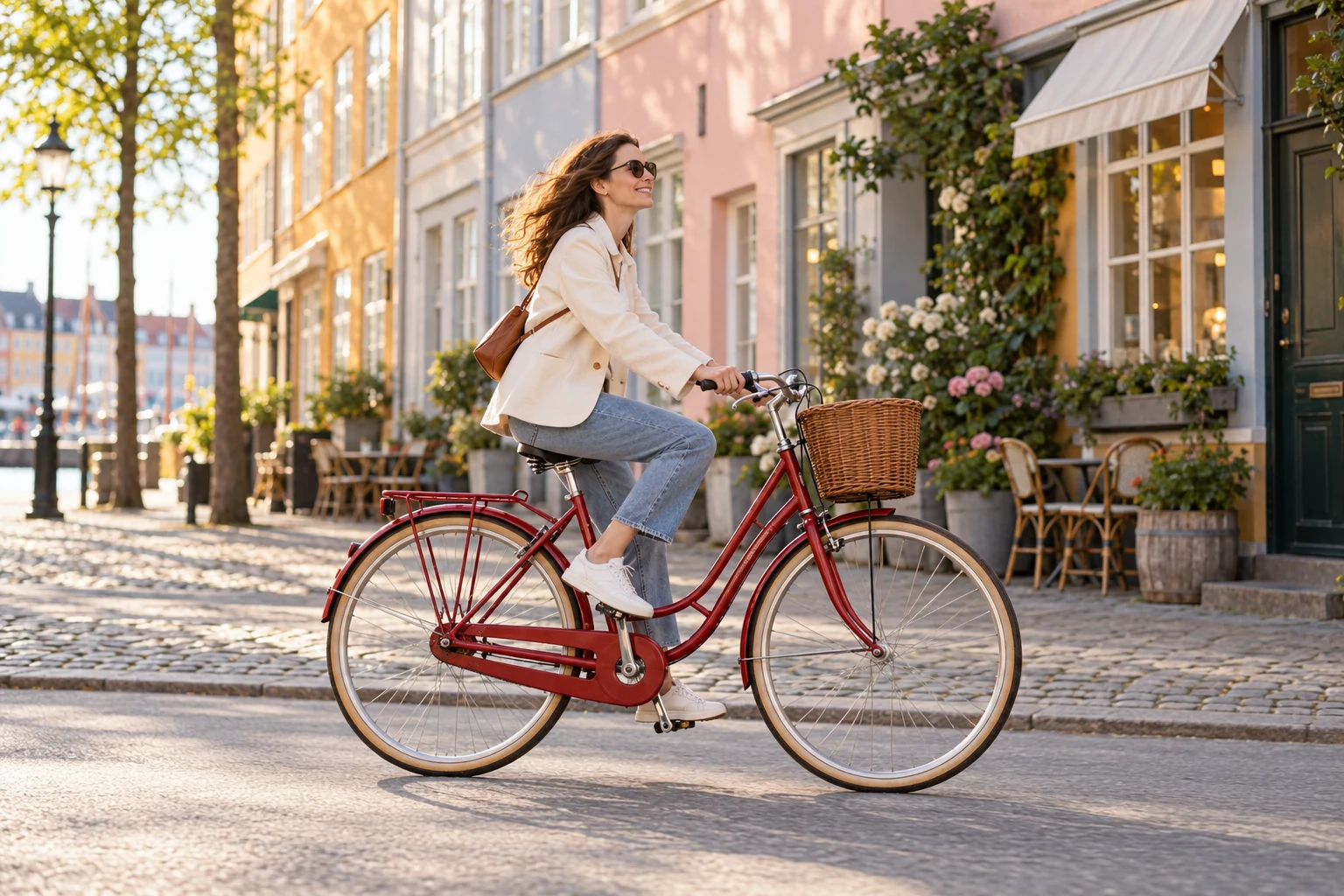
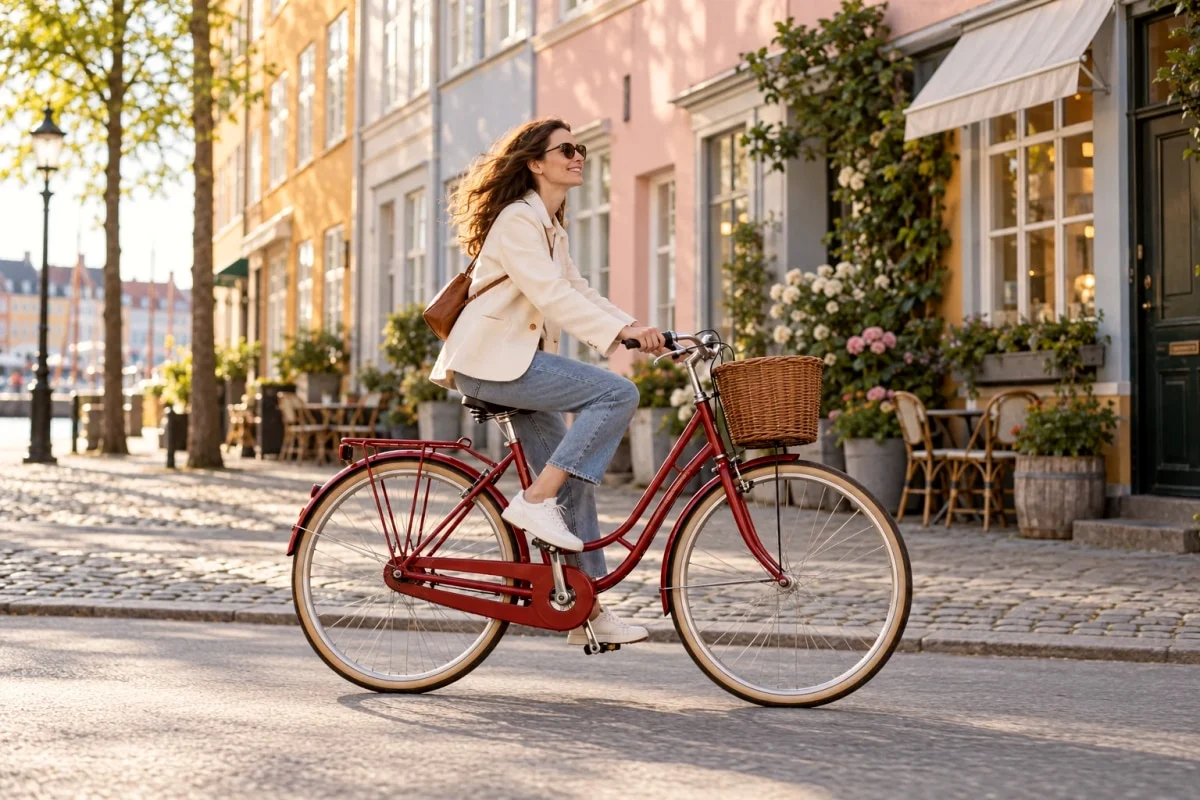
Actual processing of three different AI-created photos.
Preview one photo free. Batch processing for 2–20 photos and ZIP downloads require Studio. Save allowances apply.
Free to get a feel for it.
Studio for every look and batch processing.
$0 to get started
A good photo. A look you love.
$29 once
Your signature style. Your whole photo set.
Preview first. Choose a save option when you’re happy. Checkout availability is shown before payment. Full pricing & processing limits ↗
13 selected styles and tools include 3 Standard saves per day, up to 2048px, without a watermark. You can preview every available look within your 30 daily preview allowance. Daily limits reset at midnight UTC.
Yes. Choose any available look and compare it on your own photo. A Studio badge means saving that look requires Studio. Closing the offer keeps your photo and selection. The checkout shows current availability before you pay.
Choose a representative photo, find a look, then apply it to your selected set and download a ZIP. Preview one photo free. Processing 2–20 photos together and downloading a ZIP requires Studio. The same finishing adjustments apply across the set. Each new photo, look or adjustment combination uses one save. Keep the tab open while processing.
No. Camera Refine makes independent interpretations of camera and film styles, not manufacturer algorithms or calibrated reproductions. Logos identify the style inspiration, not a partnership. Results depend on your original photo and light.
No. Each look is ready to use. If you want a personal finish, open Adjust for brightness and warmth, plus intensity on color-only looks. Changes preview instantly without using another preview. Switching looks resets the adjustments. Background removal and standalone blur keep their automatic settings.
Photos are processed on our server and expire within 24 hours. You can delete them from the editor. We do not use them for training or public examples. JPG, PNG and WebP are supported, up to 20 MB and 40 megapixels each. Convert HEIC or RAW first.
 Film & color
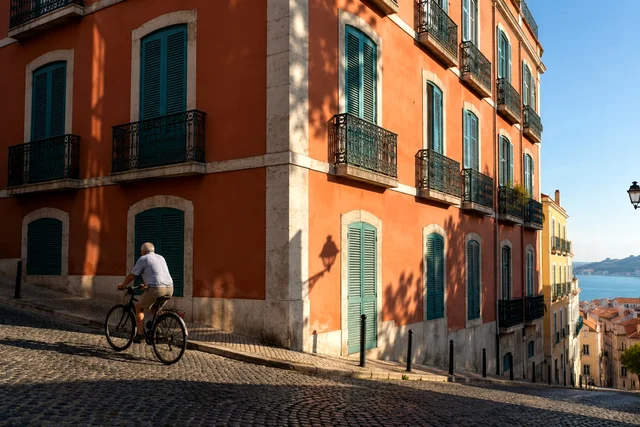 Camera stories
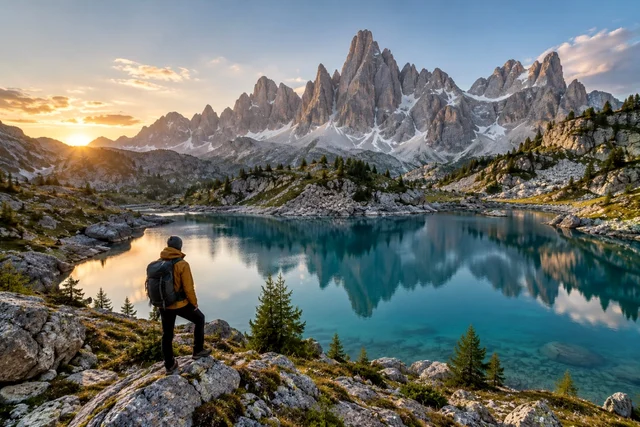 Editing guides
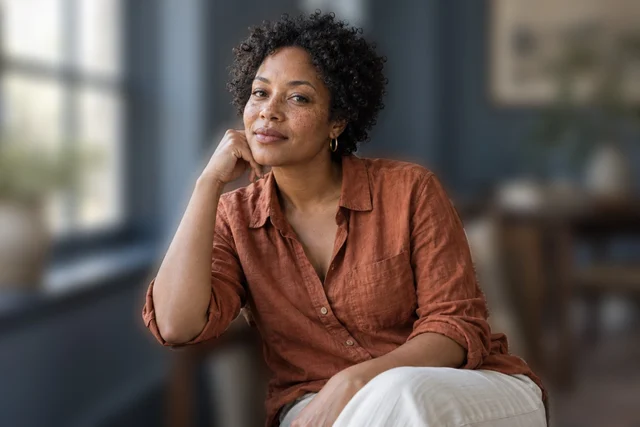 Editing guides