Film & camera-inspired photo filters
Find your kind of color.
From everyday color to expressive monochrome. Start with a look, then explore every camera and film family on your own photo.
Up to 20 MB / 40 MP each · convert HEIC or RAW first
Free Standard saves on selected looks. 3 saves a day, shared across tools.
Up to 2048px · no watermark · JPEG
Processed on our server. Photos expire within 24 hours.
No training or public reuse. Privacy & limits
Find a starting point.
Camera character, film color and a few personal favorites. Every look is yours to preview.
86 looks · Studio styles are free to preview
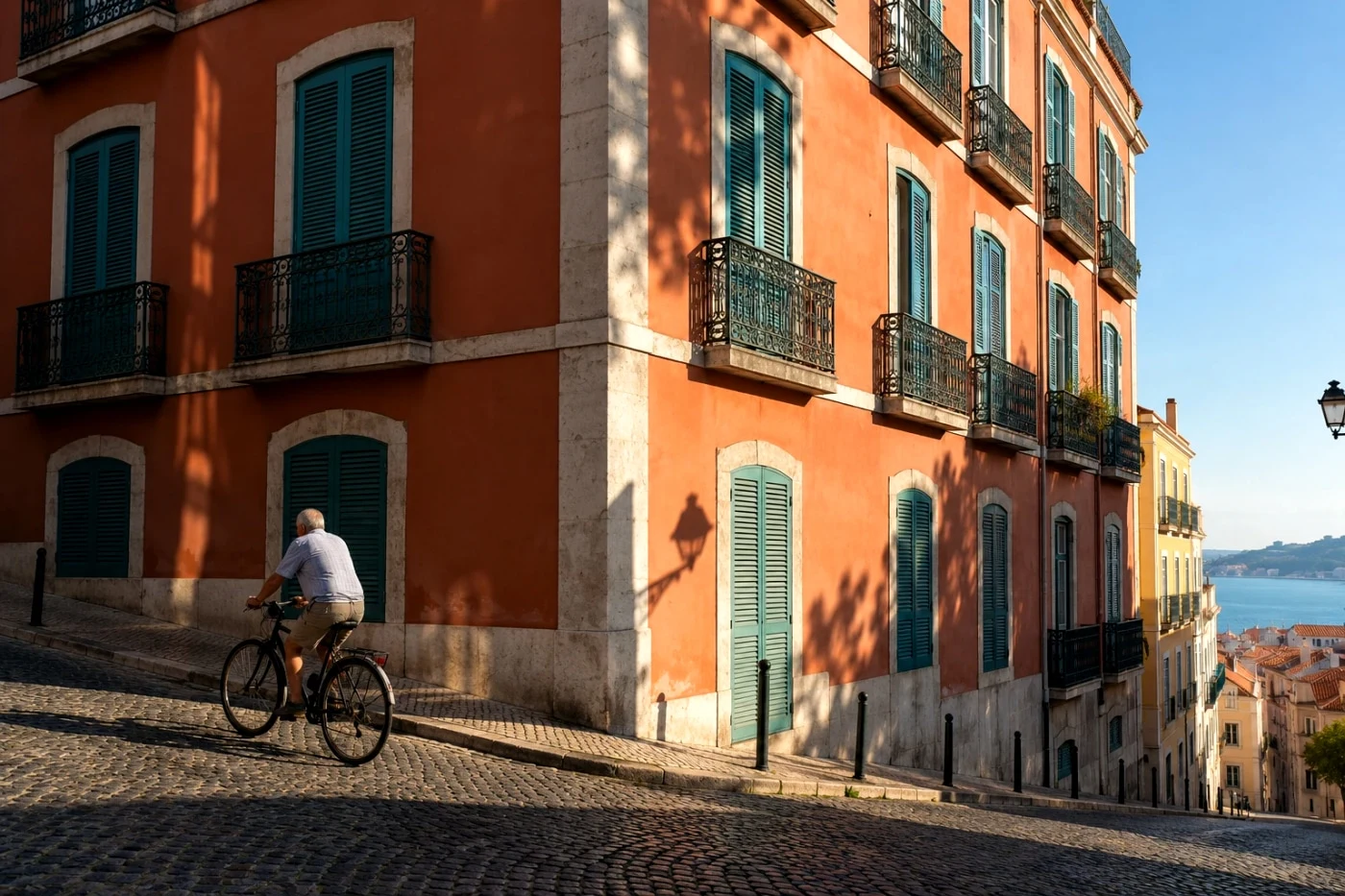
Free saveStreet Positive
 Free save
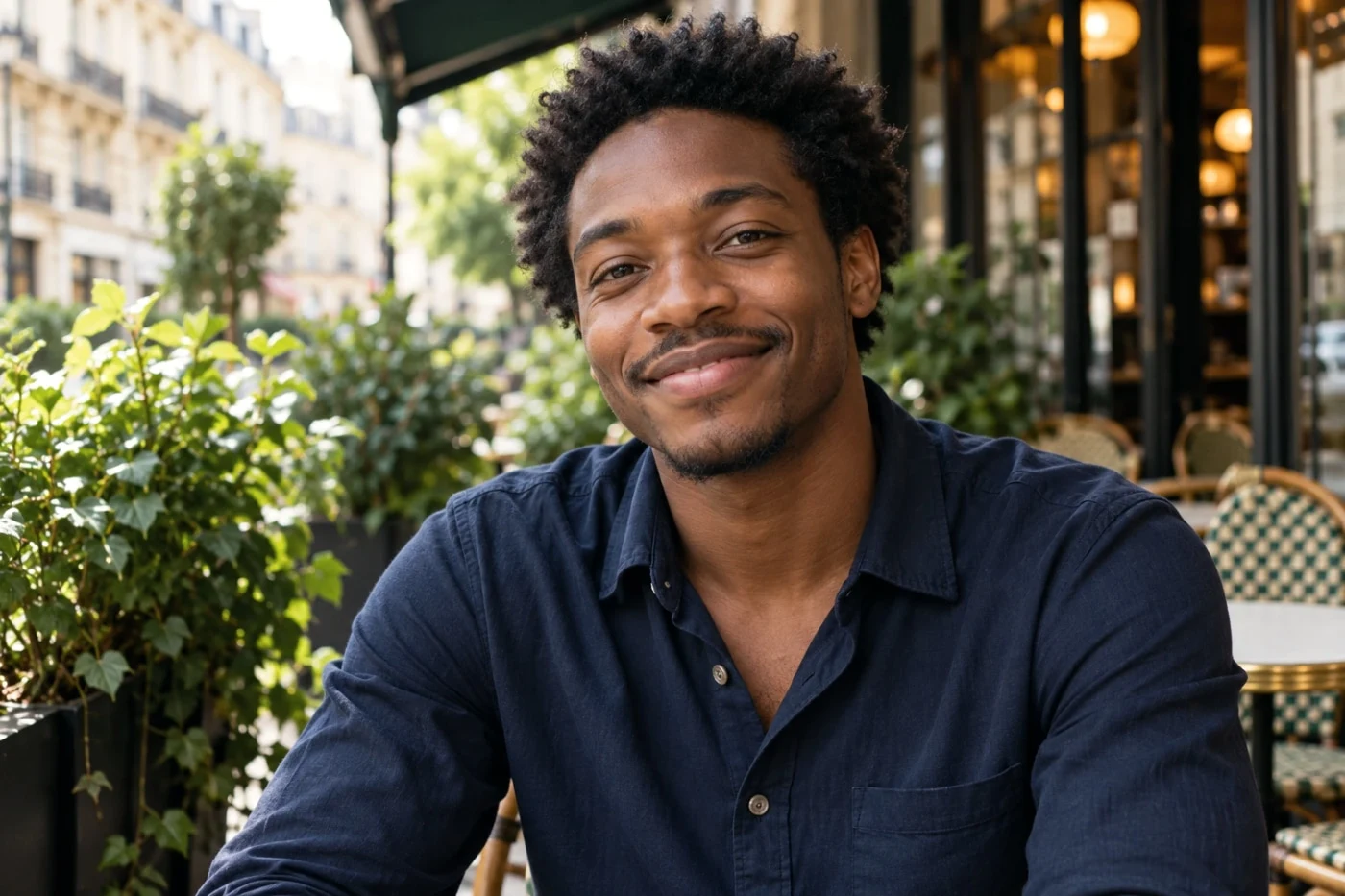
Quiet Stories
 Studio
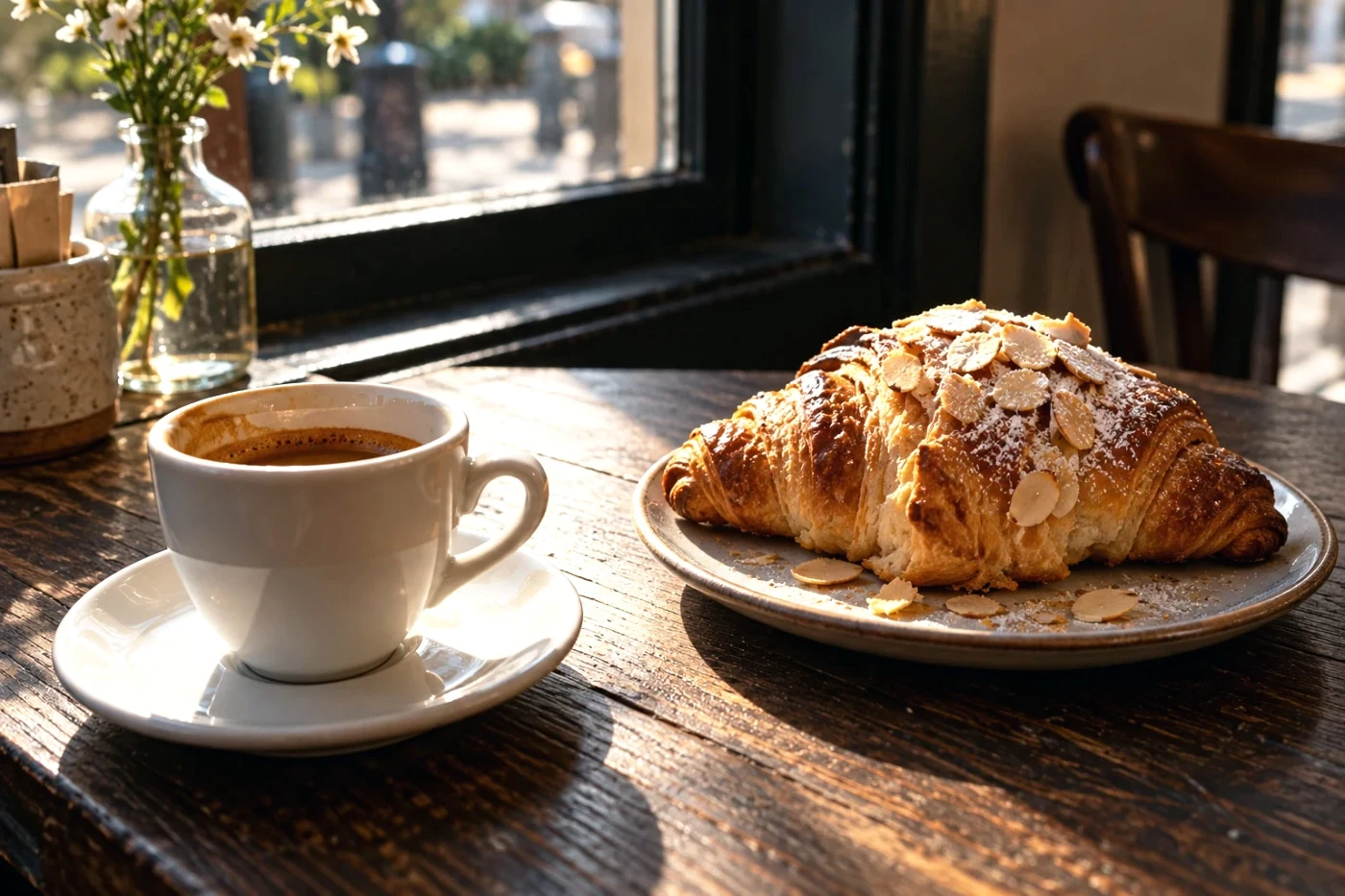
Everyday Negative
 Studio
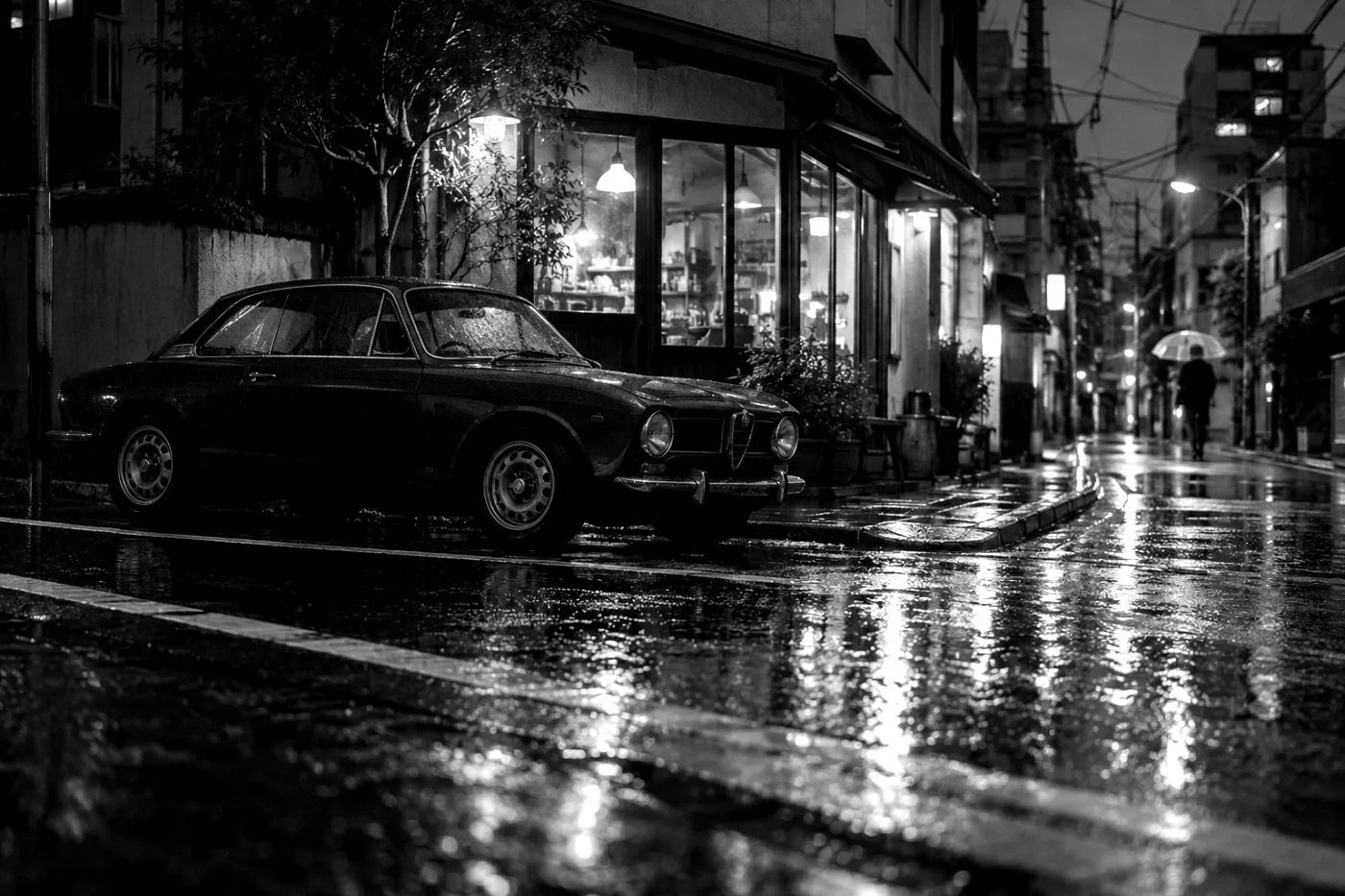
Silver Street
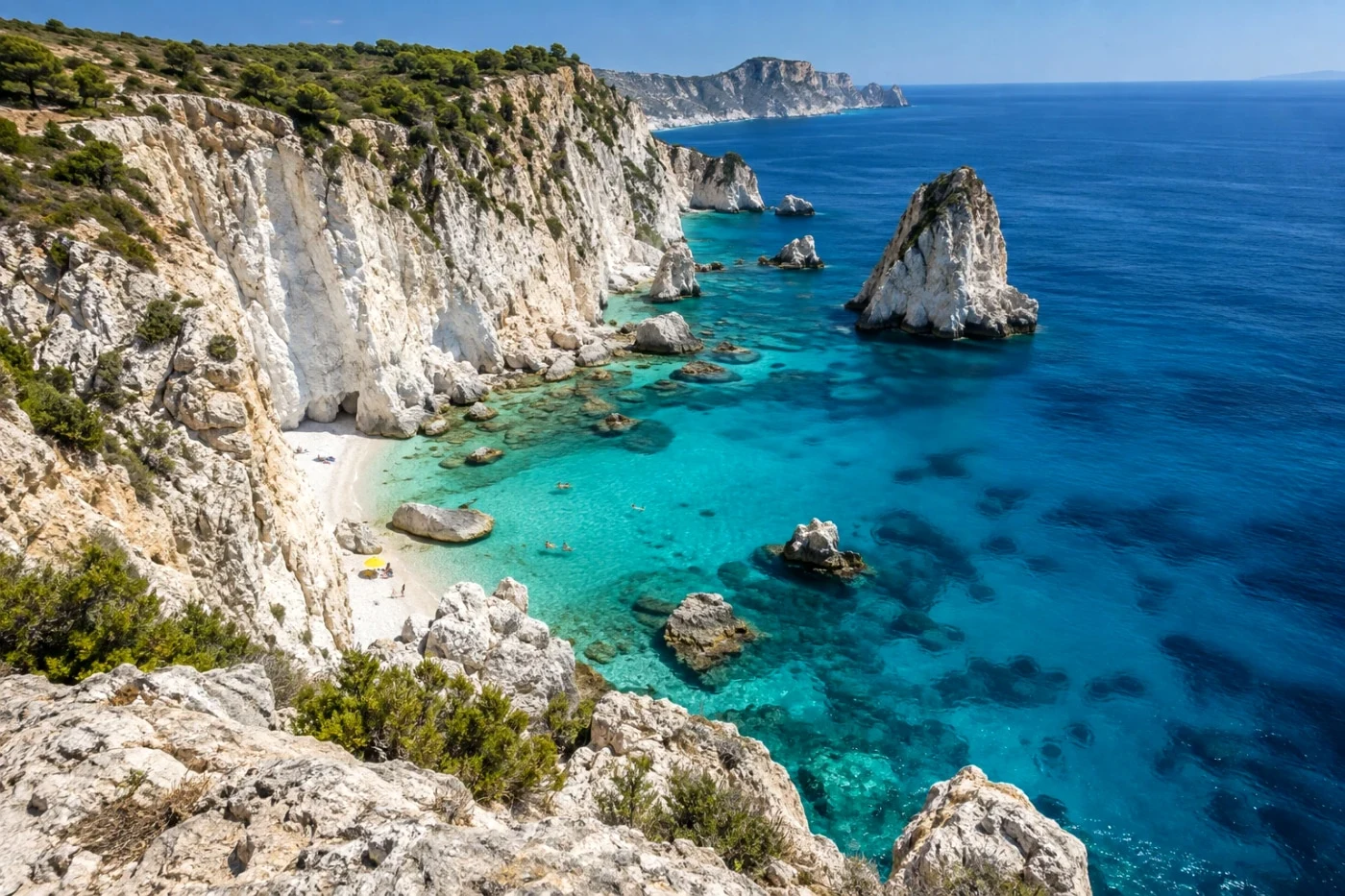 Studio
Sunlit Days
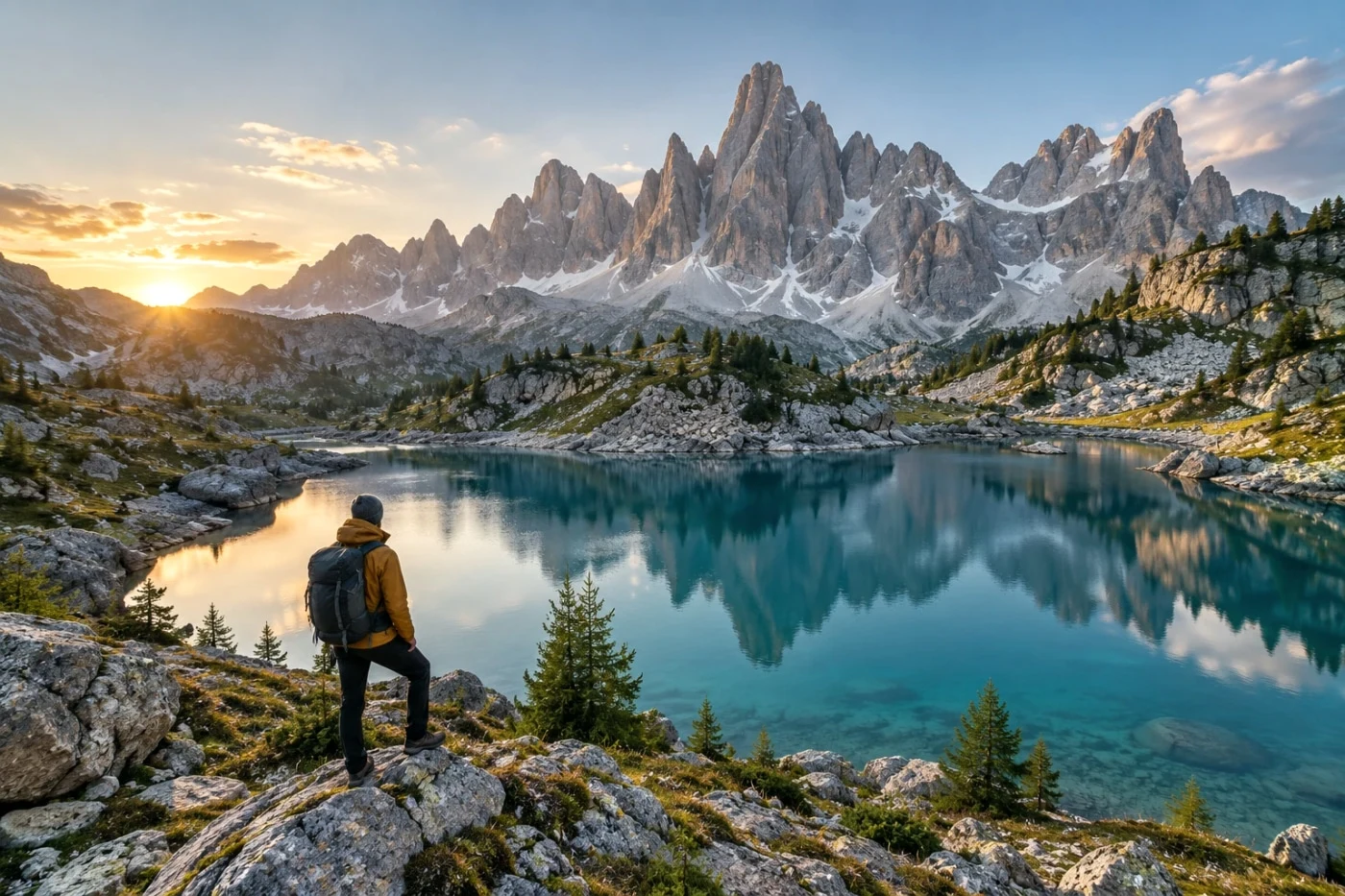 Studio
Forest Notes
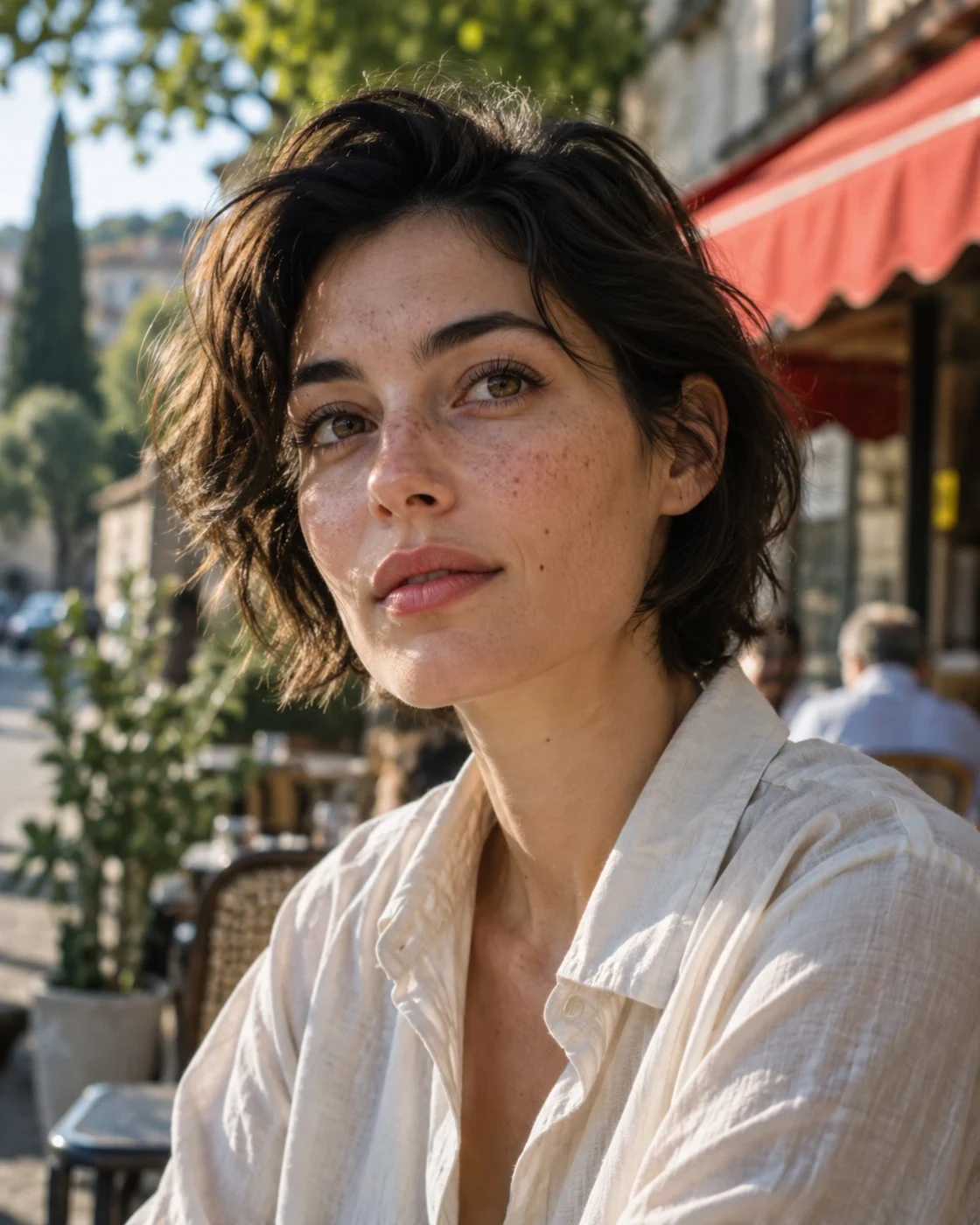 Free save
Natural Portrait
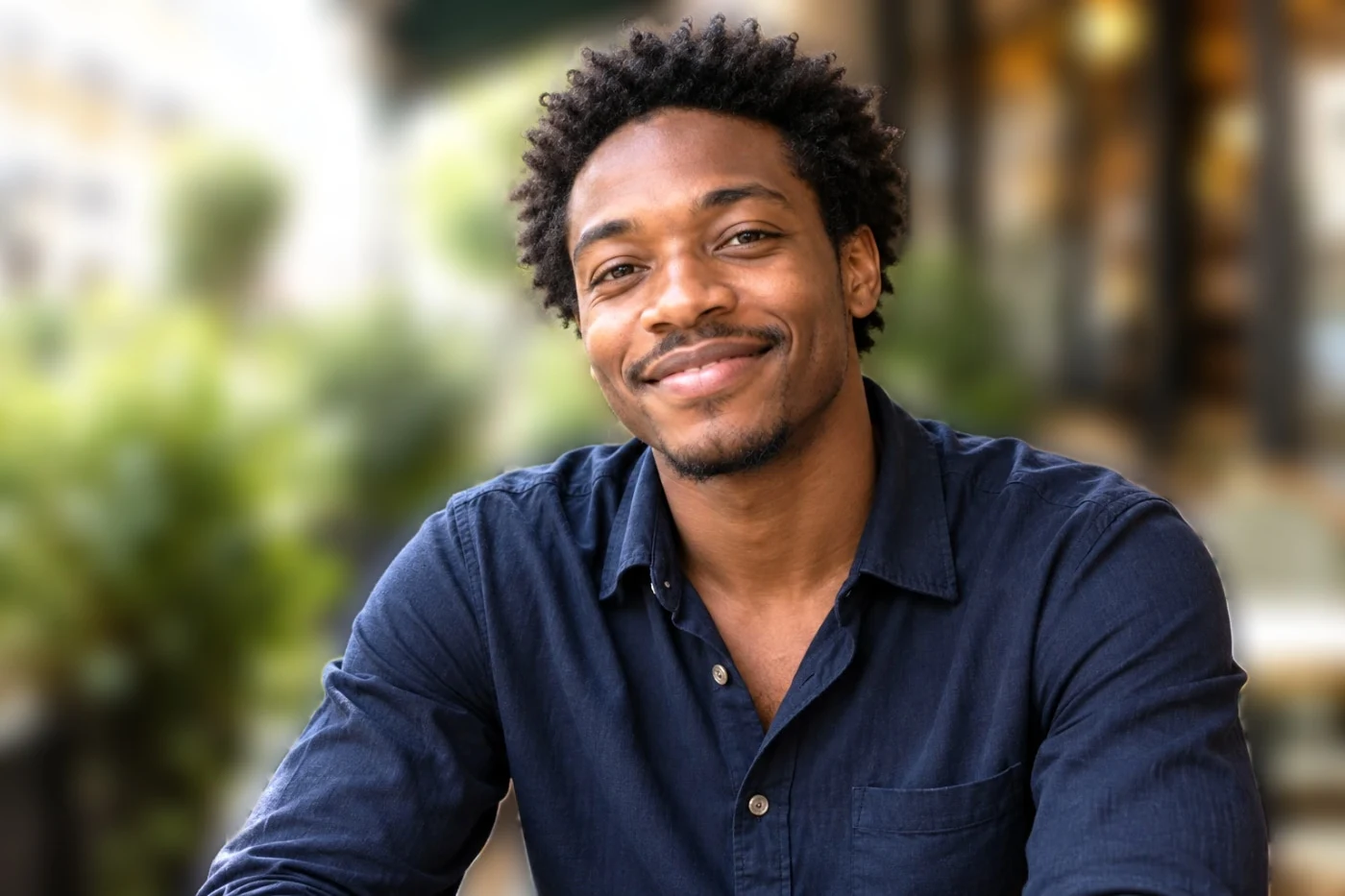 Studio
Soft Focus
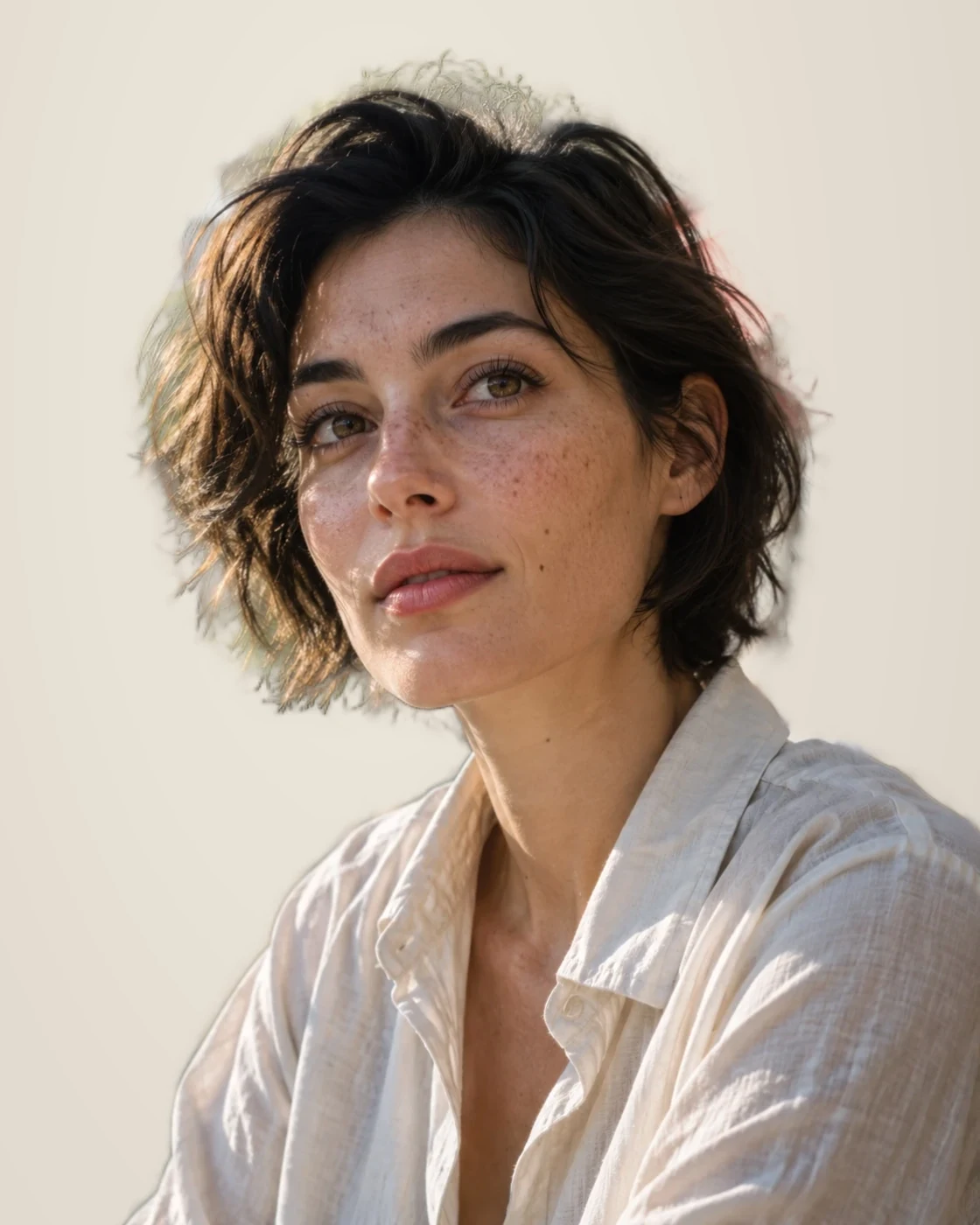 Studio
Warm Studio
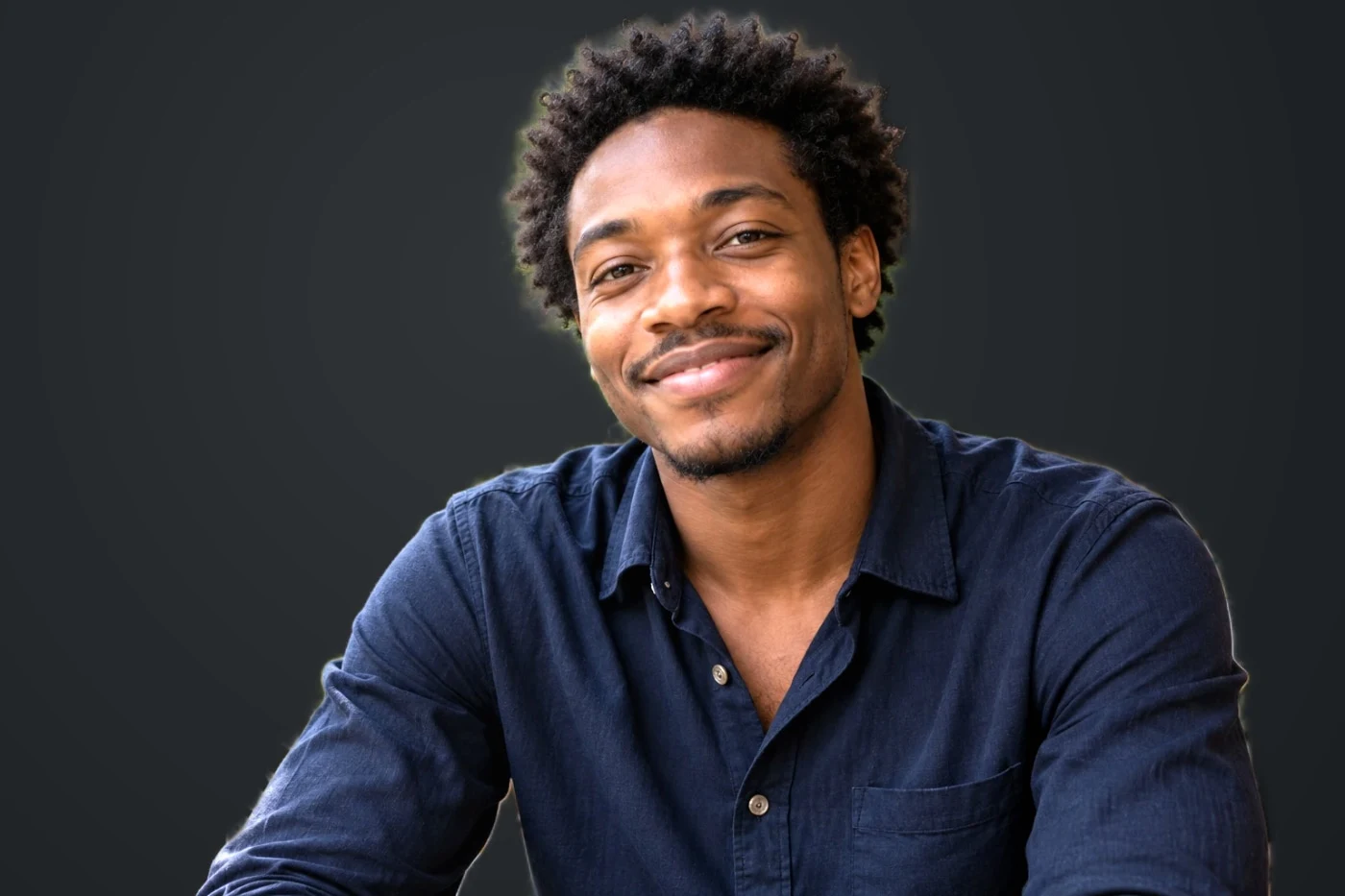 Studio
After Hours
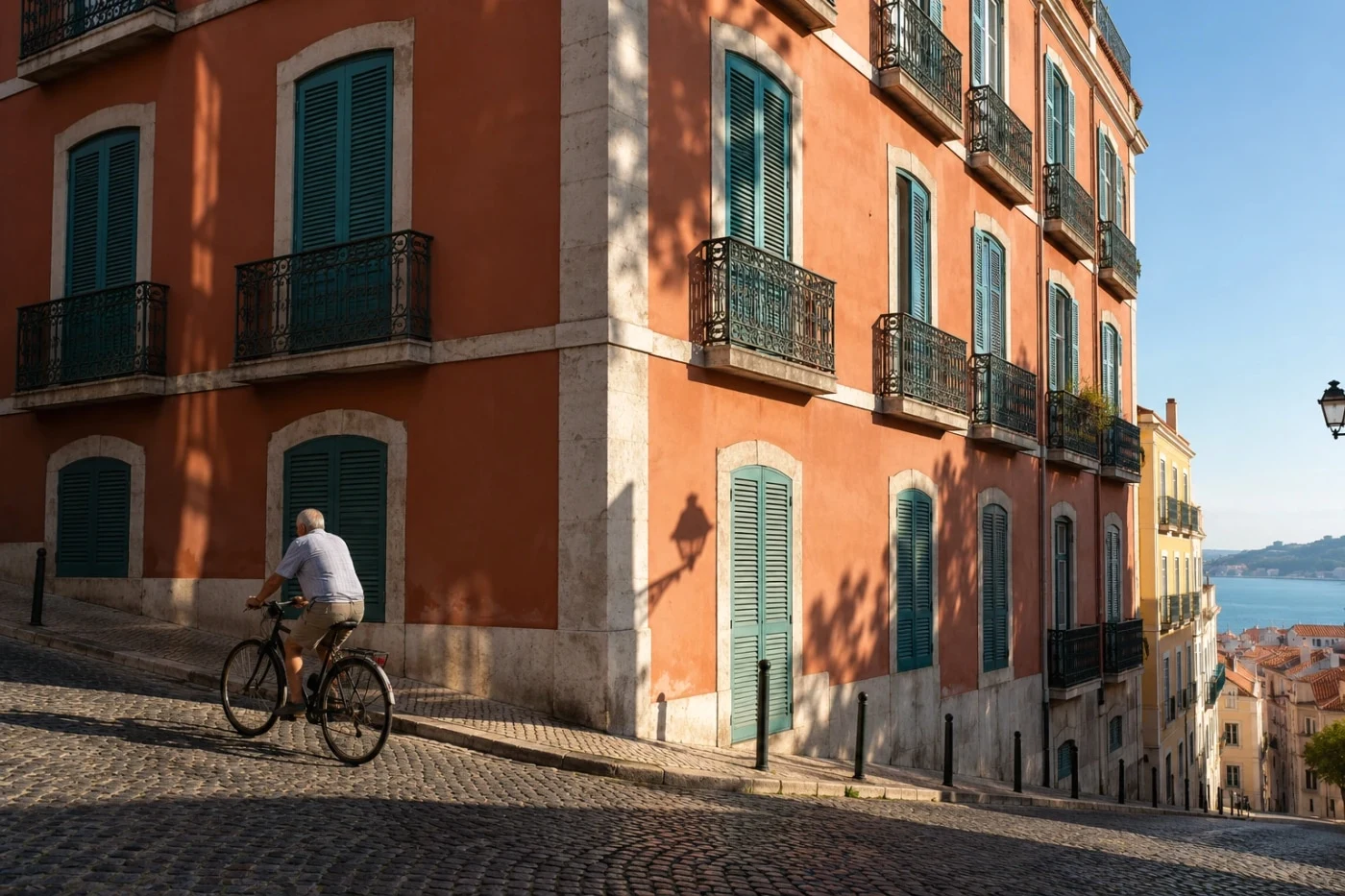 Free save
Sony PT (portrait)
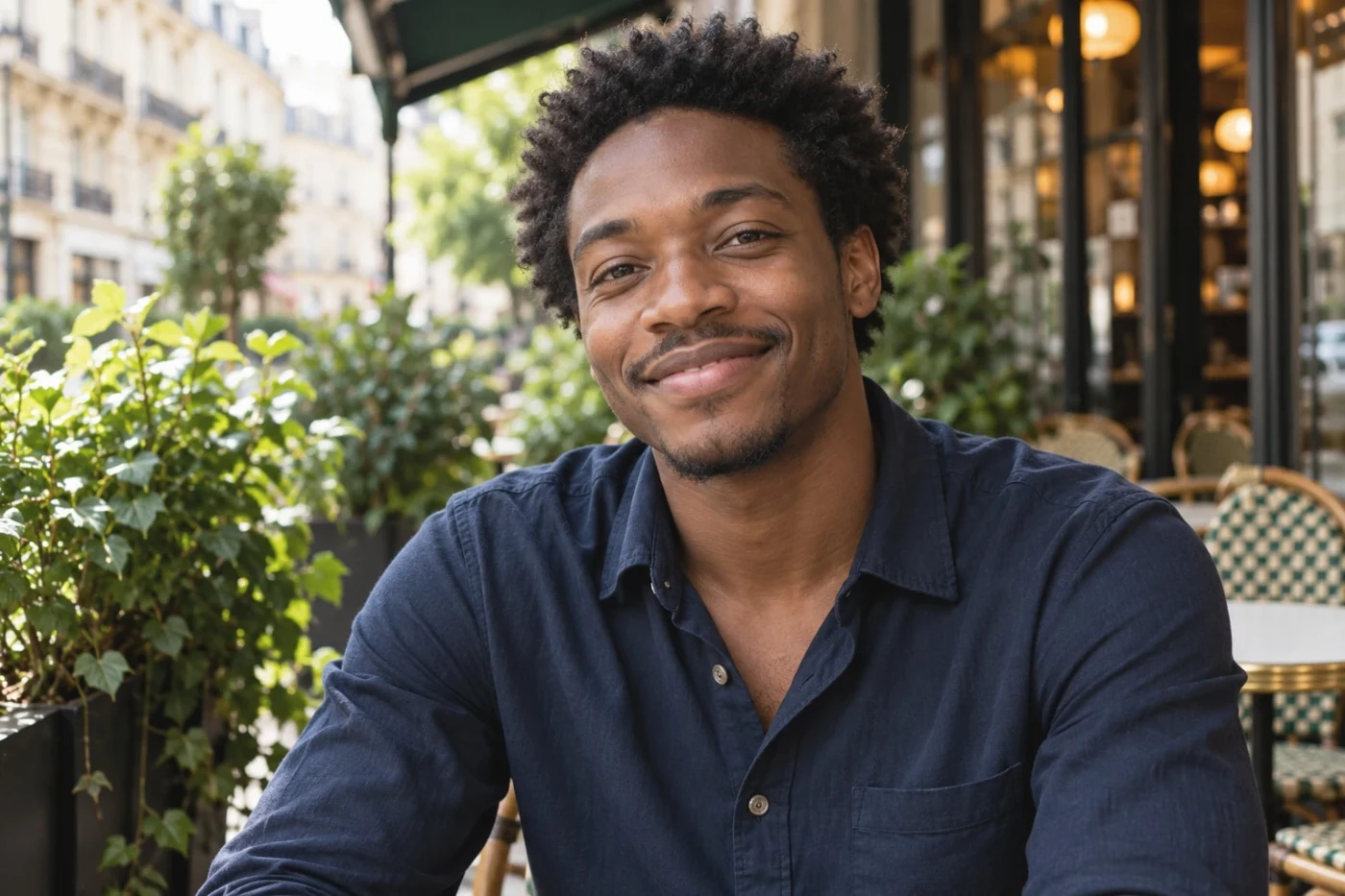 Studio
Sony NT (neutral)
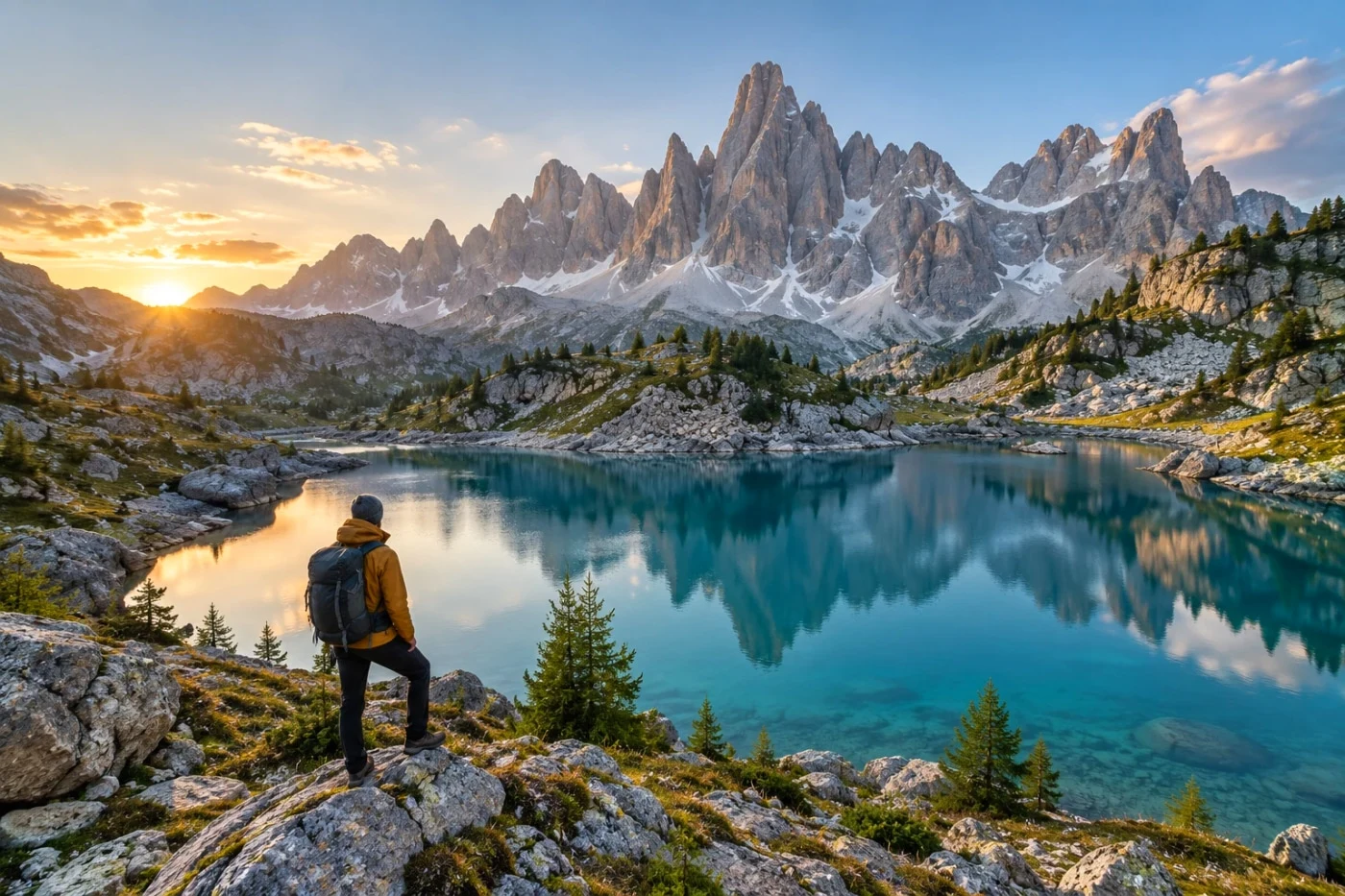 Studio
Sony VV (vivid)
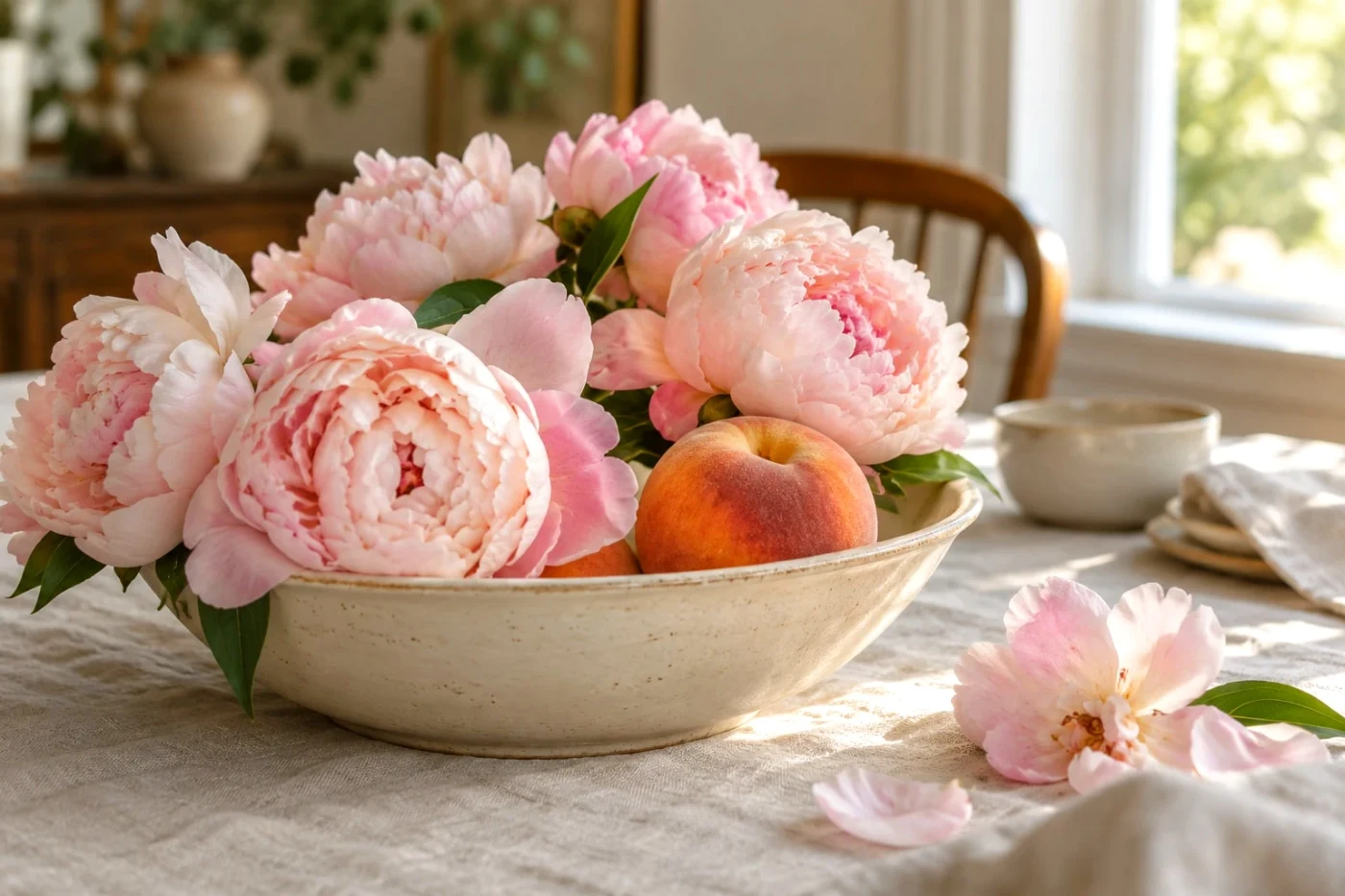 Studio
Sony VV2
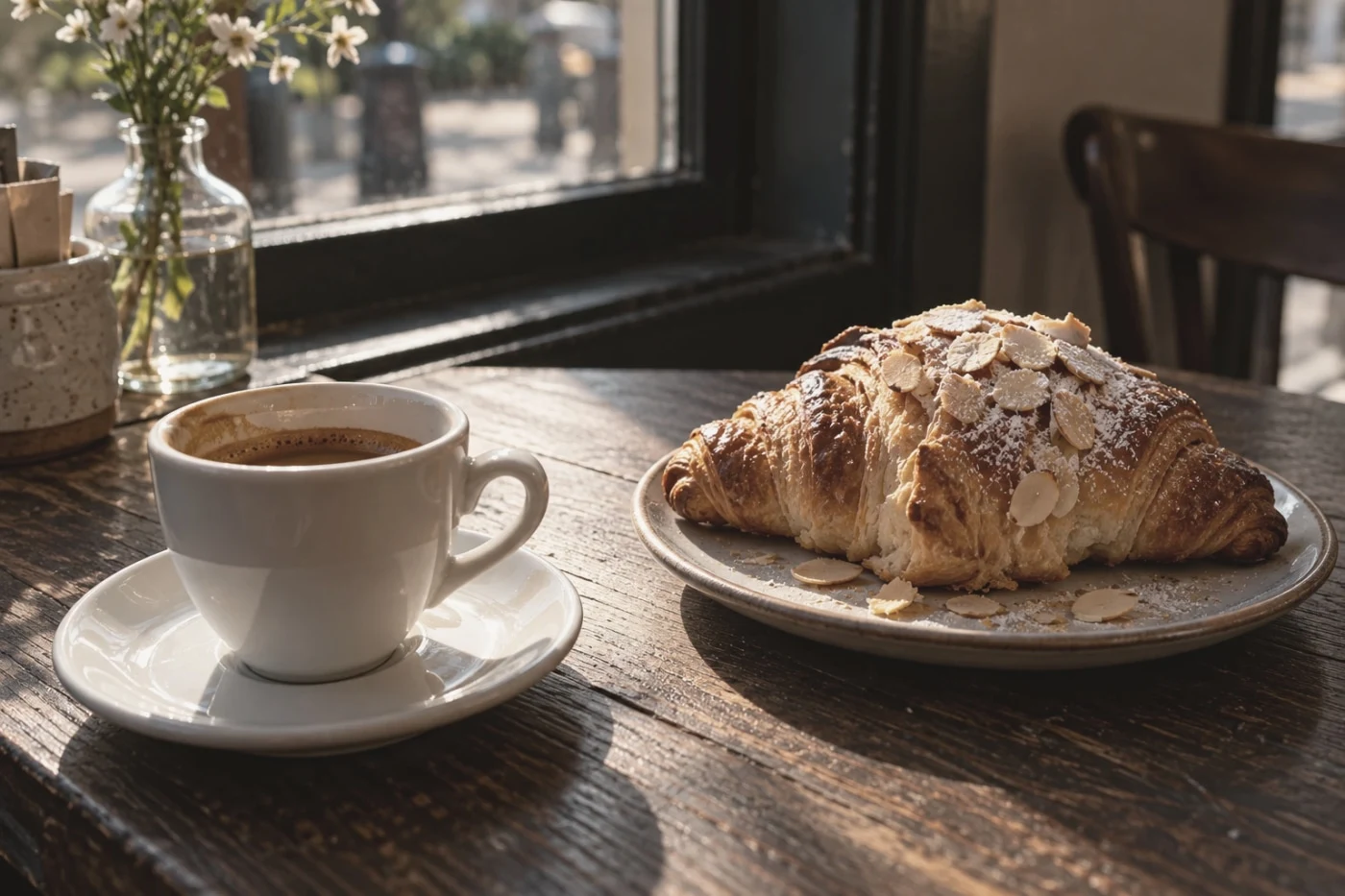 Studio
Sony FL (film-like)
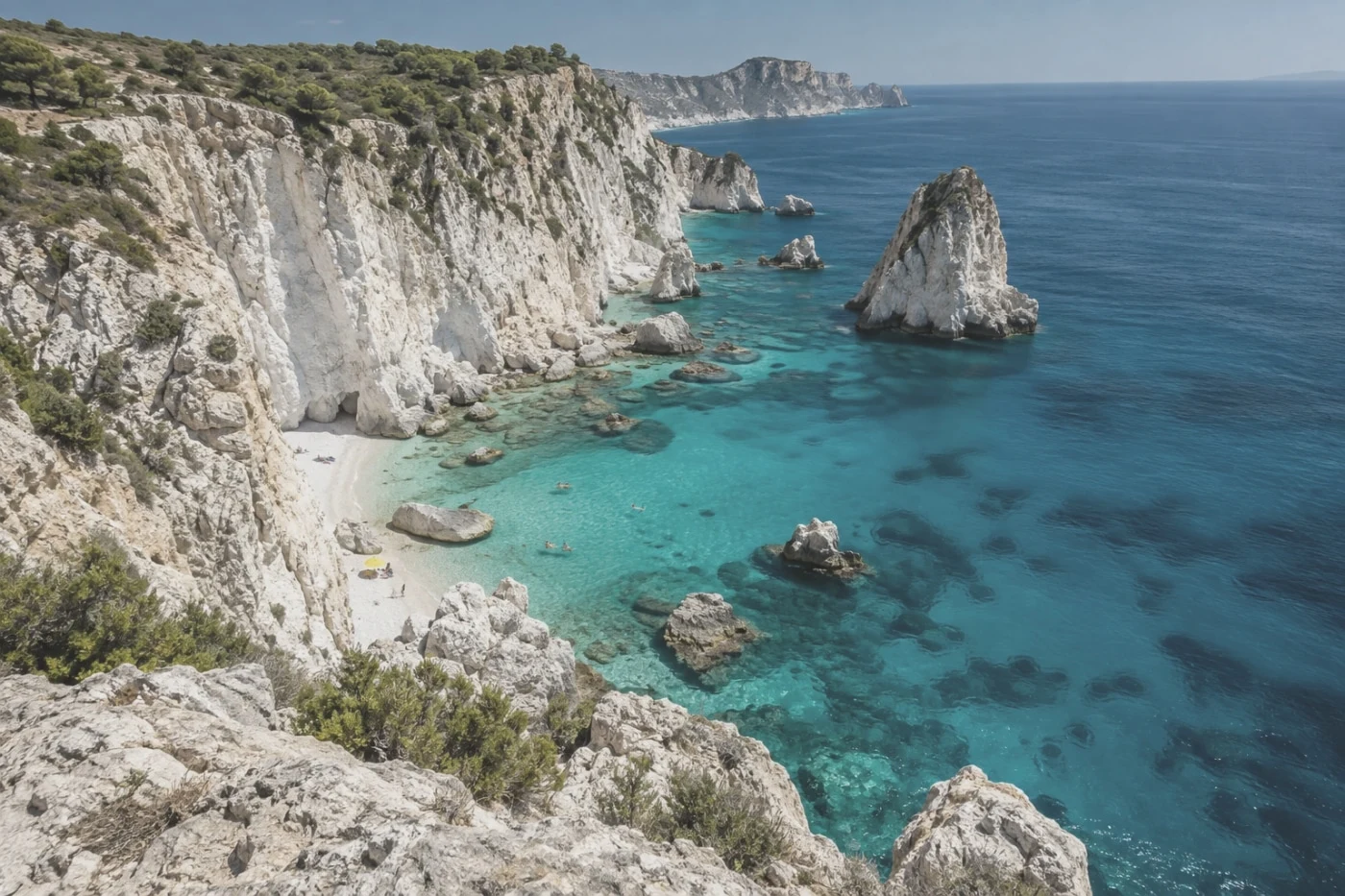 Studio
Sony IN (instant)
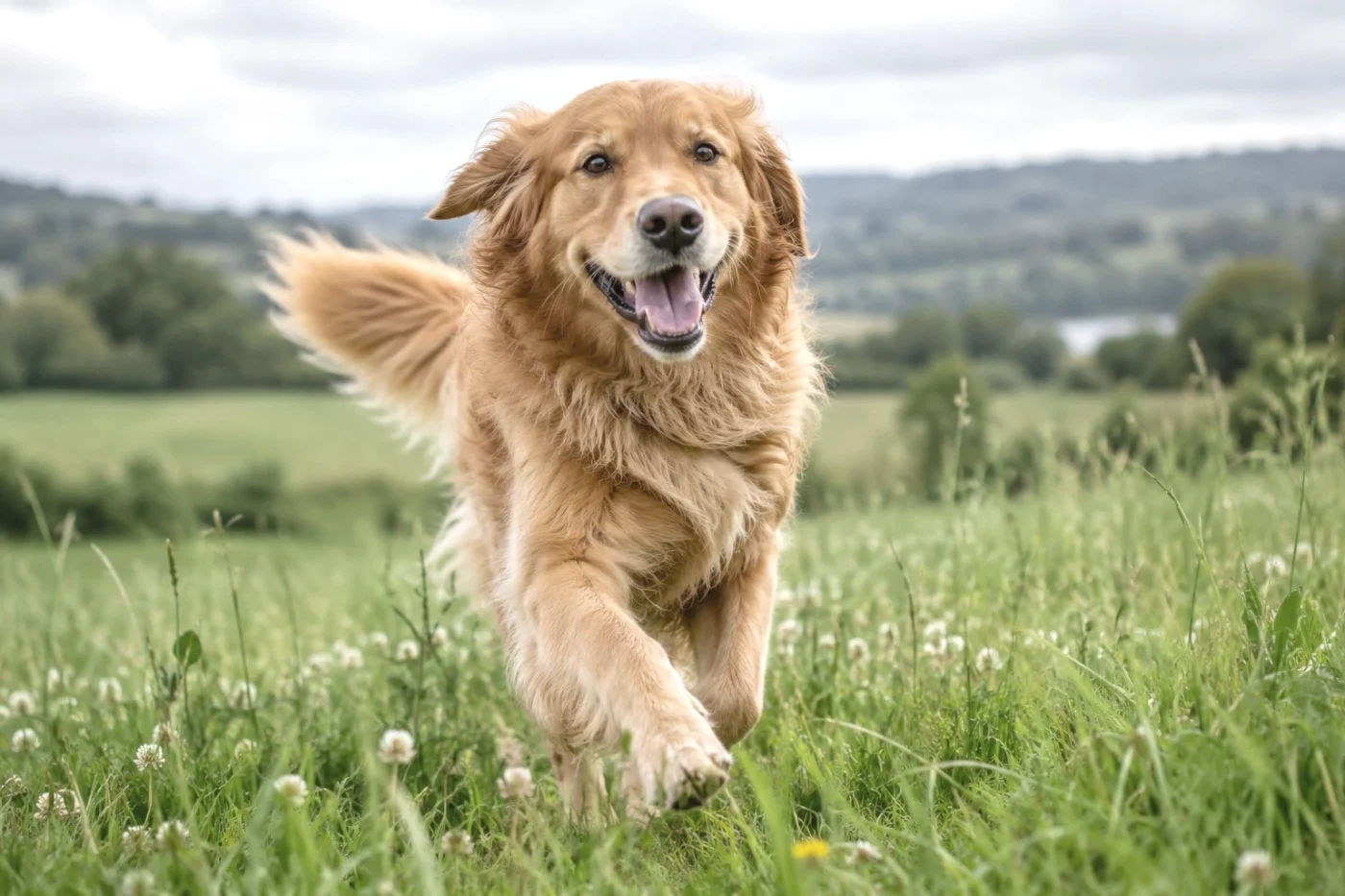 Studio
Sony SH (soft high-key)
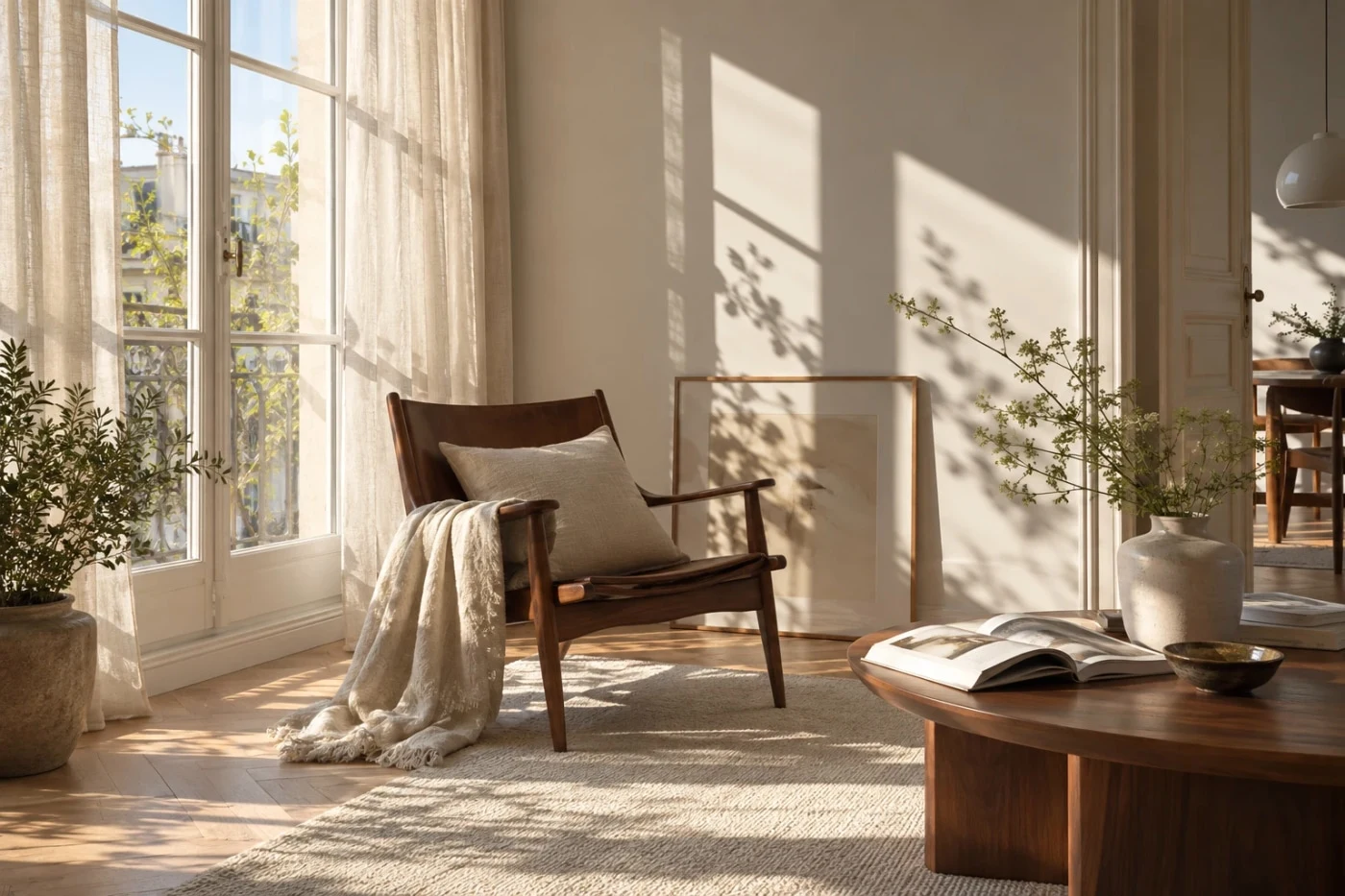 Studio
Provia
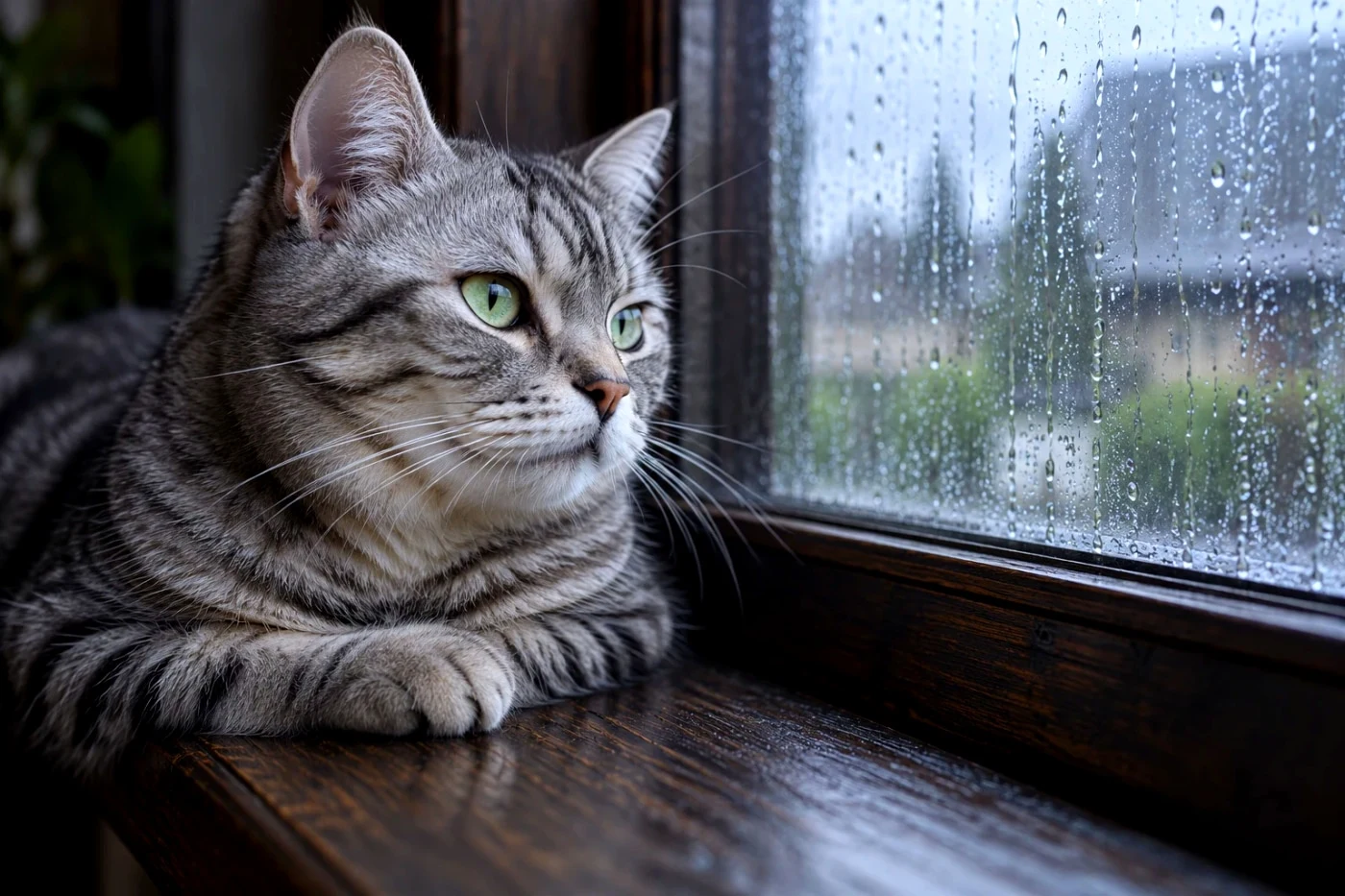 Studio
Velvia
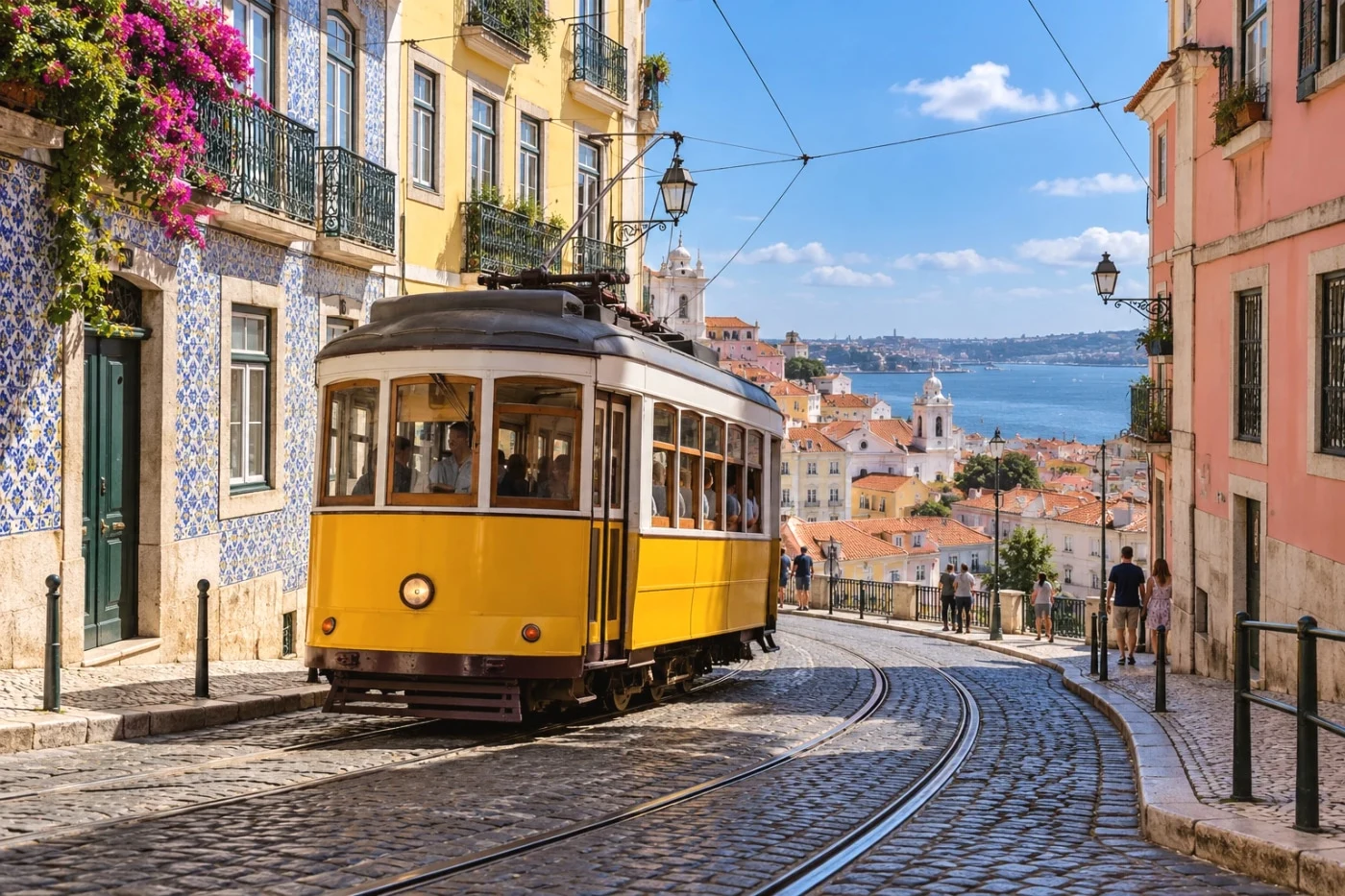 Studio
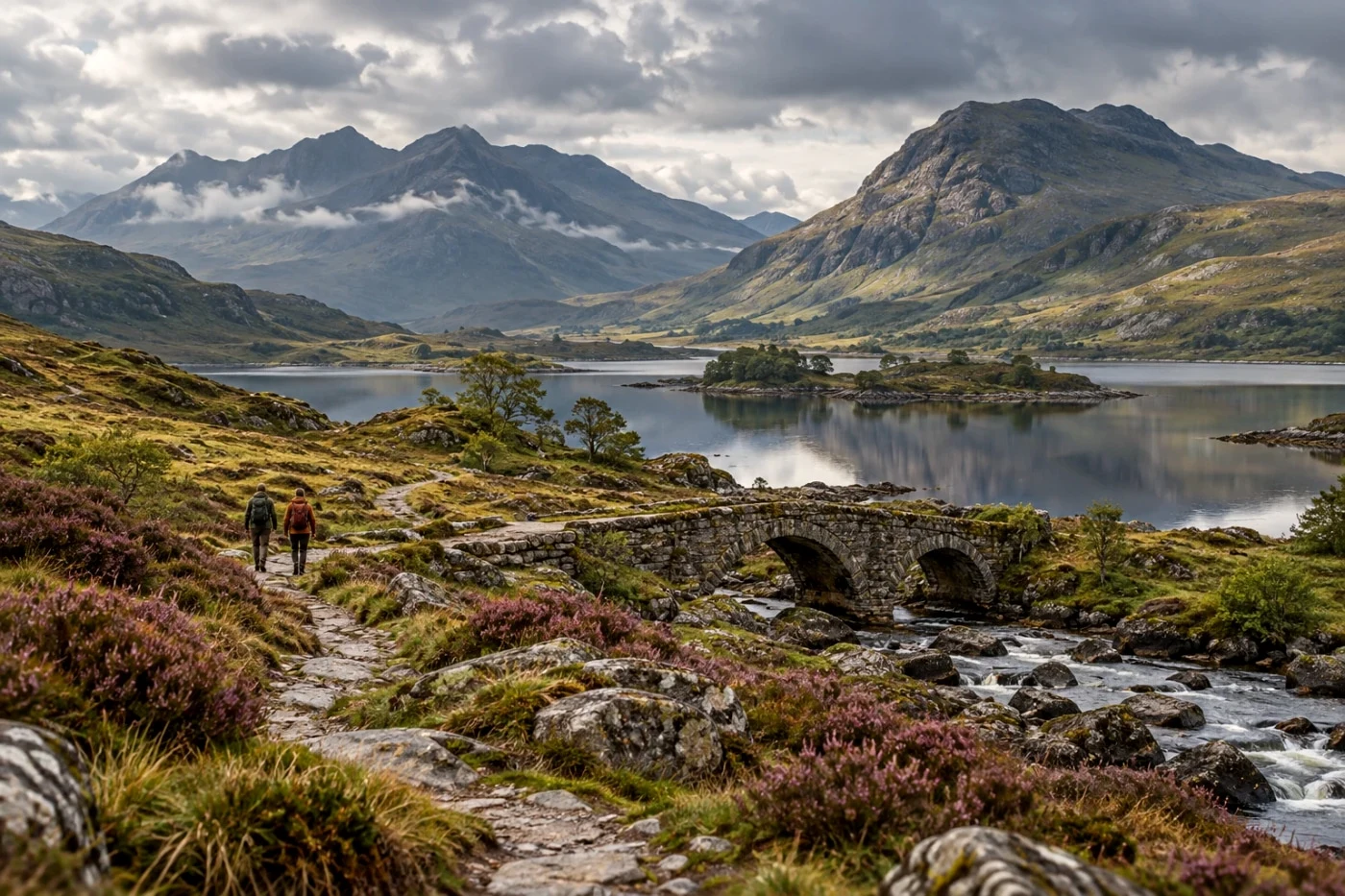
Astia
 Studio
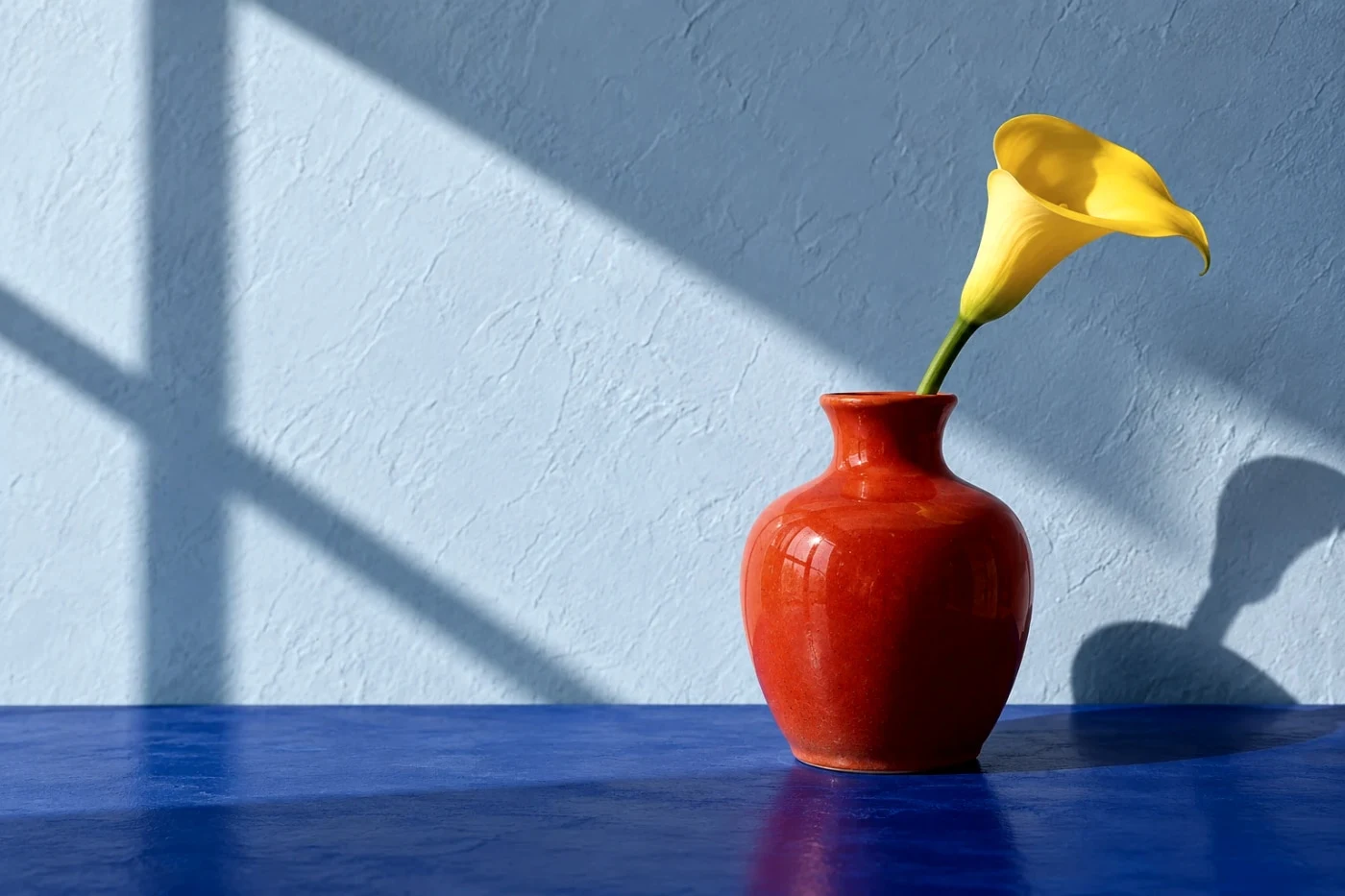
Classic Chrome
 Studio
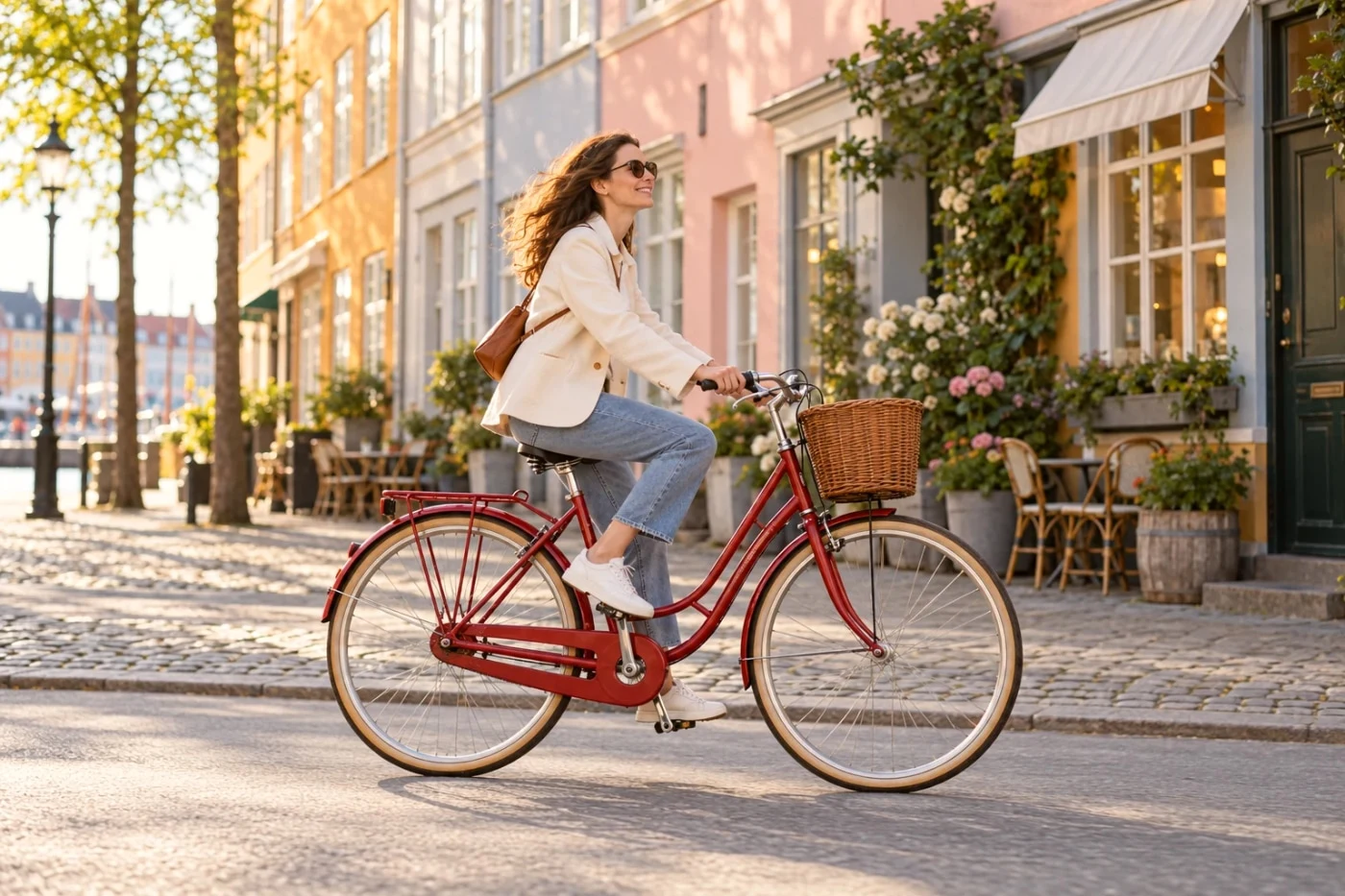
Classic Negative
 Studio
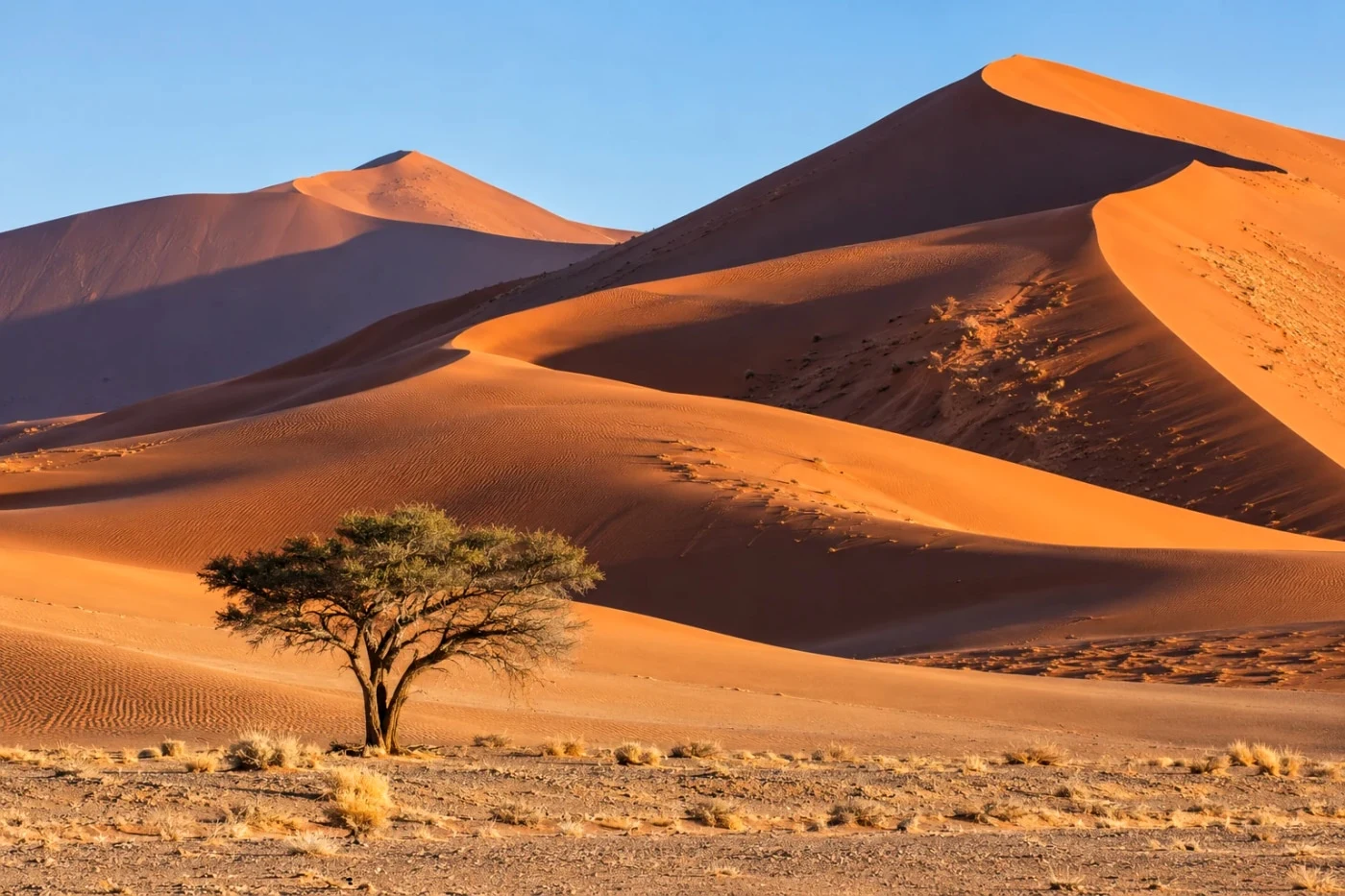
Nostalgic Neg
 Studio
Reala Ace
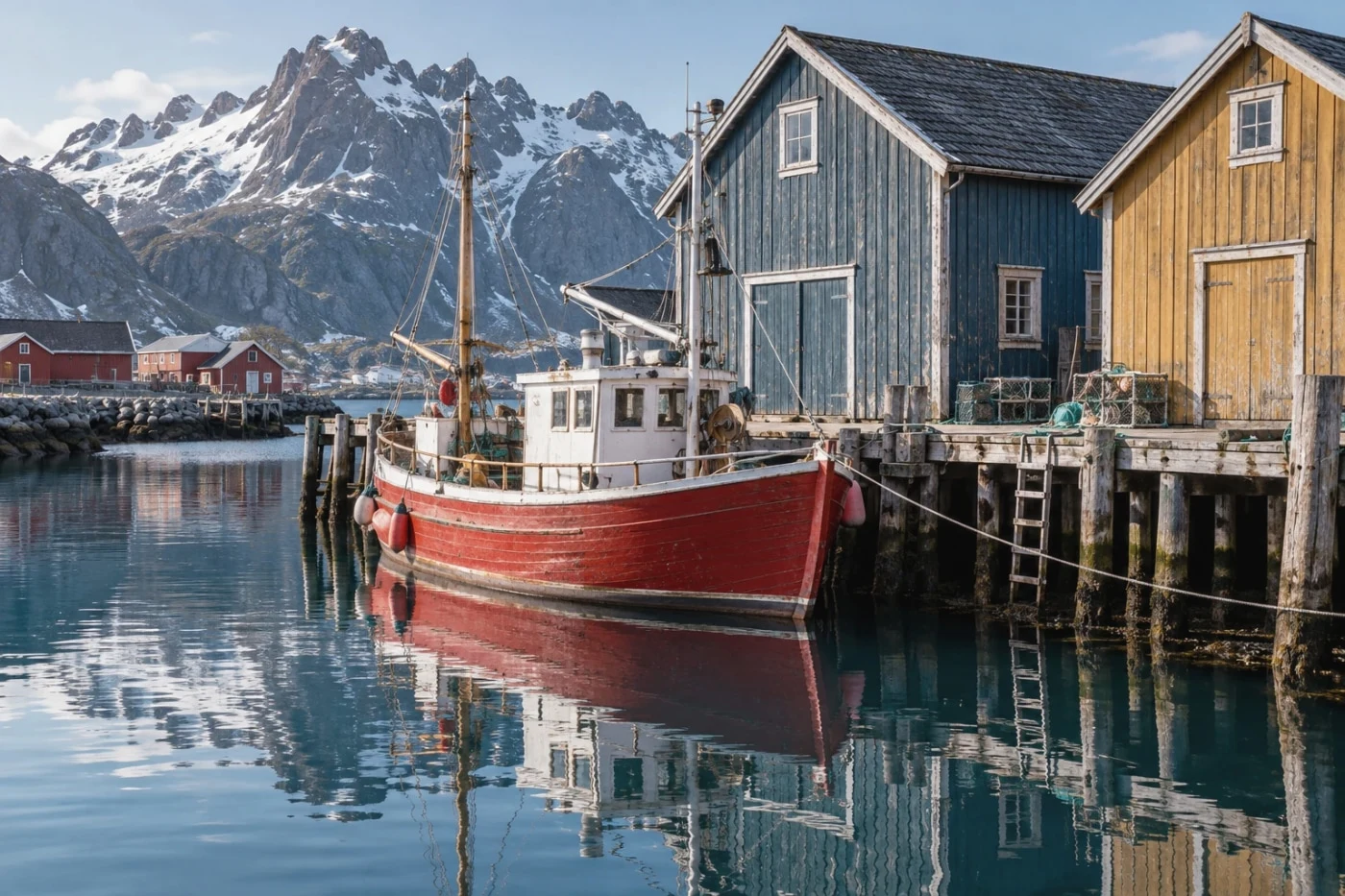 Studio
Pro Neg Std
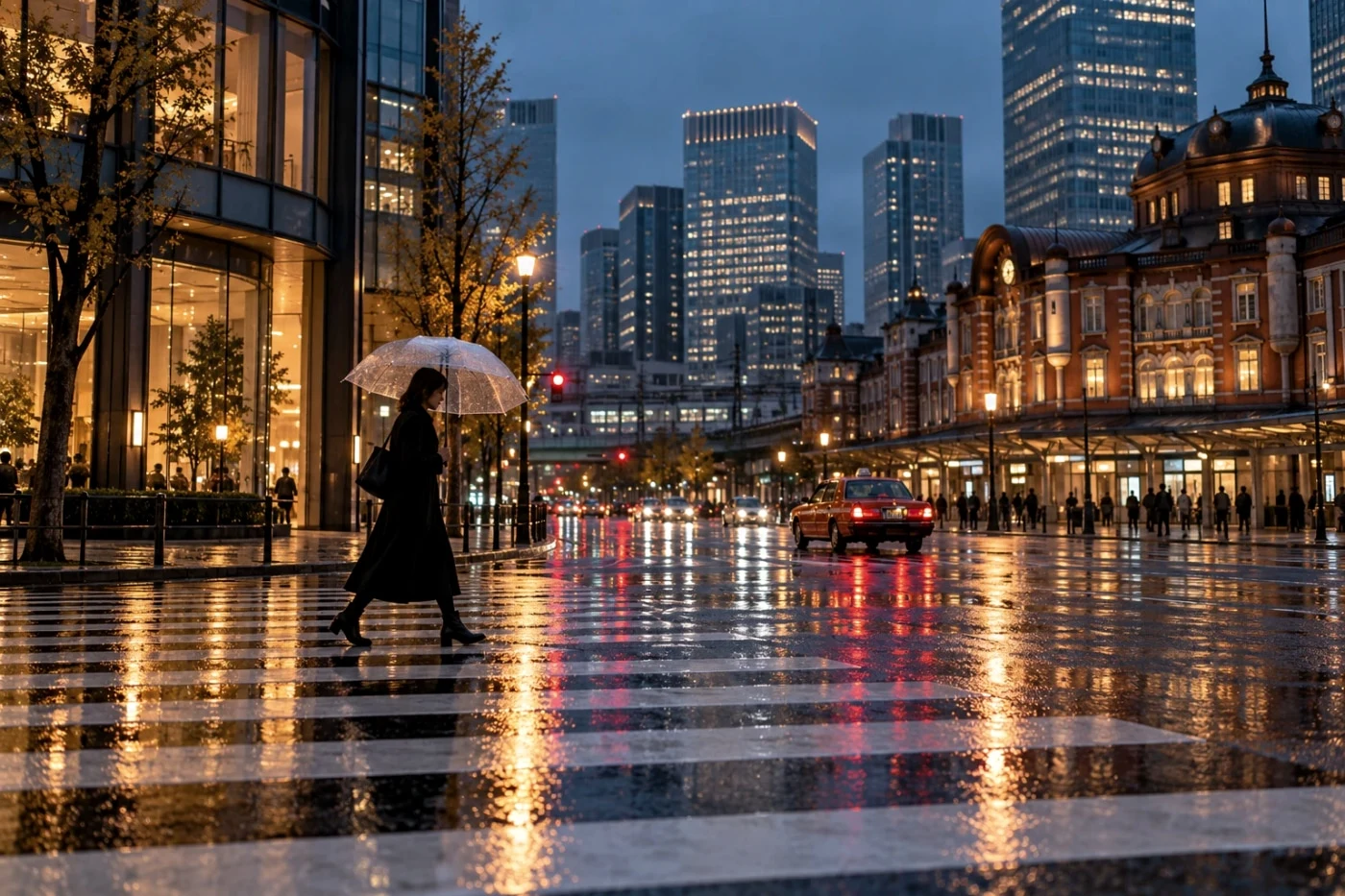 Studio
Pro Neg Hi
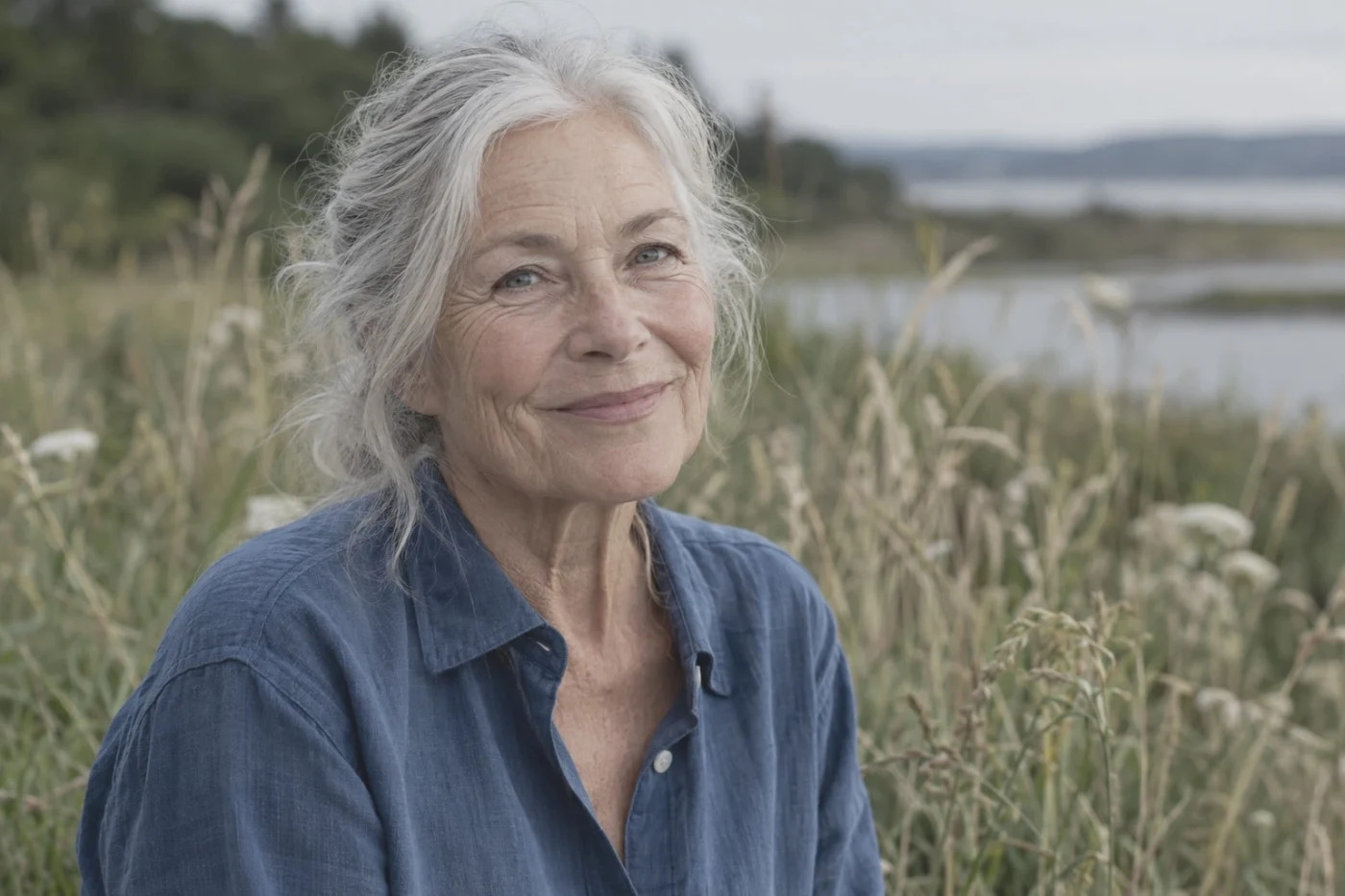 Studio
Eterna
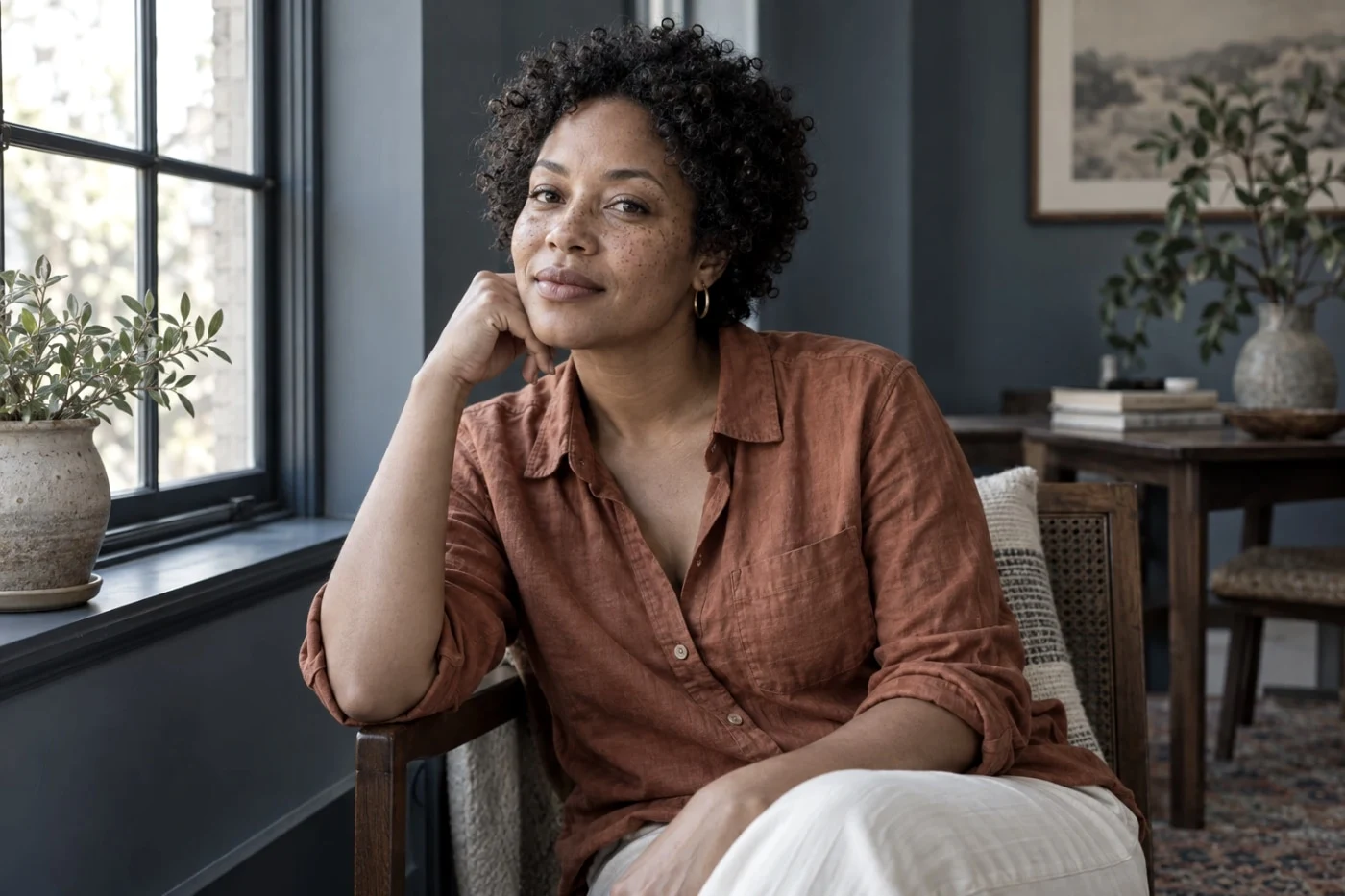 Studio
Eterna Bleach Bypass
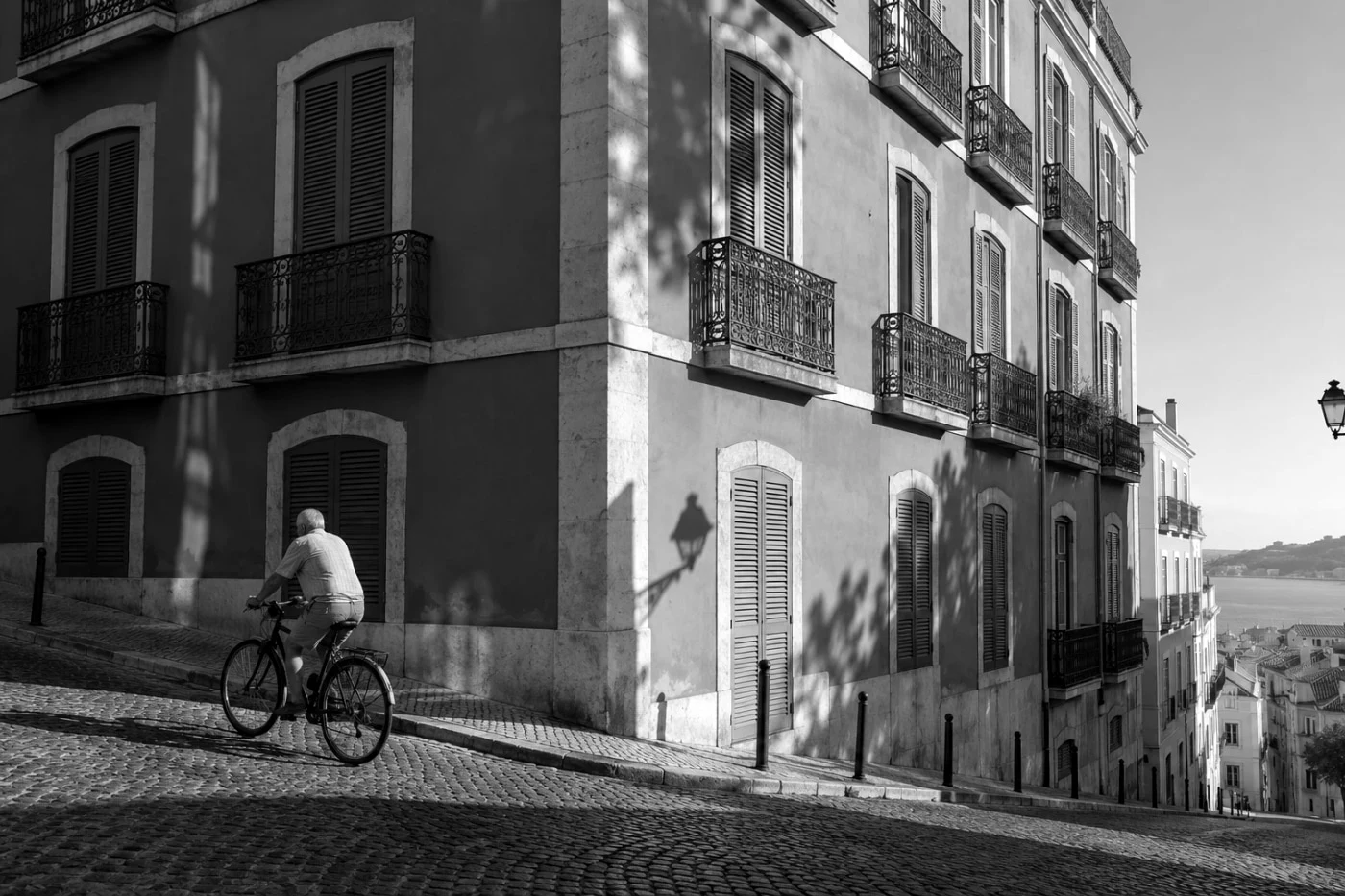 Studio
Acros
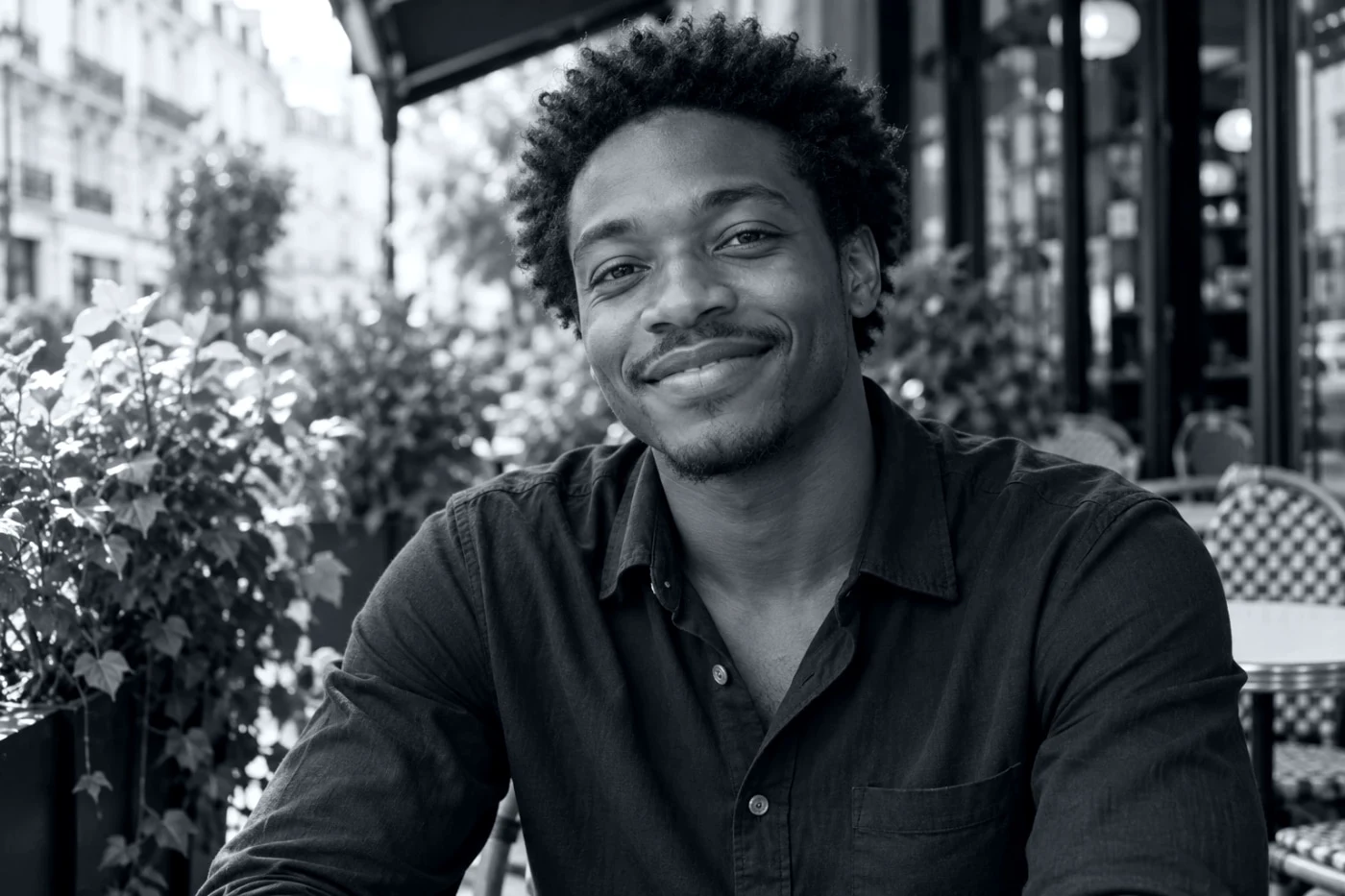 Studio
Acros +Ye (yellow filter)
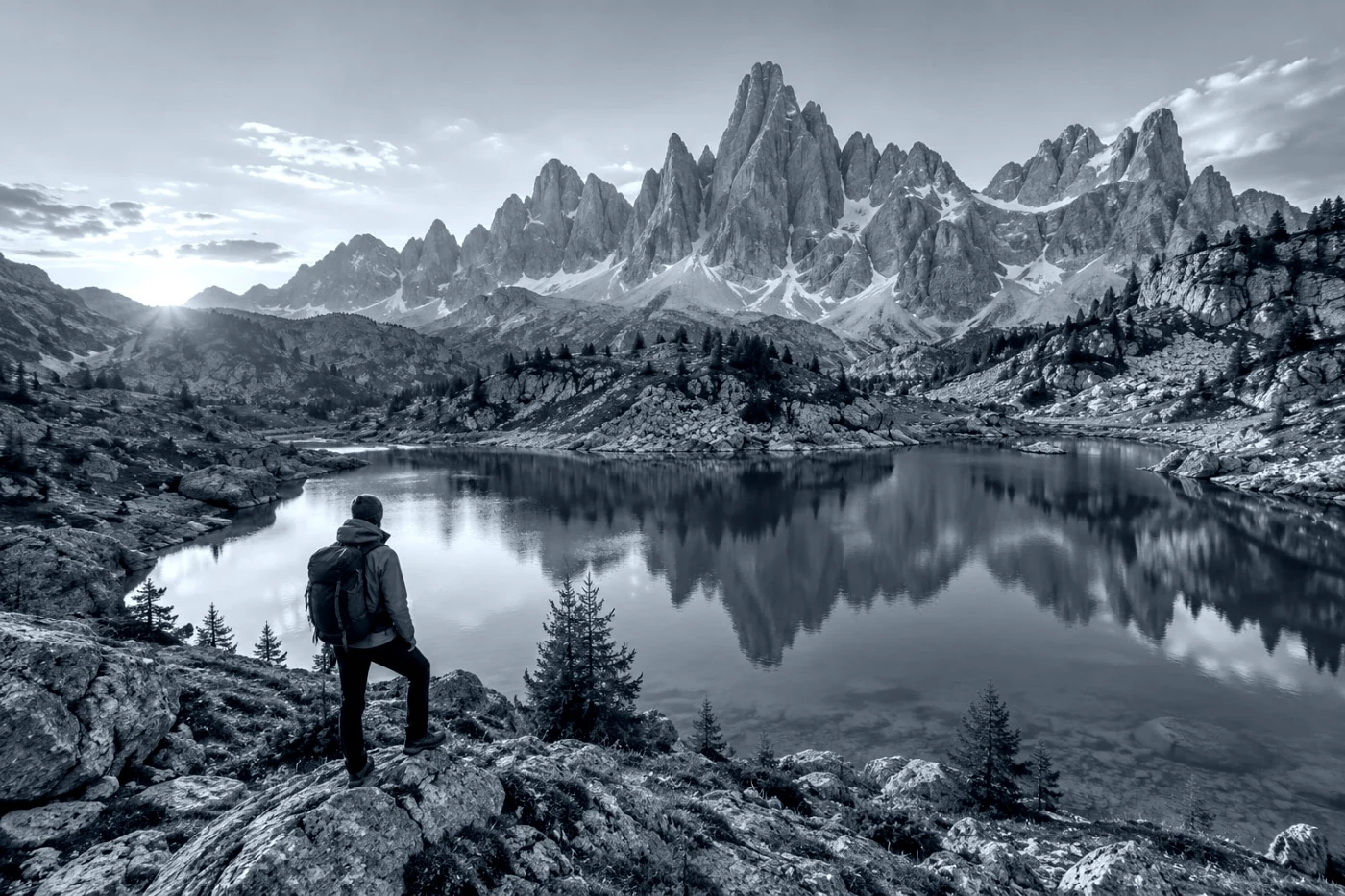 Studio
Acros +R (red filter)
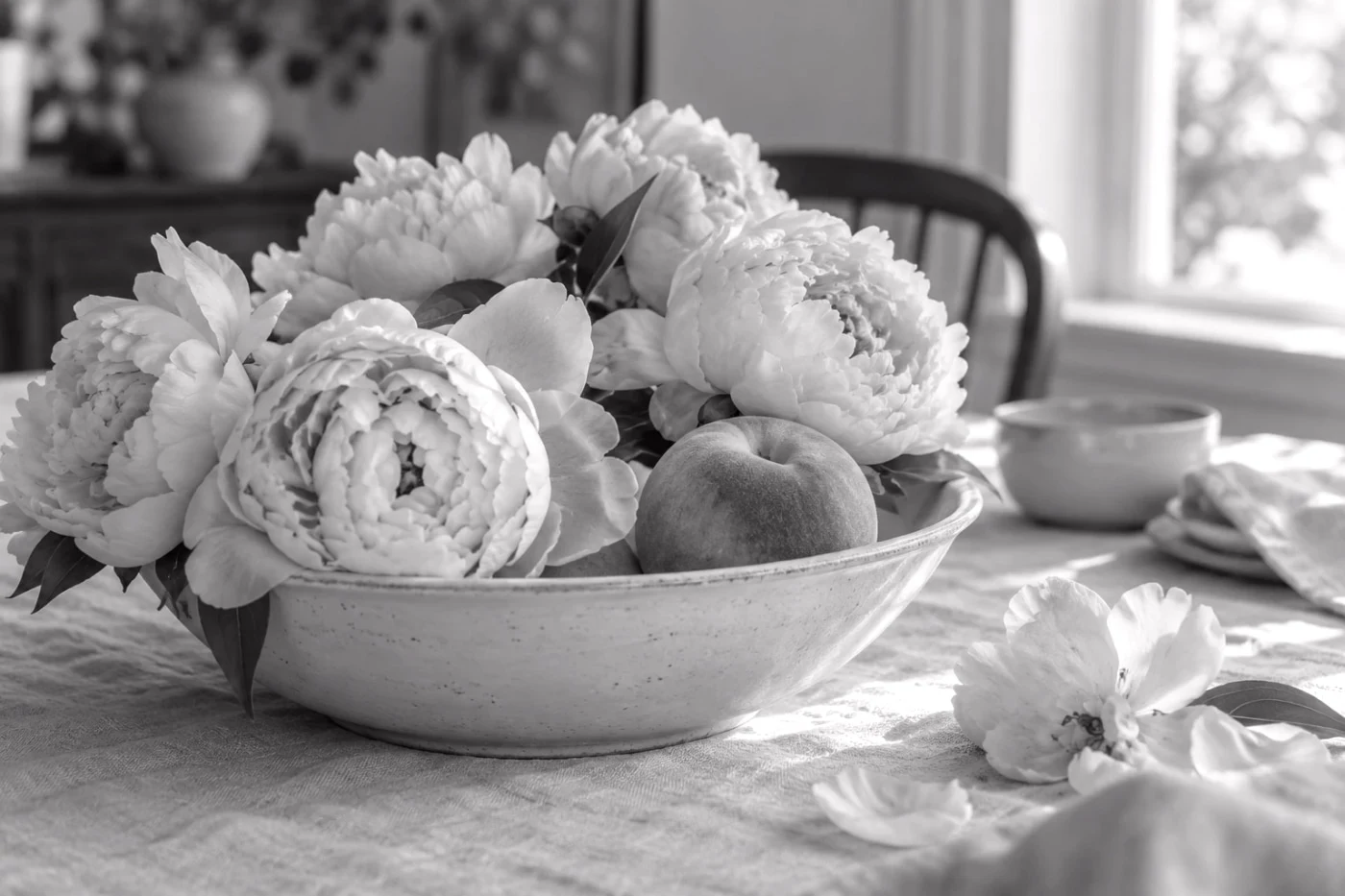 Studio
Acros +G (green filter)
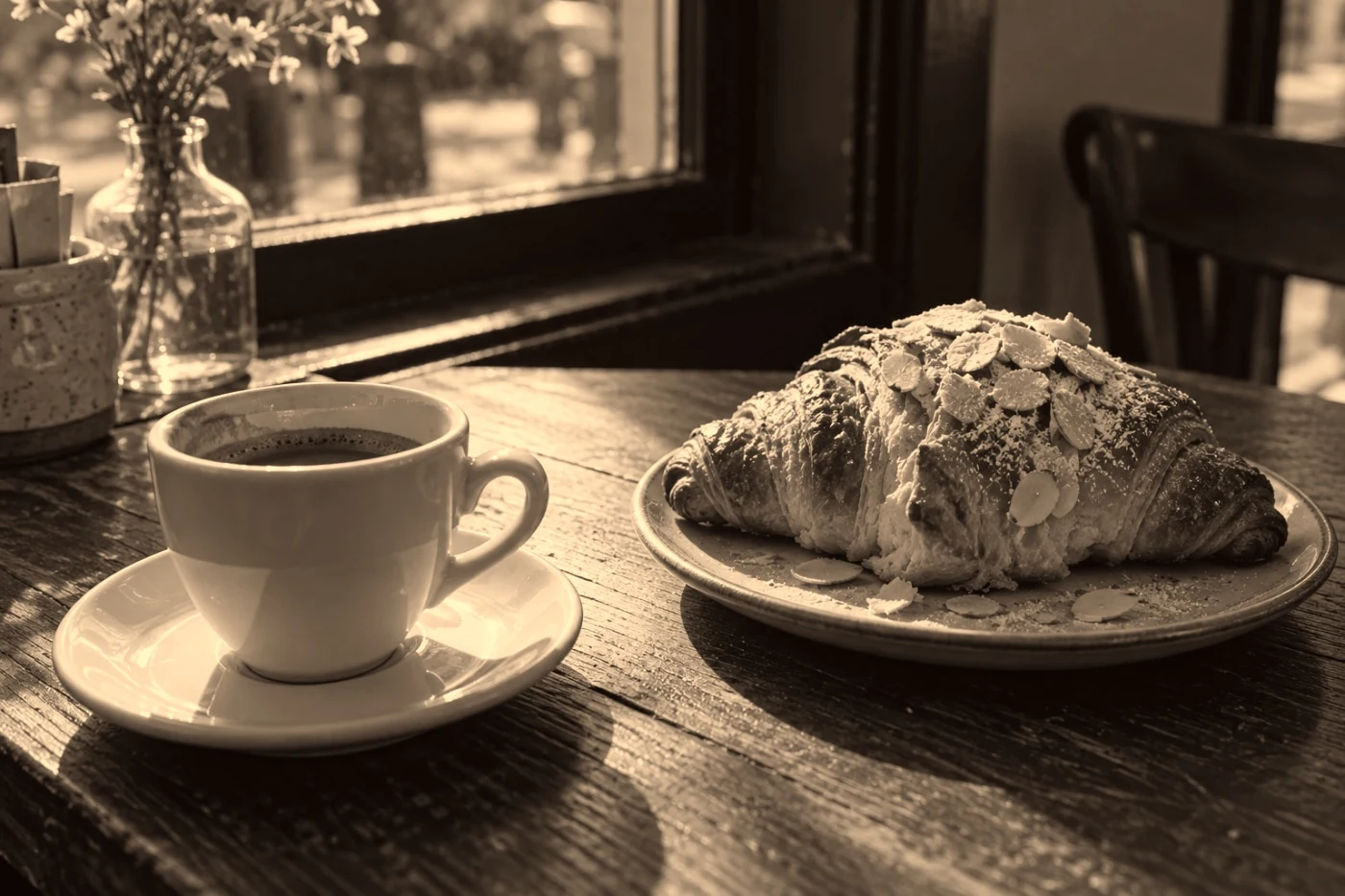 Studio
Sepia
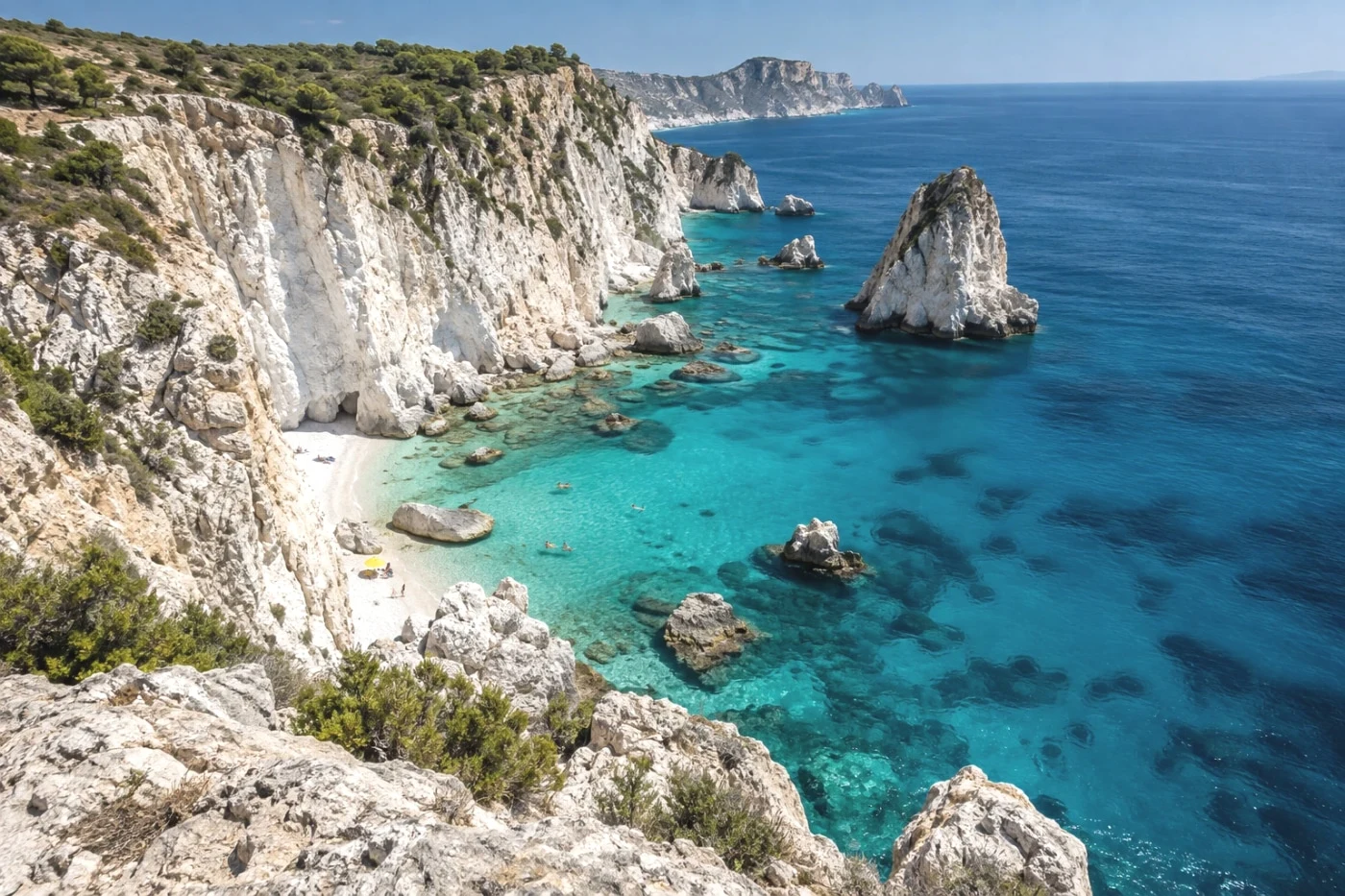 Studio
Fuji Pro 400H
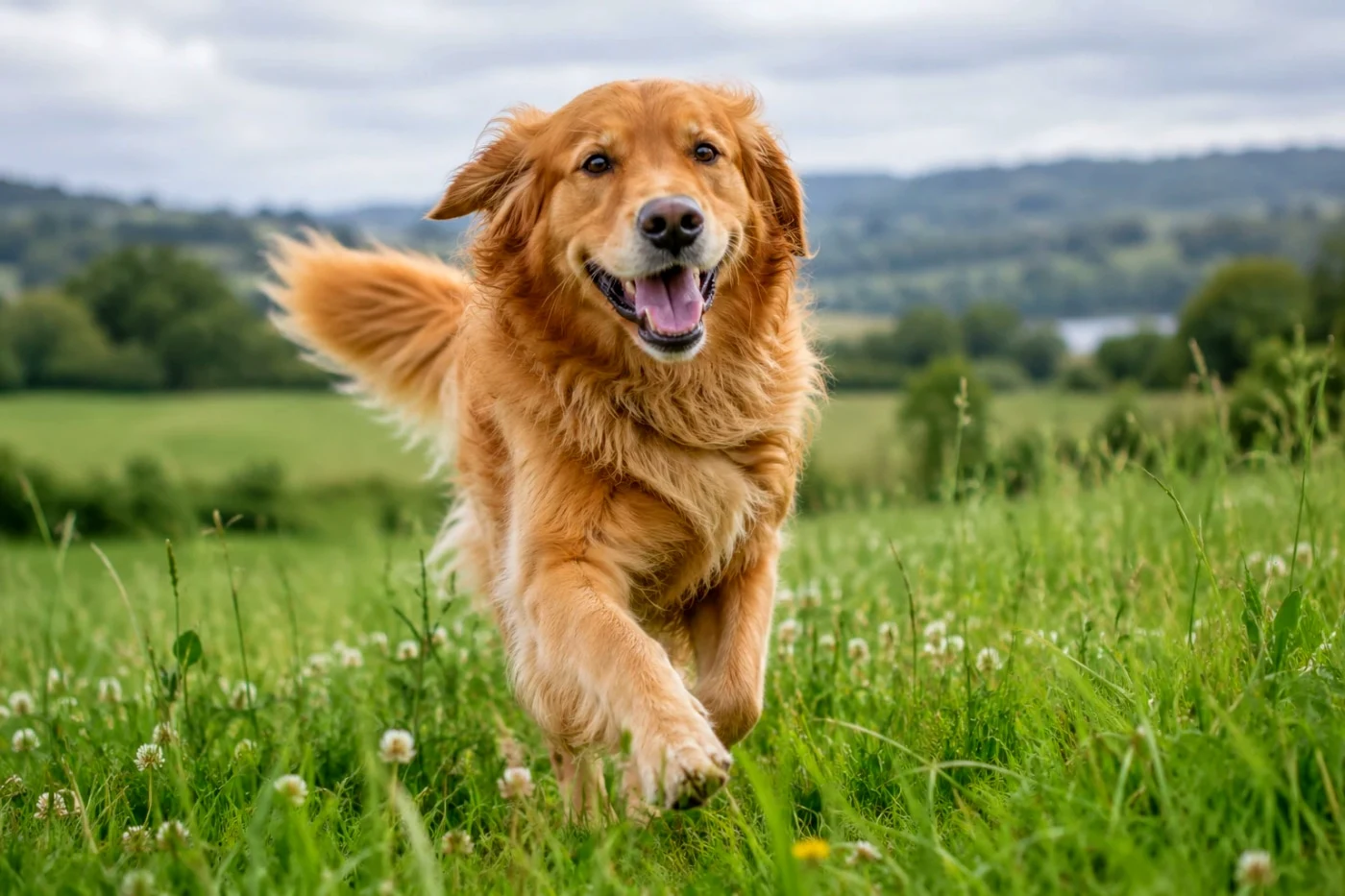 Studio
Fuji Fortia 50
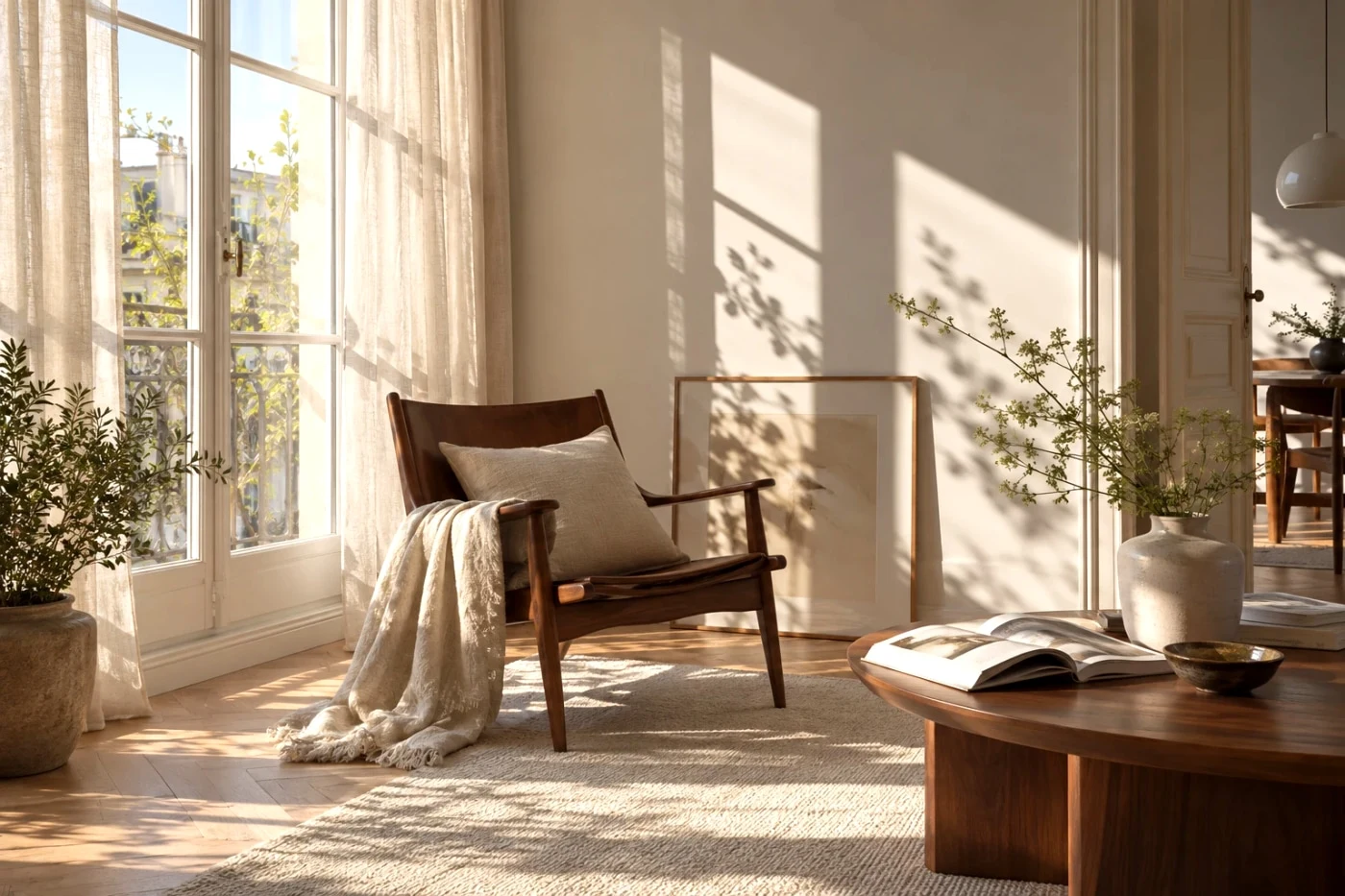 Studio
Fuji Superia 400
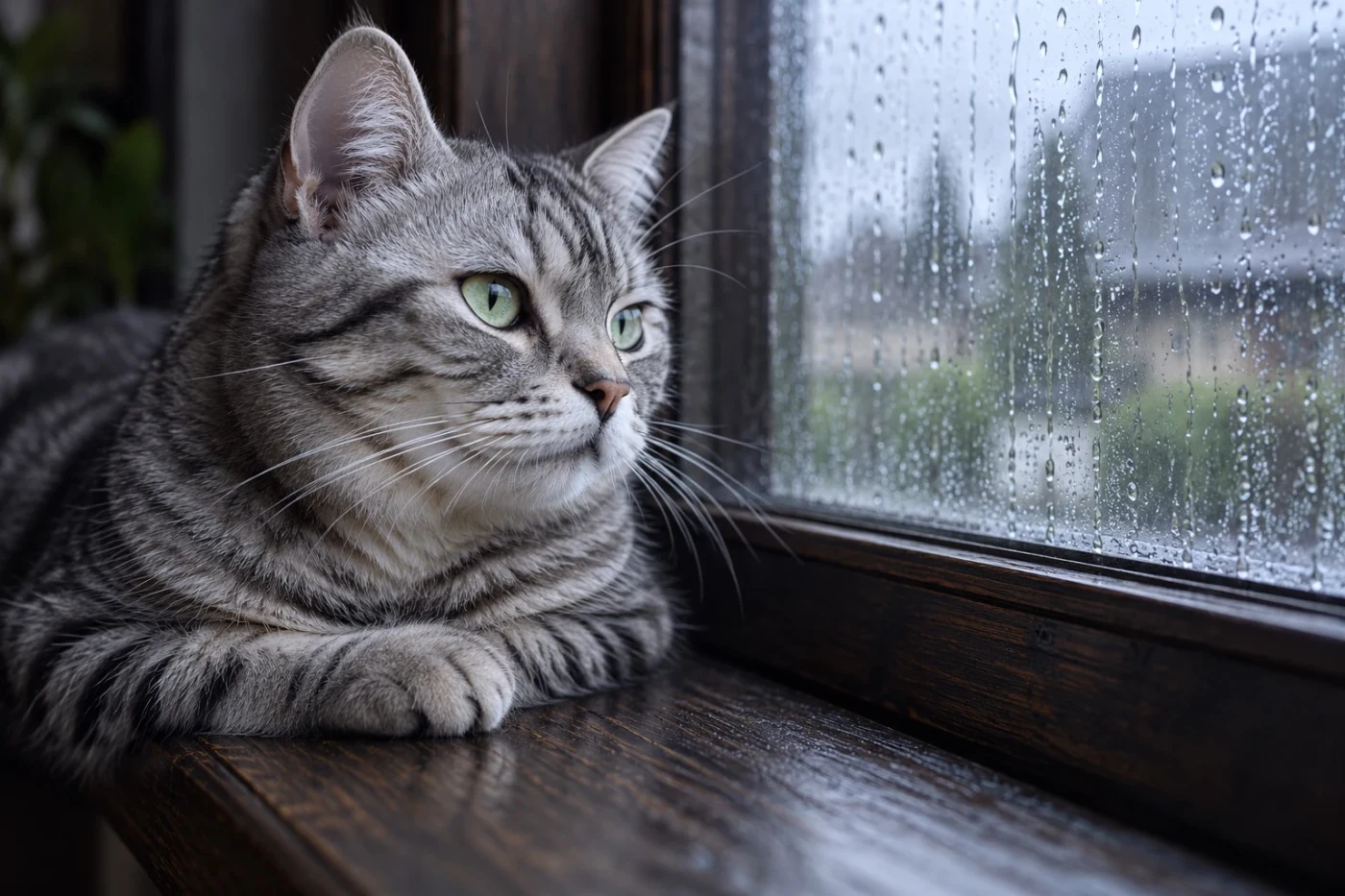 Studio
Fuji C200
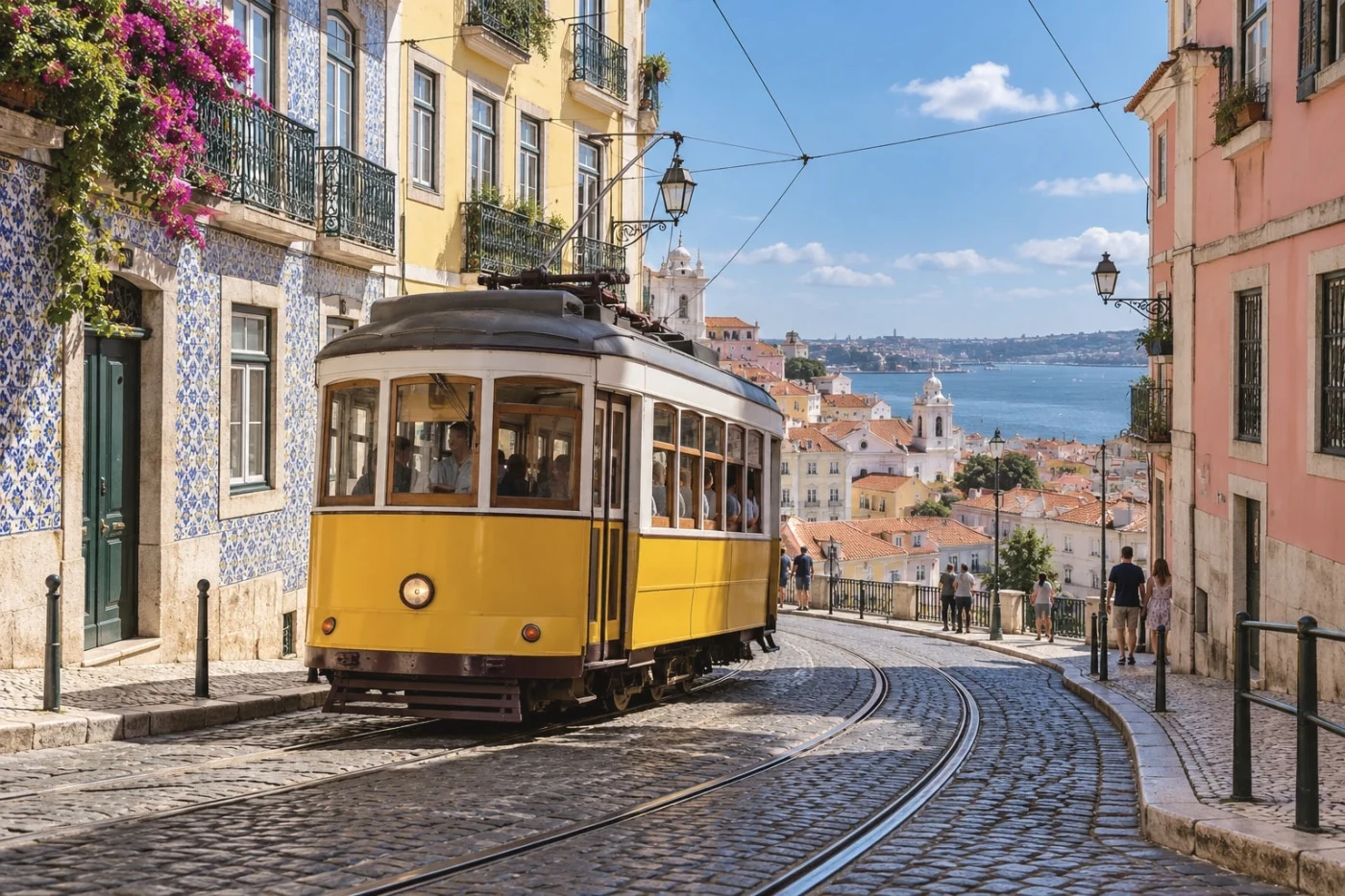 Studio
Fuji Natura 1600
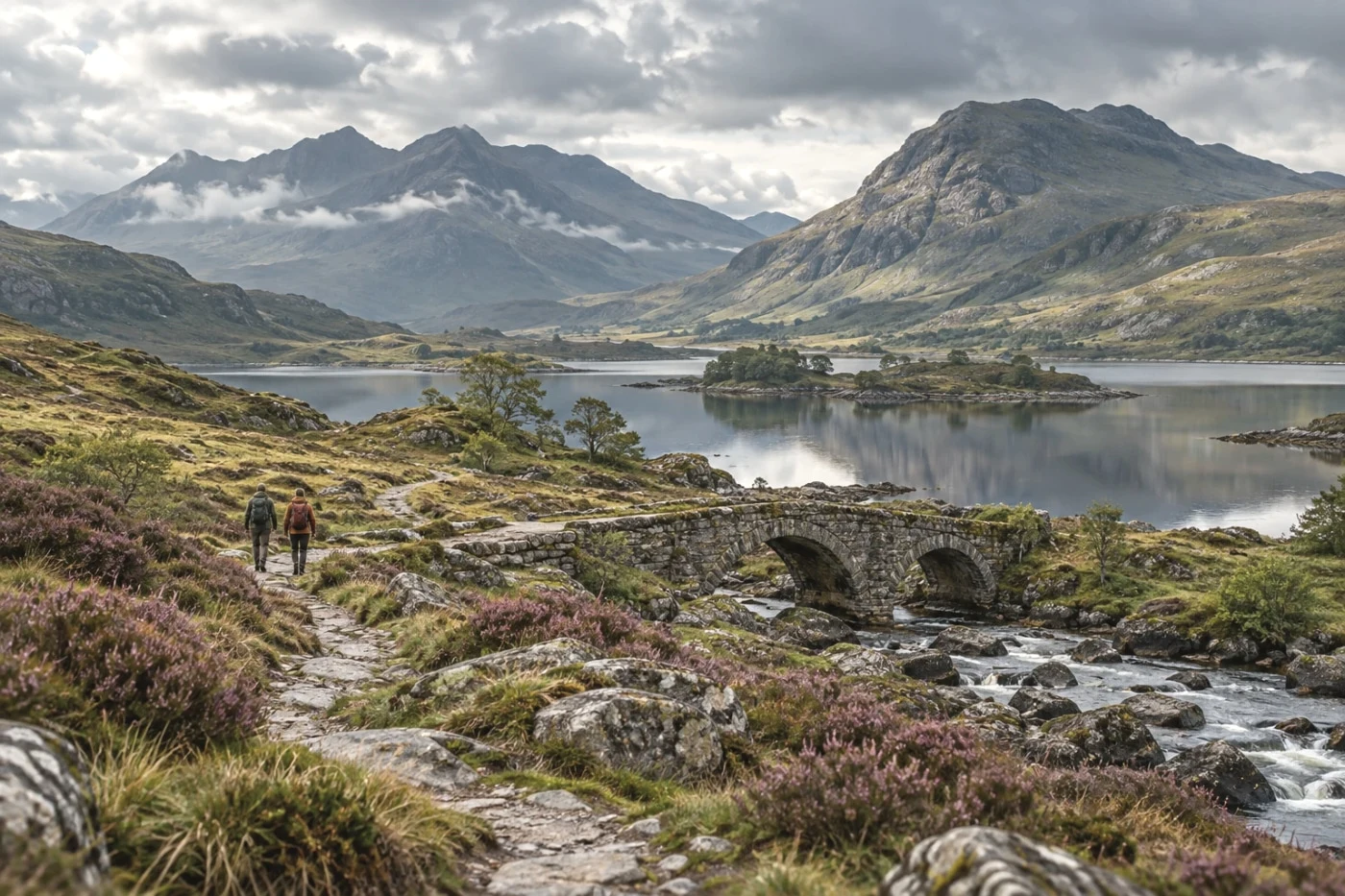 Studio
Kodak Portra 160
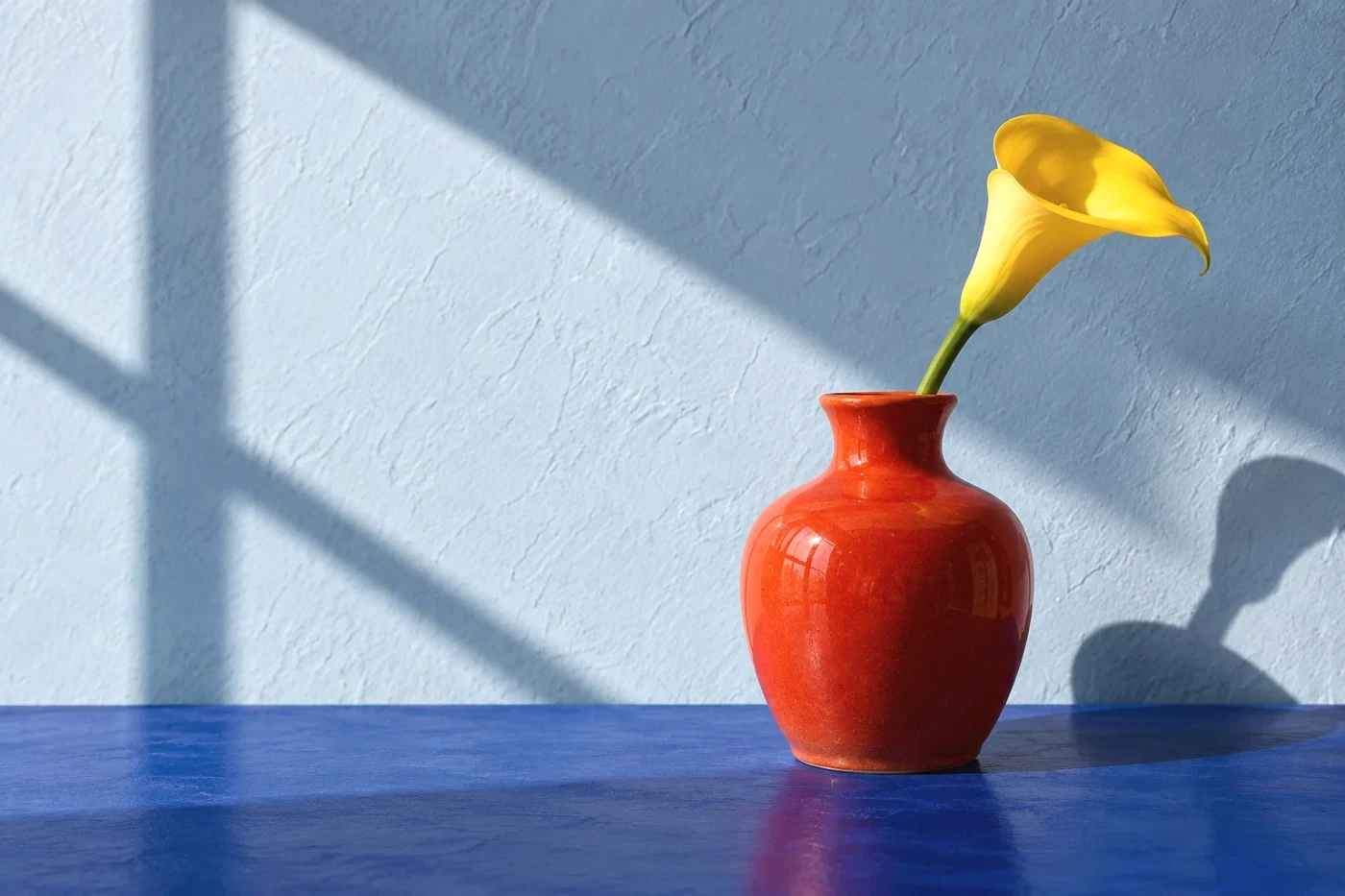 Studio
Kodak Portra 400
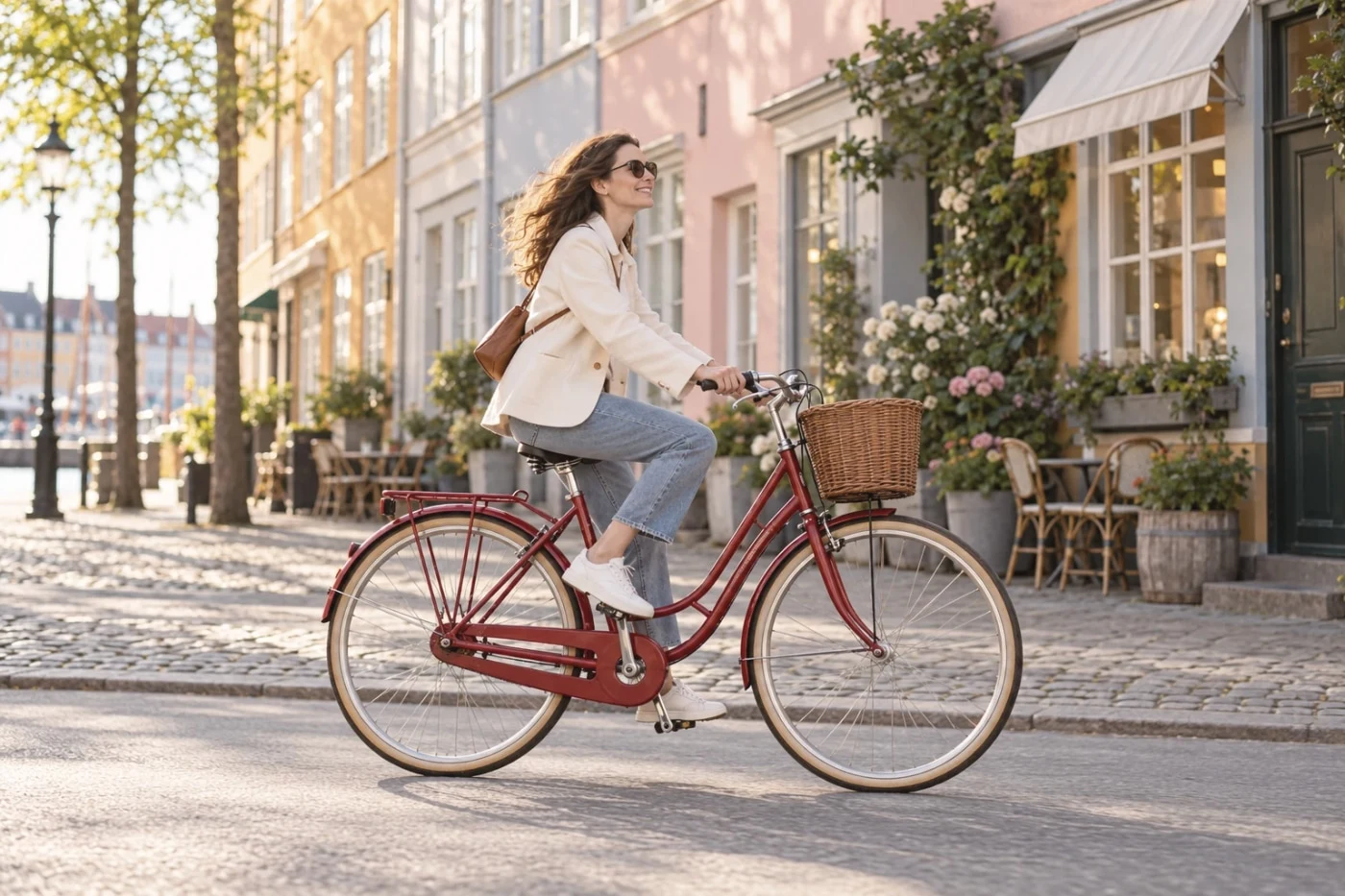 Studio
Kodak Portra 800
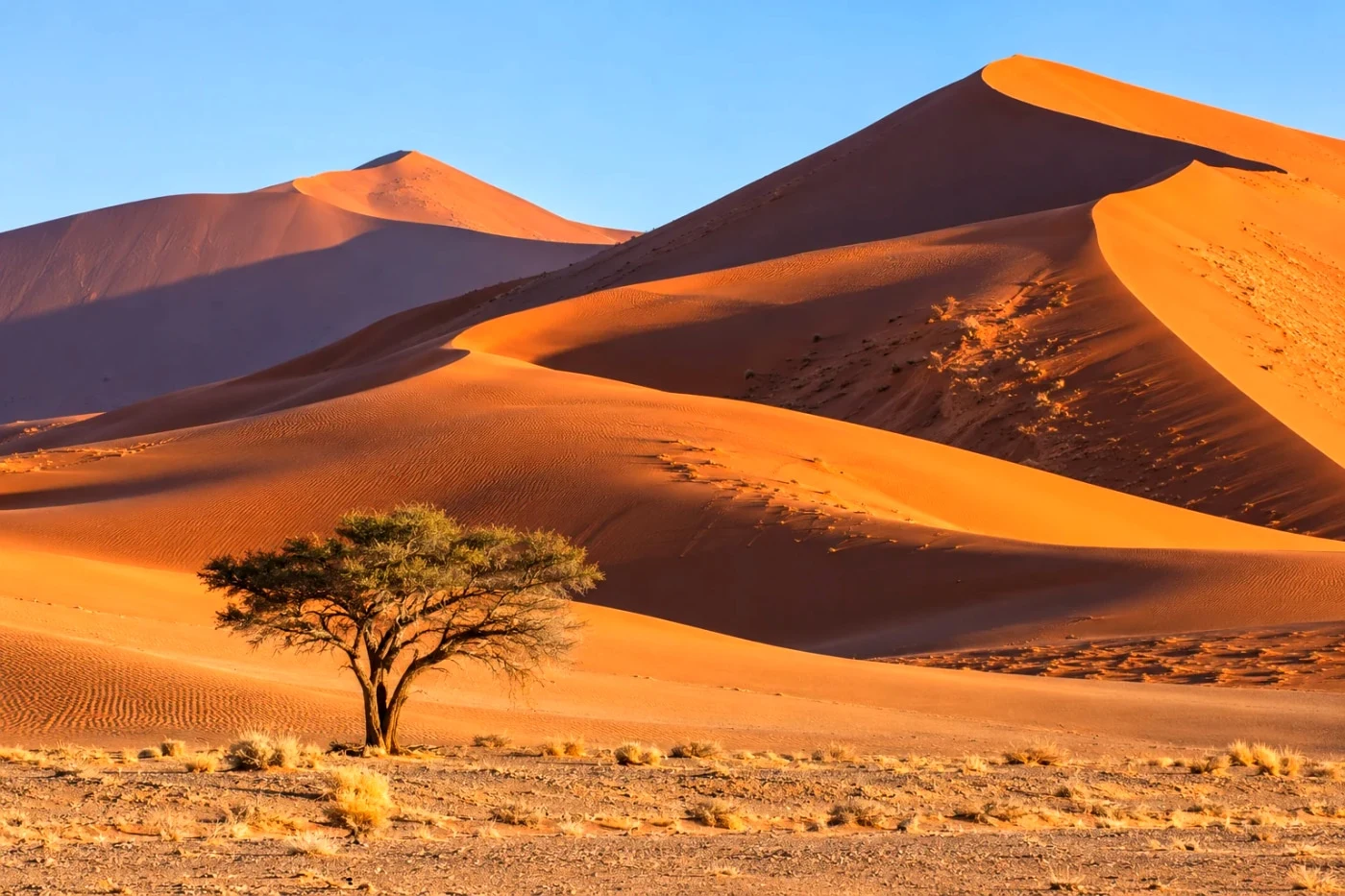 Free save
Kodak Gold 200
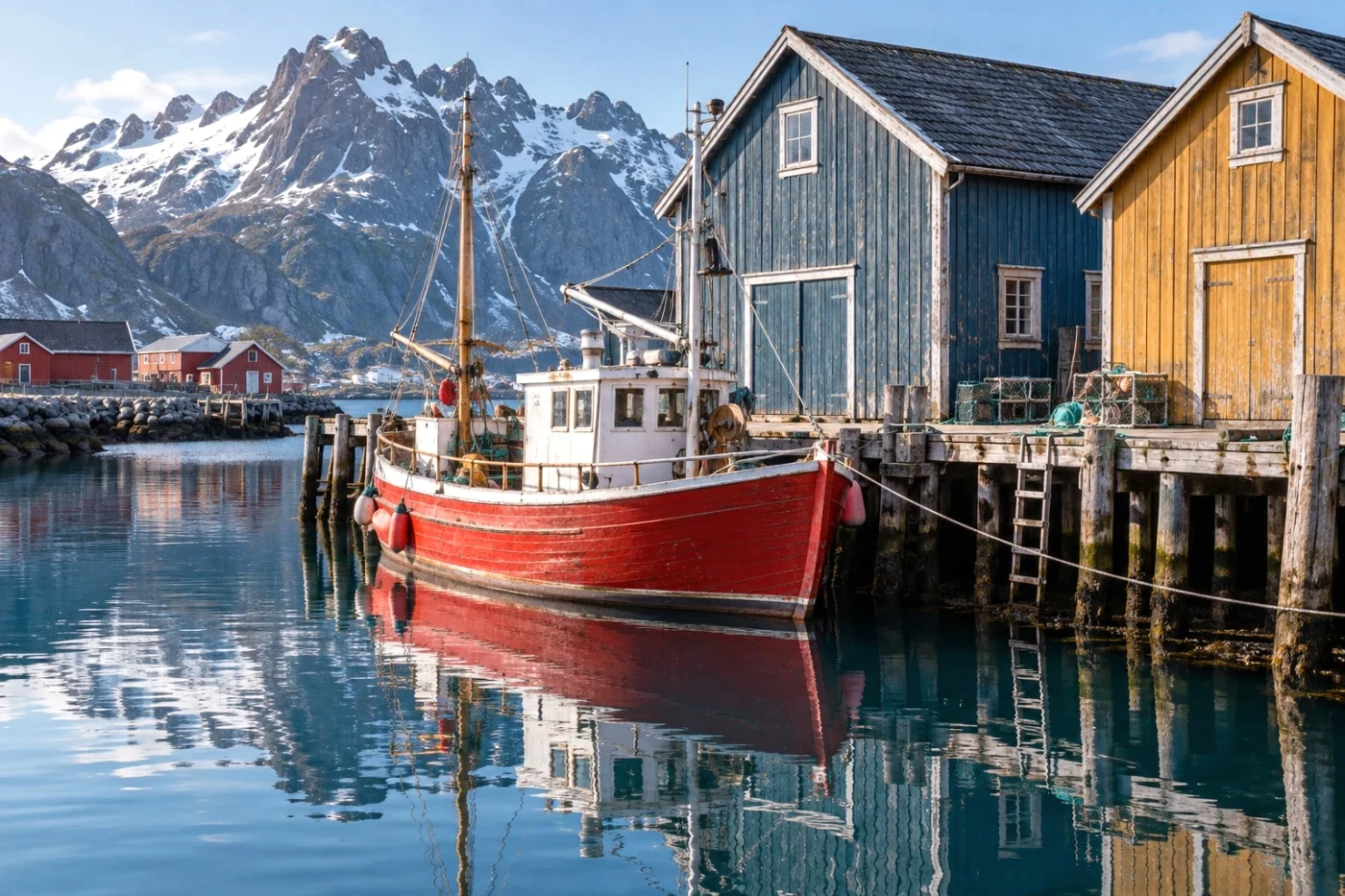 Studio
Kodak Ultra Max 400
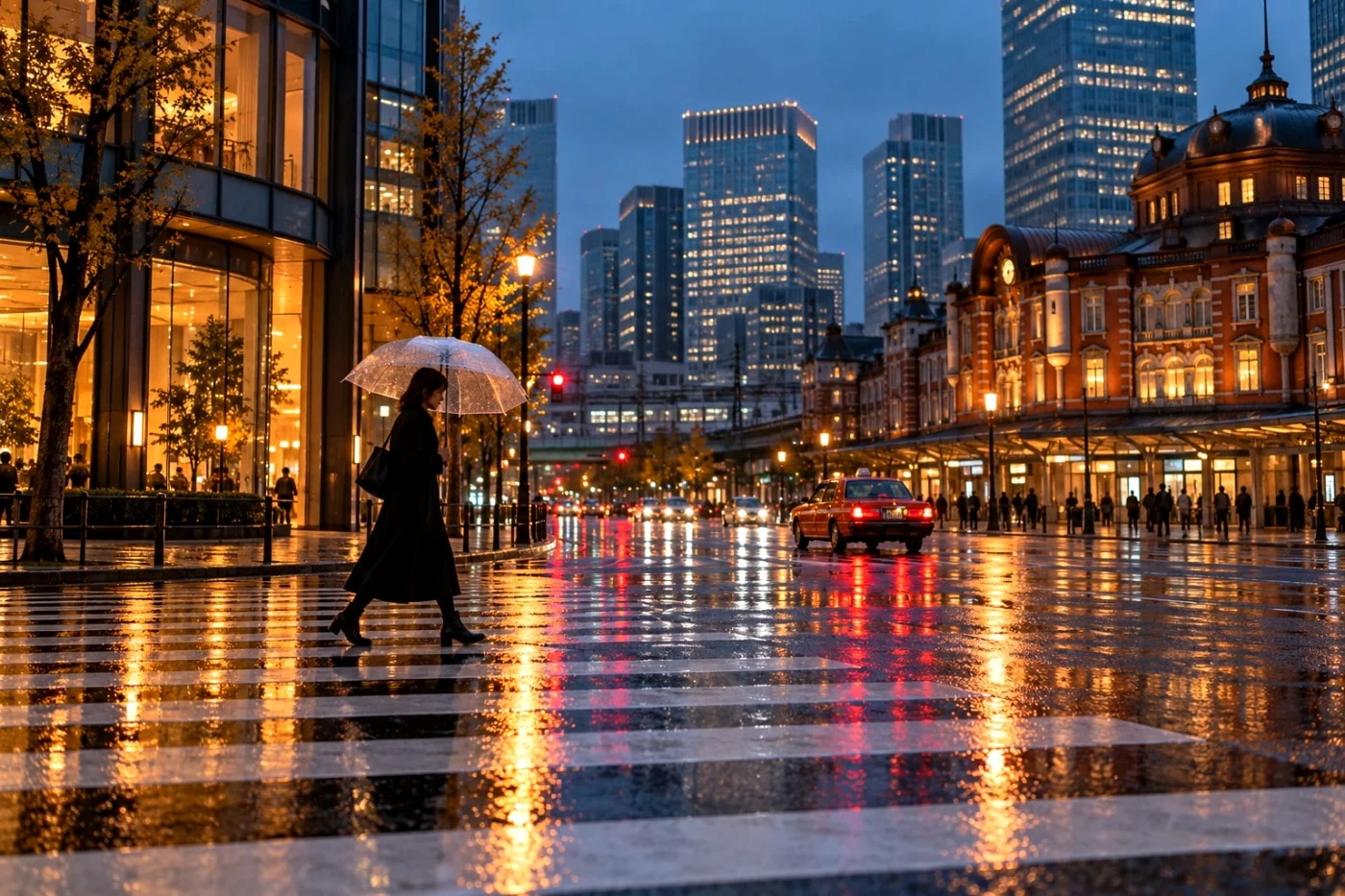 Studio
Kodak Color Plus 200
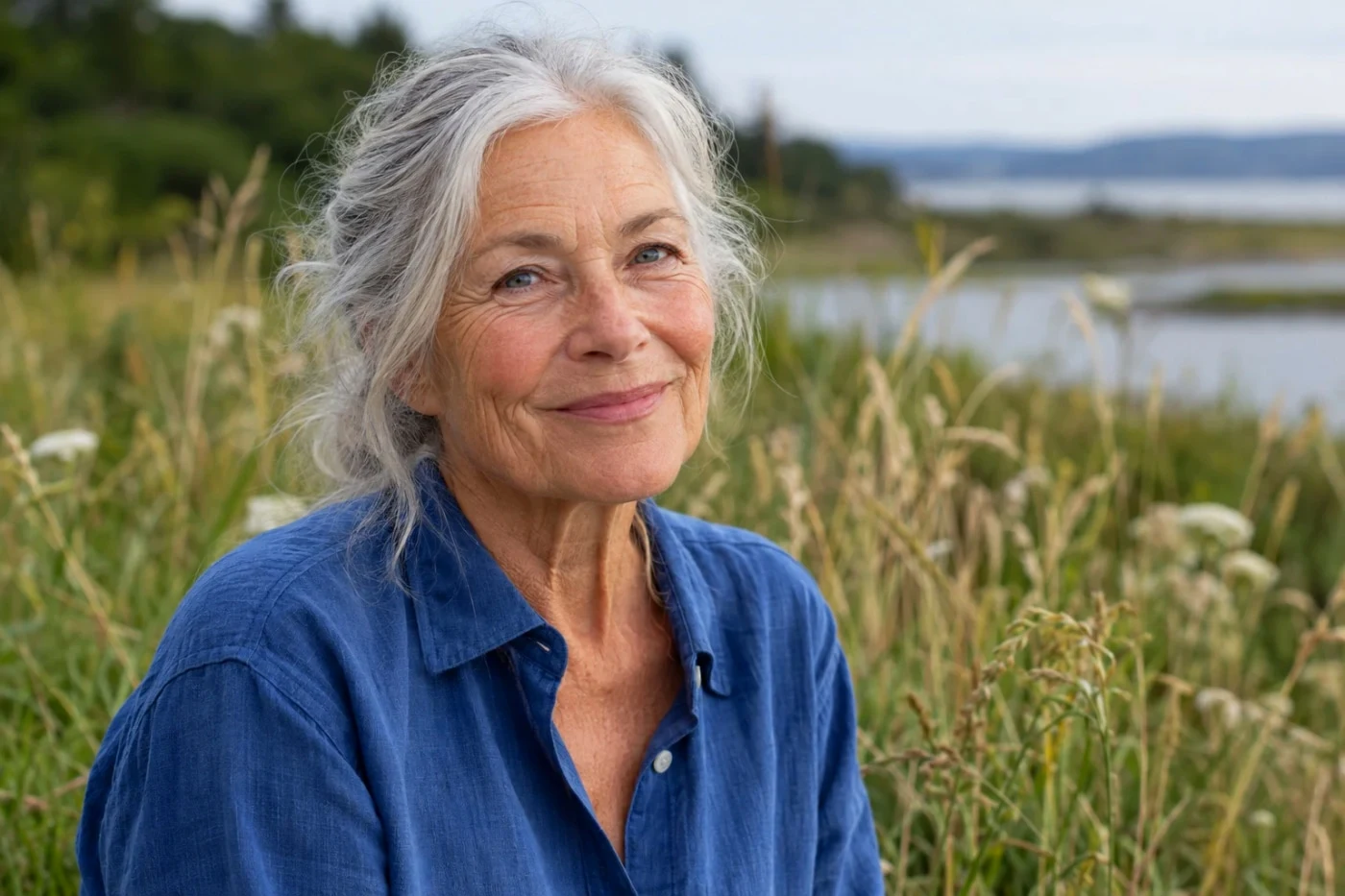 Studio
Kodak Ektar 100
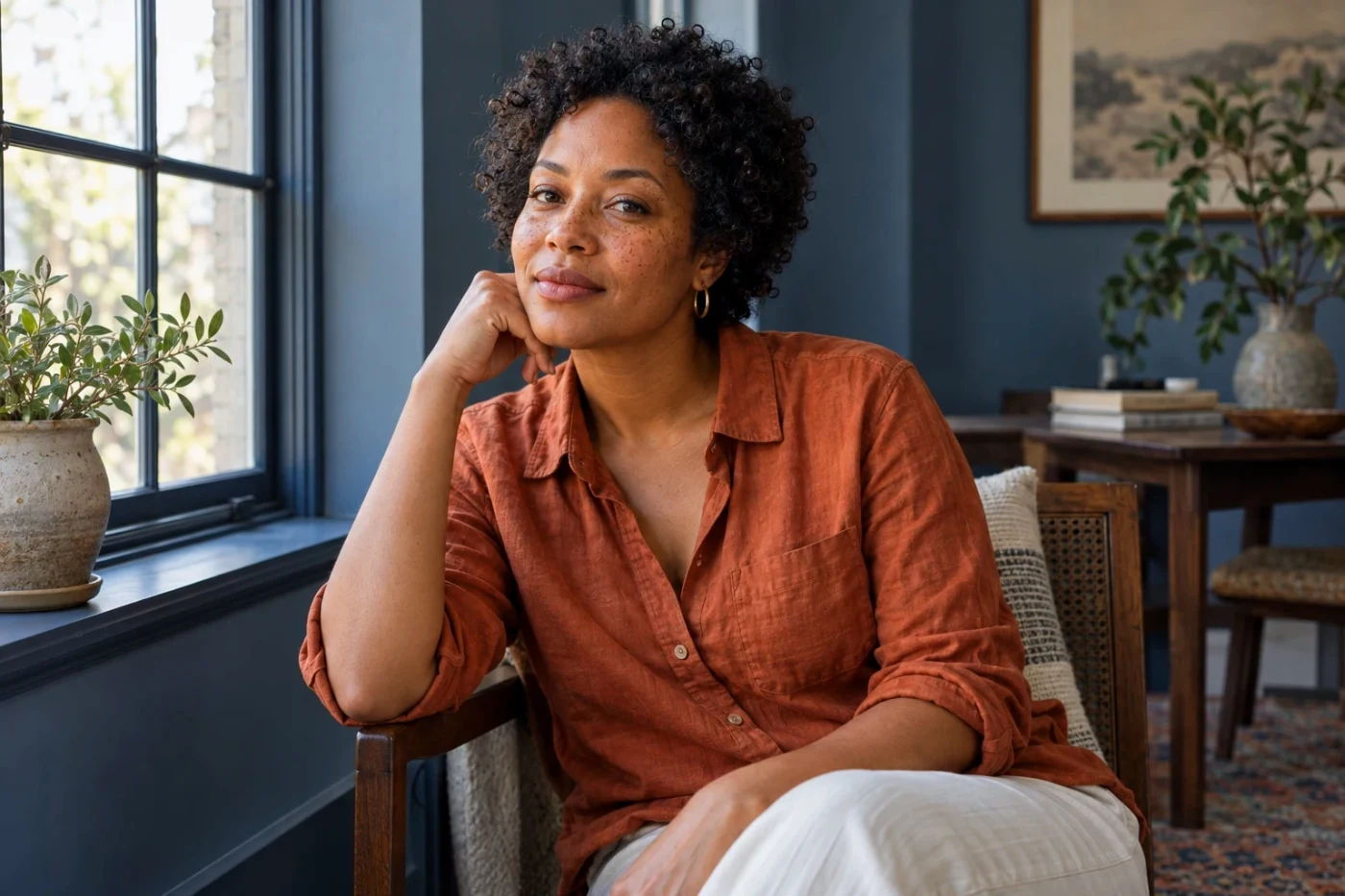 Studio
Kodak Ektachrome E100
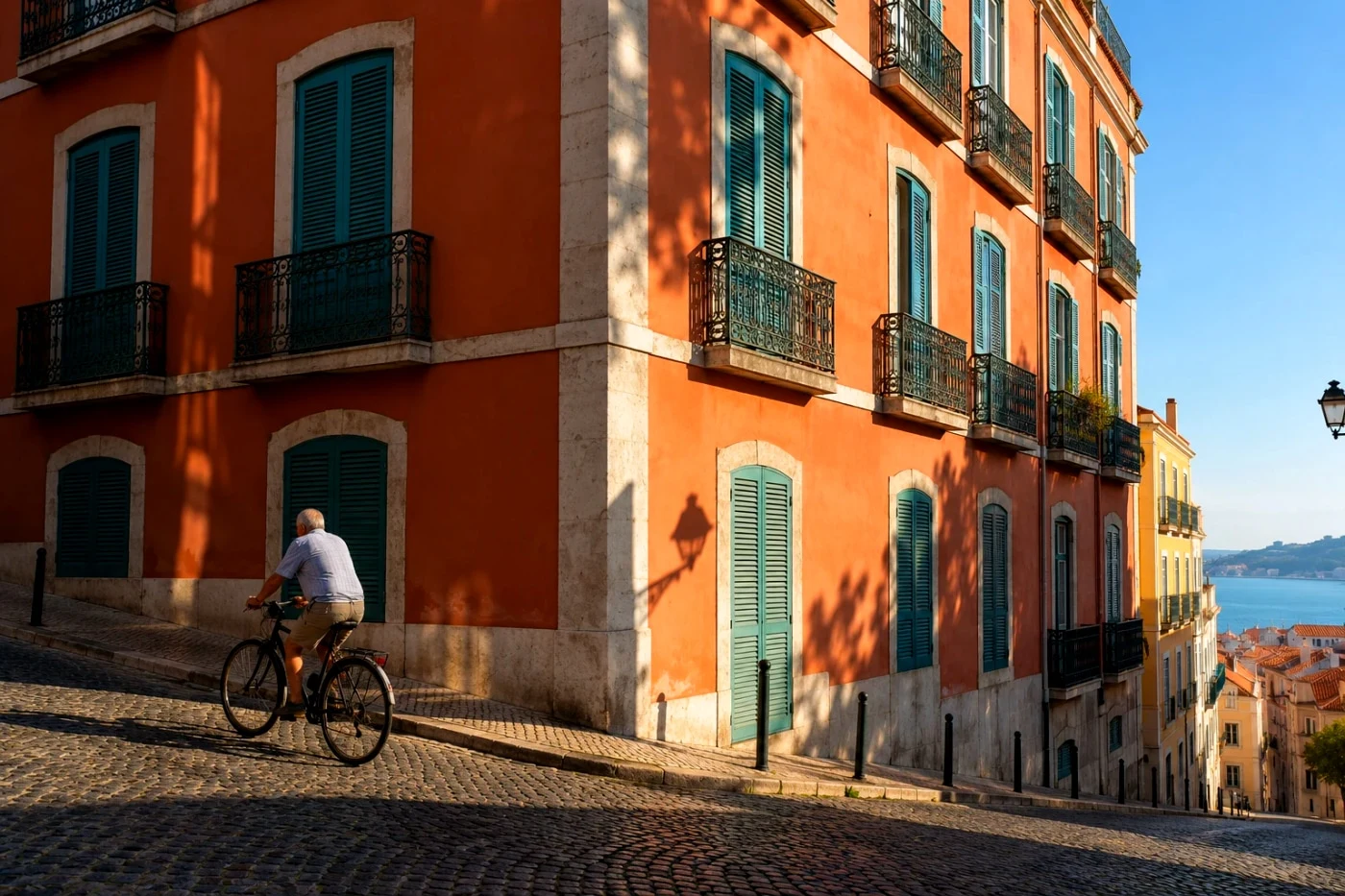 Studio
Kodachrome 64
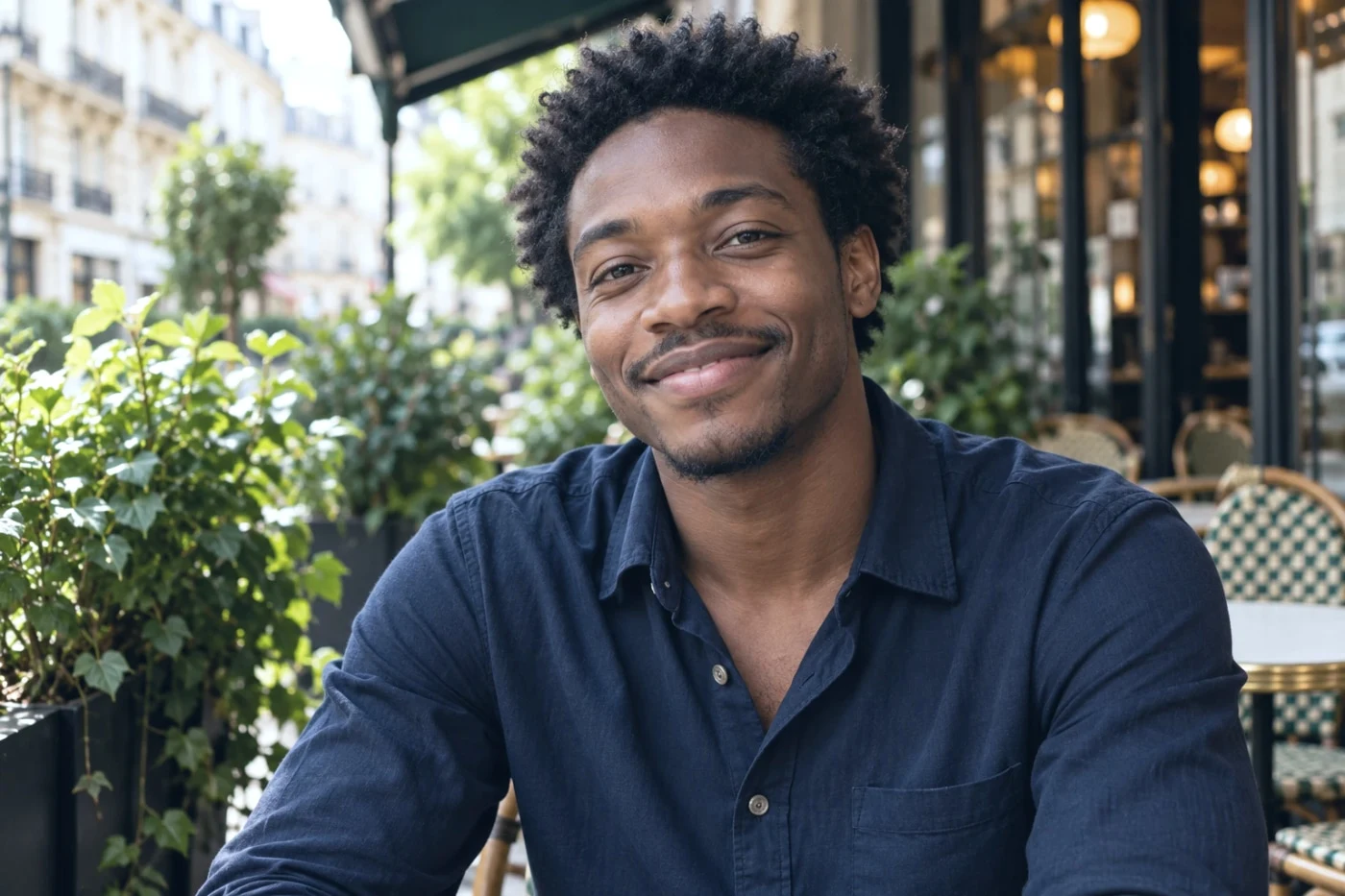 Studio
Kodak Vision3 500T (daylight)
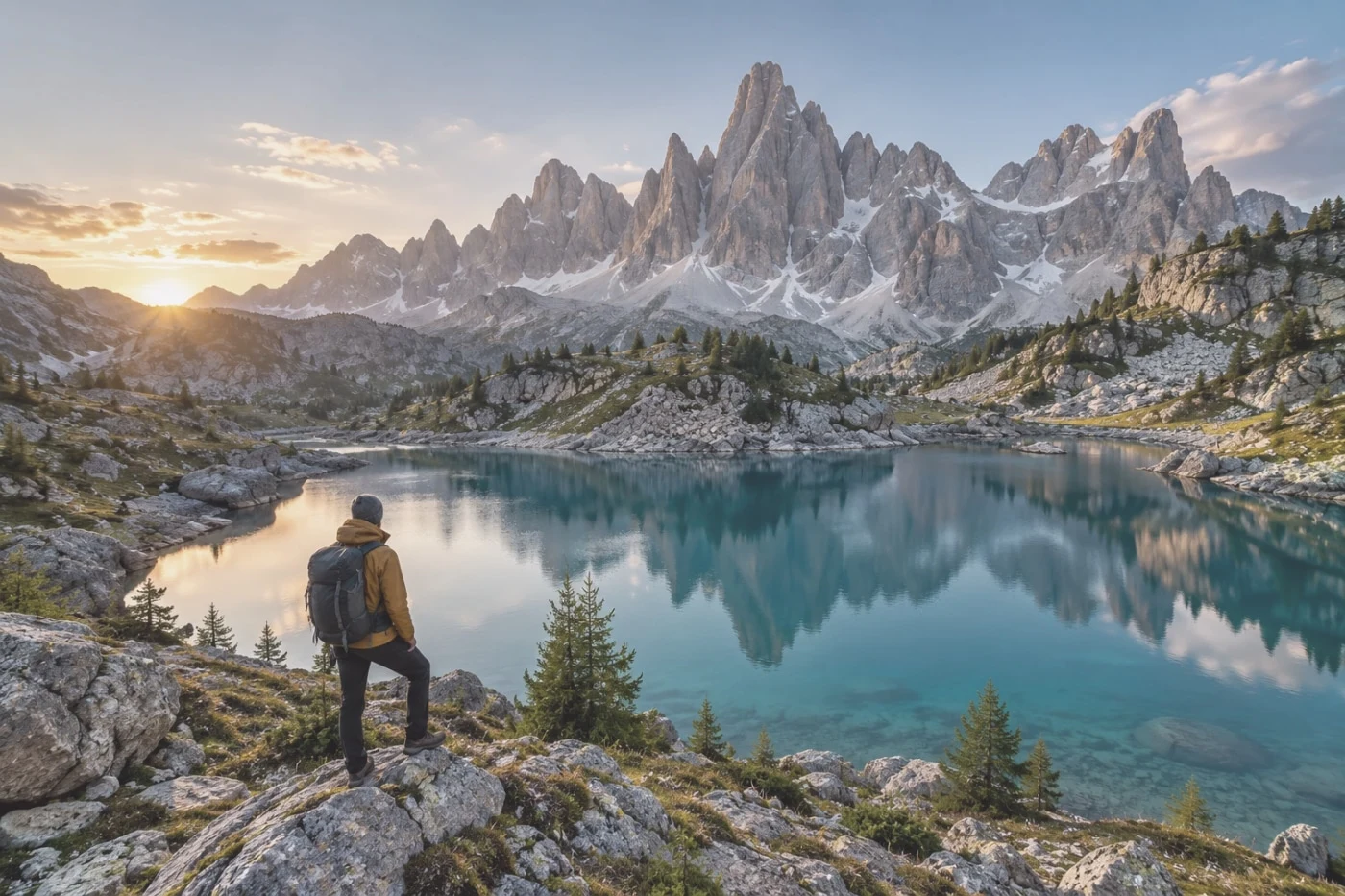 Studio
Kodak Vision 200T (Asteroid City)
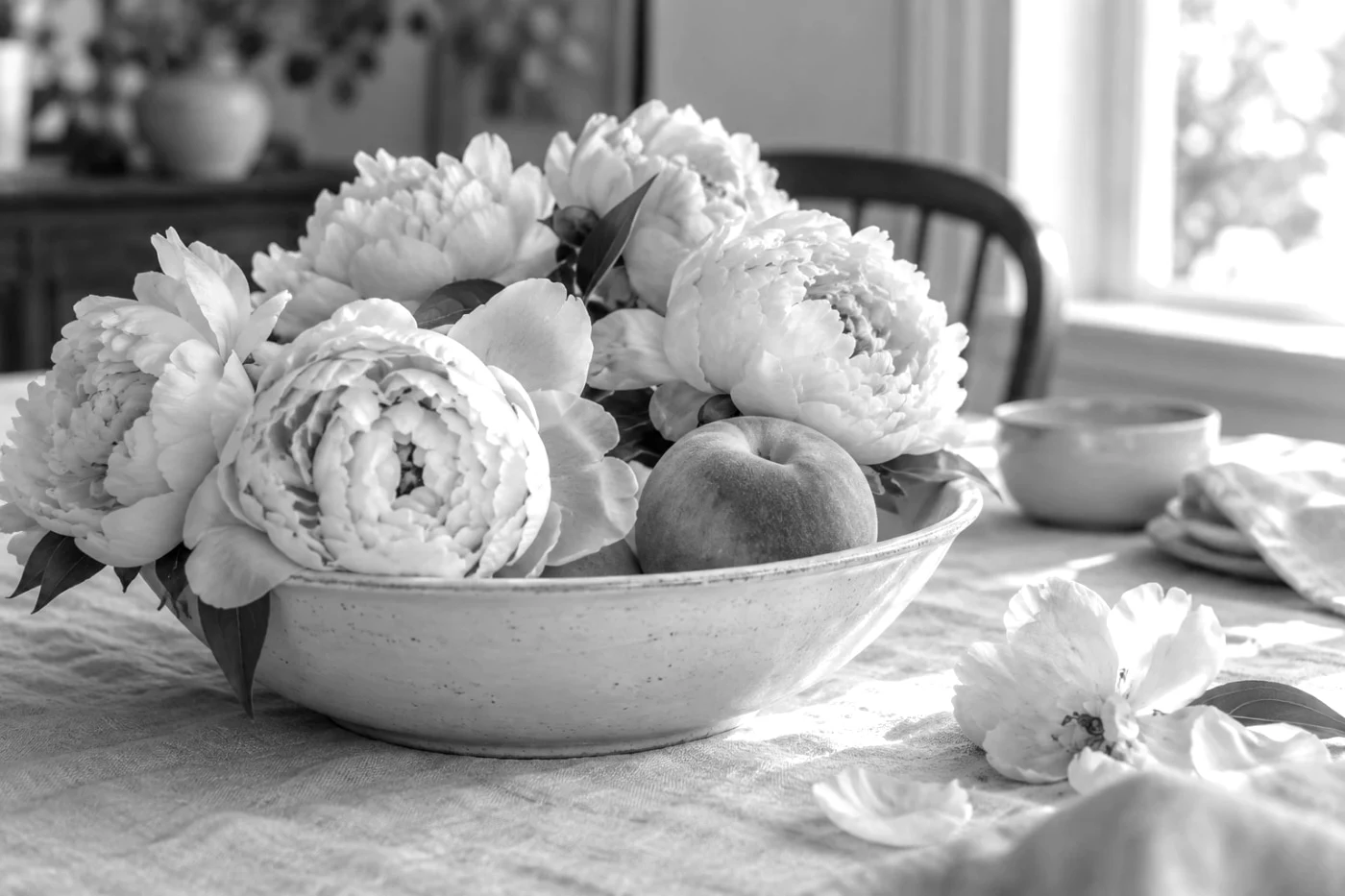 Studio
Kodak Tri-X 400
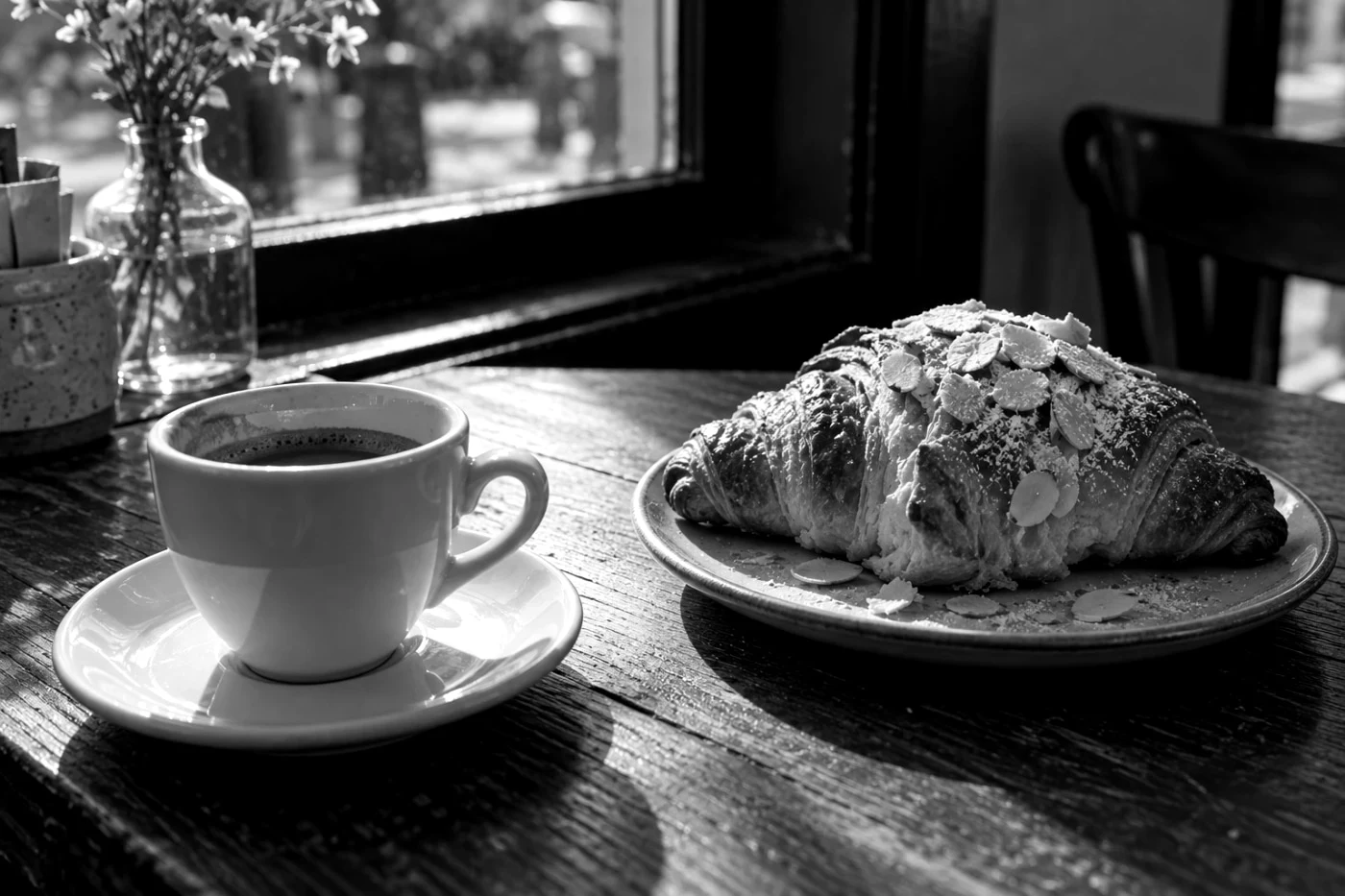 Studio
Kodak T-Max
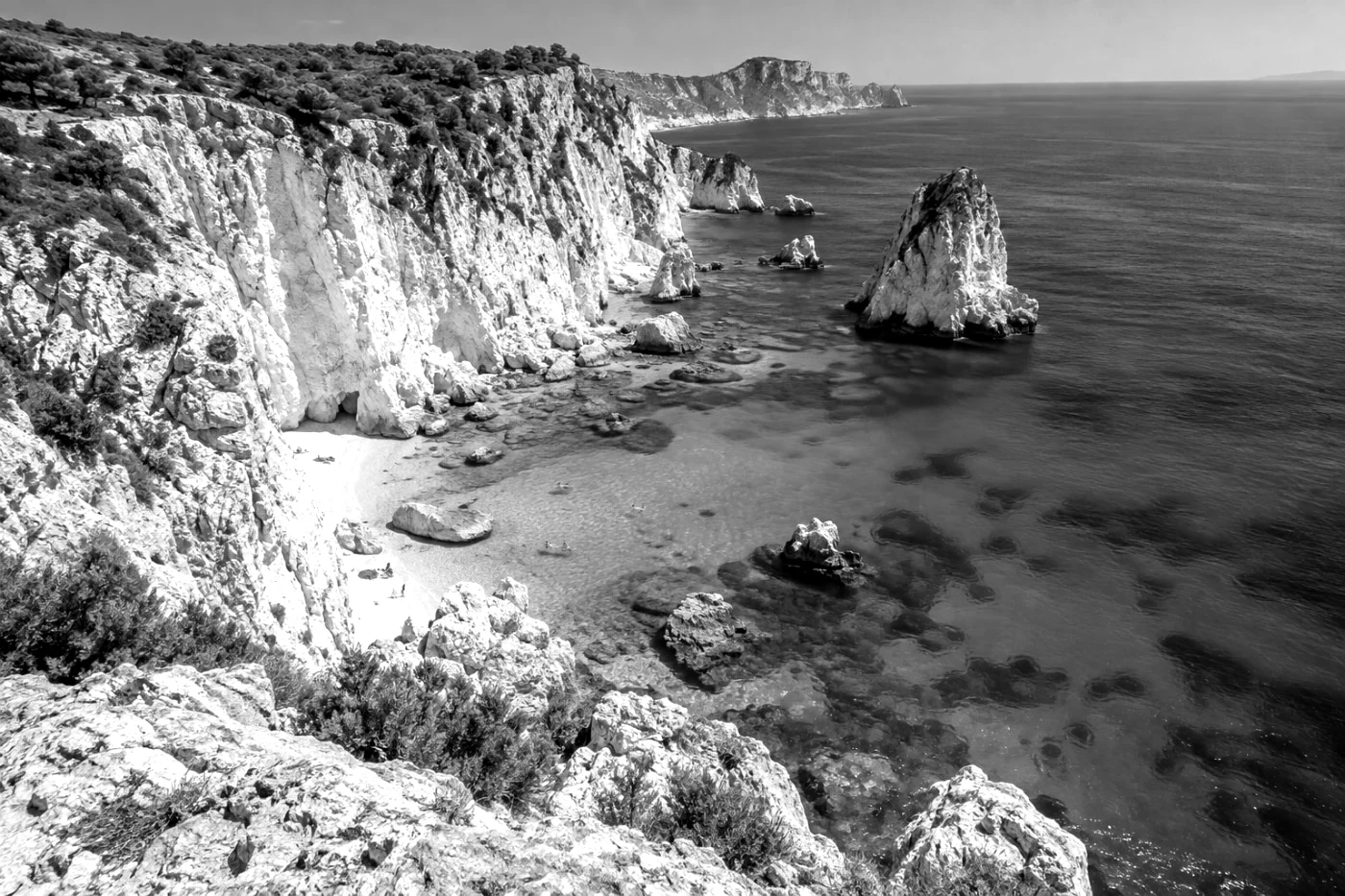 Studio
Kodak Tri-X 1600 (pushed)
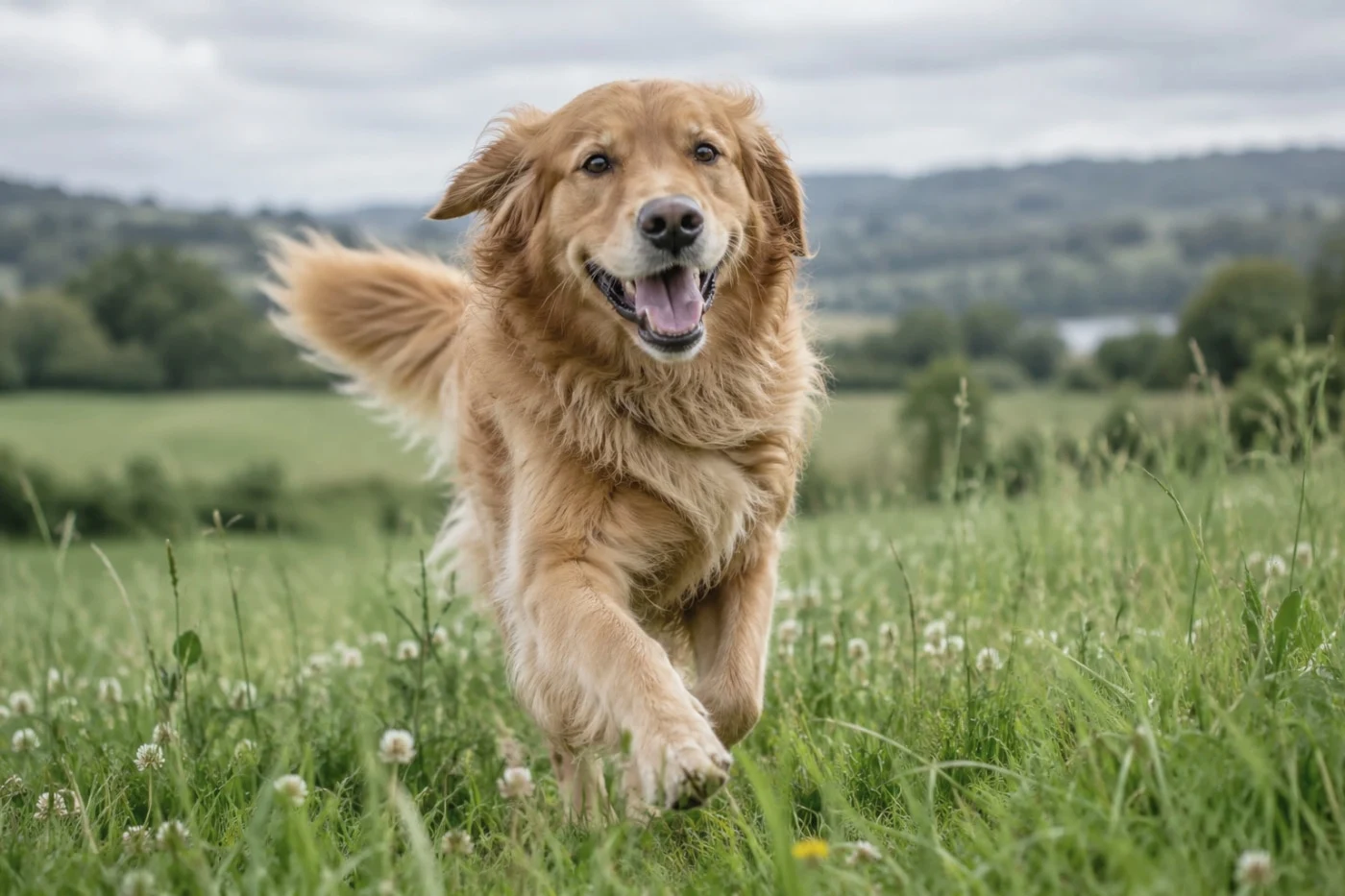 Studio
Cinestill 50D (Blue Velvet)
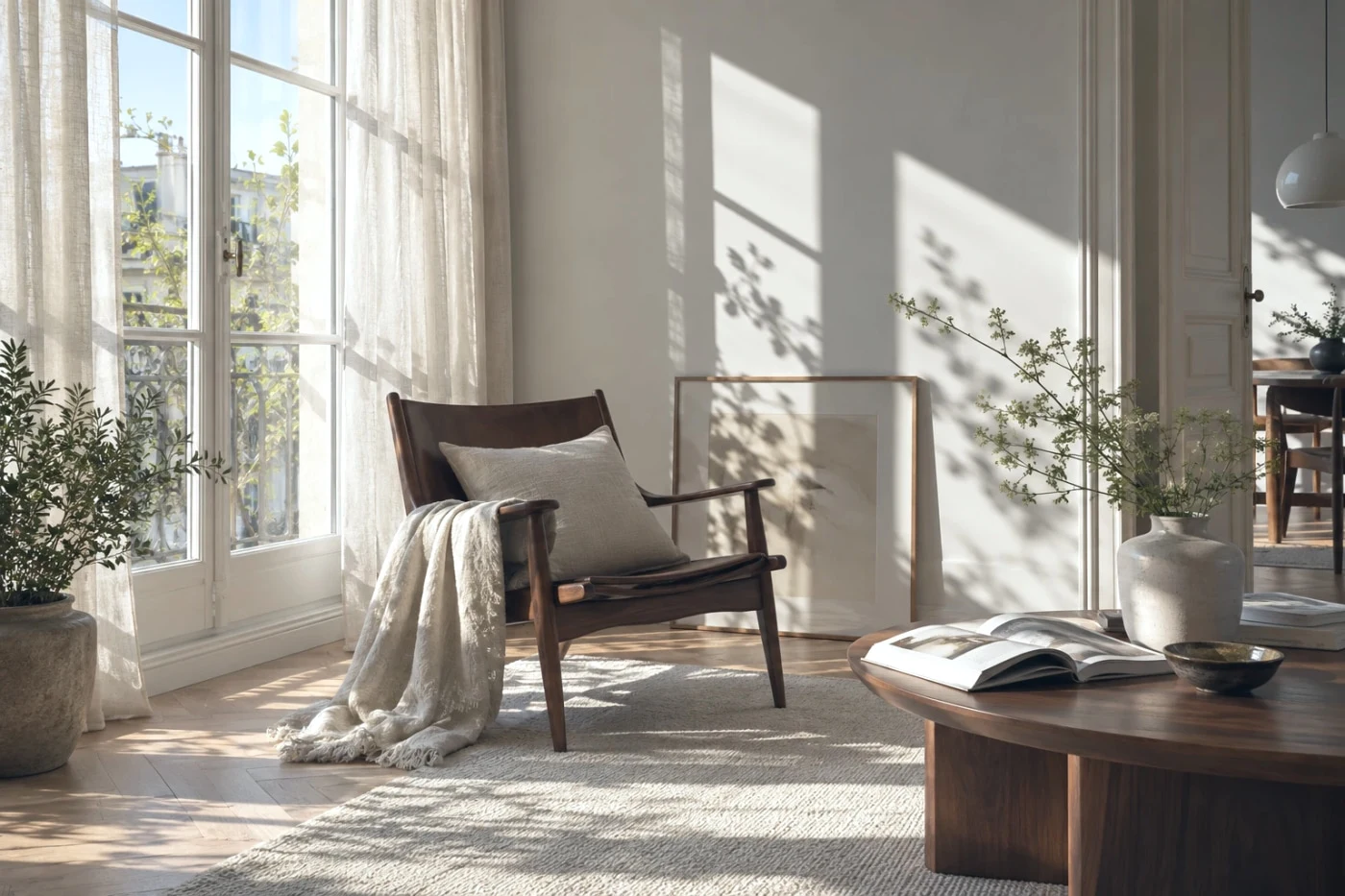 Studio
Cinestill 800T
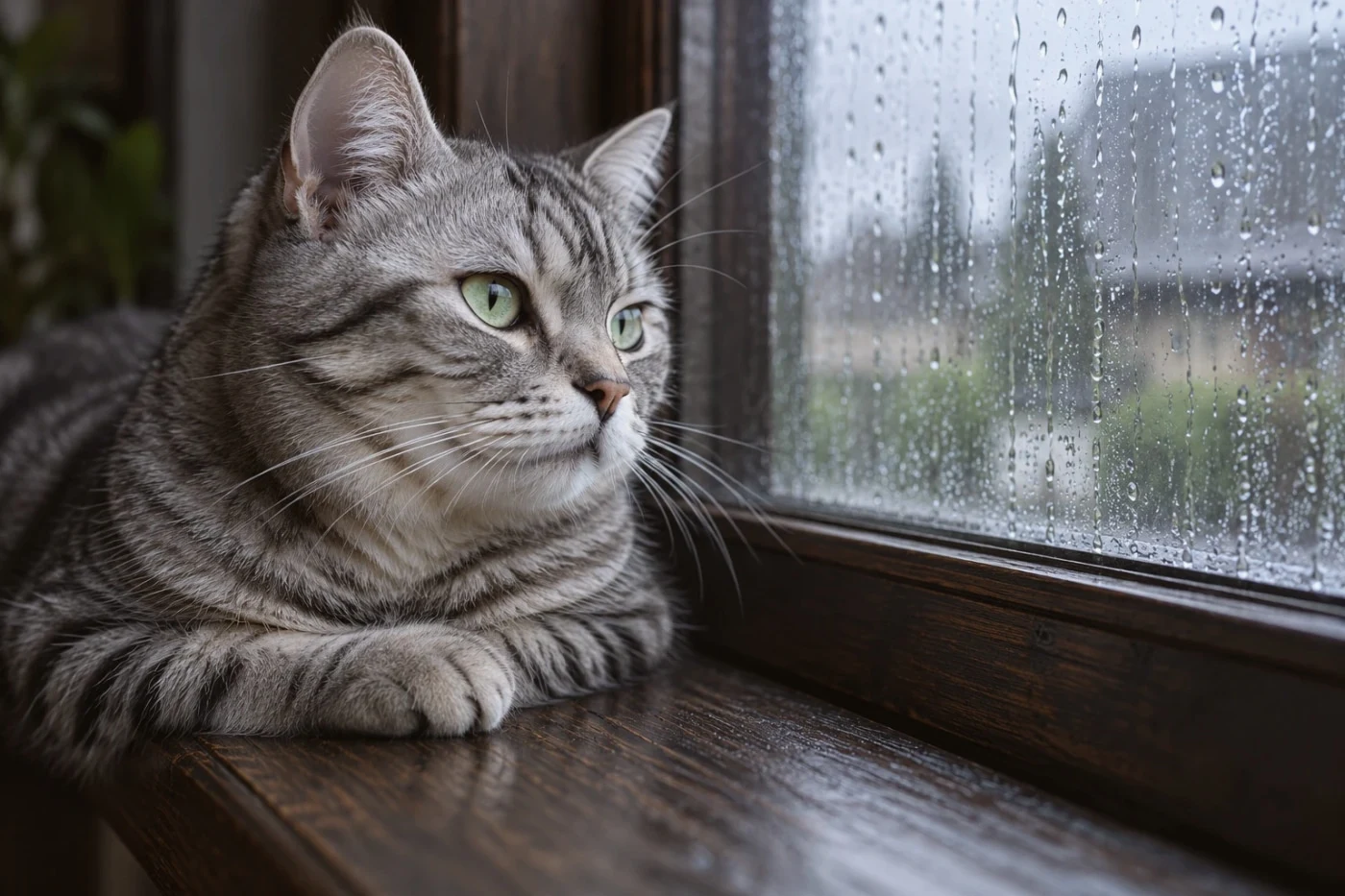 Studio
Classic Cinema
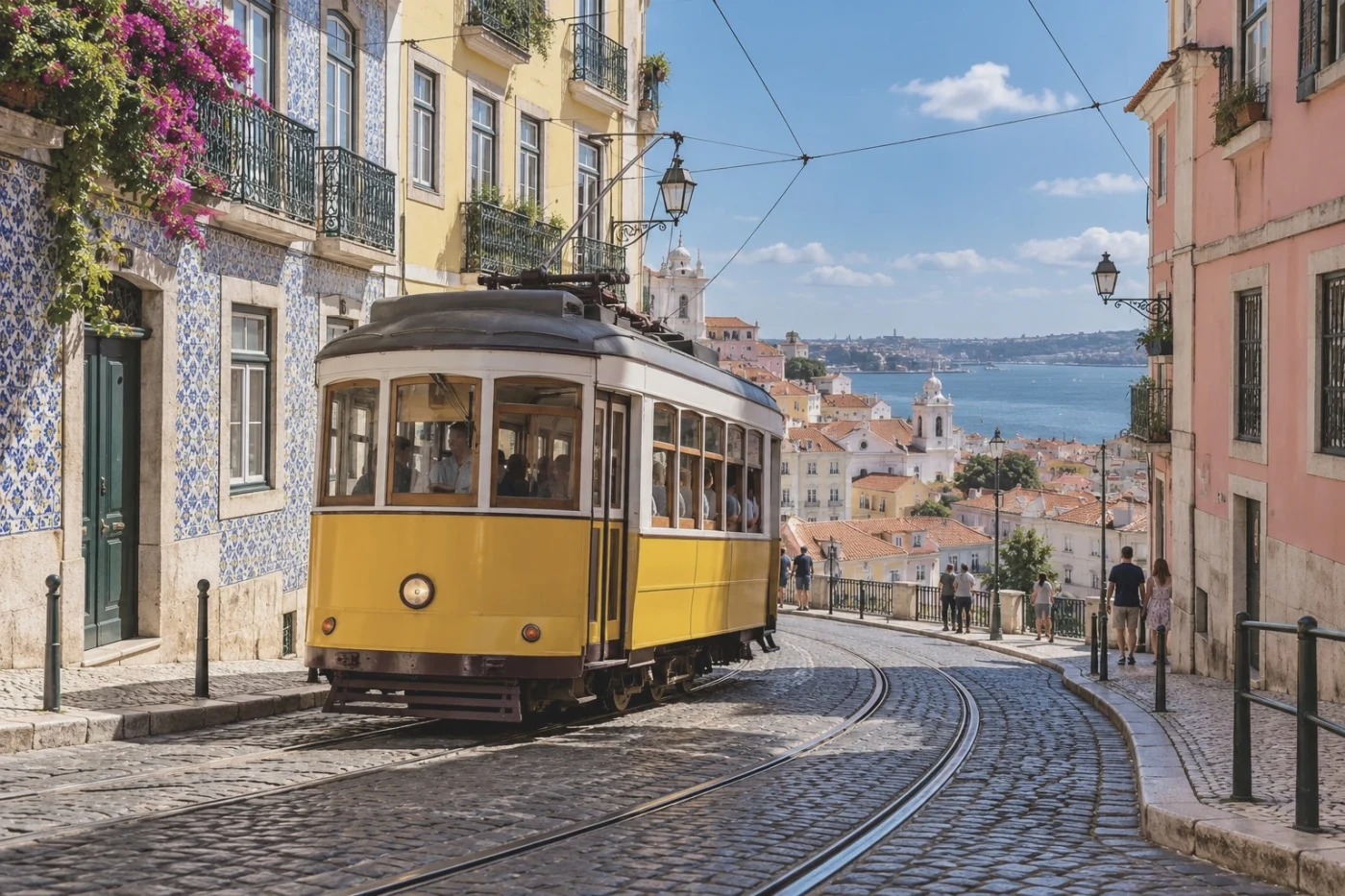 Studio
Rec709 Video (flat-ish)
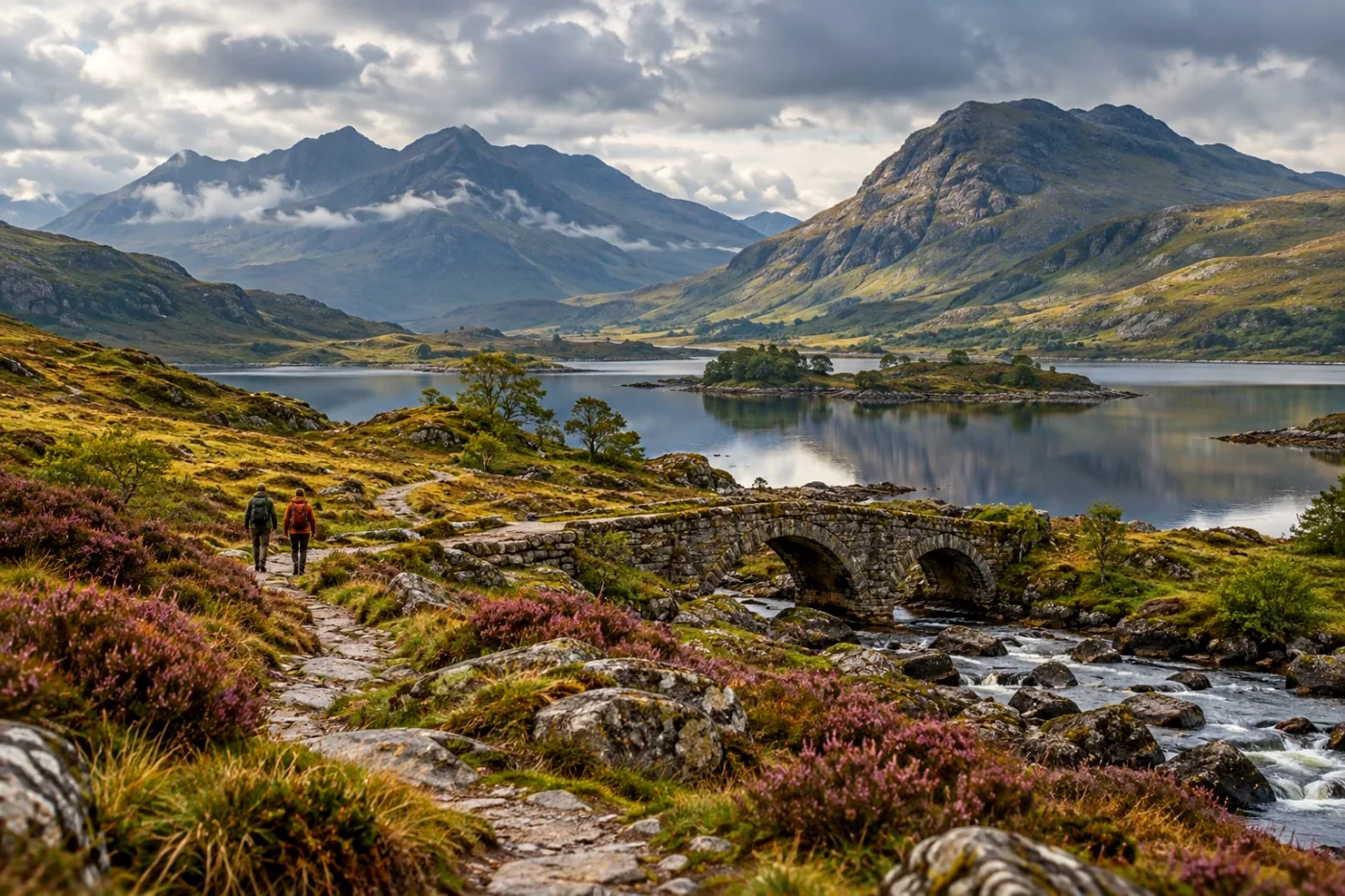 Studio
GR Positive Film
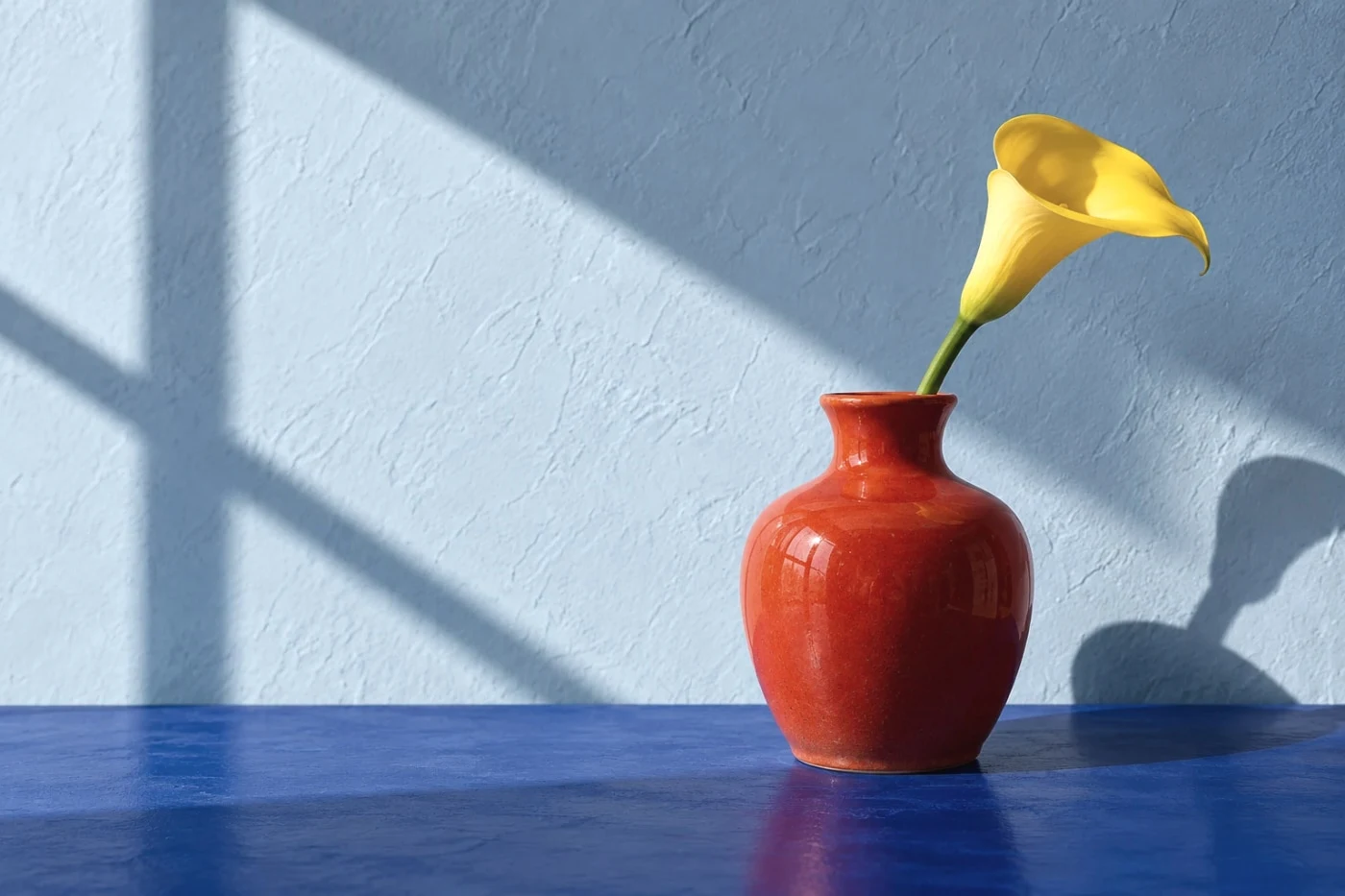 Studio
GR Negative Film
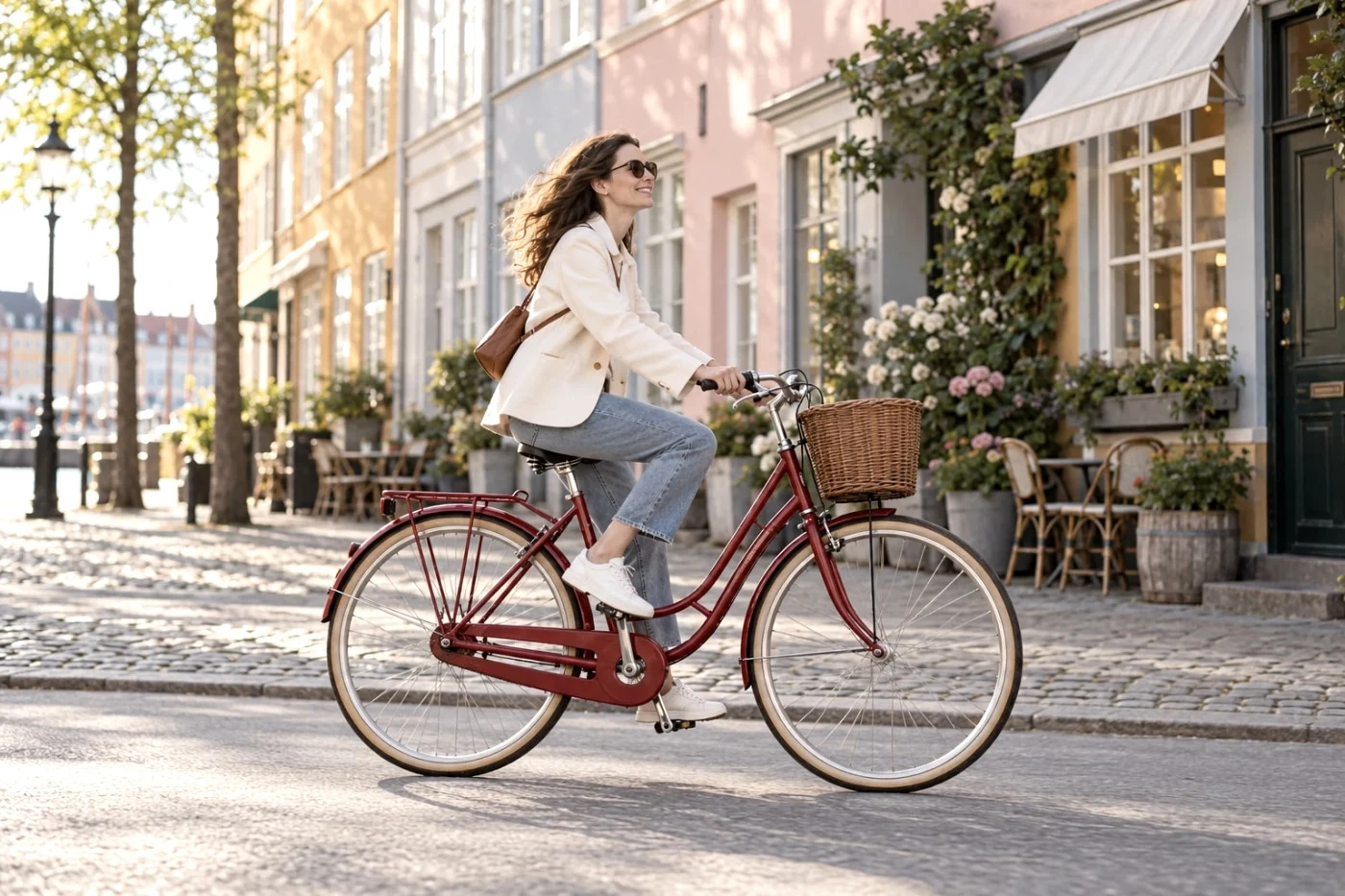 Studio
GR Bleach Bypass
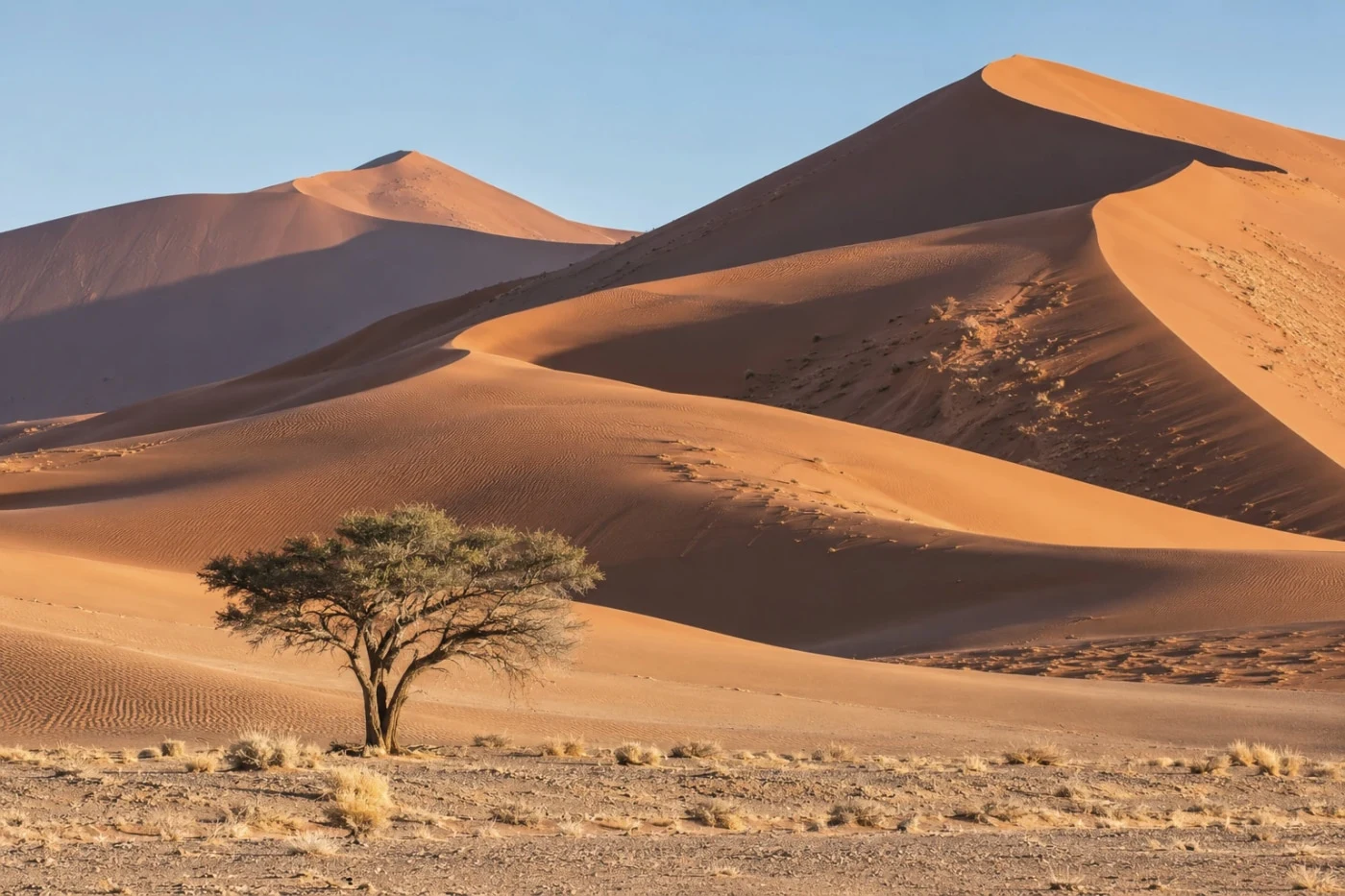 Studio
GR Retro
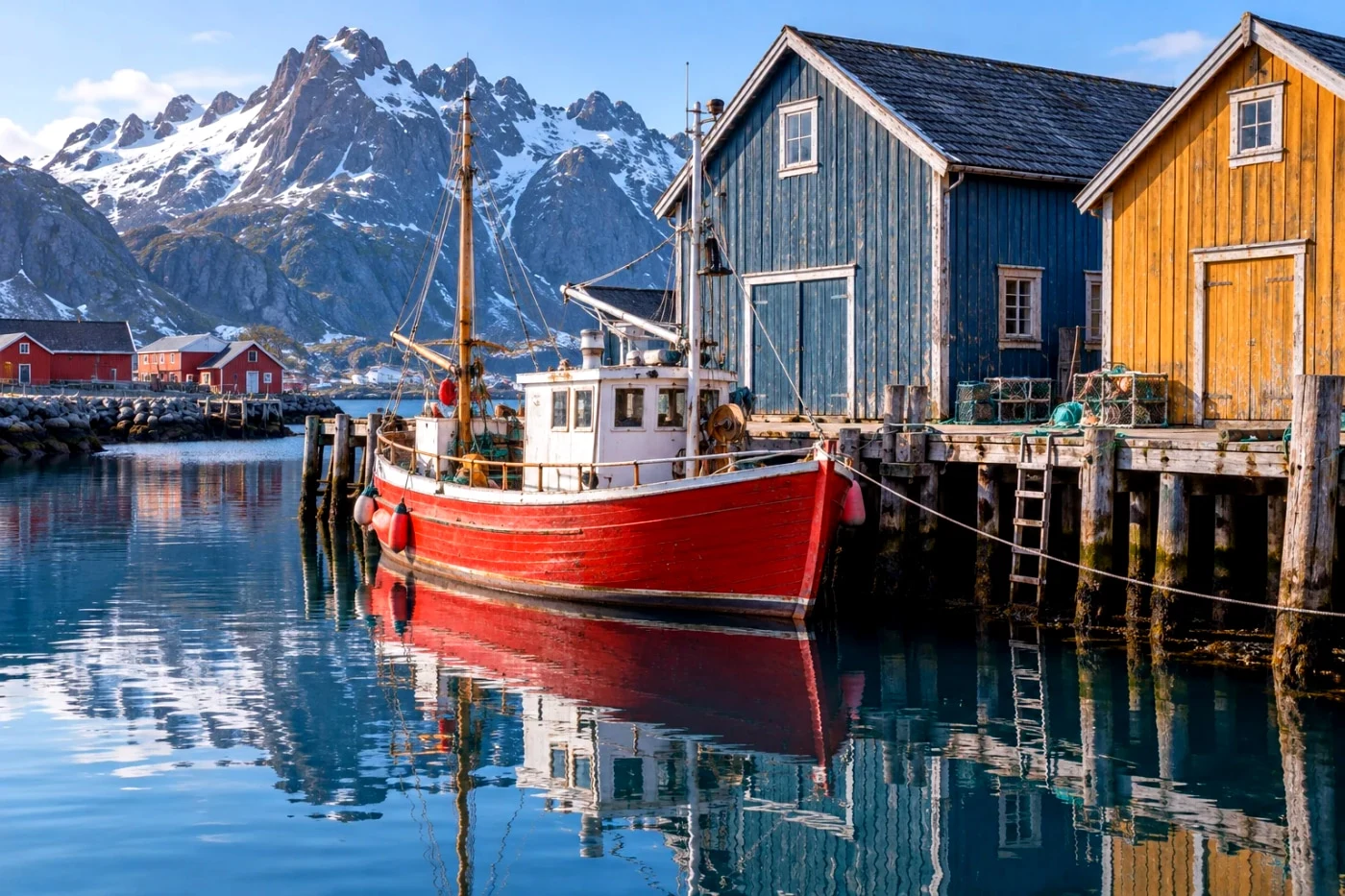 Studio
GR Cross Process
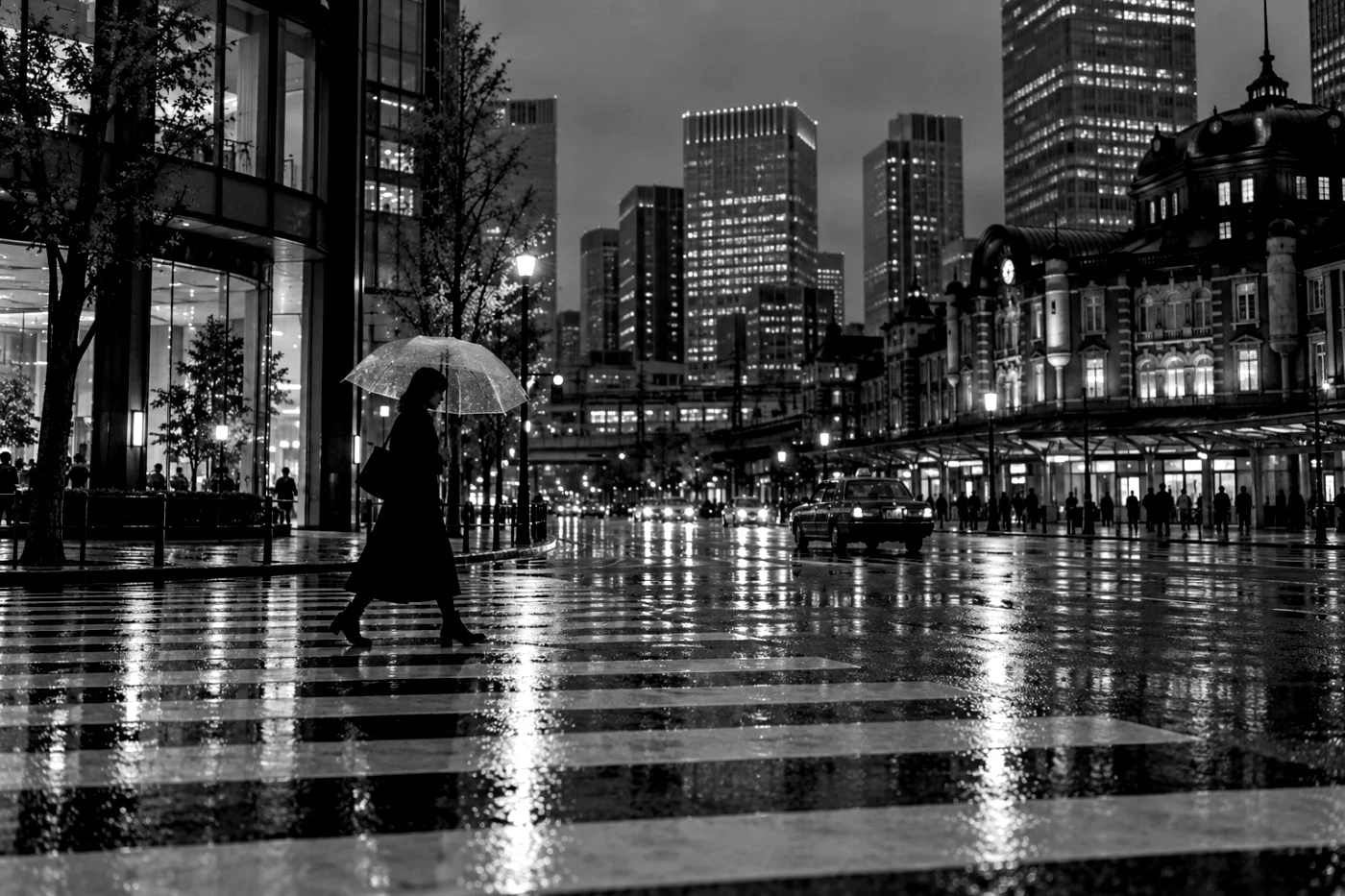 Studio
GR Hi-Contrast B&W
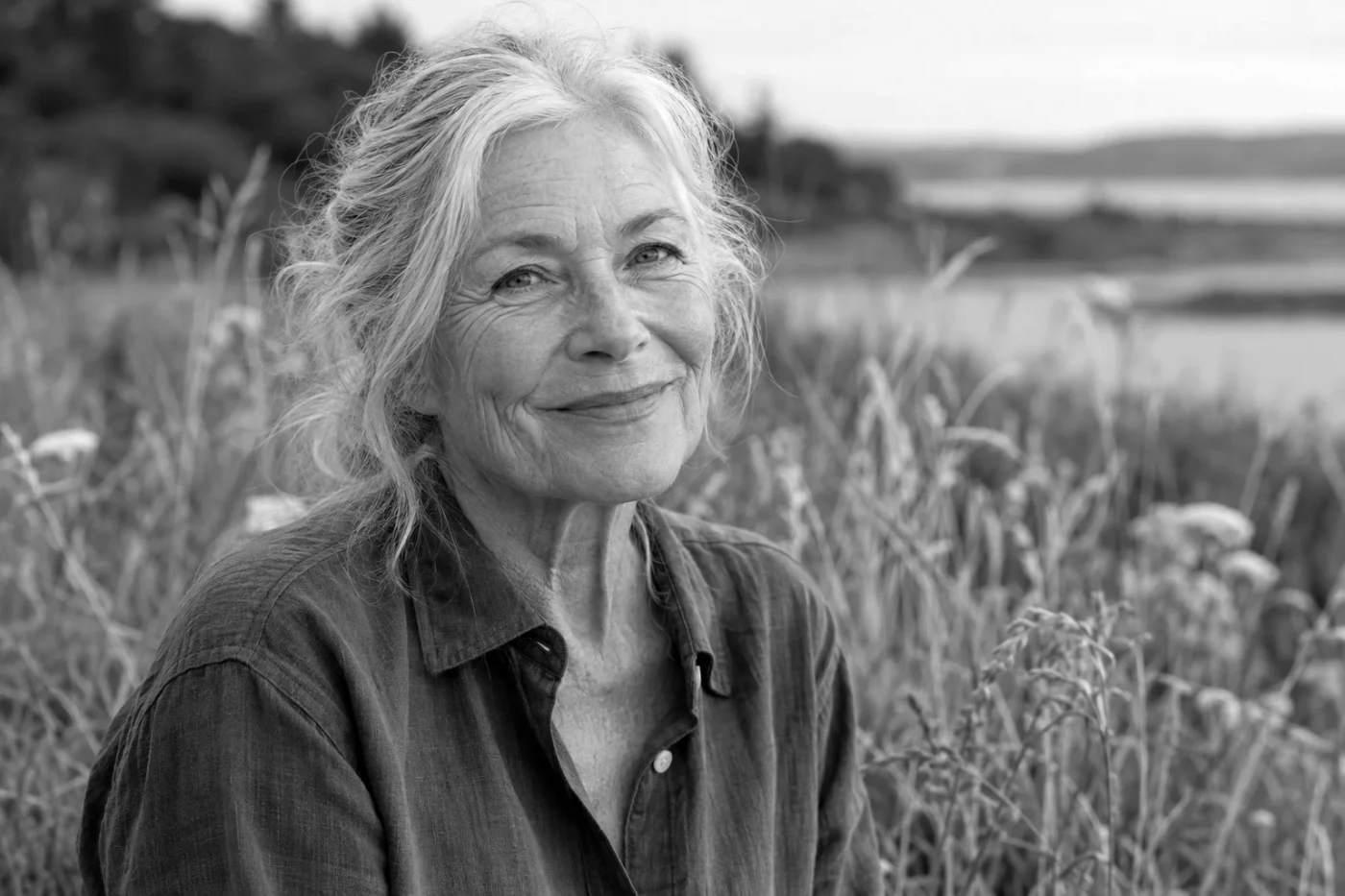 Studio
GR Hard Monotone
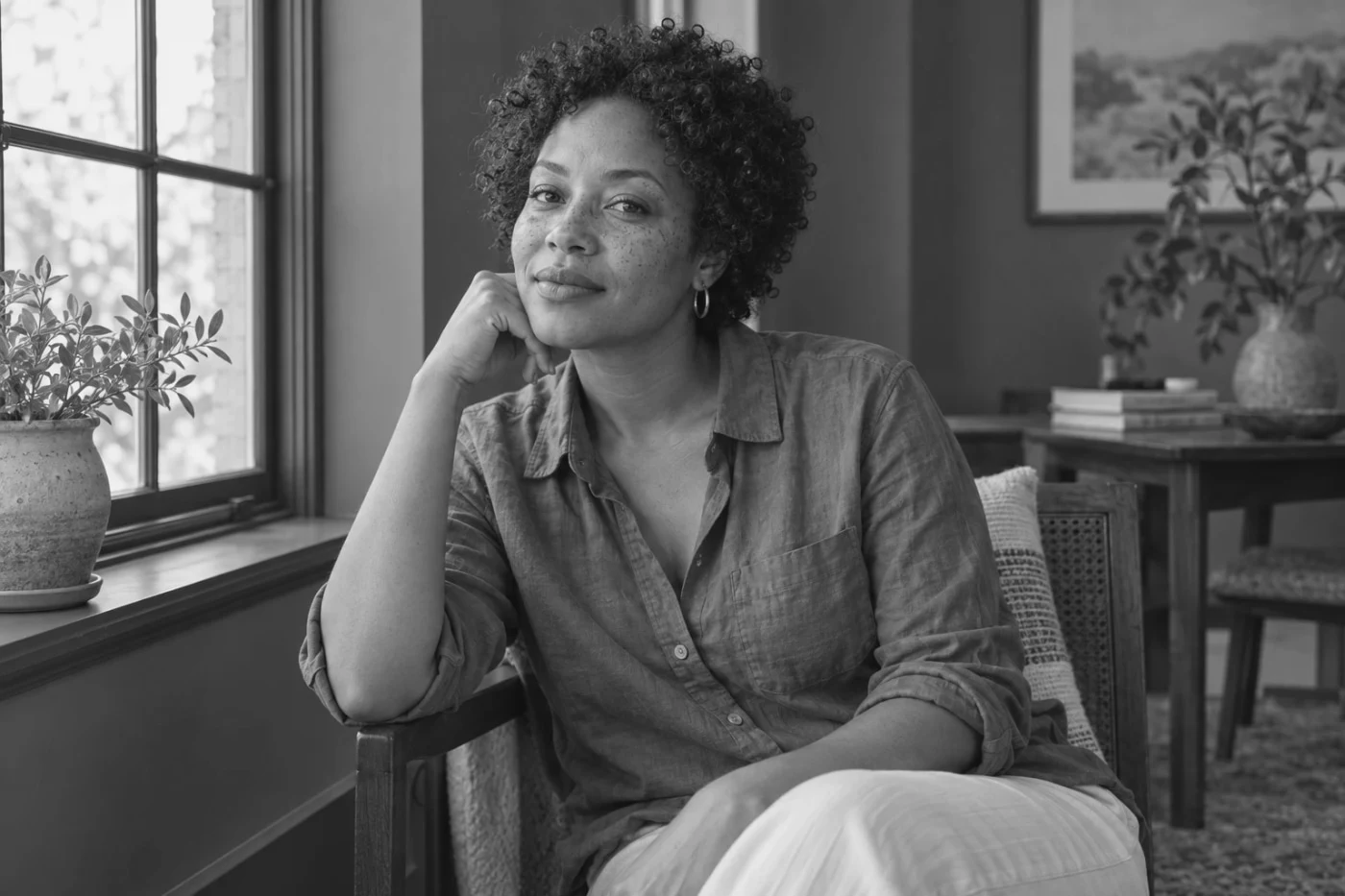 Studio
GR Soft Monotone
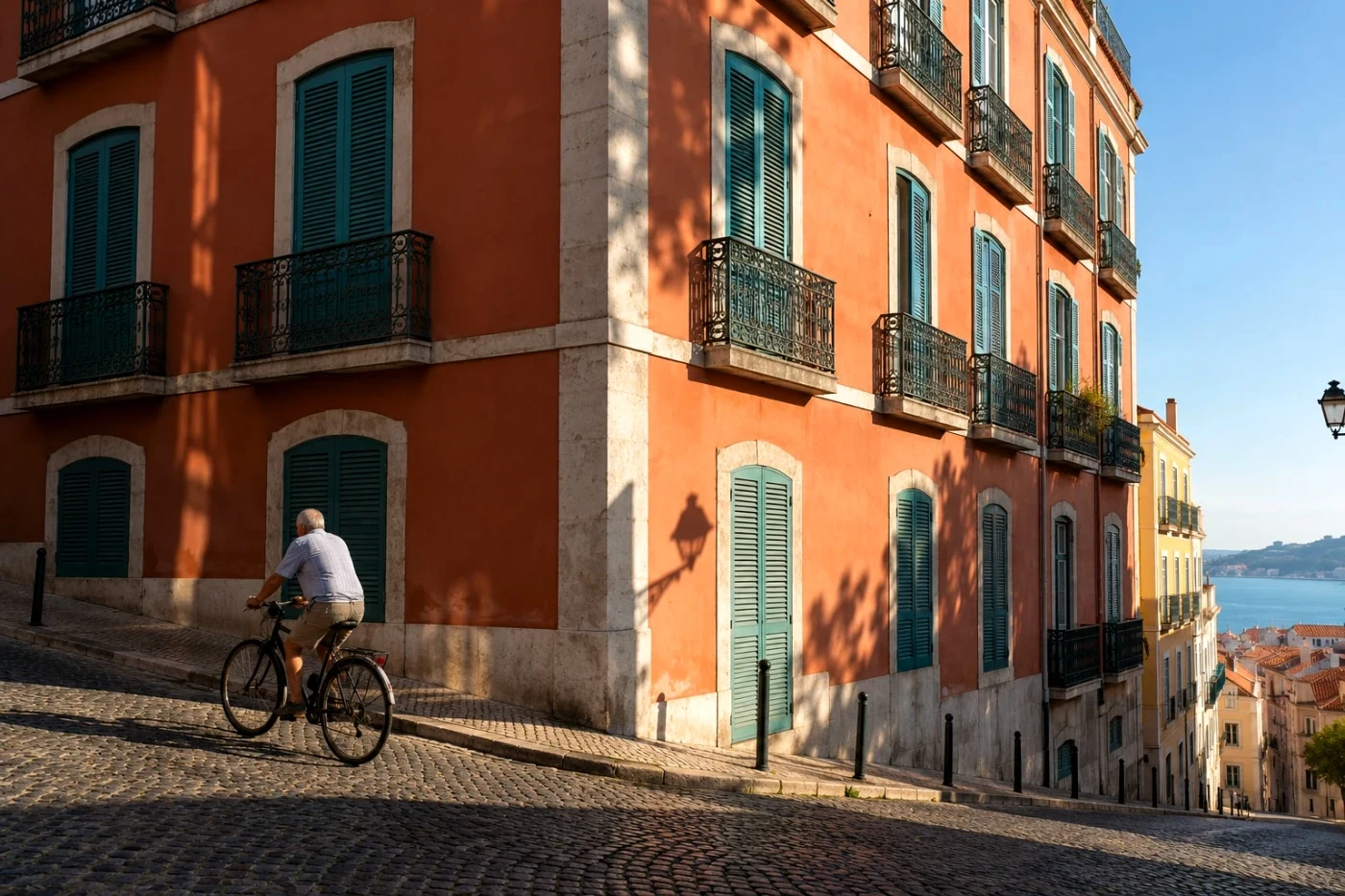 Free save
Leica Contemporary
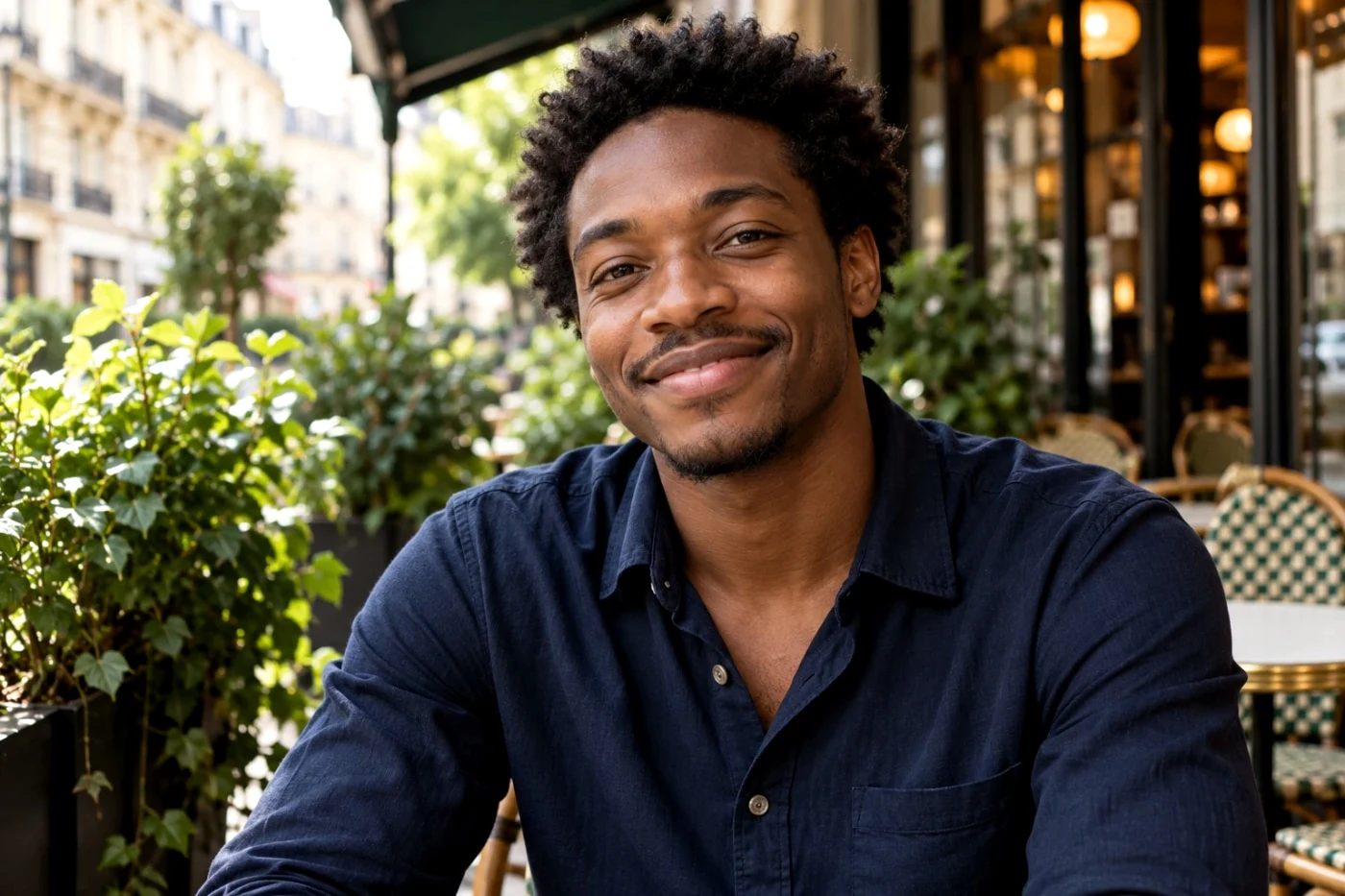 Studio
Leica Classic
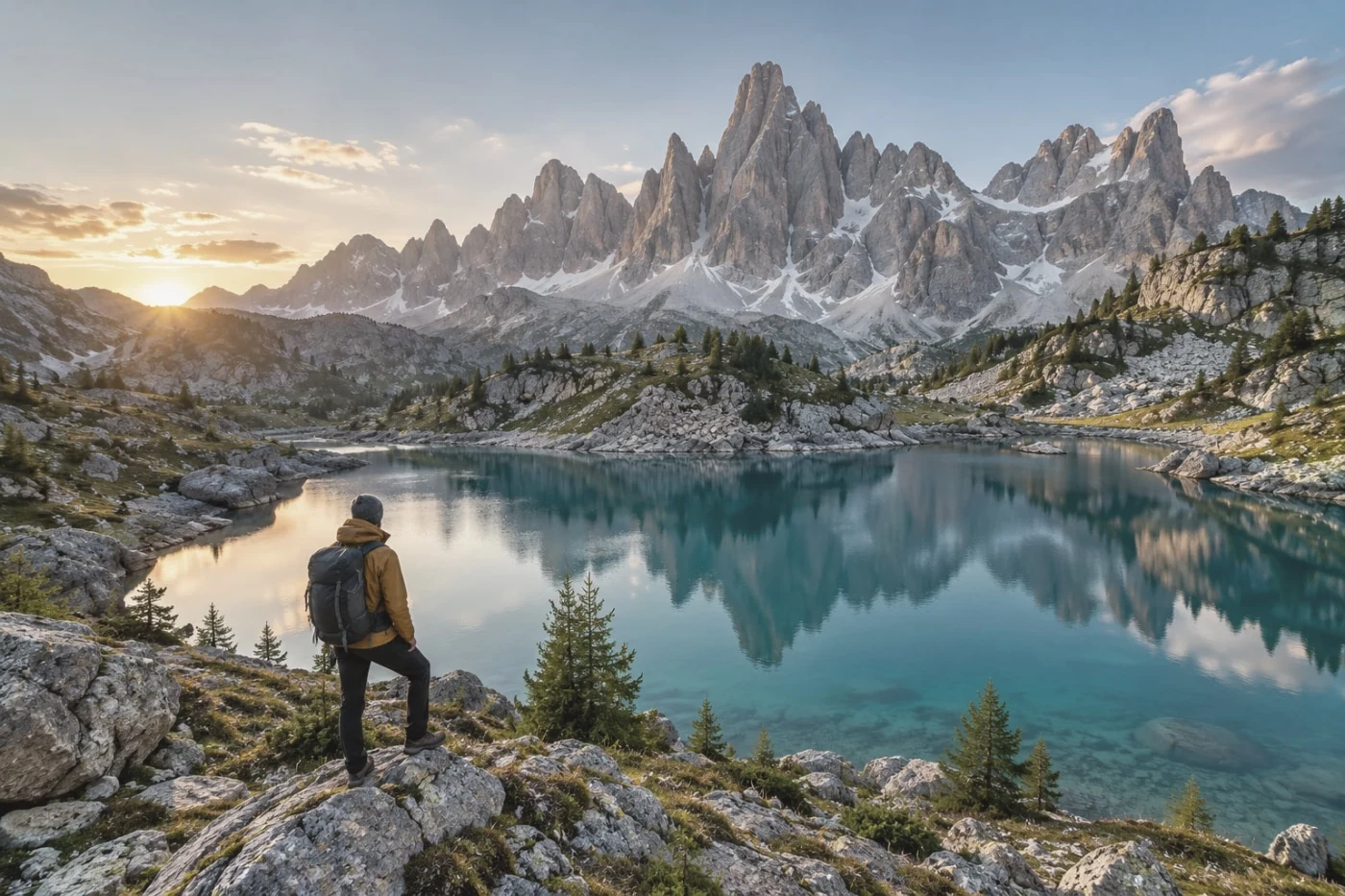 Studio
Leica Eternal
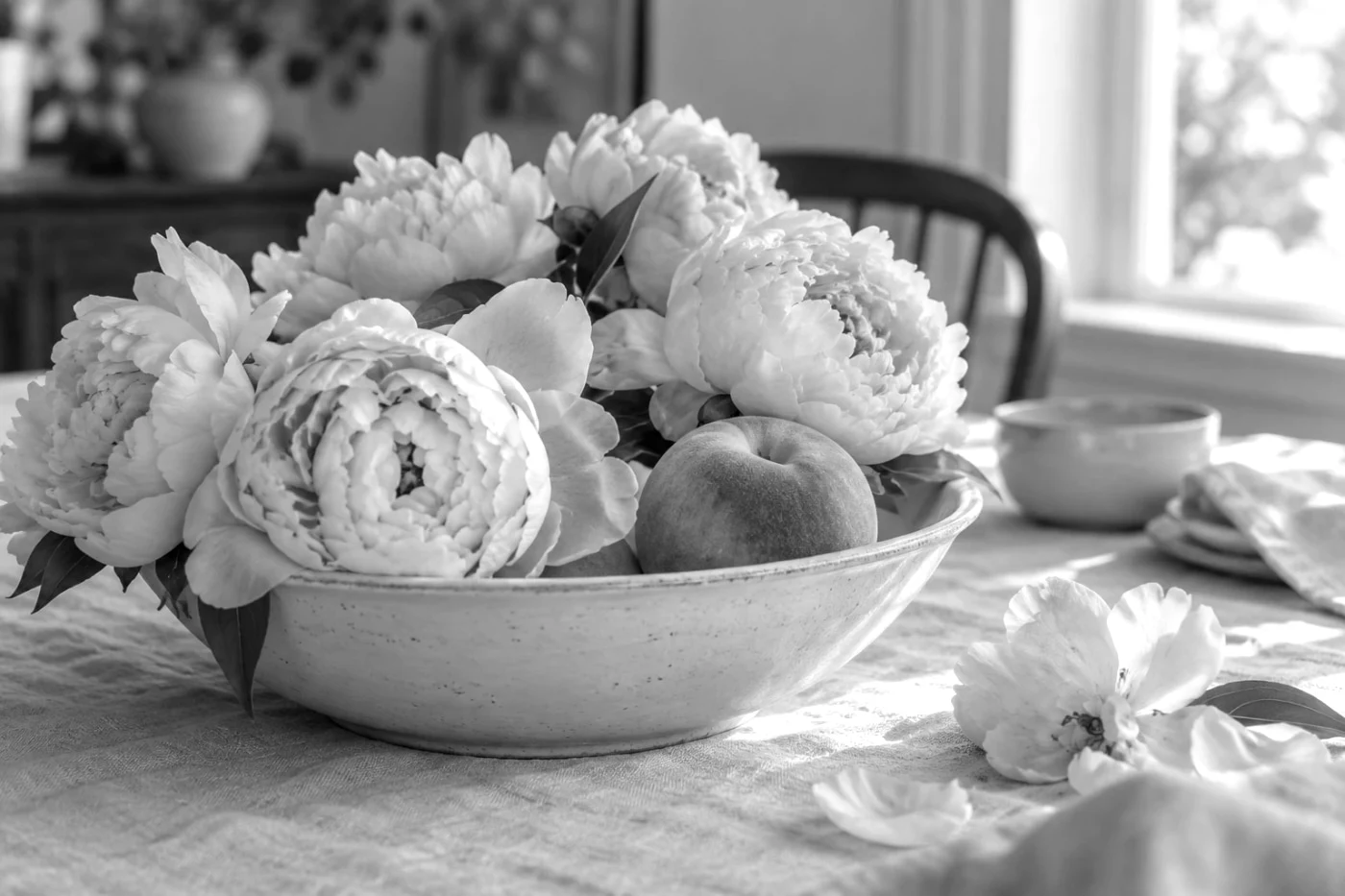 Studio
Leica Monochrom
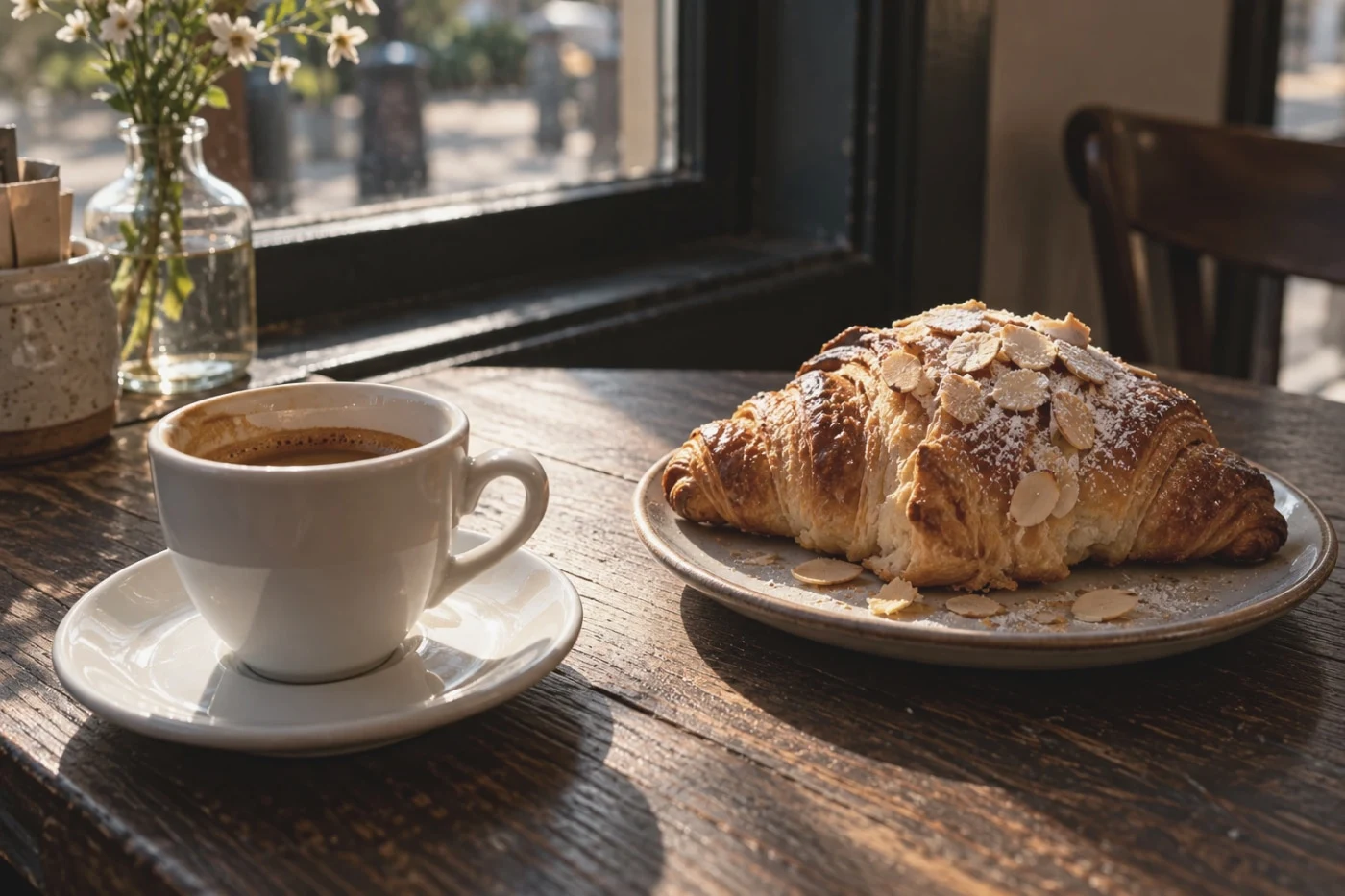 Free save
Hasselblad HNCS Natural
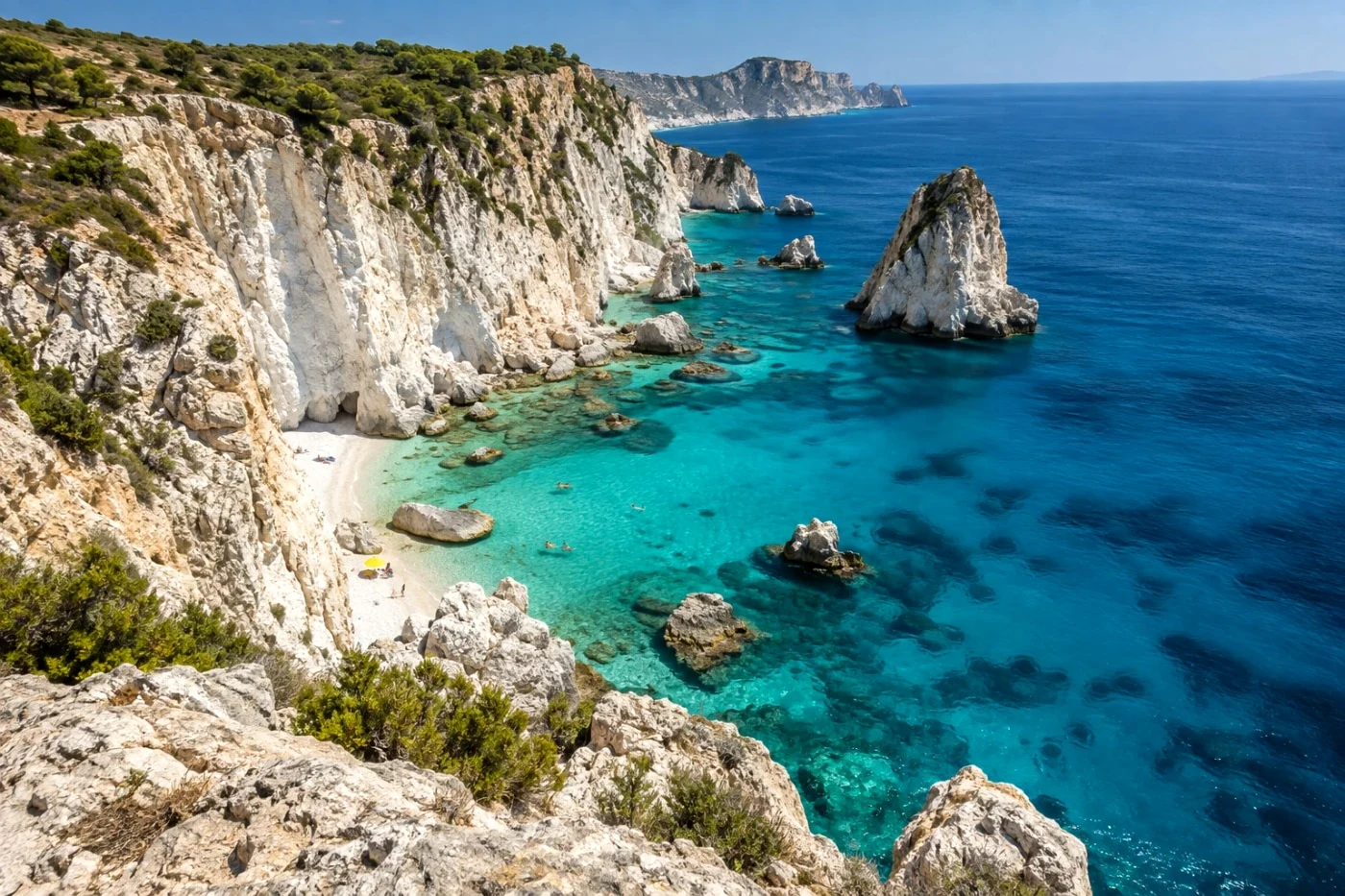 Studio
Canon Standard
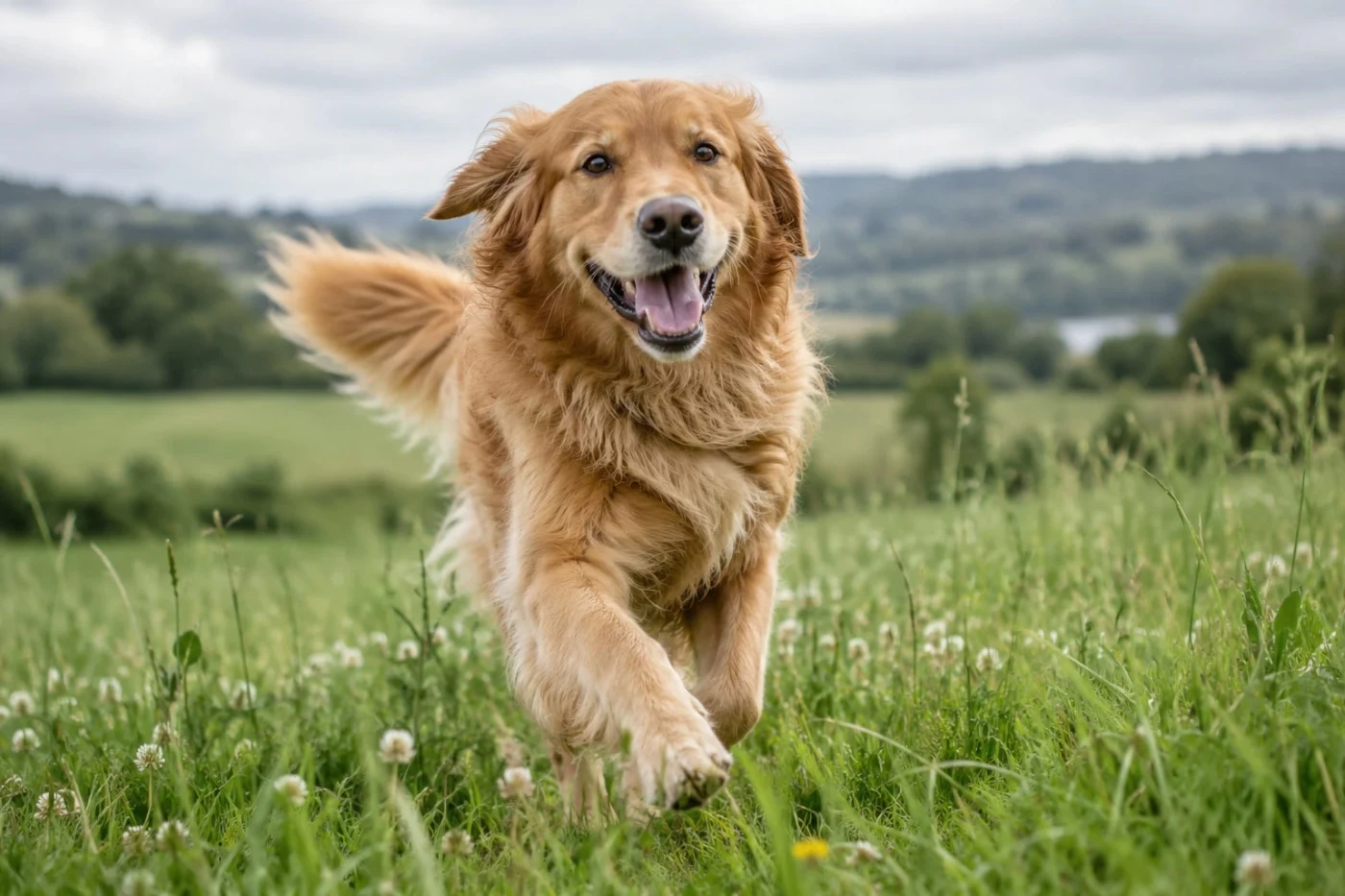 Free save
Canon Portrait
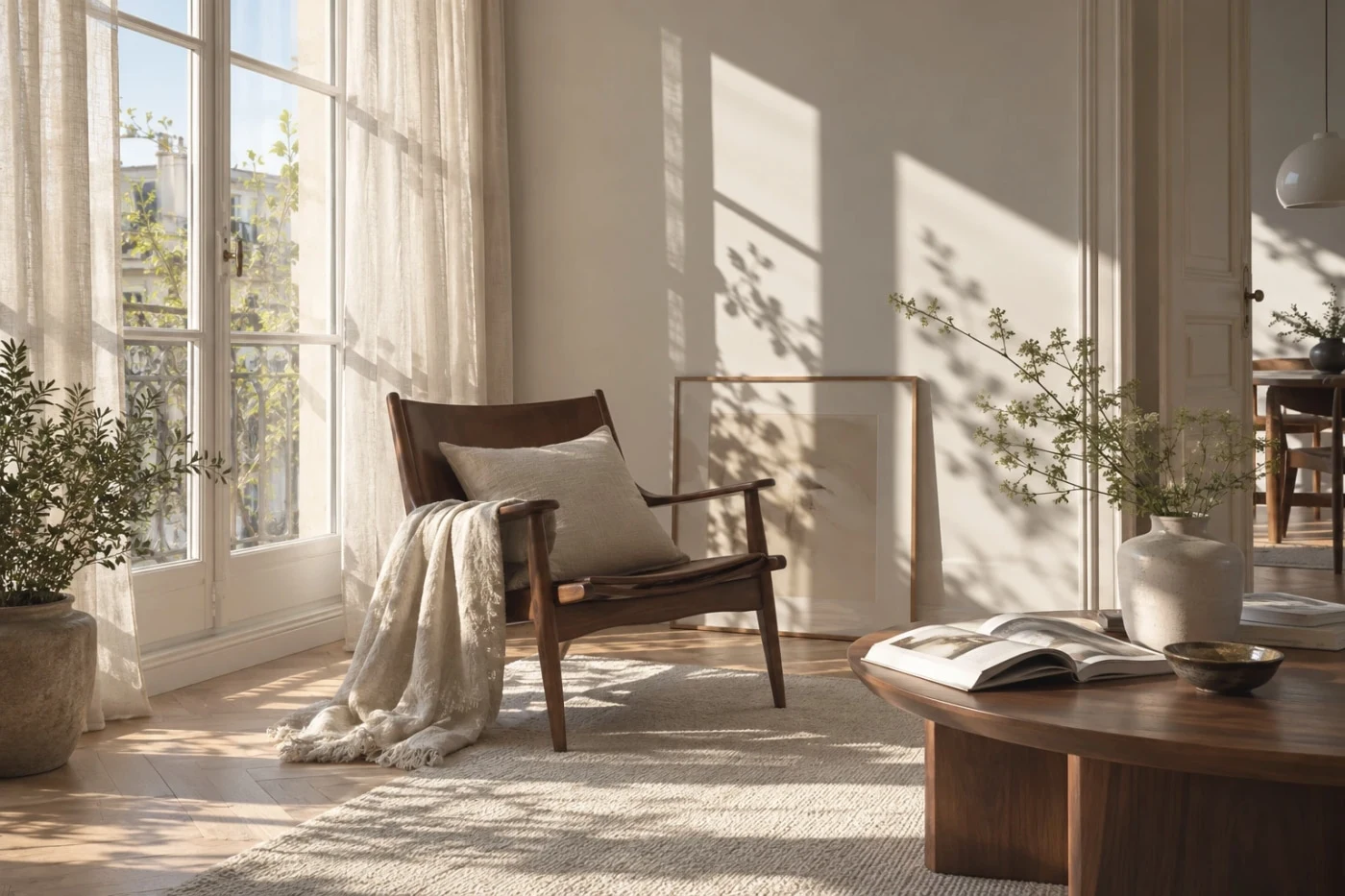 Studio
Canon Faithful
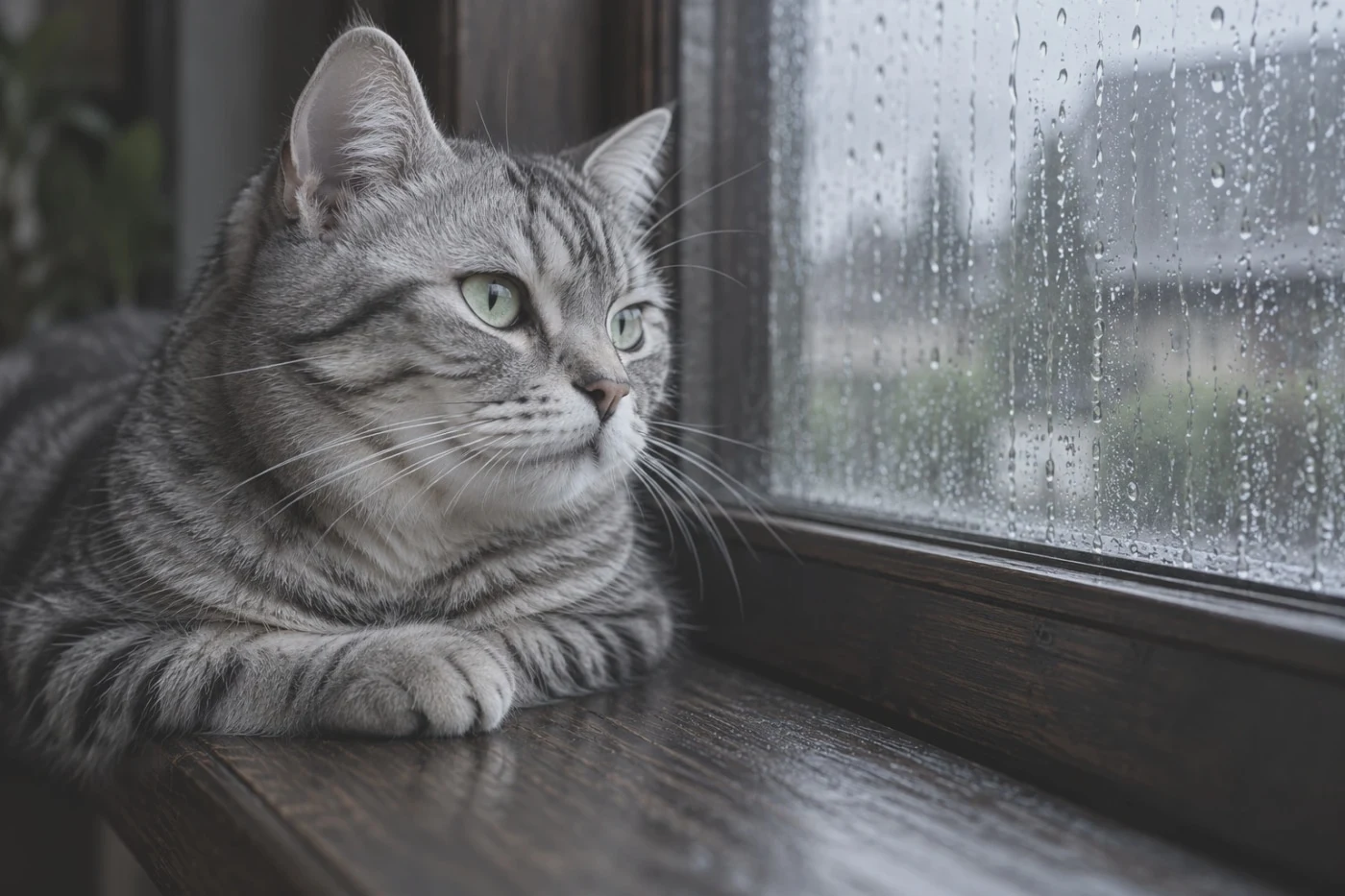 Free save
Nikon Flat
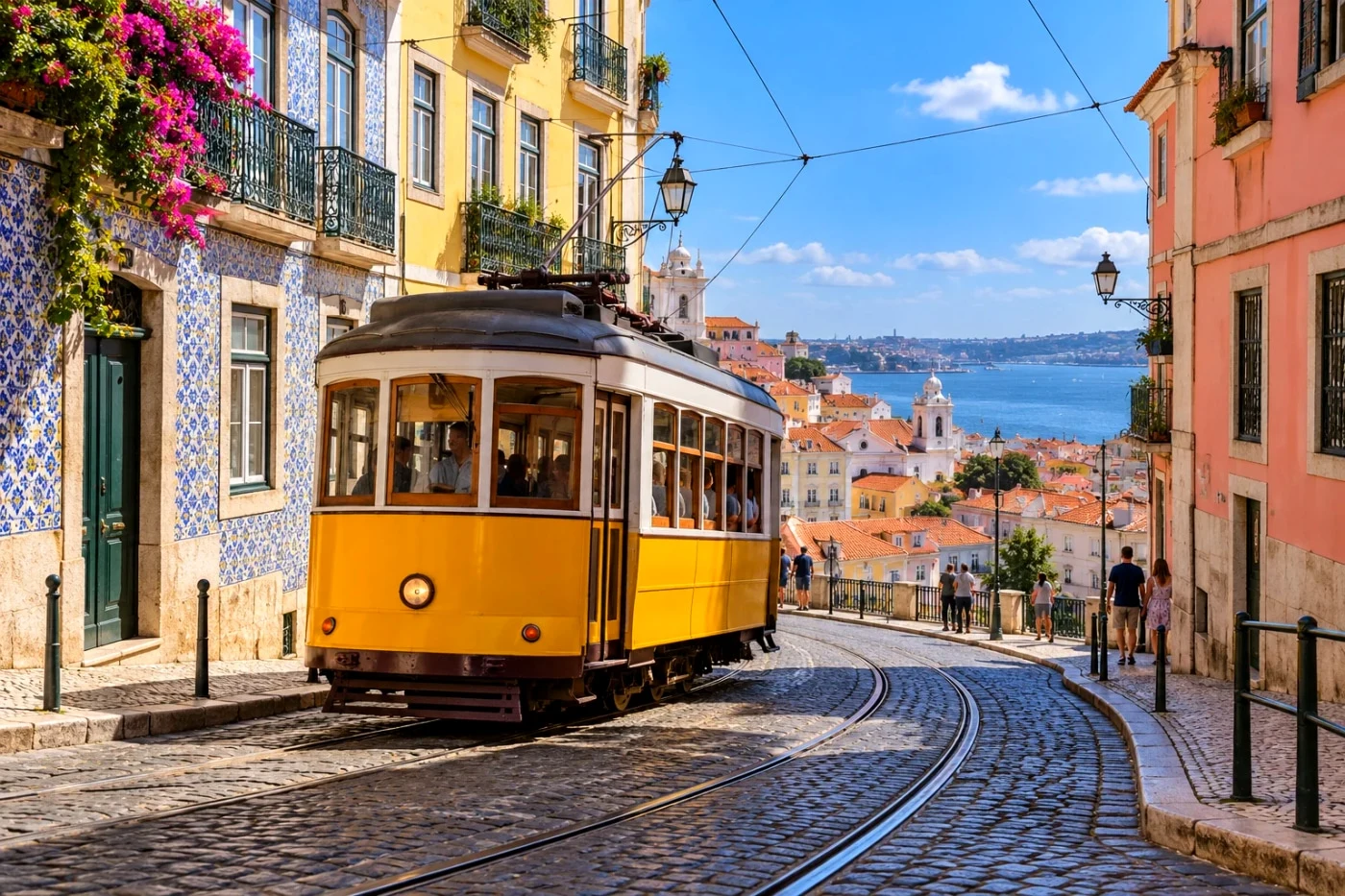 Studio
Nikon Vivid
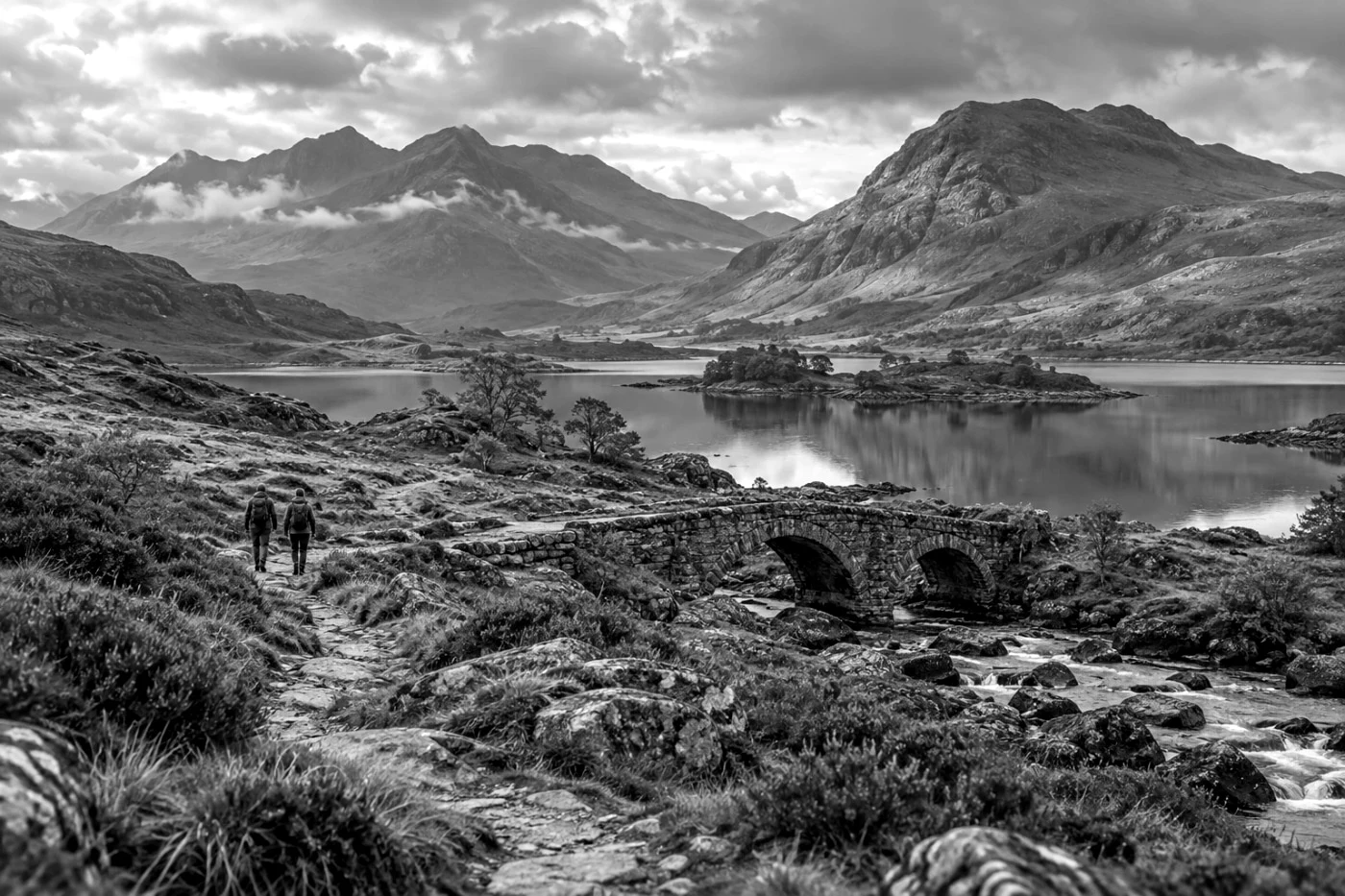 Free save
Pana L.Monochrome D
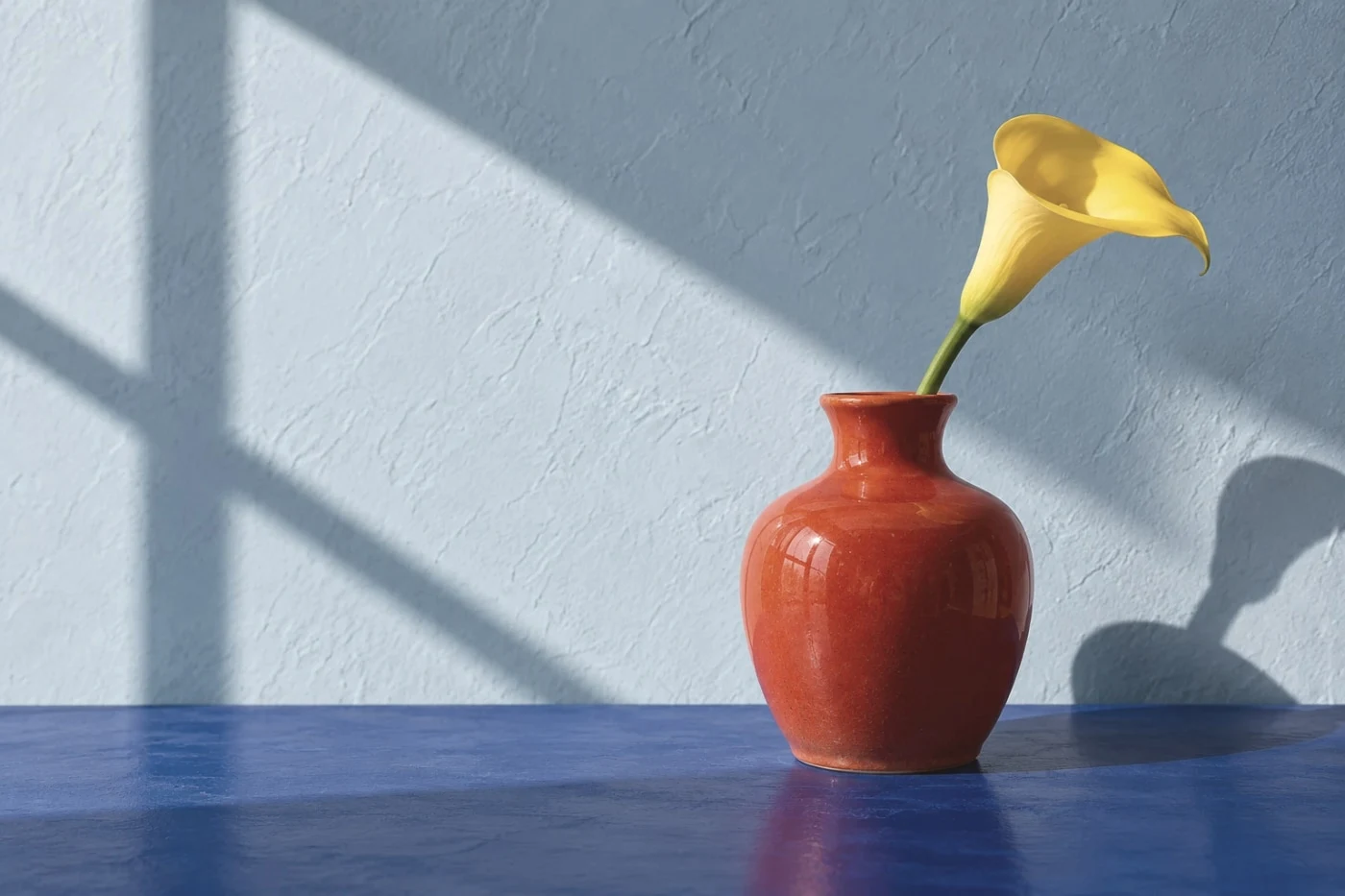 Studio
Pana L.ClassicNeo
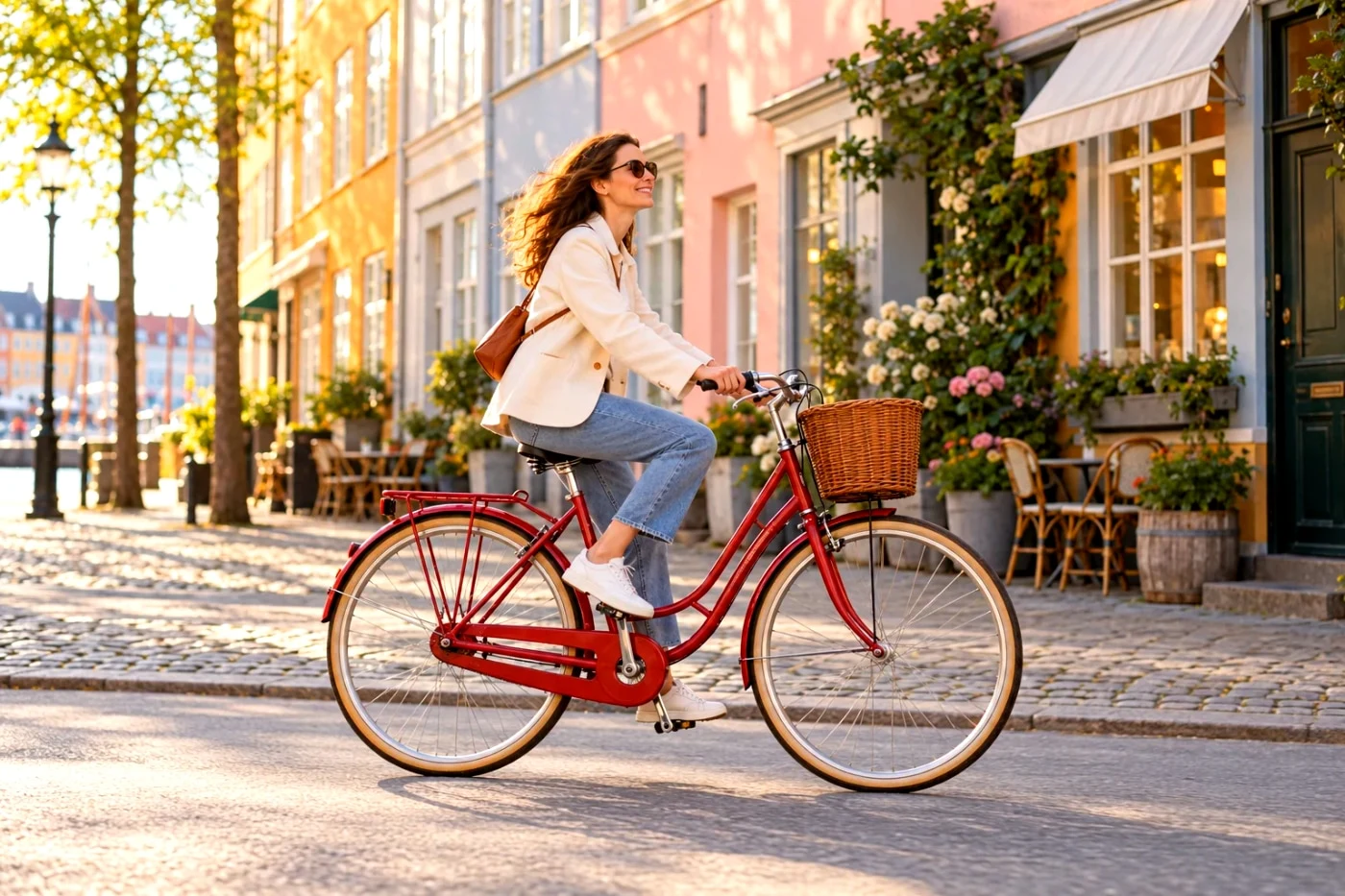 Free save
Olympus Pop Art
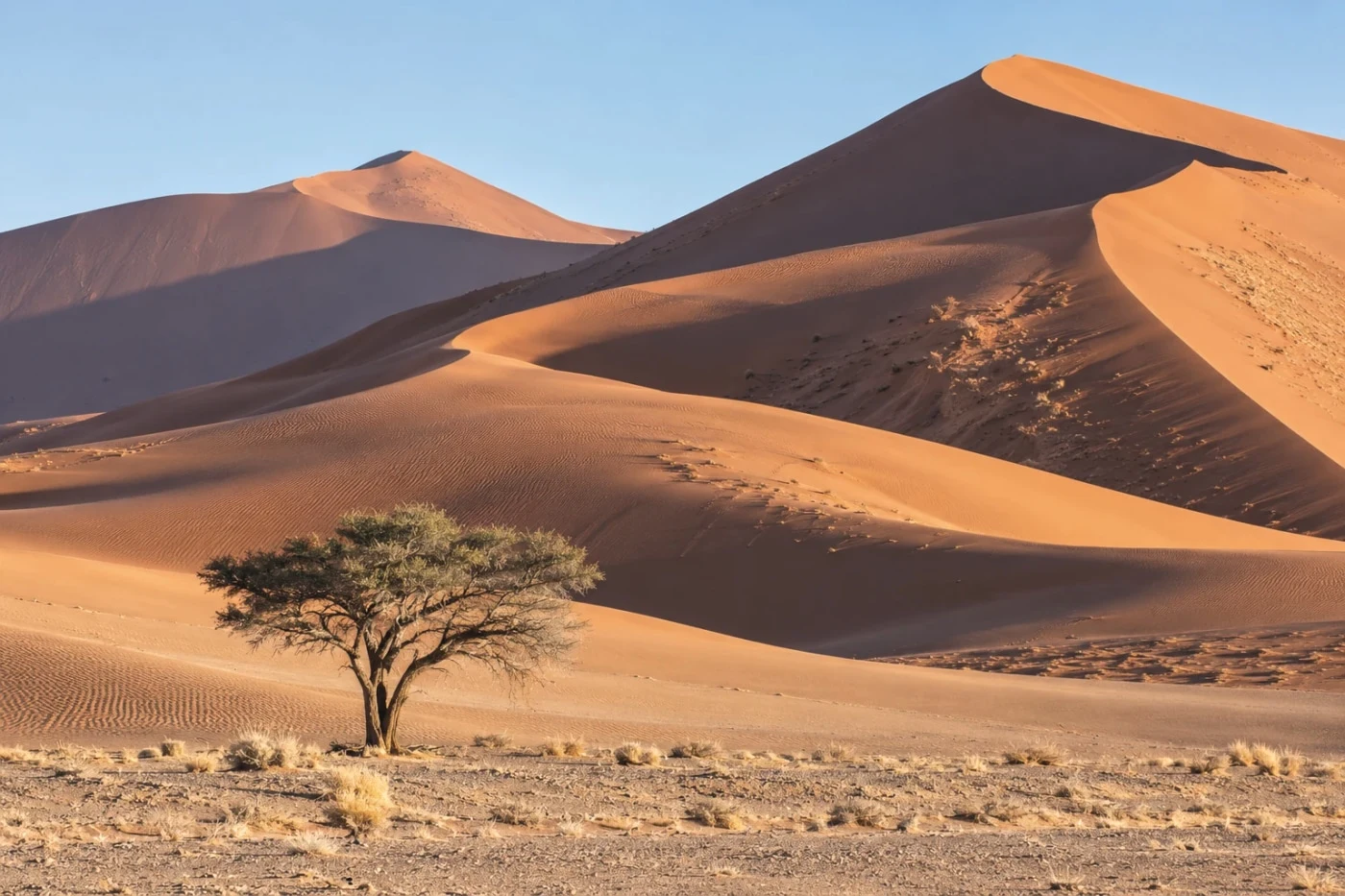 Studio
Olympus Pale & Light
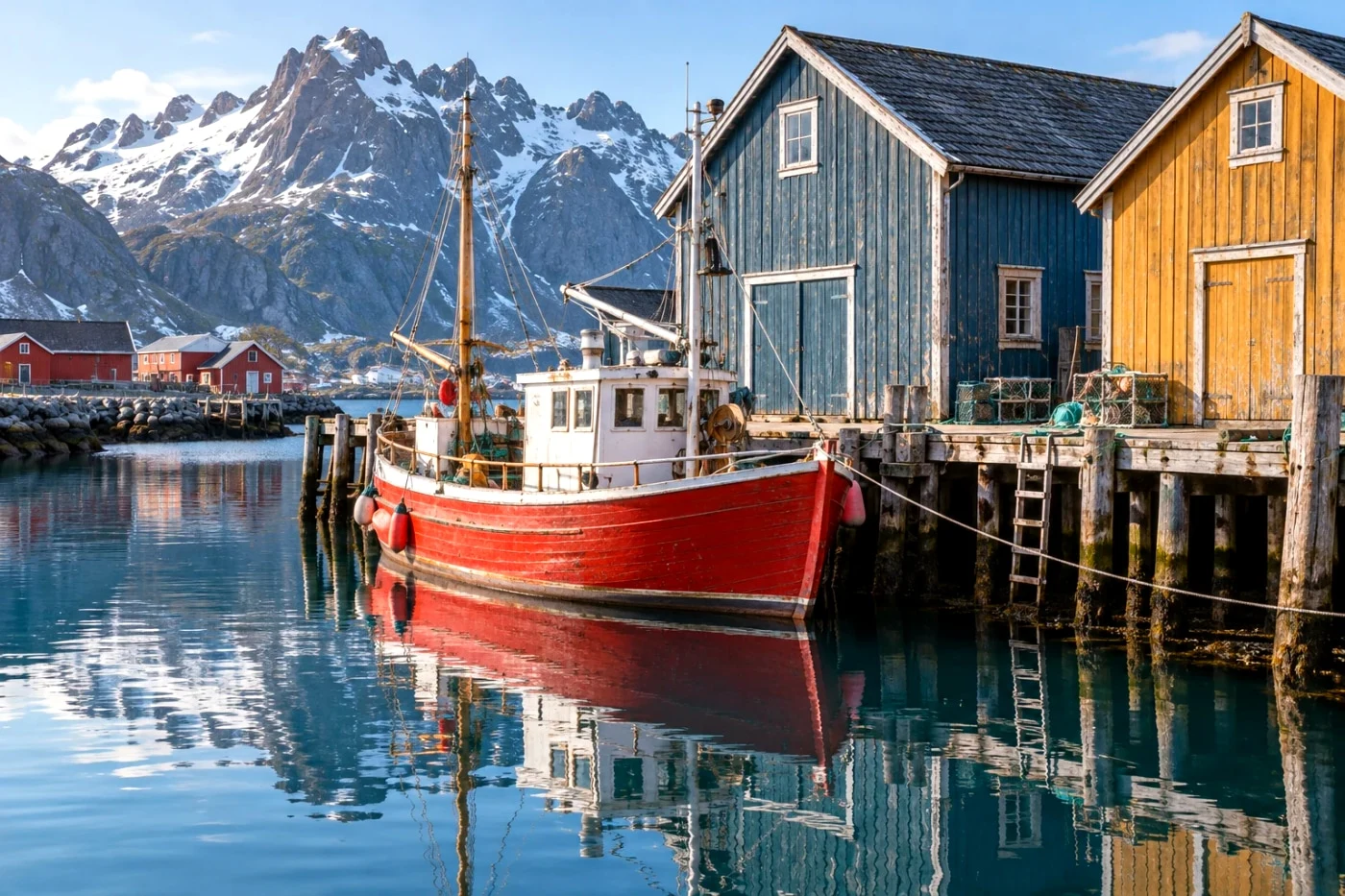 Studio
Agfa Vista 200
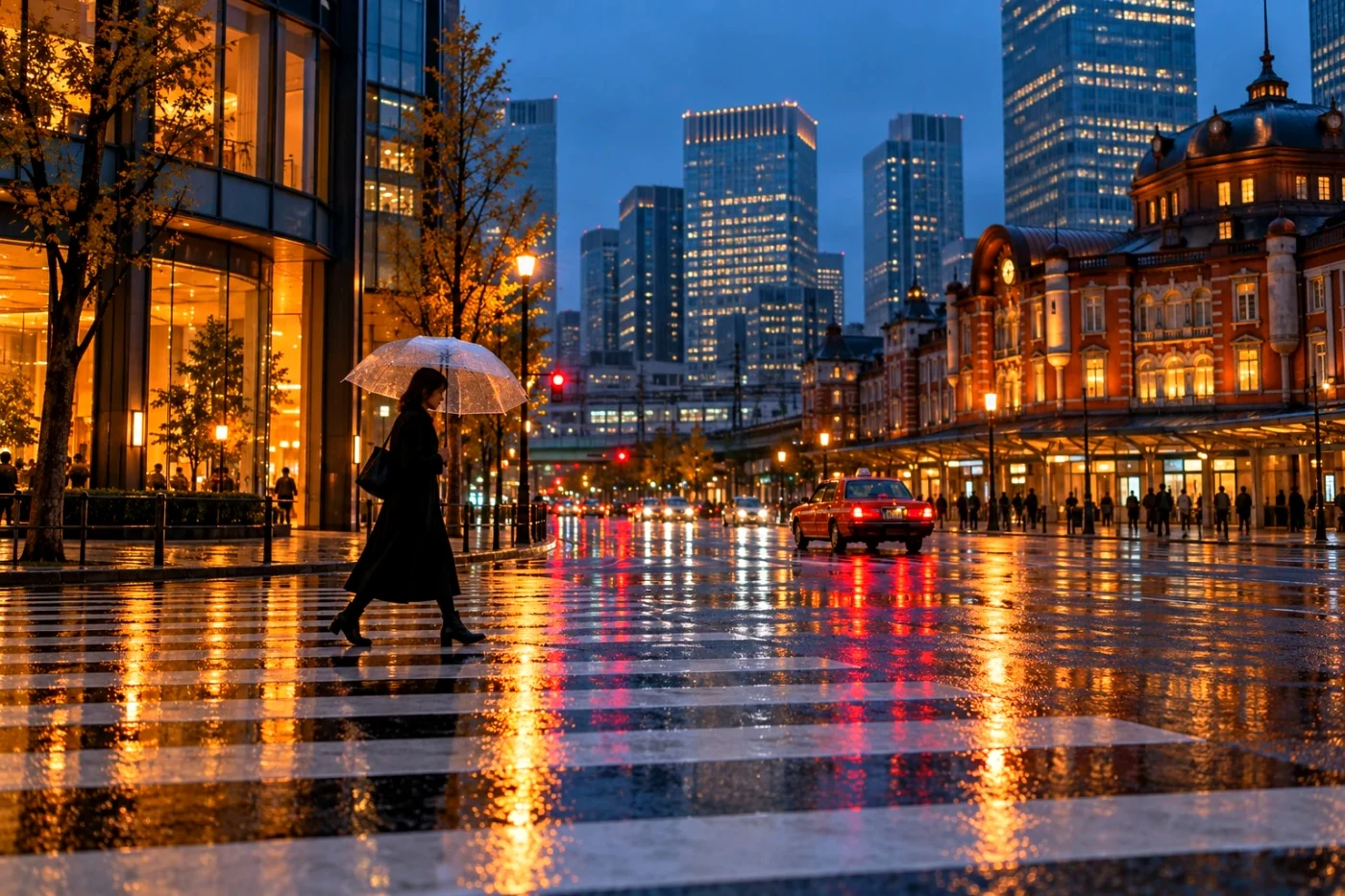 Studio
Agfa Ultra 100
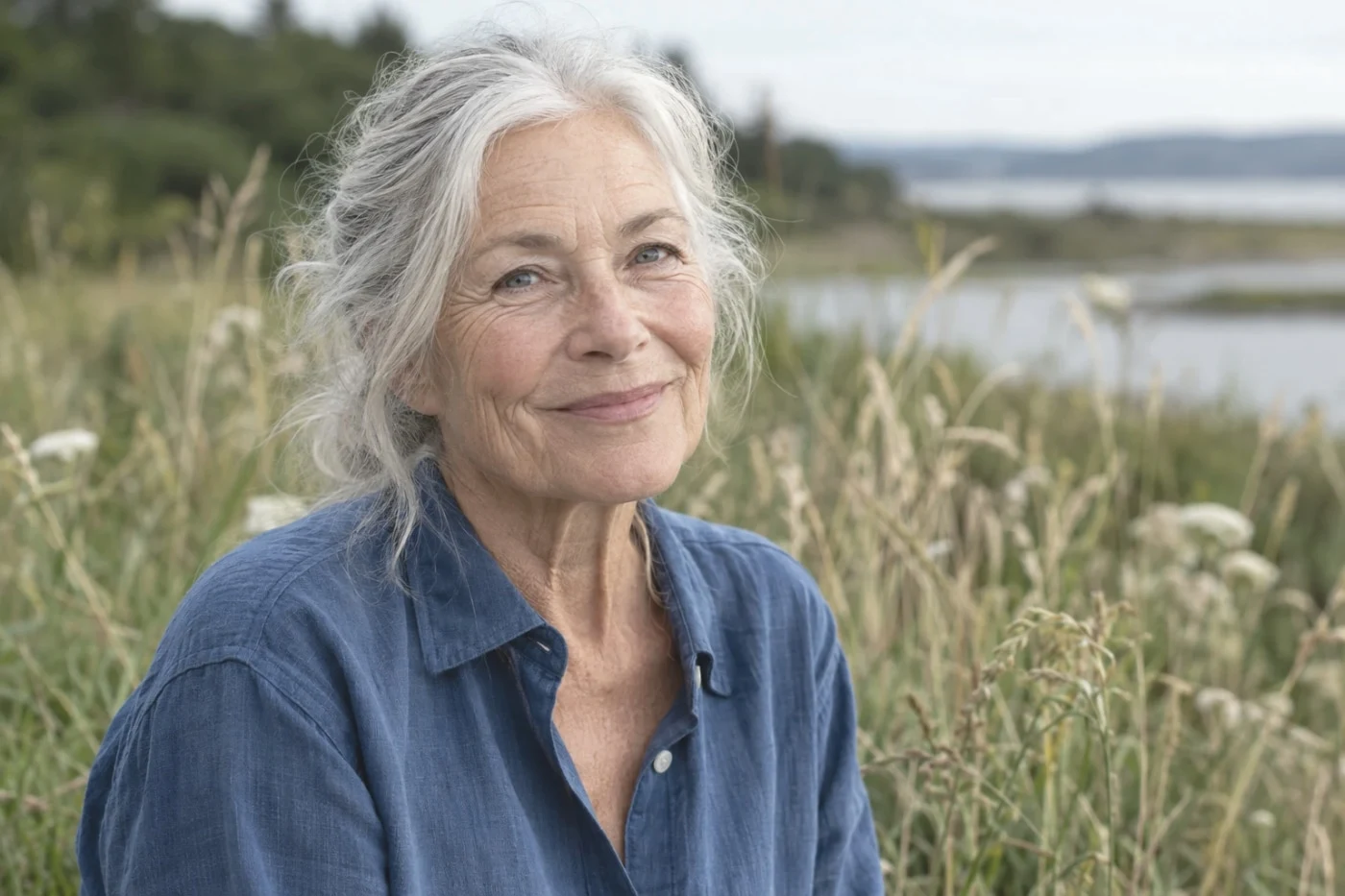 Studio
Polaroid / Instax
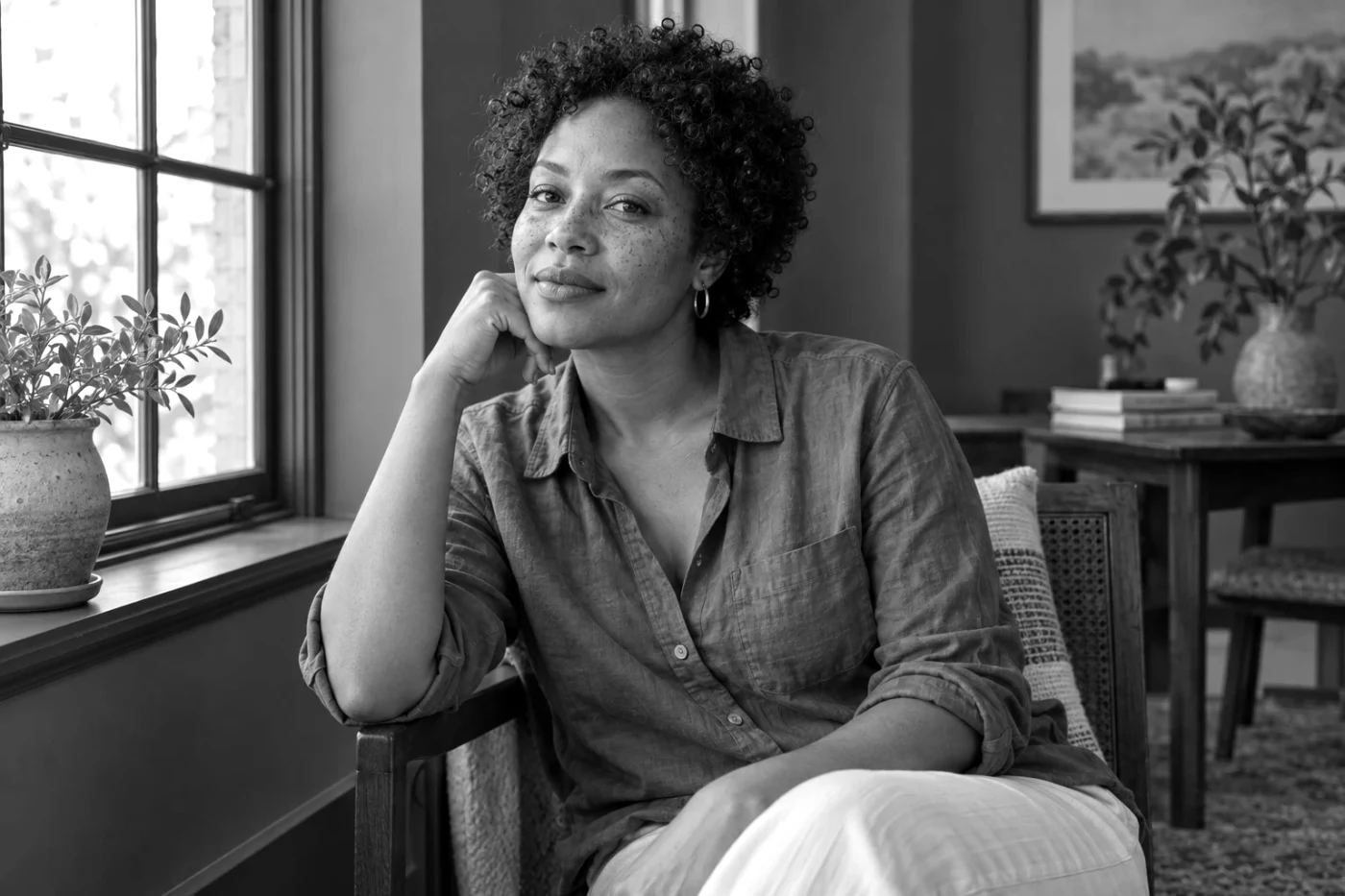 Studio
Ilford HP5
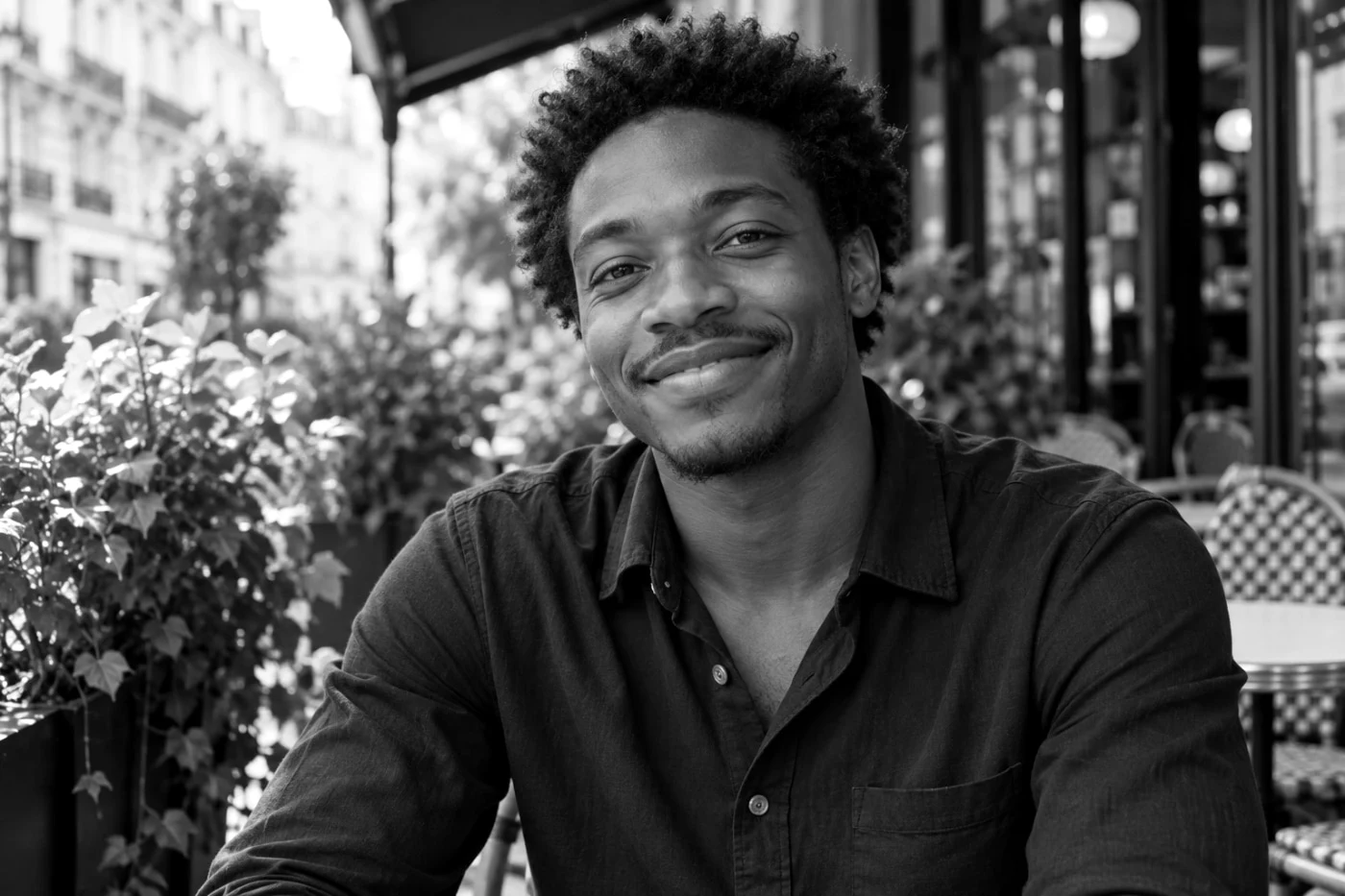 Studio
Ilford FP4
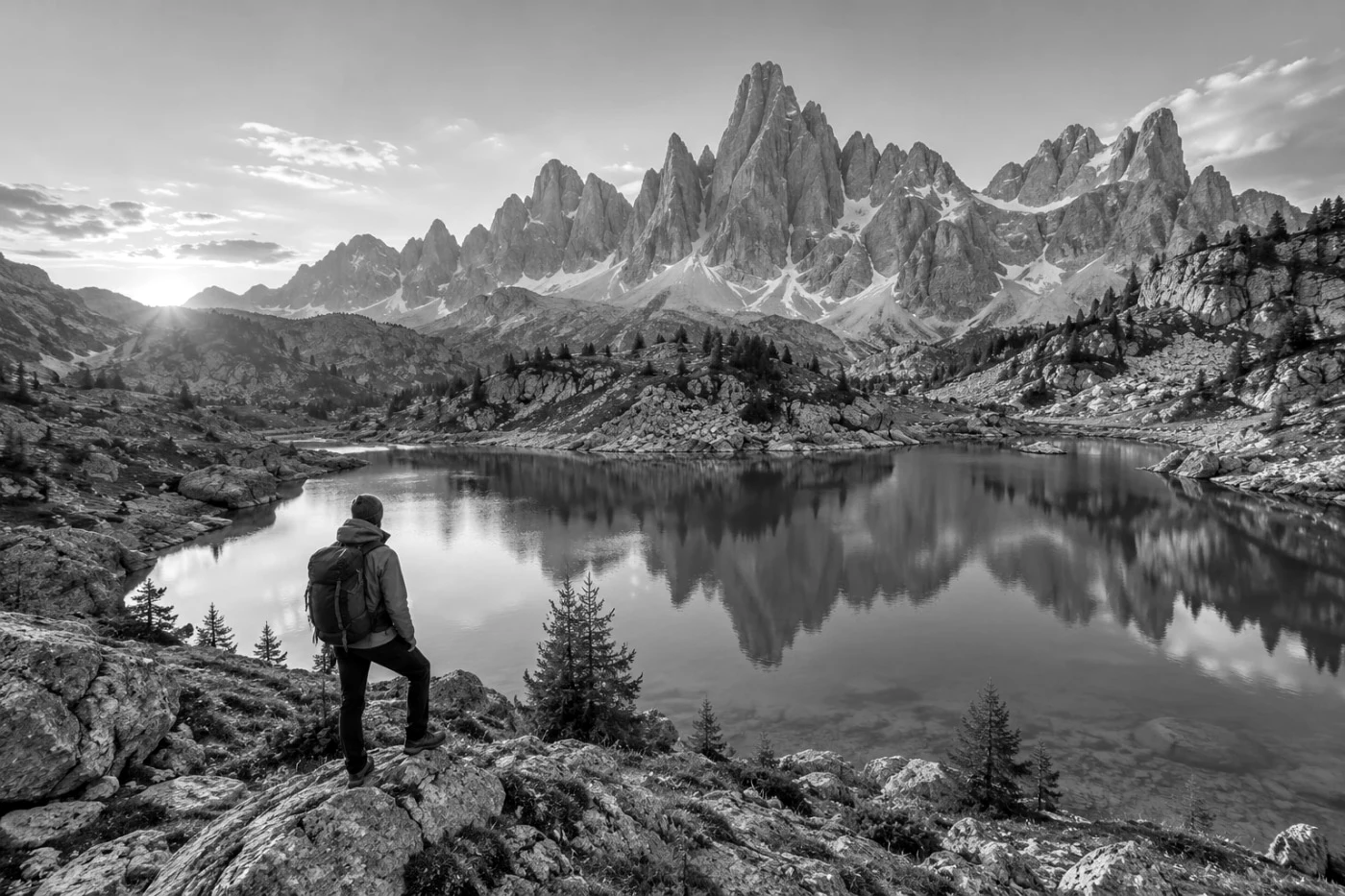 Studio
Ilford Delta 100
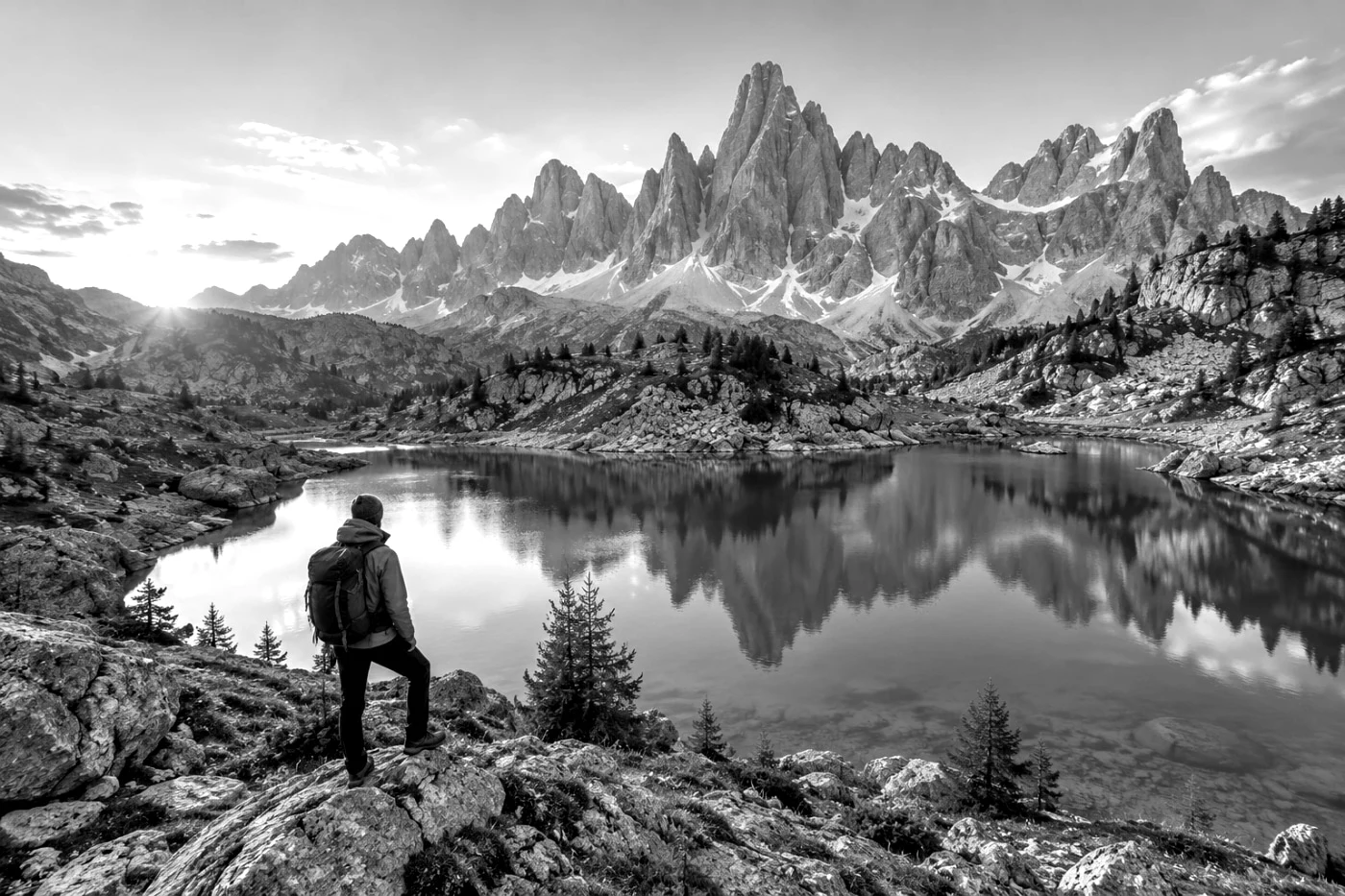 Studio
Ilford Delta 3200
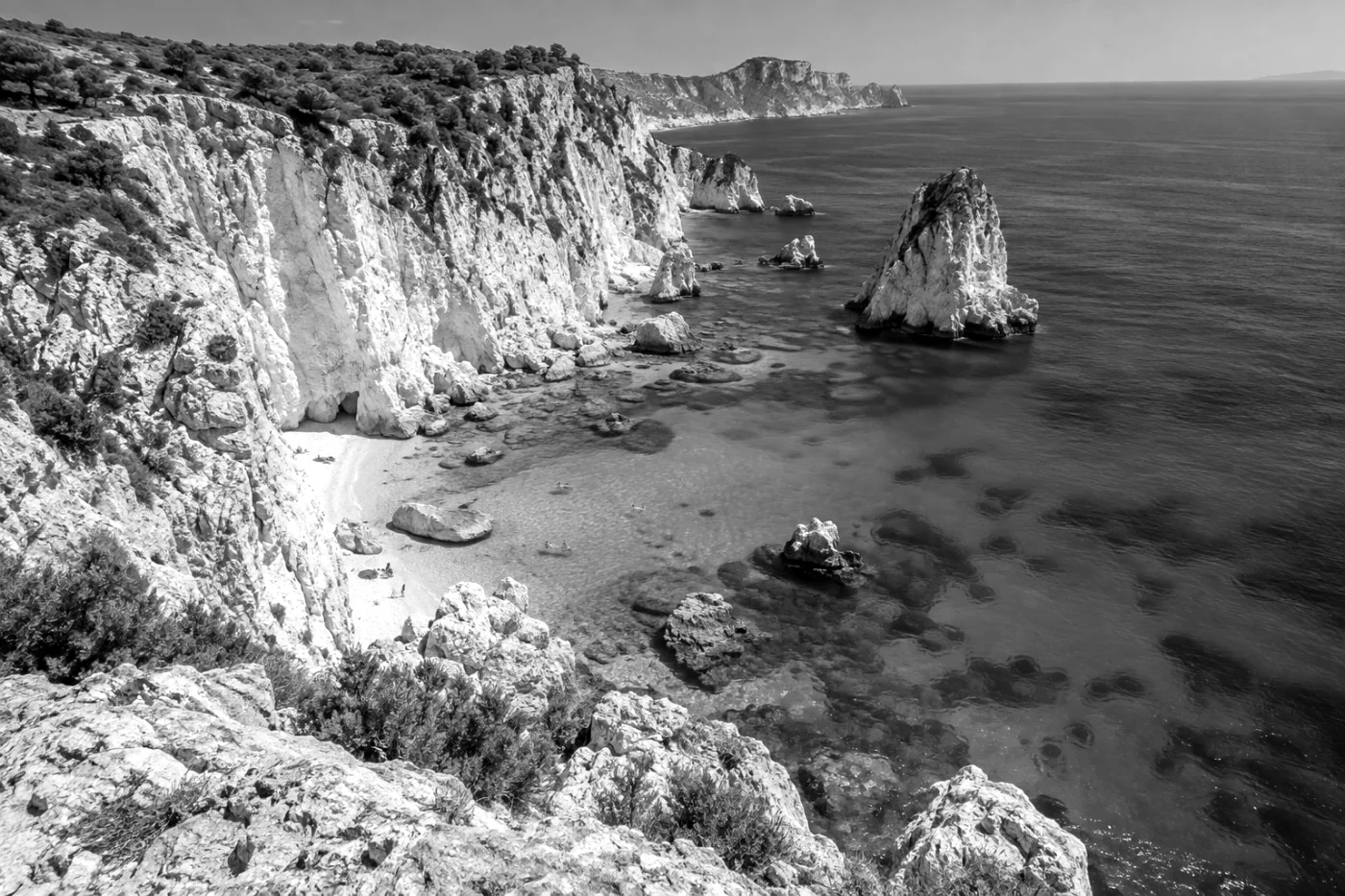 Studio
Ilford Pan F 50
Independent style interpretations. Samples show our actual processing on AI-created images. Results vary with your original photo. About our approach ↗
Three steps. One finished photo.
- 01
Upload a JPG, PNG or WebP.
- 02
Browse by camera, film family or free saves. Compare any look with your original.
- 03
Save your photo, or apply the same look to a set.
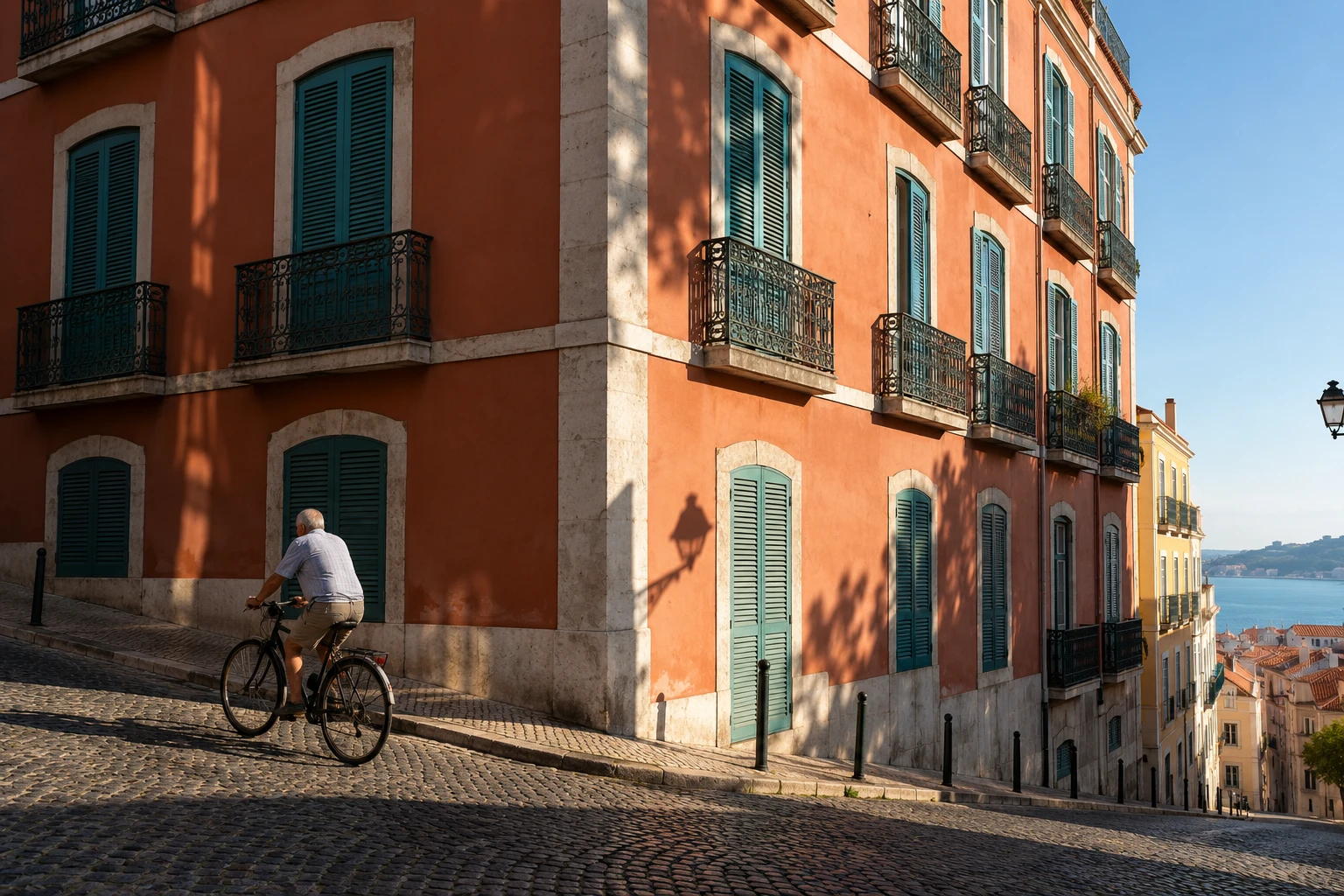
One photo. Two ways of seeing.
Independent interpretations of camera and film styles, not official manufacturer profiles. Results depend on your original light and colors.
Each tool works from the original. Switching tools replaces the current effect; it does not stack edits.
A few useful details.
Preview first. Choose Standard or Studio HD when you save.
See plans and limits →Which filters can I use?
The library includes 10 curated styles and 76 experimental camera-setting interpretations. Every available look can be previewed. A Studio badge means saving that look requires Studio access.
Can I fine-tune a filter?
Yes. Open Adjust for brightness and warmth, plus intensity on color-only looks. Moving sliders uses no extra previews. Saving a new adjustment combination uses one save. Switching looks resets these controls.
Are these downloadable camera presets?
These filters process your uploaded photo in Camera Refine. They are not Lightroom presets, LUT downloads or settings installed on a camera.
Can I combine a filter with another tool?
Choosing another look or tool starts again from the original photo. Effects are not stacked; your original stays available for comparison.
What is free, and what needs Studio?
13 styles and tools include Standard saves, up to 2048px. You get 3 saves and 30 new previews per day, resetting at midnight UTC. Single-photo fine-tuning is included. Batch processing and ZIP downloads require Studio. Studio offers all styles, sets of up to 20 and 500 HD exports up to 4096px. The one-time price is US$29 once. Checkout availability is shown before payment.