CAMERA REFINE / PHOTO CROP & BORDERS

One finished photo. Three post sizes.

Turn an exported edit into square, portrait or story images. Fit the whole photo or use a centered crop, with optional ivory or black borders.

Start with a photo →

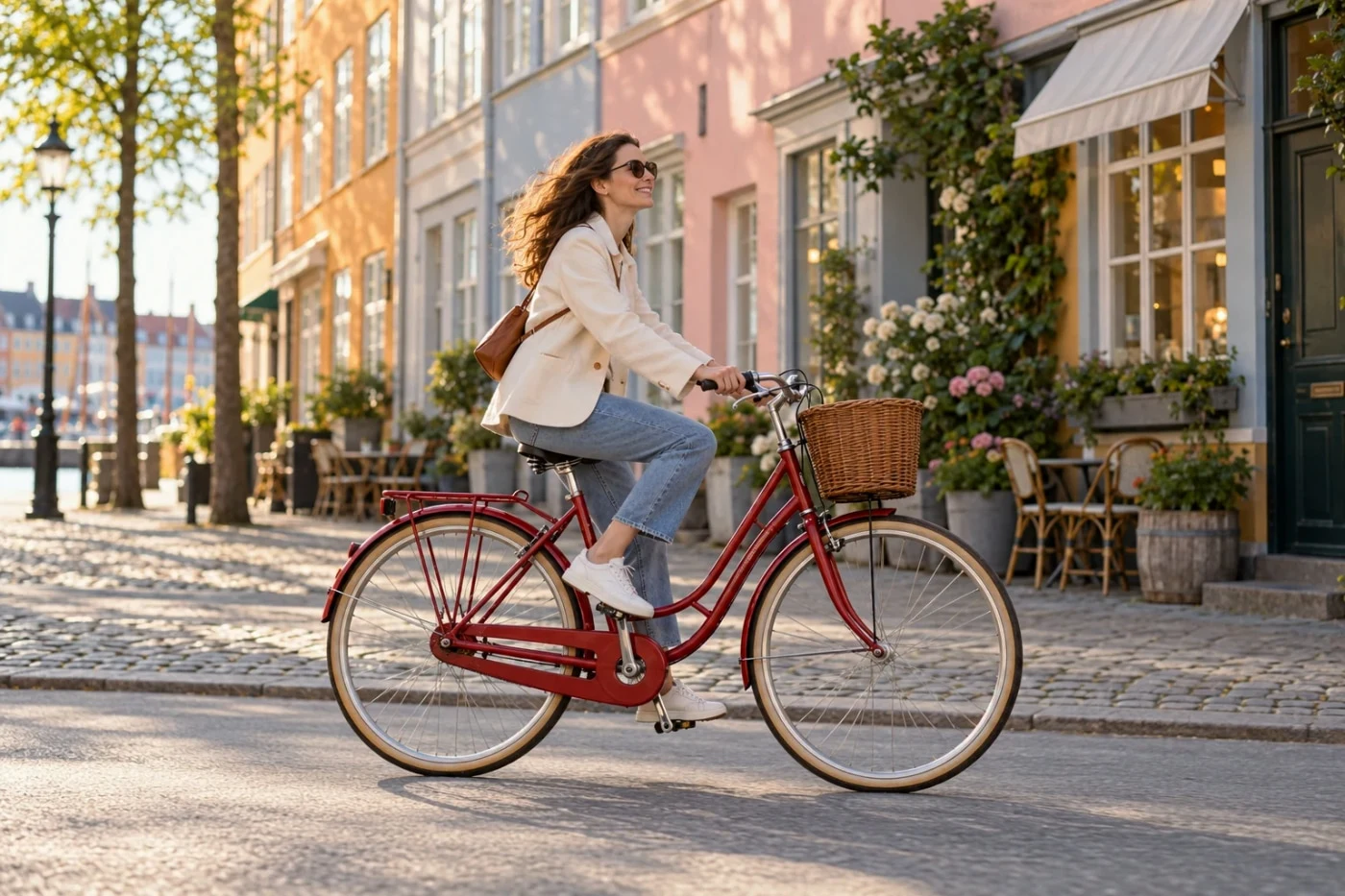
Actual Photo crop & borders output on an AI-created sample
Actual tool output on an AI-created sample.

How to make this edit

  1. Create and export your edit.
  2. Open the save-quality menu, choose Social sizes, then pick 1:1, 4:5 or 9:16.
  3. Fit the full photo or use a centered crop, then save.

Social formats are created in your browser without extra cloud credits. The current social output is JPEG; transparent cutouts should use their original PNG download.

Your photo stays temporary

Server processing. Photos expire within 24 hours. Delete them at any time in the editor. No training or public reuse.

Compare plans · Explore all tools · Formats and limits