Start with your own photo
L.Monochrome D and L.ClassicNeo references.
 CAMERA-INSPIRED PHOTO FILTERS
L.Monochrome D and L.ClassicNeo references.
2 looks · all free to preview
This starting look requires Studio to save. Choose any other look in the editor.
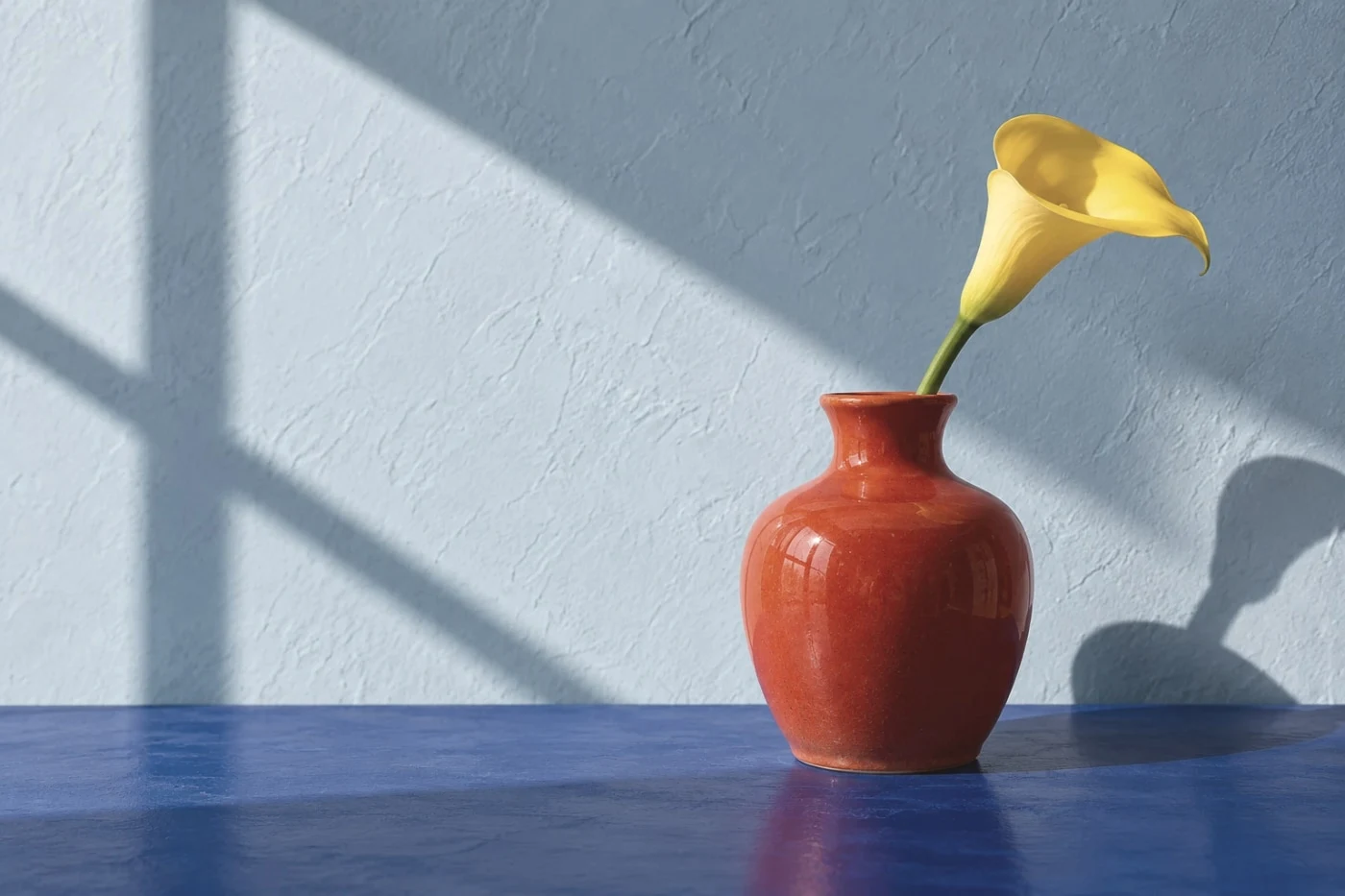
L.Monochrome D and L.ClassicNeo references.
Separate monochrome tonality from retro color; these are independent approximations.
Compare the colors, skin and brightest parts of the image. Our examples show the current Camera Refine effect, not a photograph shot on the named camera or film.
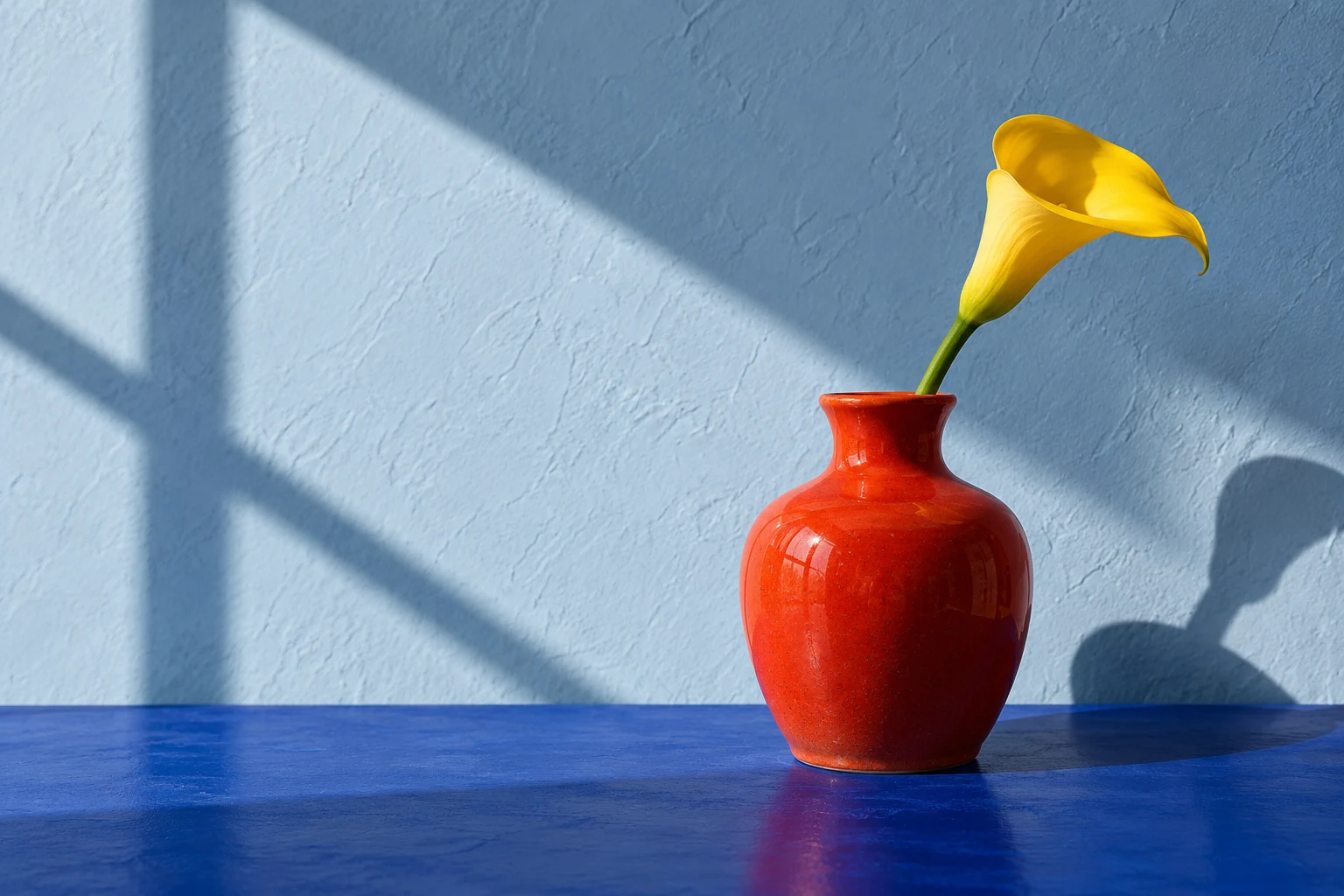
Separate monochrome tonality from retro color; these are independent approximations. Independently developed, without affiliation or endorsement.